Hero banner

PDF to audio reader with 1000+ human-like voices

Turn any text to speech with Async’s authentic AI voices. It takes only a few minutes to transform a PDF into audio with high quality and natural pacing for any content.

Turn any PDF into studio-quality audio instantly

bottleneck-img
bottleneck-img
bottleneck-img
< Super feature section >

Total control and smart editing with Async Text-to-Speech

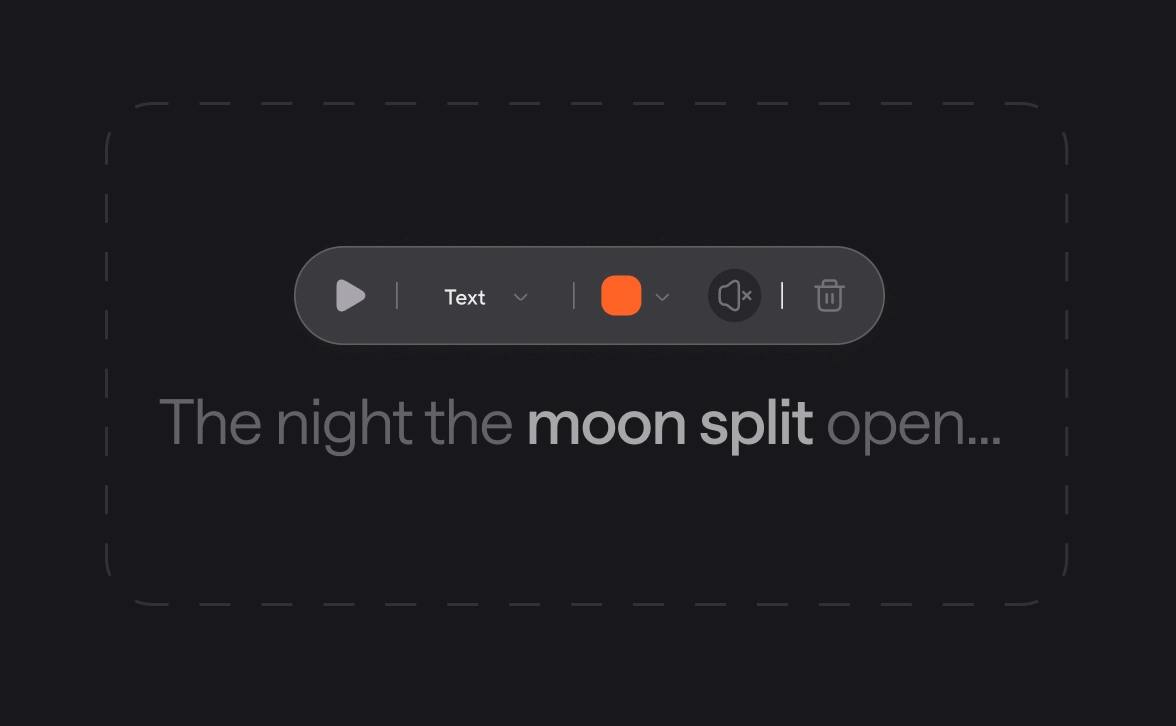
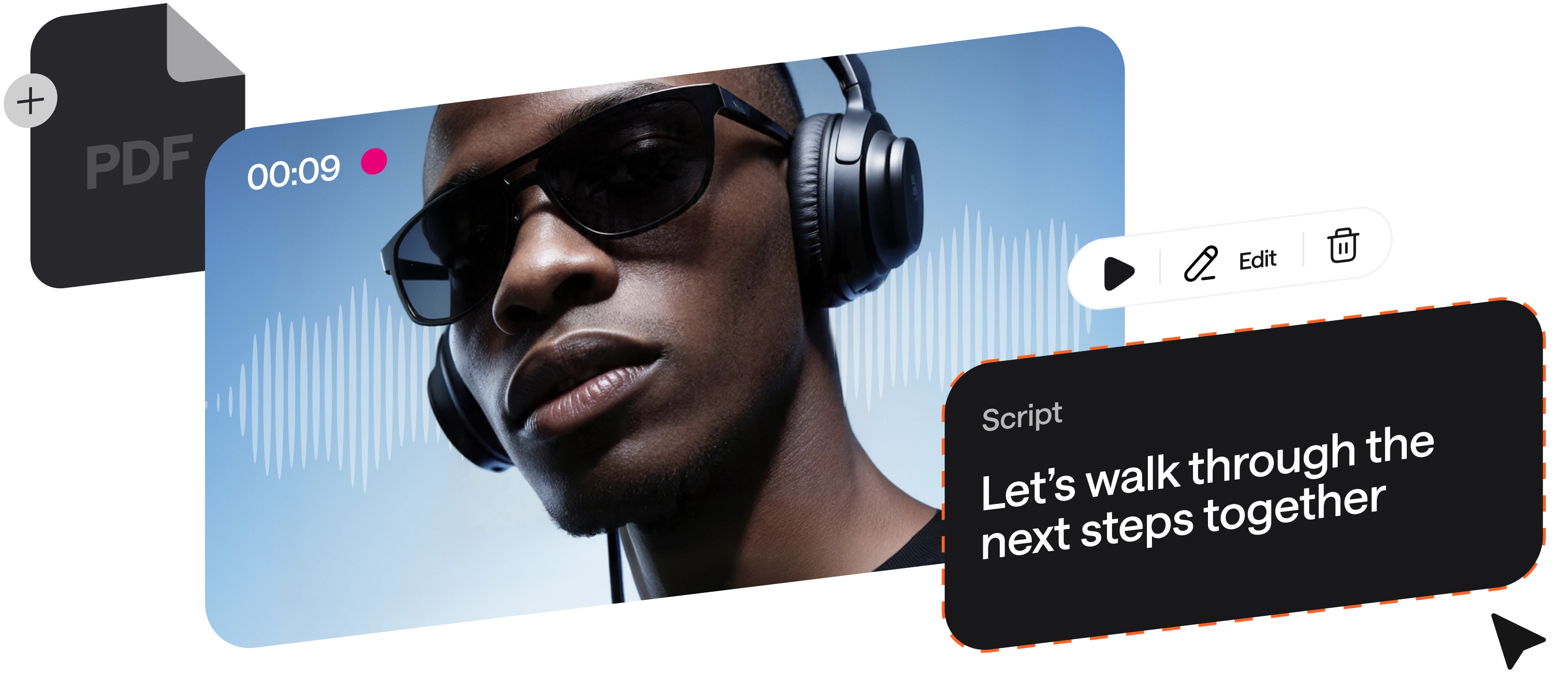
Convert text to speech with unparalleled control and flexibility. Our platform allows you to edit audio like a document, making it the most efficient way to turn any PDF, DOC, or written script into a professional production.

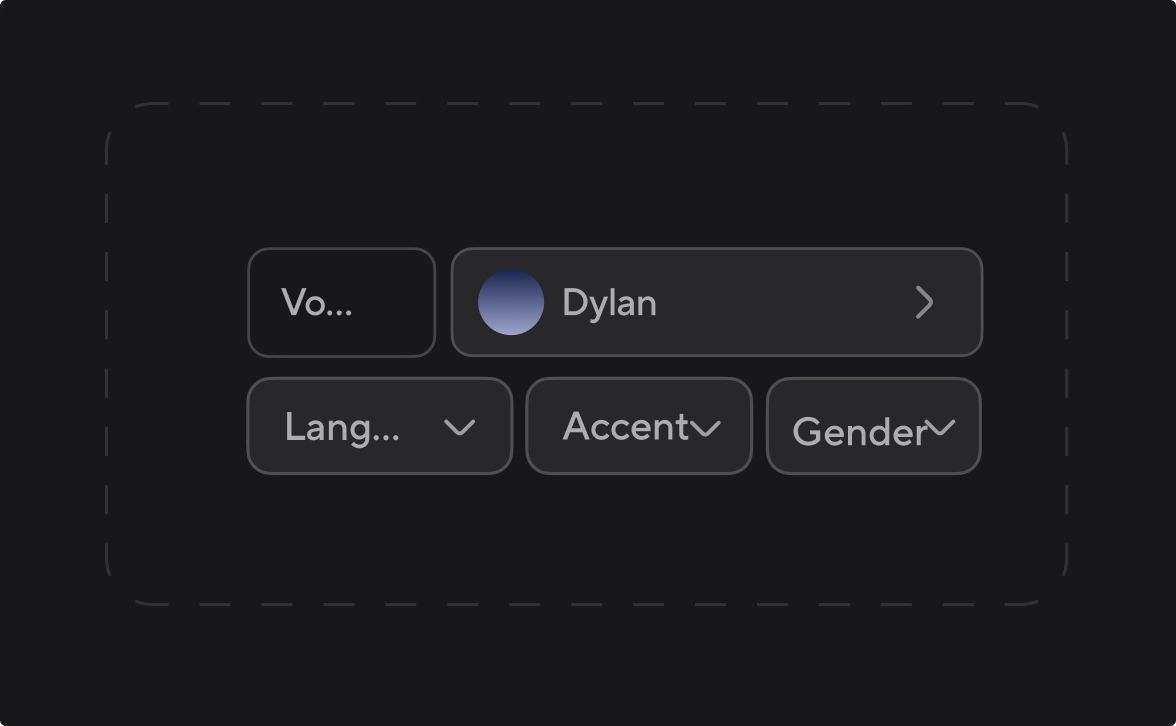
Choose from 1000+ AI voices by accent, style, or language

Raquel
Try now
Albert
Try now
Gregory
Try now
Lorenzo
Try now
George
Try now
Gustavo
Try now
Adelina
Try now
Olivia
Try now
Charlie
Try now
Cristian
Try now
Carmine
Try now
Explore AI Voices library

Rely on TTS technology built for scale

100%

speech stability. Same input, 
same output, every time

Zero

skipped words with sentence-level checks.

15 min

from script to polished audio.

90%

less time spent on voiceovers production vs studio recording.

100+

languages and dialects tested for natural pronunciation.

What you can make when you convert PDF to audio files
Podcasts
E-learning materials

Produce consistent narration for lessons and onboarding. Multi-speaker paragraphs make training scenarios and dialogues feel completely real.

E-learning and training
Inclusive content

Add audio versions of articles, reports, or any kind of text. Make content easier to consume for people with visual impairments or those with reading difficulties.

Product demos
Product demos

Turn scripts into crisp narration for walkthroughs. Use pronunciation control for feature names so every take is accurate for your brand terms.

Audiobooks and long form narration
Video voiceovers

Create natural-sounding AI voiceovers for ads or social content. Keep pacing tight, fix a single line, and export audio that is ready to edit.

Accessibility
Accessibility

Add audio versions of articles and docs. Make content easier to consume for people with visual impairments or reading difficulties.

Video voiceovers
Audiobooks

Create chapter-by-chapter narration with realistic voices in multiple languages. Just upload your PDF and polish only the sentences you need.

How to turn a PDF into an audio file instantly

Async PDF to audio reader brings you total control and smart editing.
convert-img
convert-img
convert-img
convert-img
voice-api-img

Add text-to-speech to your app or agent with our Voice API

Async Text-to-Speech is powered by the same proprietary model available via API. Build realtime voice apps and agents with streaming support and voice cloning. Use ready-to-go integrations with Pipecat, n8n, LiveKit, Twilio, and more. Starting at $0.50 per hour with 24/7 SLA from day one.

Explore Voice API

Frequently Asked Questions

How to turn a PDF into an audio file?

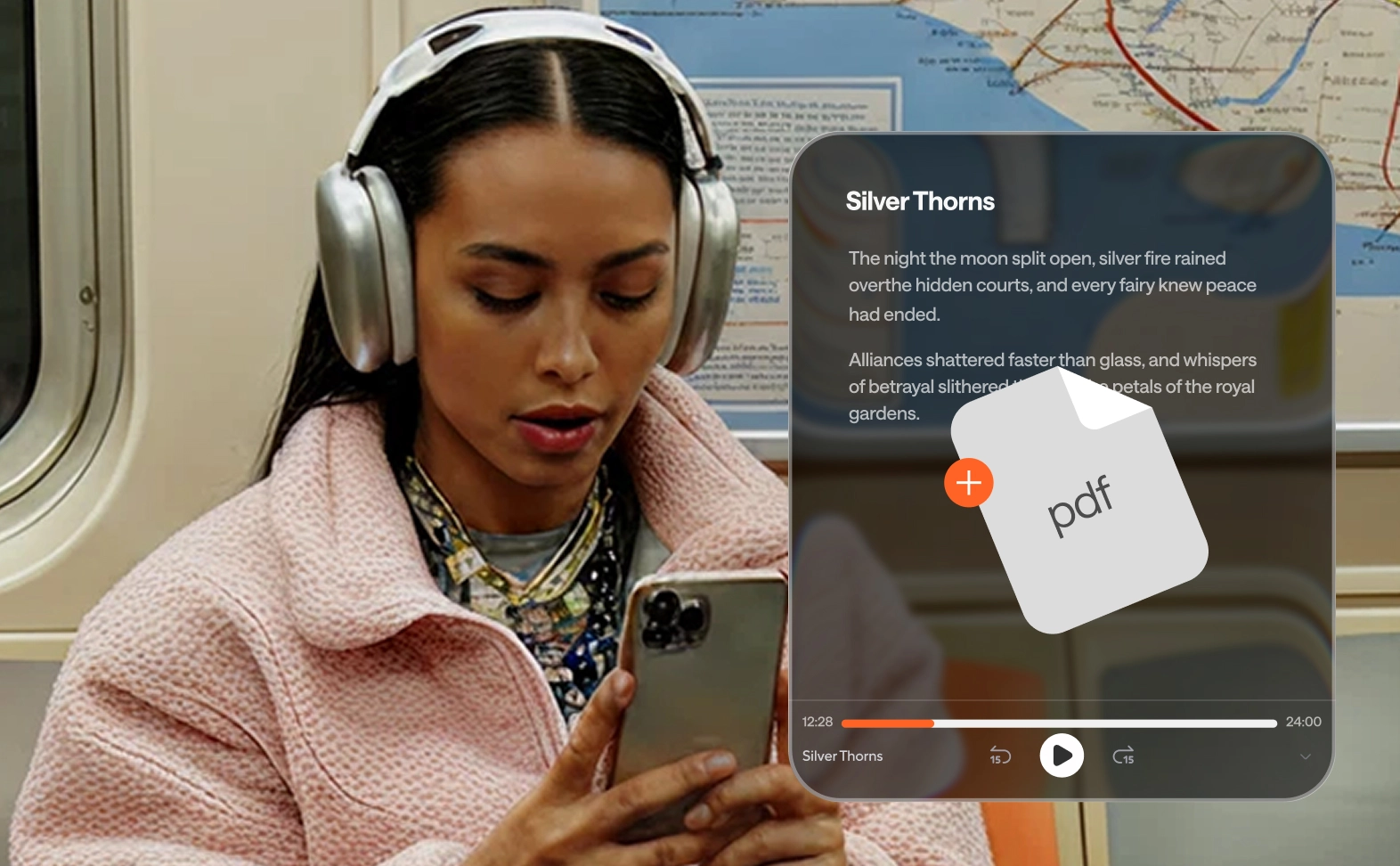
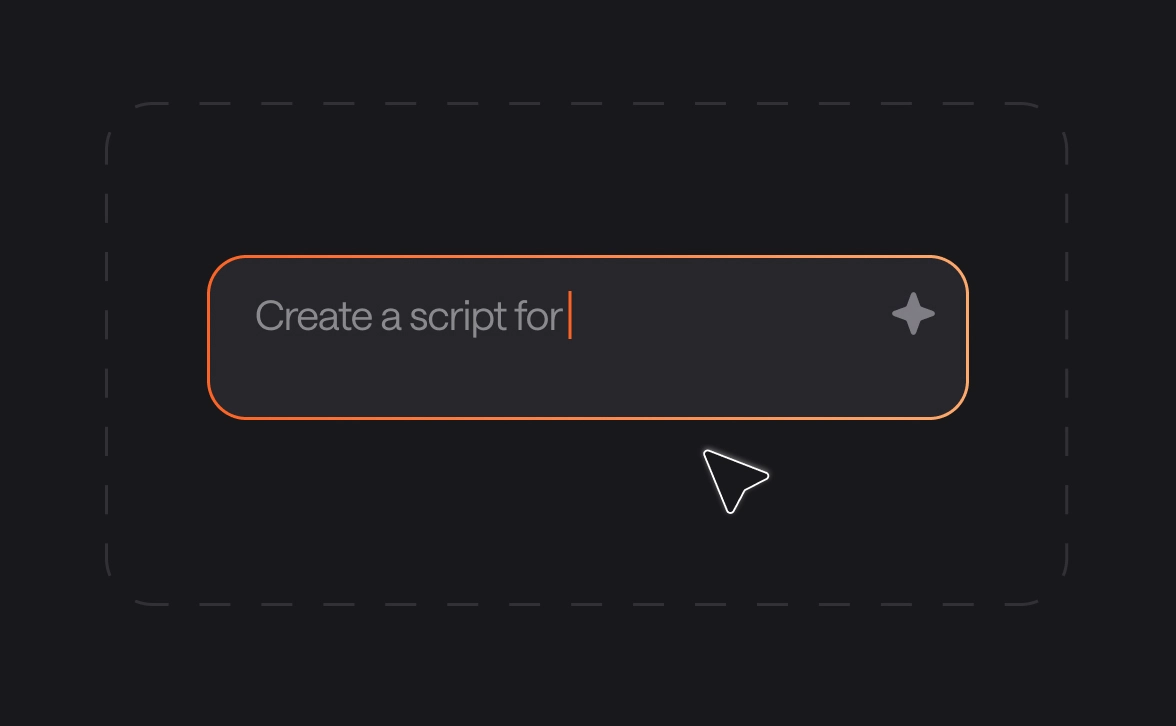
To convert your PDF or document, go to the text-to-content tool under the chat in your Async account. Then, click voices to choose your preferred speaker and select specific settings for speed and tone. Once saved, simply paste your text or upload your PDF file directly. You can hear adjustments and edit the script in real time before clicking export to download your final audio.

Can I convert a PDF book to an audiobook?

You bet! Our PDF to audio reader is designed to handle long-form content like books. You can upload your file and even assign different voices to specific paragraphs to create a multi-speaker experience. This allows you to generate professional narration for entire chapters without ever needing to step into a recording studio.

Do I need special software to convert a PDF to audio?

No, you do not need to download or install any external software. Async text-to-speech converter is an entirely cloud-based and all-in-one platform, meaning you can access all the tools you need, from voice cloning to pronunciation editing, directly through your browser on any device with an internet connection.

How believable are Async AI voices?

Very believable, and we mean it. Async provides over 1000 natural-sounding voices that are virtually indistinguishable from human speech. Our studio-quality technology captures human emotion, pacing, and nuances, ensuring that your audio feels authentic and engaging rather than robotic or monotonous. We have voices with different accents and moods too, so you will always find something you like.

How long does it take to turn a PDF into speech?

The conversion process happens in minutes, sometimes in seconds too, based on the length of your PDF and text. Once you upload your file and select your voice preferences, the system generates the audio as quickly as possible. Even for longer documents, the wait time is minimal, allowing you to move from a static document to a polished audio file almost immediately.

What makes the Async PDF to audio converter better than the rest?

Async is a comprehensive, all-in-one platform that eliminates the need for any other creative tools. Beyond turning a PDF into audio, you can edit visuals and record, manage full voiceover productions in one place. By choosing Async, you gain a complete studio suite where you can fine-tune pronunciation, clone voices, edit and refine videos, and sync your audio perfectly with visual content without switching apps.

One subscription.

Everything covered.

Record, edit, dub, subtitle, create clips, and clone voices. All in our AI platform.

Start creating for free