Hero banner

Professional text-to-podcast AI generator

Skip the mic and the studio. Turn any script or document into a polished podcast with 1000+ human-like voices. Start your AI podcast generator journey for free today!

Studio-quality text-to-podcast generator without the cost

bottleneck-img
bottleneck-img
bottleneck-img
< Super feature section >

From text to podcast without recording

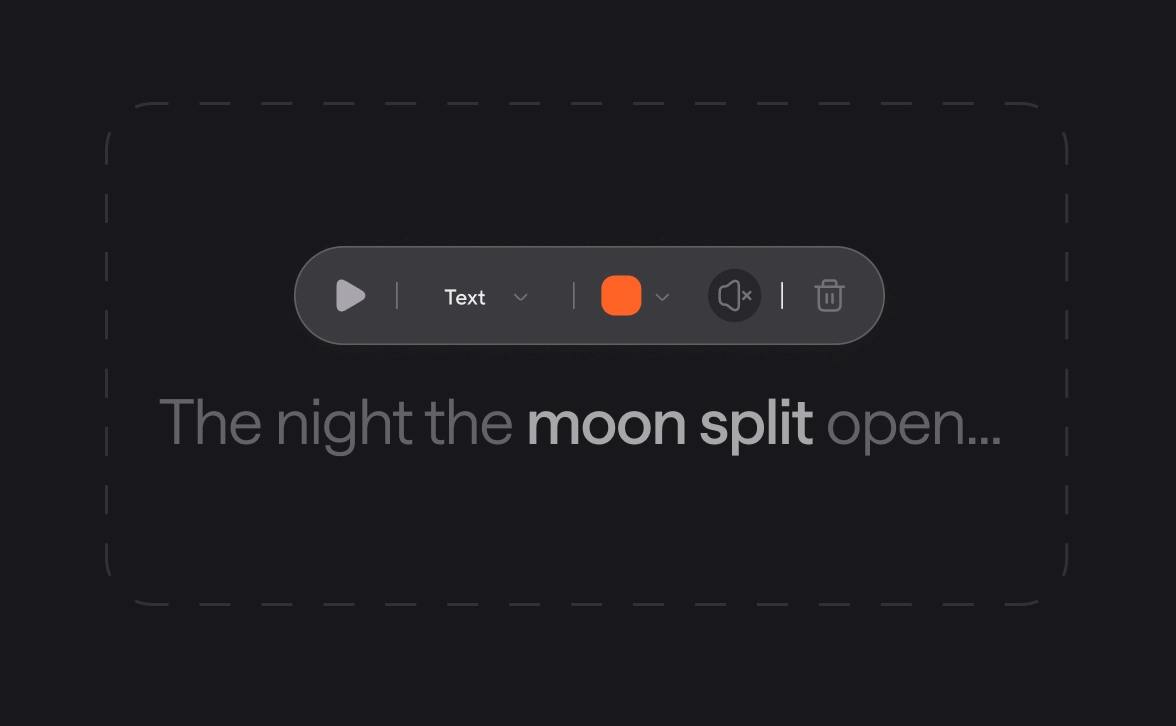
Time to change the way you create podcasts! With Async Text-to-Speech you can turn any script into a studio-quality podcast episode without hours of recording and editing with multiple tools. Generate, refine, and export ready-to-post content instantly in one window.

Choose from 1000+ AI voices by accent, style, or language

Raquel
Try now
Albert
Try now
Gregory
Try now
Lorenzo
Try now
George
Try now
Gustavo
Try now
Adelina
Try now
Olivia
Try now
Charlie
Try now
Cristian
Try now
Carmine
Try now
Explore AI Voices library

Rely on TTS technology built for scale

100%

speech stability. Same input, 
same output, every time

Zero

skipped words with sentence-level checks.

15 min

from script to polished audio.

90%

less time spent on voiceovers production vs studio recording.

100+

languages and dialects tested for natural pronunciation.

Beyond the podcast: Unlock the full potential of Async AI Text-to-Speech
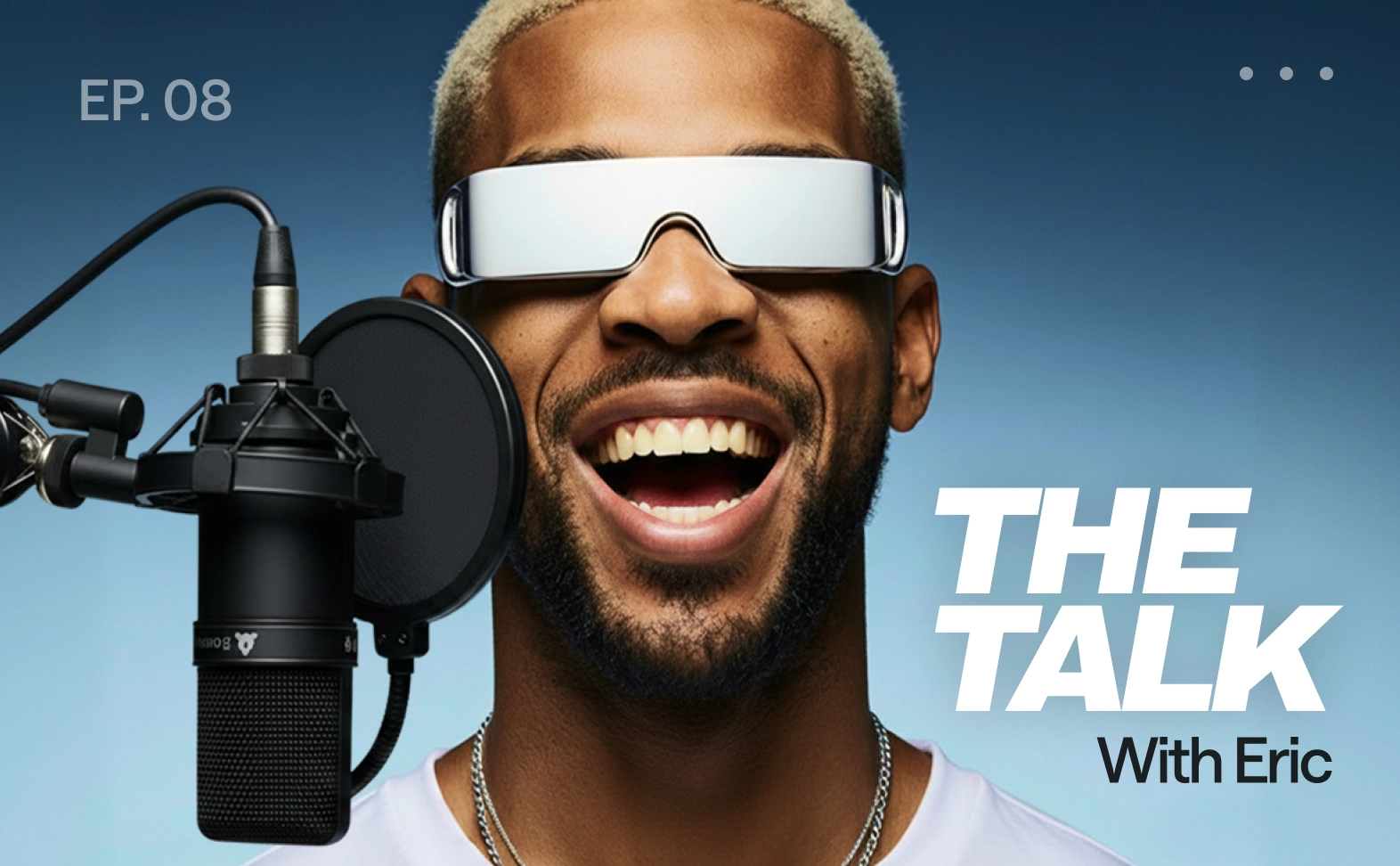
Podcasts
Pro audiobooks

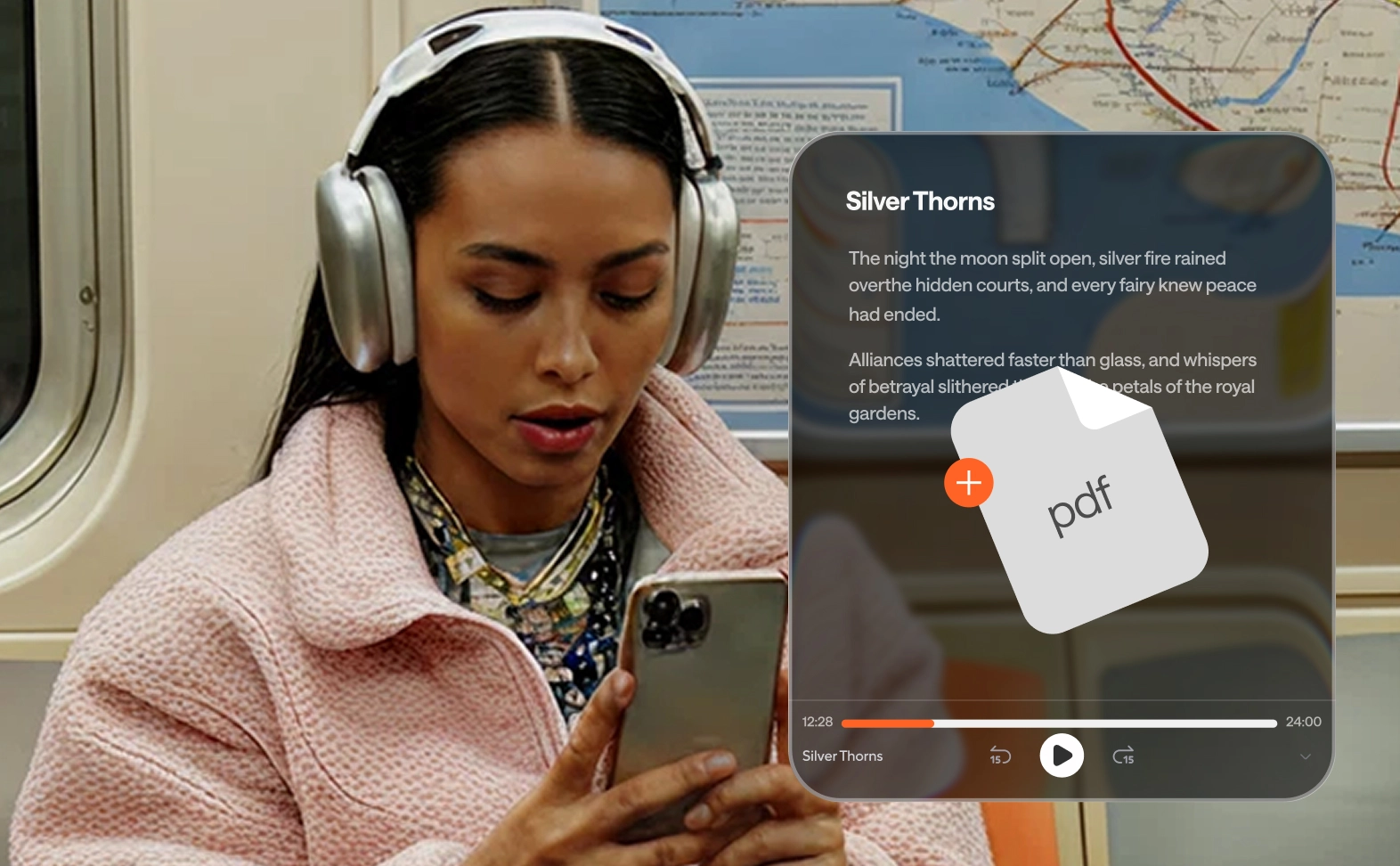
Generate long-form narration in multiple languages by uploading a PDF. Polishing your story is easy, just regenerate the sentences you choose.

E-learning and training
Content accessibility

Add audio versions to articles or docs. Make your work easier to consume for those with visual impairments or on-the-go reading difficulties.

Product demos
E-learning content

Produce consistent narration for training and lessons. Multi-speaker paragraphs make training scenarios and dialogues feel realistic and human.

Audiobooks and long form narration
Product demos

Turn scripts into crisp walkthrough narration. Use pronunciation control for brand terms so every technical feature sounds accurate and clear.

Accessibility
Accessibility

Add audio versions of articles and docs. Make content easier to consume for people with visual impairments or reading difficulties.

Video voiceovers
Video voiceovers

Create natural AI voiceovers for ads or social clips. Keep pacing tight, fix a single line, and export audio that is ready for any video editor.

How to make a podcast from text?

Stop juggling platforms. Async puts your entire workflow in one place to keep your story front and center.
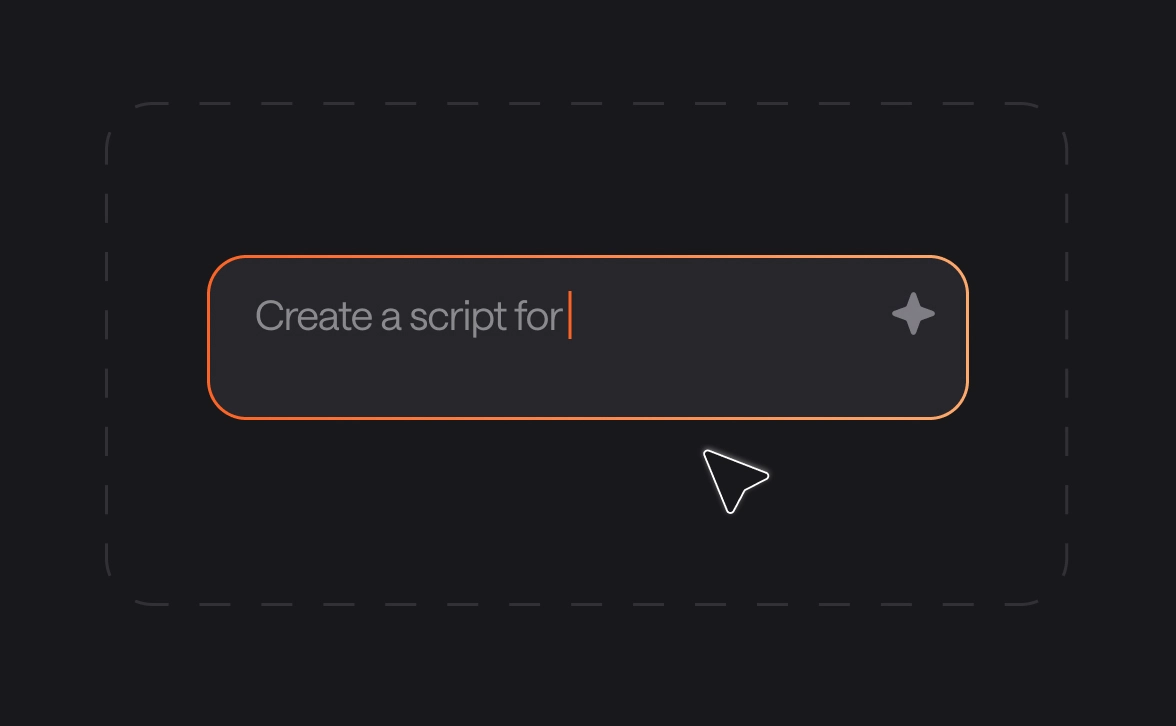
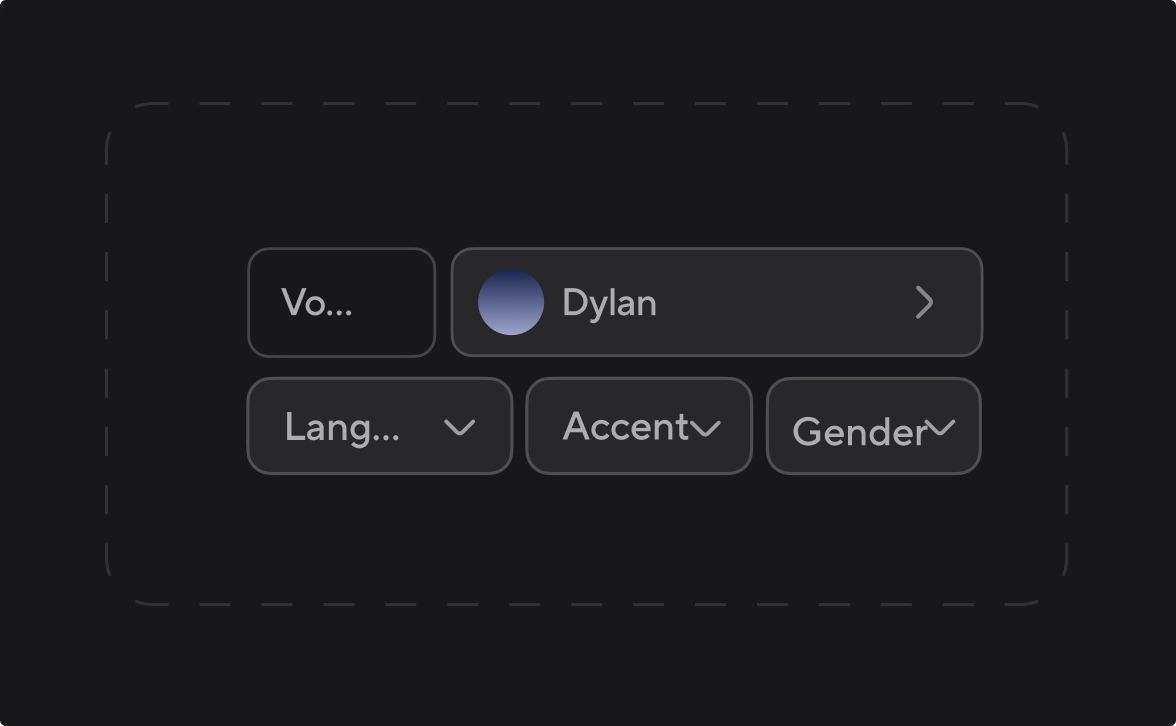
convert-img
convert-img
convert-img
convert-img
voice-api-img

Add text-to-speech to your app or agent with our Voice API

Async Text-to-Speech is powered by the same proprietary model available via API. Build realtime voice apps and agents with streaming support and voice cloning. Use ready-to-go integrations with Pipecat, n8n, LiveKit, Twilio, and more. Starting at $0.50 per hour with 24/7 SLA from day one.

Explore Voice API

Frequently Asked Questions

What is the best podcast generator?

The best podcast generator is one that combines natural voices with intuitive editing. Async stands out by offering Async text-to-speech technology that allows you to clone your voice and edit audio just by changing words in a document.

How to start a podcast?

To start a podcast today, you no longer need a studio. Simply bring your ideas to an AI podcast generator, choose a professional voice, and convert your concepts into high-quality audio files ready for distribution on any major platform.

How to make a podcast from text?

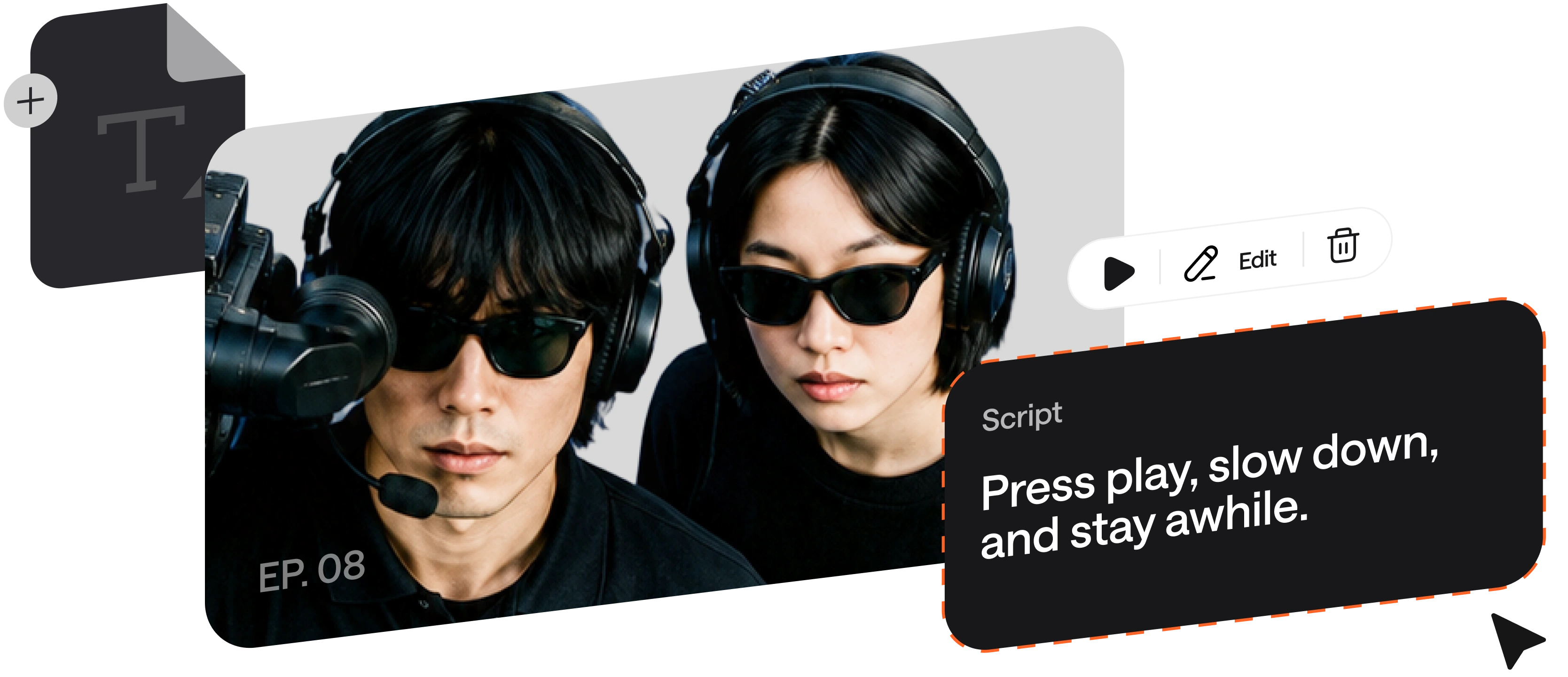
If you are wondering how to make a podcast from text, the process is simple: paste your script into our text-to-podcast generator, assign different speakers to your paragraphs, and click generate. You can then fine-tune the delivery using our chat-based interface.

Can I switch between text-based editing and timeline editing?

Yes! You can start by using text-to-speech podcast generator tools to edit words like a doc, then move to our advanced Audio or Video Editor for timeline-based adjustments, adding music, or layering sound effects for a professional finish.

Do I need editing experience to use text-based editing?

Not at all. Our text podcast workflow is designed for everyone. If you can edit a Word document or chat with an AI, you can fix pronunciations, add pauses, and adjust pacing without any prior technical audio engineering skills.

How to turn notes into a podcast for free?

You can turn notes into a podcast for free by uploading your rough drafts or PDFs to our AI chatbot. It will help you structure your thoughts into a script and then use our text-to-podcast tools to create studio-quality audio instantly.

One subscription.

Everything covered.

Record, edit, dub, subtitle, create clips, and clone voices. All in our AI platform.

Start creating for free