Hero banner

From text to audio with studio-quality sound

Transform any script into studio-quality narration with the Async text-to-audio generator. Access 1000+ AI voices and 15 languages to create your content in seconds.

Async Text-to-Speech is built around your needs

bottleneck-img
bottleneck-img
bottleneck-img
< Super feature section >

Effortless text-to-speech without losing quality

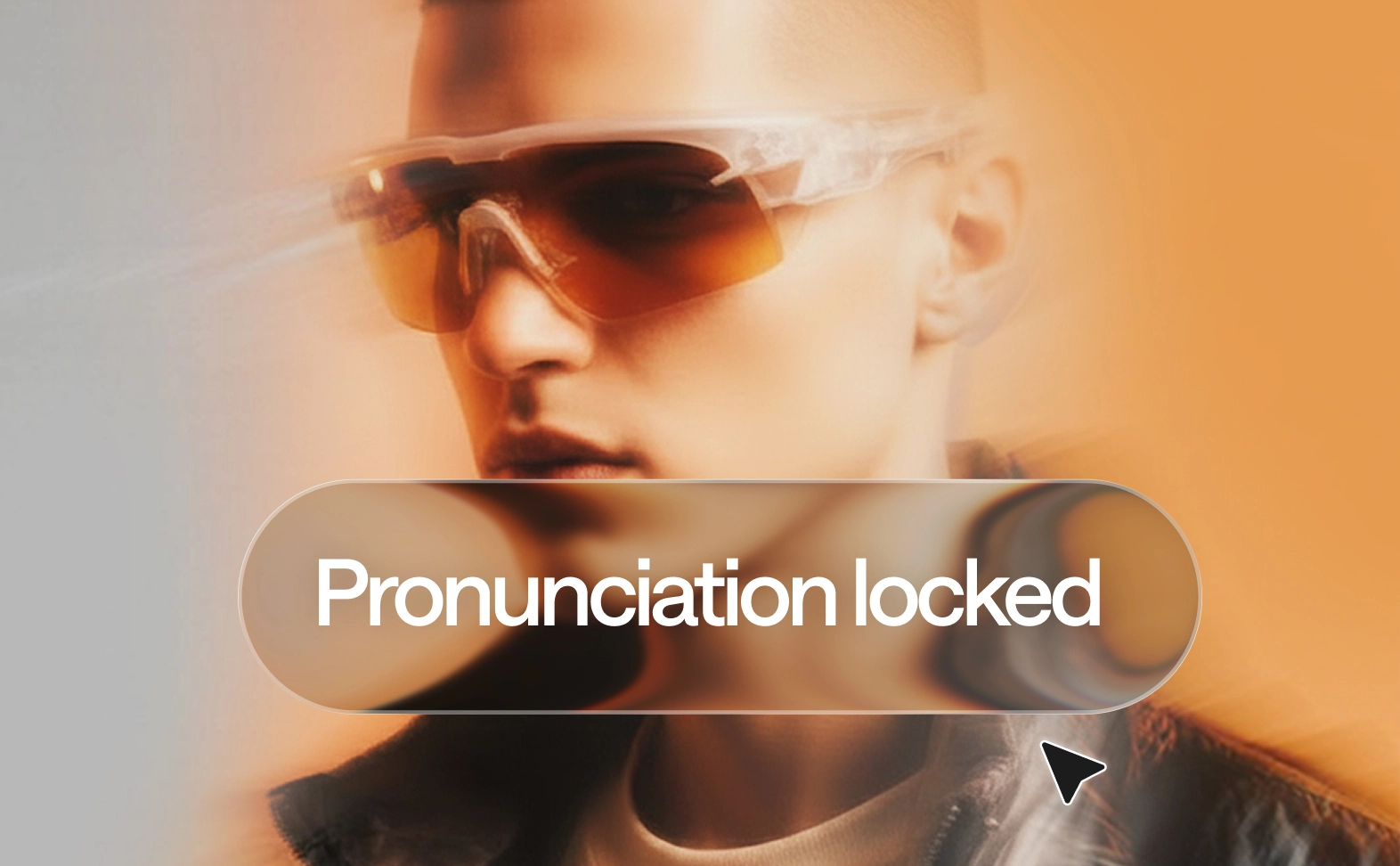
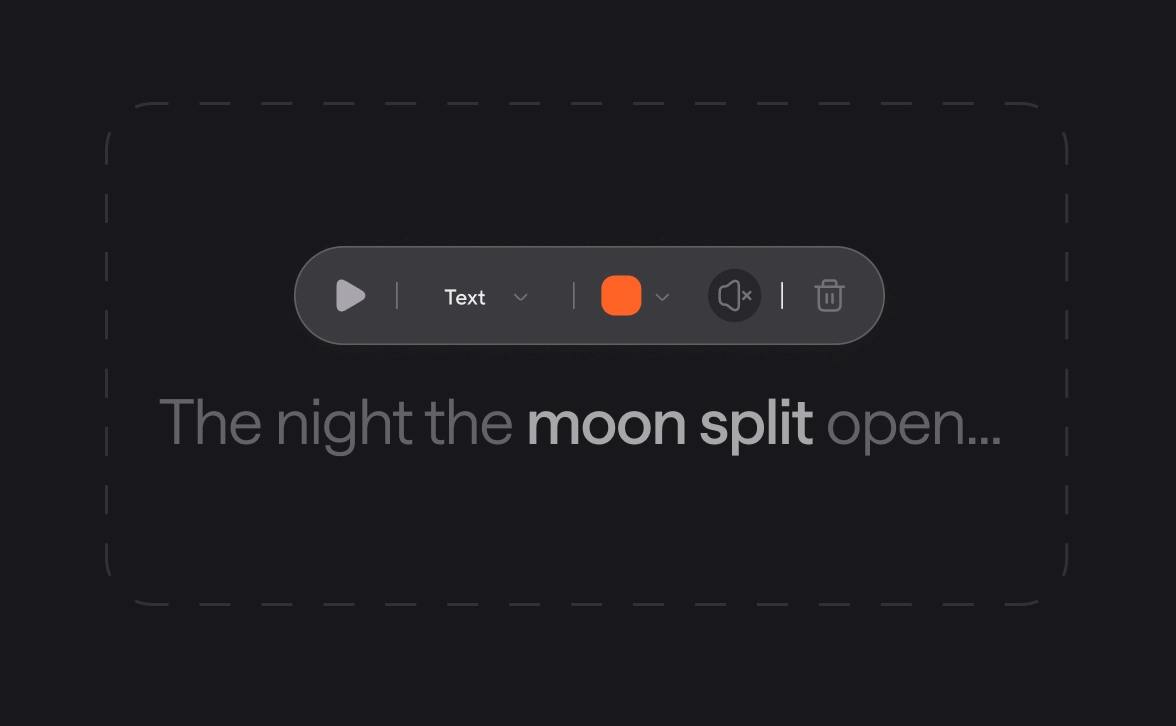
Async’s advanced text-to-audio technology lets you edit sound like a document. Use the pronunciation dictionary to ensure technical terms are perfect every time, ensuring your high-quality audio is ready instantly.

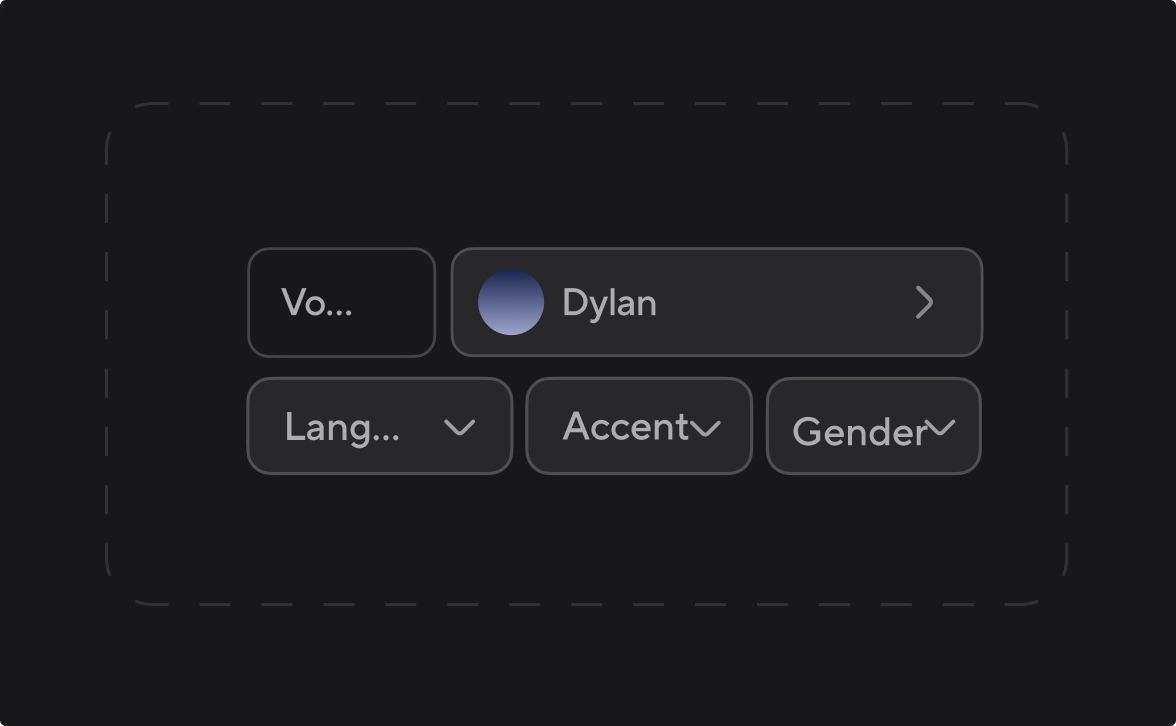
Choose from 1000+ AI voices by accent, style, or language

Raquel
Try now
Albert
Try now
Gregory
Try now
Lorenzo
Try now
George
Try now
Gustavo
Try now
Adelina
Try now
Olivia
Try now
Charlie
Try now
Cristian
Try now
Carmine
Try now
Explore AI Voices library

Rely on TTS technology built for scale

100%

speech stability. Same input, 
same output, every time

Zero

skipped words with sentence-level checks.

15 min

from script to polished audio.

90%

less time spent on voiceovers production vs studio recording.

100+

languages and dialects tested for natural pronunciation.

What you can make with Async’s powerful Text-to-Speech
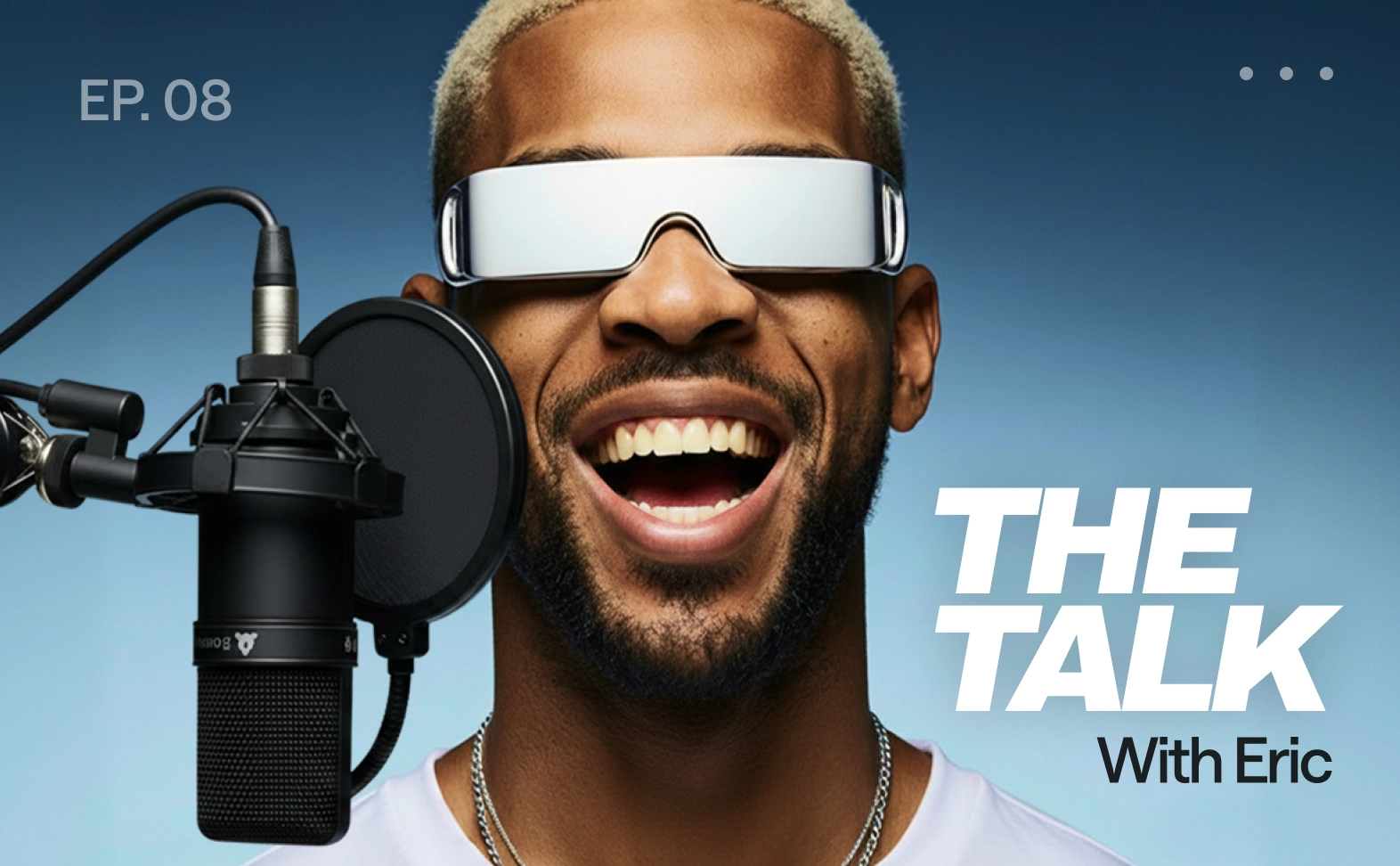
Podcasts
Studio-quality podcasts

Generate intros, outros, and sponsor reads without re-recording. Use voice cloning to keep the show sound consistent across every new episode.

E-learning and training
E-learning materials

Produce consistent narration for lessons. Multi-speaker paragraphs make your training scenarios and dialogues feel real for every local learner.

Product demos
Product demos

Turn scripts into crisp narration for walkthroughs. Use pronunciation control for brand terms so every single take is accurate and professional

Audiobooks and long form narration
Professional audiobooks

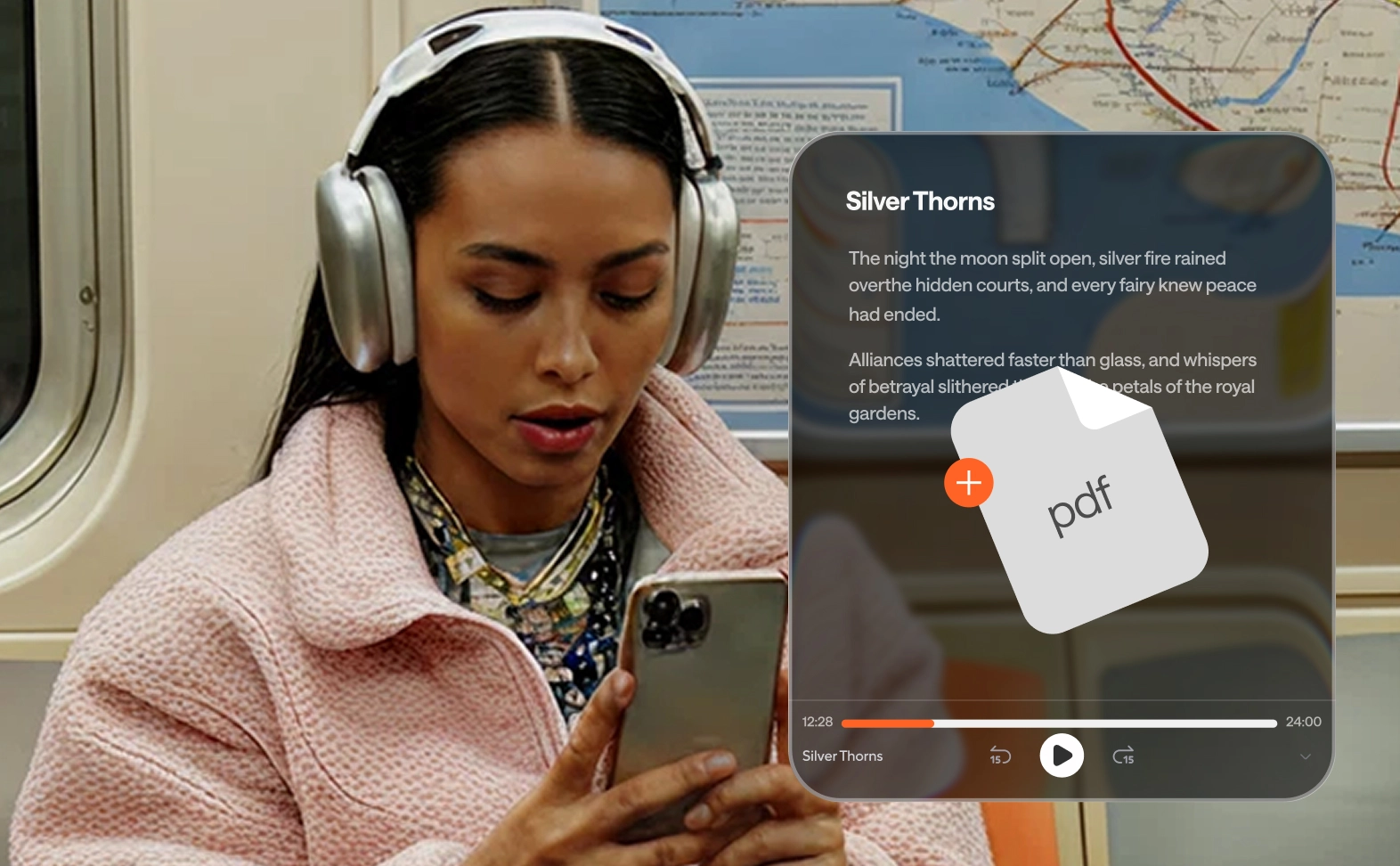
Create chapter-by-chapter narration in multiple languages by uploading a PDF file. Regenerate and polish specific sentences for a final touch.

Accessibility
Accessibility

Add audio versions of articles and docs. Make content easier to consume for people with visual impairments or reading difficulties.

Video voiceovers
Video voiceovers

Create natural-sounding AI voiceovers for ads or social media. Keep pacing perfect, fix any line, and export ready-to-edit audio instantly.

How to turn text into lifelike audio

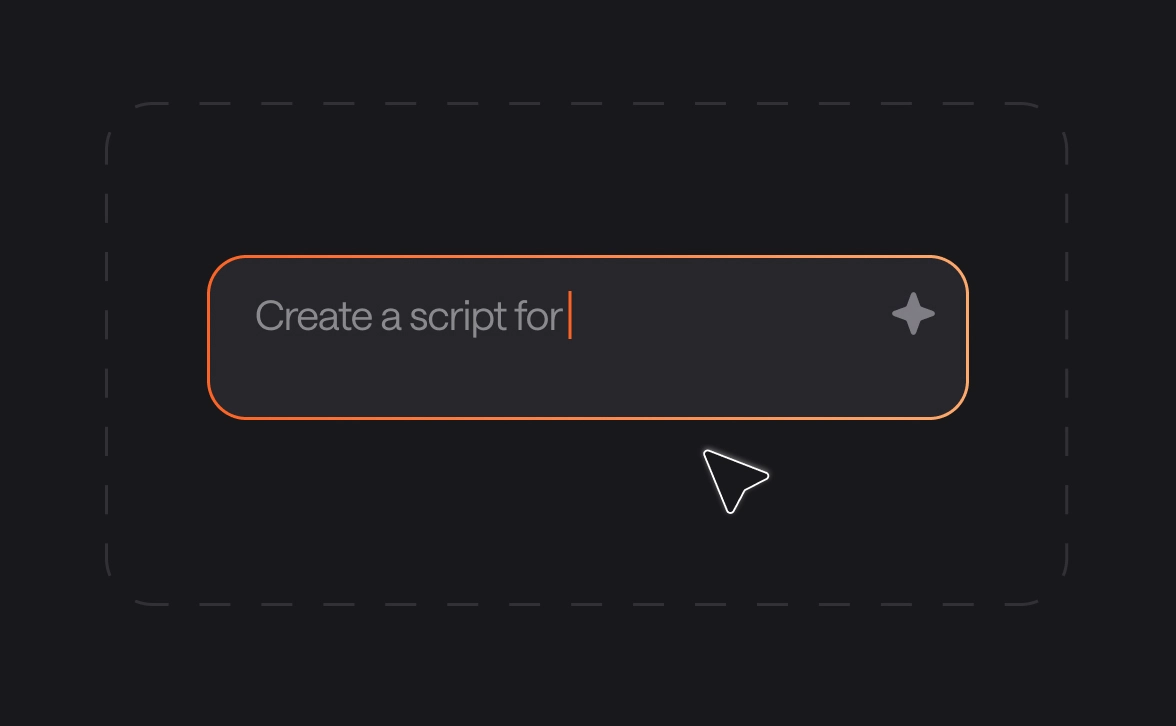
Go from text to professional audio in seconds with Async: easy, precise, always perfect.
convert-img
convert-img
convert-img
convert-img
voice-api-img

Add text-to-speech to your app or agent with our Voice API

Async Text-to-Speech is powered by the same proprietary model available via API. Build realtime voice apps and agents with streaming support and voice cloning. Use ready-to-go integrations with Pipecat, n8n, LiveKit, Twilio, and more. Starting at $0.50 per hour with 24/7 SLA from day one.

Explore Voice API

Frequently Asked Questions

What is the best text-to-speech generator for content creators?

The best text-to-speech generator should offer natural-sounding voices, multi-language support, and granular editing controls. Async stands out by allowing creators to fix pronunciation via chat and clone voices for brand consistency, making it a top choice for professional video and podcast production.

How can I convert text to speech with a natural-sounding voice?

To convert text to speech with a natural result, use a tool powered by advanced AI neural networks. Look for features like custom pauses, adjustable pacing, and emotional range. Async provides 1000+ lifelike voices that avoid the robotic tone found in traditional generators.

Can I use a text-to-speech generator for commercial videos?

Yes, you can use a high-quality text-to-speech generator for ads, YouTube videos, and corporate training. Most creators prefer AI-generated audio because it eliminates the need for expensive studio time and allows for instant updates if the video script changes.

Is there a text-to-audio tool that supports multi-speaker dialogues?

Many basic tools only offer one voice at a time, but Async allows for one-click multi-speaker voiceovers. This is perfect for generating realistic dialogues, interviews, or audiobooks where different characters or perspectives are needed to keep the listener engaged.

How do I fix pronunciation in an AI text-to-audio file?

Most text-to-audio tools require you to regenerate the whole file, but Async features a chat-based fixing system too. You can teach the generator specific brand names or technical terms using a pronunciation dictionary, ensuring every technical word sounds exactly right.

What are the benefits of using text-to-speech for my website?

Using a text-to-speech generator improves accessibility for visually impaired users and increases on-page engagement. By providing an audio version of your blog posts or docs, you allow your audience to consume content on the go, which can boost your overall seo performance.

One subscription.

Everything covered.

Record, edit, dub, subtitle, create clips, and clone voices. All in our AI platform.

Start creating for free