Love it or hate it, AI is already a part of content creation, and it’s here to stay.
And although some people are getting more and more anti-AI when it comes to art and content creation, the truth is that if a video looks too artificial or just a little “off,” it usually comes down to the AI model behind it.
So we’ve done a run-down of the best AI models to use for video generation, depending on what exactly you want your video to look like.
Here’s a very quick sum-up before we dive in:
The best AI video generation models right now are:
- Veo 3.1 is currently one of the strongest AI video generation models for cinematic realism and native audio.
- Kling 3.0 stands out for image-to-video motion control
- Hailuo, Seedance, and Wan are great for fast experimentation, social content, and trying out different visual directions.
But the best part is that you don't even have to pick only one of them, as you can get the best of both worlds, or in this case, all worlds, by simply joining Async and playing around with all of the models until you find a visual language and style that is specifically yours.
But enough of the AI talk; let’s dive deep and get to the answer you’re actually looking for:
Key highlights
- Best for cinematic prompt-led generation: Veo 3.1
- Best for image to video motion: Kling 3.0
- Best for creative photo-to-video experiments: Hailuo 02 Pro and Wan 2.6
- Best for fast social experimentation: Hailuo 02 Pro, Seedance 2.0, and Wan 2.6
- Best workflow for trying multiple models: Async
Here’s a quick AI video model comparison covering some of the strongest text to video AI models and image to video AI models available right now.
What are AI video generation models?
Now back to basics. If you're still not entirely sure what AI video generation model is or what it does, it's time for a history lesson.
AI video generation models are the underlying AI systems that actually create video content from prompts, images, reference frames, or motion instructions.
They’re the “brains” behind modern AI video generators, handling everything from scene composition and camera movement to character motion, lighting, physics, lip sync, and sometimes even audio generation.
In simple terms, when you type something like “A cinematic drone shot of a futuristic city during heavy rain” the AI video generator you’re using is usually powered by a video generation model running behind the scenes. That model interprets your prompt and tries to predict what the video should look like frame by frame.
And that’s why some AI videos look shockingly realistic while others still look like a fever dream.
Different AI video generation models are trained differently, optimized for different tasks, and built with different priorities.
For example:
- Veo 3.1 is especially strong for cinematic storytelling, prompt interpretation, and realistic audiovisual generation”
- Hailuo, Seedance, and Wan focus more on fast experimentation, stylized visuals, and short-form creative workflows
- Kling 3.0 is especially strong for image to video AI and dynamic motion
This is also why so many creators out there are starting to focus less on “the best AI video generator” label and more on trying to understand which models fit specific workflows.
Because the truth is that no single model does everything perfectly yet. That’s why workflow starts becoming just as important as model quality.
So we'd say instead of asking:
“What’s the best AI video model?”
You should be asking:
“Which combination of models helps me finish videos faster without destroying my sanity?”
This shift in perspective will help you build an efficient creative workflow that borrows the best sides of each AI model and gets you closer to the result you actually had in mind.
How we evaluated the best AI video generation models
Instead of ranking the AI models like there’s one ultimate winner, we looked at what each one is actually good for.
Here’s what we focused on:
- Realism and physics: Does the video feel believable, or does it have that “AI dream logic” where hands, objects, and movement do whatever they want?
- Prompt control: Can you guide the shot, camera angle, style, and action with a detailed prompt?
- Character and scene consistency: Can the model keep the same person, product, location, or visual style across multiple shots?
- Image to video quality: Can it turn a still image into natural motion without making the subject merge into chaos?
- Audio capabilities: Can it generate sound, dialogue, or synced effects natively, or do you need a separate tool?
- Workflow fit: Is the model easy to access, test, edit, and reuse inside a real content production process?
In short, this AI video model comparison is based on practical creative value. The goal is not to crown one winner forever, but to help you understand which model fits which job, and when it makes more sense to use several models together instead of forcing one model to do everything.
Best AI video generation models for creating videos with AI
1. Veo 3.1: best for realism, native audio, and polished video generation
Veo 3.1 is best for creators who care about cinematic storytelling, realistic scene generation, and stronger prompt interpretation.
What makes Veo 3.1 stand out is how naturally it handles complex prompts involving environments, movement, pacing, lighting, and camera direction. Videos often feel more intentionally directed rather than stitched together from disconnected motion clips.
That makes Veo 3.1 particularly strong for:
- Narrative storytelling
- Concept scenes
- Cinematic sequences
- Mood-driven visuals
- Detailed prompt experimentation
The model also continues pushing native audio generation further, helping creators produce more complete audiovisual scenes directly from prompts.
Like many advanced AI video generation models, though, access and generation costs can still affect usability, especially depending on platform availability and region support.
2. Kling 3.0: Best for image to video, motion control, and high-resolution outputs
Kling 3.0 is best for creators who want strong image to video AI capabilities and dynamic
motion.
Unlike some cinematic-focused models, Kling is heavily motion-focused. It became popular because it can animate still images with much more dramatic movement than earlier image to video AI models.
Kling works especially well for:
- Photo animation
- Fashion visuals
- AI trailers
- Motion-heavy social content
- Stylized cinematic clips
The model also handles dramatic camera movement and high-resolution outputs surprisingly well.
The tradeoff is that extreme motion can sometimes reduce consistency, especially in longer or more detailed scenes. Still, among image to video AI models, Kling remains one of the strongest options available right now.
3. Hailuo 02 Pro: Best for fast social-style experimentation
Hailuo 02 Pro is best for creators who want fast, stylized AI video generation built around rapid experimentation and short-form content workflows.
Unlike cinematic-focused systems that prioritize realism and polished scene composition, Hailuo focuses more on speed, accessibility, and visually engaging outputs that work well for social content.
Hailuo 02 Pro is especially useful for:
- TikTok and Reels
- Fast visual concepts
- Stylized social clips
- Meme-style experimentation
- Rapid iteration workflows
One of its biggest strengths is how quickly creators can test multiple visual directions without slowing down production too much.
The tradeoff is that outputs can sometimes feel less cinematic or less consistent than high-end realism-focused models like Veo 3.1. But for creators prioritizing speed and experimentation, that flexibility is often the entire appeal.
4. Seedance 2.0: Best for creative motion and experimental visuals
Seedance 2.0 is best for creators experimenting with motion-heavy AI visuals and unconventional creative workflows.
The model is particularly interesting for creators who want to push beyond traditional cinematic prompting and experiment with more stylized movement, abstract scenes, and visually dynamic outputs.
Seedance 2.0 works especially well for:
- Experimental storytelling
- Dynamic motion sequences
- Stylized visual concepts
- Creative short-form content
- AI-assisted visual exploration
Many creators use Seedance as part of a broader multi-model workflow, combining cinematic shots from one model with more experimental motion and visuals from another.
Its biggest strength is flexibility. The downside is that outputs can sometimes become unpredictable depending on scene complexity and prompt structure.
5. Wan 2.6: Best for stylized image-to-video animation
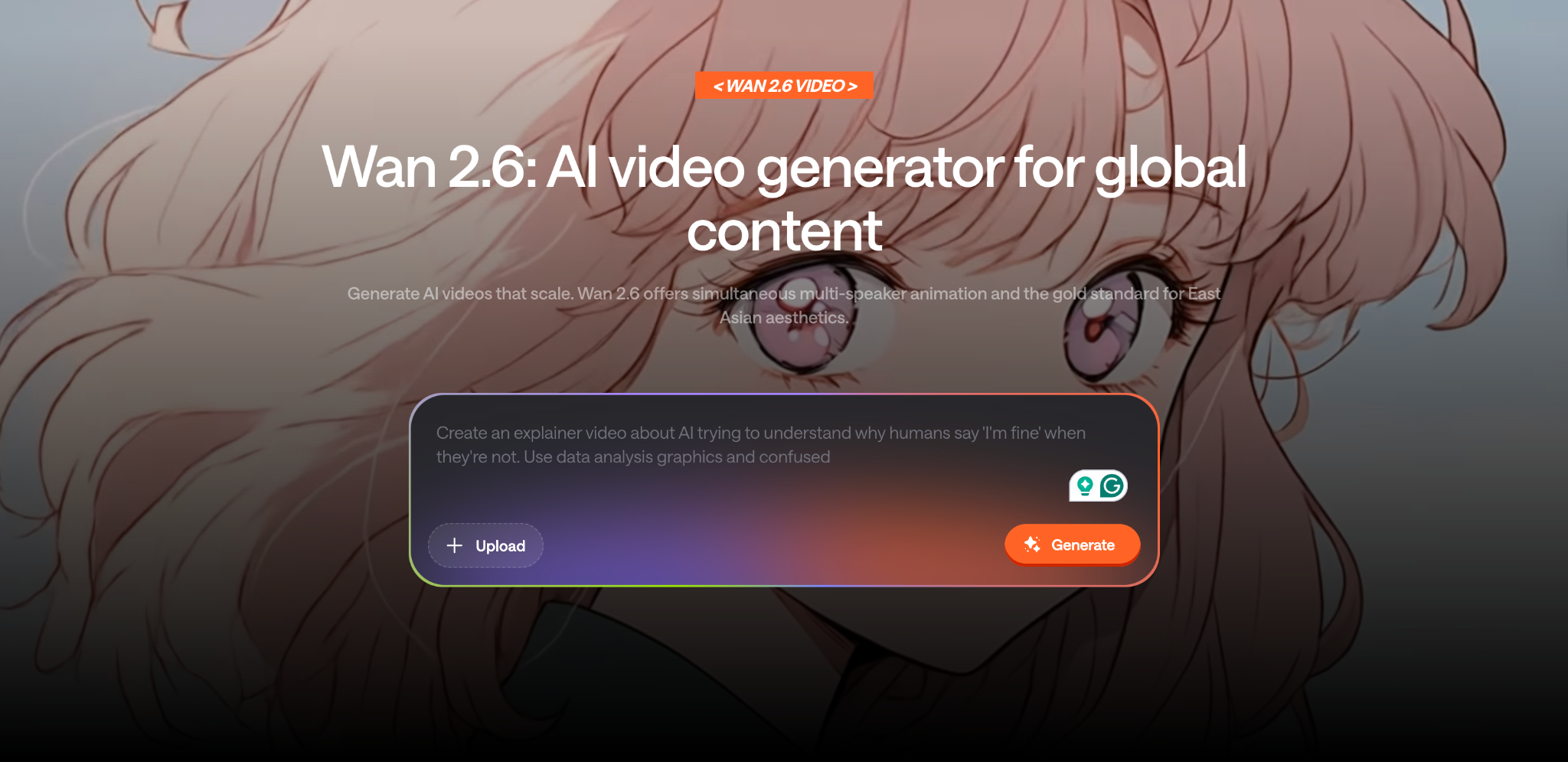
Wan 2.6 is best for creators who want stylized image-to-video animation and creative visual experimentation.
The model works especially well for turning still images into animated sequences with more artistic or exaggerated movement styles compared to realism-focused systems.
Wan is especially useful for:
- Creative image animation
- Stylized motion clips
- Mood-driven visuals
- Experimental edits
- Short-form creative content
This makes it particularly appealing for creators experimenting with visual storytelling, artistic edits, and social-first content workflows.
Like many experimental AI video models, Wan prioritizes creativity and flexibility over strict realism or scene consistency. But for creators testing ideas quickly, that can actually be a major advantage.
Which AI video model is best for each use case?
Still don't know which one to pick for your exact project? Here's a breakdown of the models depending on the use case you have in mind:
- Best for cinematic realism: Veo 3.1 for polished, film-like videos with strong motion, lighting, storytelling, and native audio.
- Best for image-to-video: Kling 3.0 for turning still images into dynamic videos with stronger movement and camera control.
- Best for social clips: Kling, Hailuo, Seedance, and Wan for fast, creative, scroll-friendly videos made for TikTok, Reels, and quick experimentation.
AI video generation models vs AI video generators: What is the difference?
AI video generation models and AI video generators are closely connected, but they are not the same thing. And honestly, this is where a lot of people get confused.
The easiest way to think about it is this:
- The model is the underlying AI system that creates the video
- The generator is the product or interface you use to access that model
For example, Veo 3.1 and Kling 3.0 are AI video generation models. But the platforms, apps, or workspaces that let you interact with those models are AI video generators.
It’s similar to how a camera sensor and a camera app work together. One handles the actual image creation, while the other gives you the tools and interface to control it.
Keep in mind: Model quality is only half the workflow
The quality of AI video generation models matters a lot, but honestly, generation is only one part of making a usable video.
Most of the time, you'll still need to:
- Trim scenes
- Fix pacing
- Add subtitles
- Resize for social platforms
- Combine clips from different models
- Add transitions, music, or voiceovers
- Edit awkward generations out of existence
And that’s exactly why workflow is becoming just as important as the model itself.
Async: Best setup for creators who want one unified workflow
For most creators, the best setup is not relying on one isolated model, but on managing all the outputs of different models without turning your workflow into complete chaos.
That's why we've brought all of the top models to Async, and paired it with a chat-based editor so you don't have to jump between one generator and another, and can easily explore all of the AI models in one place through simple prompts.
And once you have your clips, you can keep editing in the same place with our AI video editor, which gives you all the editing tools you need, plus extra AI-powered features to make your video look even better.
Final verdict: The best AI video generation model depends on your workflow
The future of AI video creation probably won’t belong to one single model. Our guess is that all of these models will be a part of a bigger workflow, and the creators who will win the audience's hearts will be the ones who know how to smoothly combine all of these models into one project.
FAQ
What are AI video generation models?
AI video generation models are the underlying AI systems that create videos from prompts, images, or reference inputs. Models like Veo 3.1, Kling 3.0, Hailuo, Seedance, and Wan power modern AI video workflows and are responsible for things like motion, realism, audio generation, and stylized visual effects.
What are the best AI video generation models right now?
Some of the strongest AI video generation models right now include Veo 3.1 for realism and native audio, Kling 3.0 for image-to-video motion, and Hailuo, Seedance, and Wan for experimentation and social-style creative workflows. Different models tend to perform better depending on the type of content you're trying to create.
What is the best AI for making videos?
The best AI for making videos depends on your workflow. Veo 3.1 is especially strong for cinematic content and native audio, while Kling 3.0 works well for image-to-video animation and dynamic motion. Many creators now combine multiple AI video generation models instead of relying on just one system.
What is the difference between an AI video model and an AI video generator?
An AI video model is the underlying AI system that generates the video itself, while an AI video generator is the platform or interface used to access that model. In simple terms, the model creates the content, and the generator provides the workflow and editing experience.
Which AI video model is best for image-to-video?
Kling 3.0 is currently one of the strongest image-to-video AI models for motion and cinematic camera movement. Wan is also a strong option for creators experimenting with stylized animation and fast visual workflows.
Which AI video model is best for text to video?
Veo 3.1 is currently one of the strongest text-to-video AI models, especially for cinematic prompts, realistic scene generation, and native audiovisual output. It performs particularly well when prompts include detailed visual direction and movement instructions.
Are AI video generation models free to use?
Some AI video generators offer free plans or trial credits, but many advanced AI video generation models require paid access. Pricing and availability can also change quickly depending on the platform, region, and generation limits.
Do I need one AI video model or multiple models?
Most creators now use multiple AI video generation models because different systems are better at different tasks. One model may handle realism well, while another works better for motion, stylized visuals, or fast experimentation. Multi-model workflows are becoming increasingly common.
Can AI video generation models make videos with sound?
Yes, some newer AI video generation models can generate native audio alongside visuals. Veo 3.1 is currently one of the strongest models for audiovisual generation, including synced environmental sound and more complete audio-driven scenes.