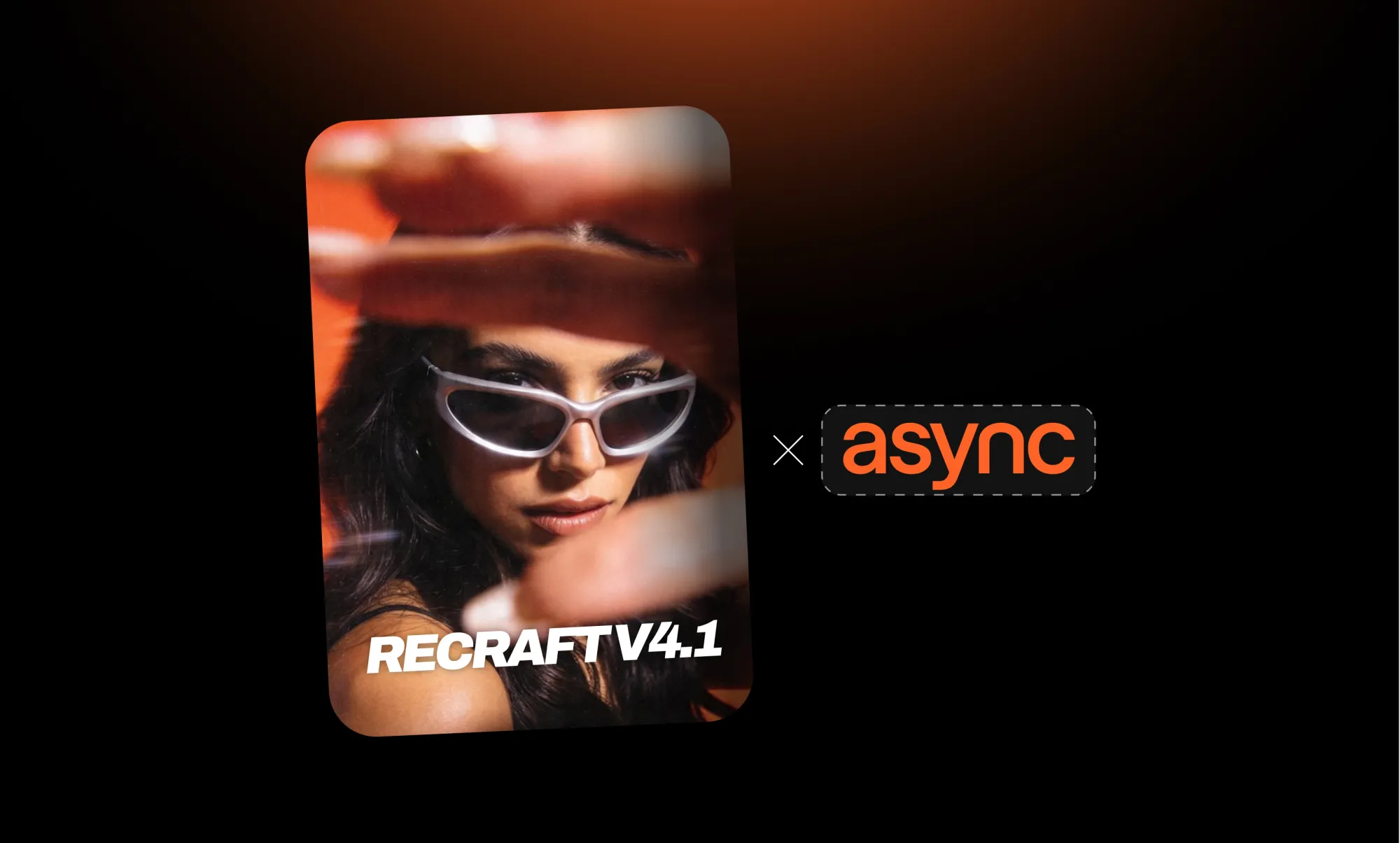
Recraft introduced its new version, the Recraft V4.1 and we couldn’t be more excited to share that it’s now available on Async.
We’re bringing you an AI model that feels way more natural, both in the visuals it creates and in how easy it is to use.This way, you’ll have more creative flexibility inside your Async workflow.
In this article, we’ll walk you through the biggest updates in Recraft V4.1 and why they matter for your creative workflow.
First, let’s let the visuals do the talking.
Recraft V4.1 in action
Before we get into every feature, it’s worth starting with the thing that matters most: the creations.
With Recraft V4.1, the visuals feel art-directed. They don’t look generated. They look purposeful, with that kind of eye that only a creative director could have. The model leans into a beautiful aesthetic, with images perfect for artistic exploration or expressive work.
Here’s a sneak peek of what your visuals could look like with Recraft V4.1:

What makes Recraft V4.1 different?
The biggest improvements come down to realism, style, simplicity, and creative control. Let’s break them down.
More natural photorealism
One of the biggest updates in Recraft V4.1 is how natural the photorealistic images feel.
Instead of creating images that look too perfect or overly edited, Recraft AI gives you visuals that feel softer and more believable. People look more natural, scenes feel more grounded, and details feel less random and more connected to the actual image.
This is especially helpful when you’re creating visuals for content that needs to feel human, like lifestyle posts, or thumbnails.
In other words, you get images that still look polished, but not so polished that they lose the feeling of real life.
Better results with less effort
Another big part of the update is how much easier it feels to get a strong result.
You don’t need to over-explain every tiny detail just to get something usable. Recraft V4.1 is better at understanding the overall direction and turning it into a visual that already feels close to what you had in mind.
That makes a huge difference when you’re moving fast. Let’s say if you’re brainstorming campaign ideas, you can get to a good starting point quicker without spending forever adjusting and regenerating.
Stronger illustration styles
Recraft V4.1 also opens up more room for illustration.
The model can create cleaner, more expressive illustrated visuals that feel intentional rather than messy or overdone.
Again, the illustrations don’t feel like generic AI art. They have a more designed and stylized approach that is more suitable for actual creative work.
Cleaner vectors and typography
This is one of the areas where Recraft has always been interesting, and V4.1 pushes it further.
With Recraft V4.1 Vector, the model is built for cleaner graphic outputs like logos, typography, icons, lettering, and flat illustrations. That matters because text and vector-style visuals are usually harder for image models to handle well.
For designers, this can be especially useful. You can explore logo directions, typography ideas, and visual lockups, without starting from a blank page.
A new Utility model for simpler outputs
Not every image needs to be dramatic.
Sometimes you just need something clean and predictable, and that’s when Recraft V4.1 Utility comes in. It’s made for cases where you want the model to stay calm and direct, and give you a visual that looks good without trying too hard.
More room for creative exploration
The main Recraft V4.1 model is where you go when you want the image to have a little more soul.
It helps you explore ideas before they’re fully formed. You can try different aesthetics, push the mood further, and see what feels right for your project.
That’s what makes the full Recraft V4.1 family so useful. You’re not stuck forcing one model to do everything. You can use the expressive model when you want something bold, V4.1 Vector when you need clean graphic work, and V4.1 Utility when you want something simple, calm, and polished.
What to make with Recraft V4.1
Recraft V4.1 is flexible enough to fit into a lot of different creative workflows. Here are a couple of ways you can make a good use of it:
- Social media visuals: Create scroll-friendly graphics for posts, announcements, carousels, covers, and campaign teasers.
- YouTube thumbnails and video covers: Generate bold thumbnail concepts, background visuals, creator portraits, and cover images that help your videos stand out.
- Brand and campaign assets: Explore visual directions for launches, ads, product stories, brand moments, and marketing campaigns.
- Mockups and product visuals: Use cleaner outputs for product shots, packaging ideas, website visuals, ecommerce assets, and simple mockup-style images.
- Illustrations and character visuals: Create stylized illustrations, characters, mascots, posters, and visual concepts with a more designed feel.
- Typography and logo ideas: Experiment with lettering, wordmarks, text-based visuals, and graphic lockups using Recraft V4.1 Vector.
- Moodboards and creative concepts: Build visual directions before committing to a full campaign, video, brand style, or content series.
- Video backgrounds and scene ideas: Generate visual assets that can support video projects, from background scenes to concept frames and image-to-video starting points.
Recraft V4.1 is now in Async
And yes, you can already try Recraft V4.1 in Async.
So if you want to play around with the new model, test different visual styles, or create images for your next campaign, thumbnail, social post, or video project, you can do it right from your Async workflow.
Enjoy the new model, have fun with it, and see where your next visual idea goes. Try Recraft V4.1 in Async today.