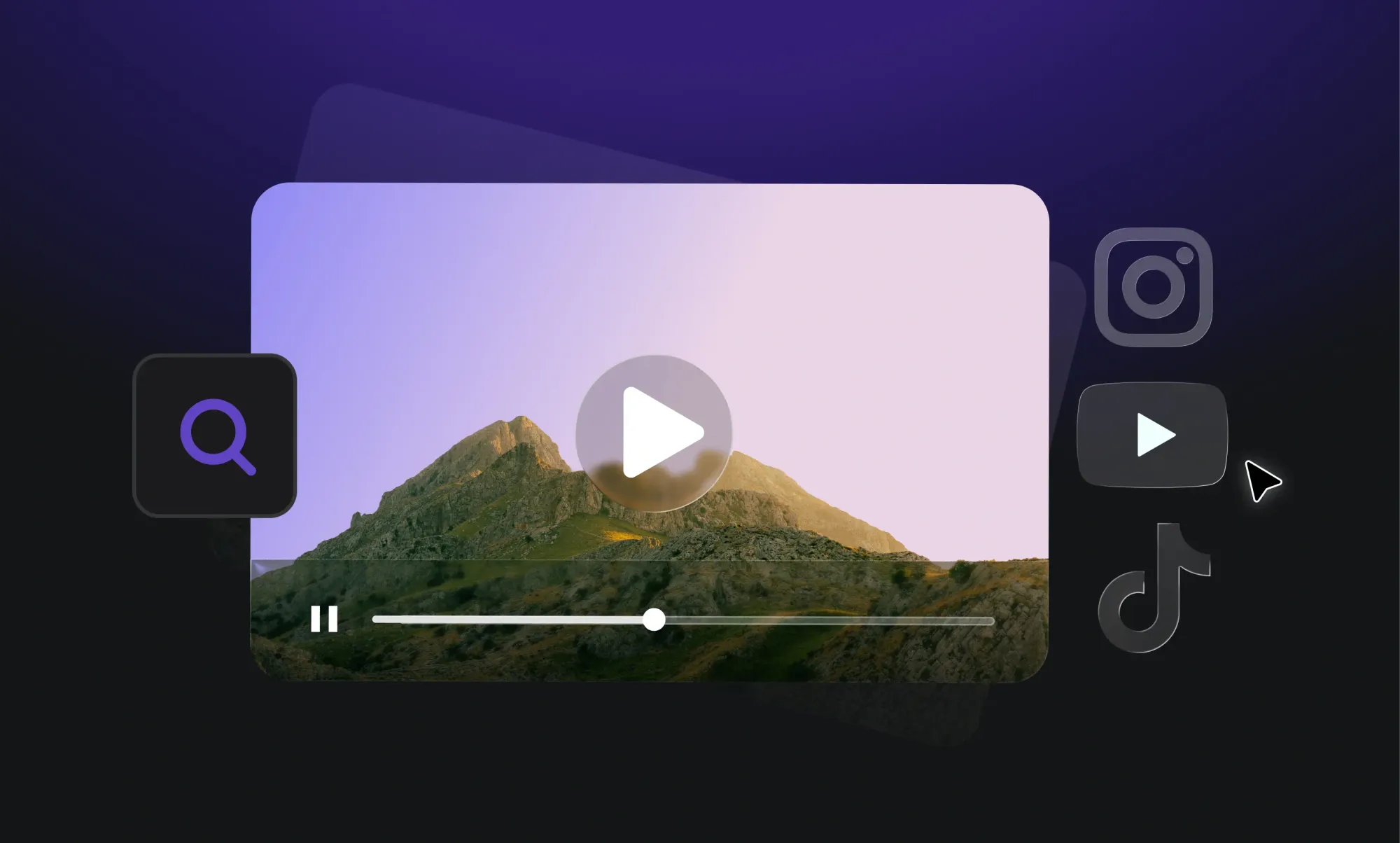
There are plenty of reverse video search tools available online, but not all of them deliver useful results. Some can help you find the exact clip across different platforms in seconds, while others fail to locate the video you're looking for.
To save you time, we’ve listed seven reverse video search tools that can help you find similar videos and track down their possible sources.
Let’s look at what each tool offers and which one may work best for your needs.
Read till the very end.
7 AI Reverse Video Search Tools to Discover Similar Videos Online
Let’s have a look at the seven best video reverse search tools that help you locate duplicate clips online. But first, here’s a quick comparison.
Revideo
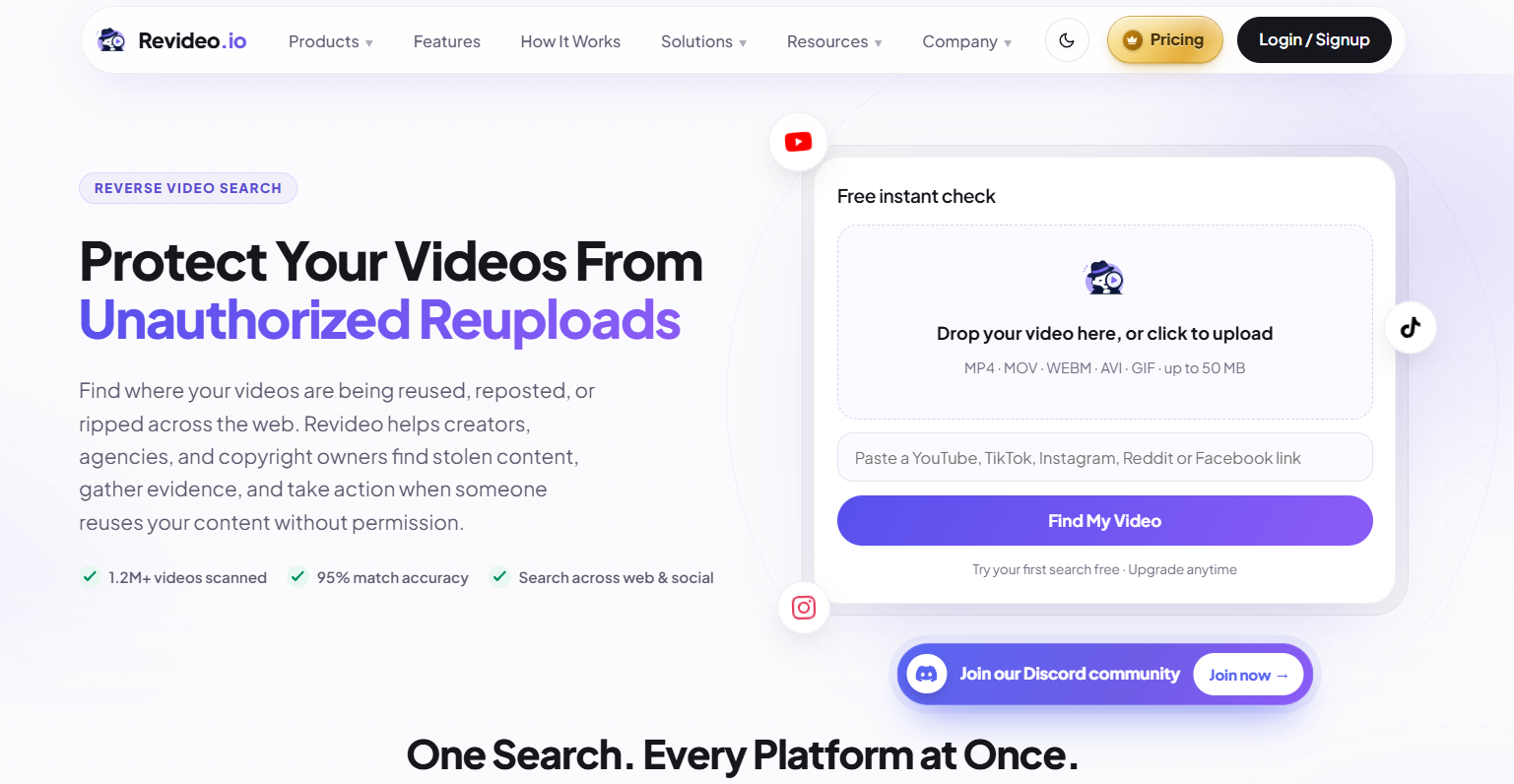
One of the top picks in the list is Revideo.io, which uses sophisticated and well-trained algorithms to analyze and find any video online. It has Basic and Deep reverse video search options to search across different platforms.
The best part about this tool is that it doesn’t follow the traditional reverse search method. It analyzes the video, extracts keyframes, finds duplicate matches, and gives you the direct source links of the similar clips.
Revideo’s Deep Search feature checks your video against Google, Bing, and Yandex and verifies it with frames, audio, transcript, and metadata.
Here’s how you can use Revideo to find similar videos across the internet.
- Upload the video from your device storage or copy/paste its URL.
- Revideo will automatically scan keyframes and recognize its audio and match them against indexed data to locate exact matches.
- It then provides you with a detailed report of all the similar results along with their source links that you can also verify.
Pros & Cons
Pros:
- AI-powered deep search that finds a video across popular search engines.
- Free users can upload a video of up to 50 MB.
- MOV, MP4, WEBM, AVI, and GIF formats are accepted.
- Shows the matching score of each discovered clip/video.
- Completely free from annoying ads.
Cons:
- The daily limit can only be increased after you upgrade the account.
Premium Pricing
To purchase Revideo’s premium plan, here’s how much they cost.
Standard: $8.5/month with 10 deep searches
Creator: $29/month with 30 deep searches
Agency: Create your custom plan based on your needs.
Our Verdict
We'd start with Revideo when investigating an unfamiliar viral clip or looking for possible unauthorized reposts. Its video-focused Deep Search workflow is more suitable for this task than relying exclusively on individual screenshots. However, we'd still compare the results with the original source pages instead of treating a match score or search ranking as proof of ownership.
Official website: https://revideo.io/
Reverse Video Search by iStock
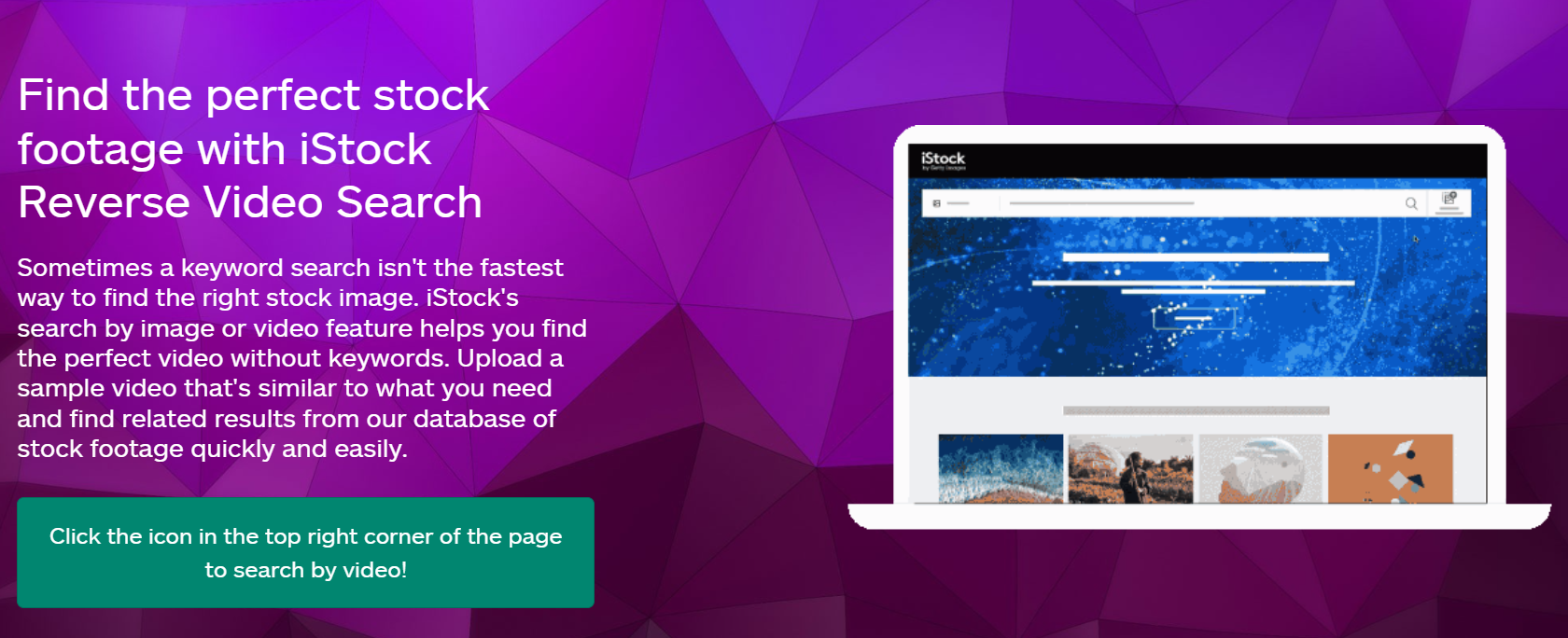
This tool is mainly designed for people looking for stock footage that resembles a reference clip. Instead of describing the scene with keywords, you can upload a video and let iStock find visually similar stock videos or images.
Remember, Reverse Video Search by iStock does not directly support video search like Revideo. Instead, it extracts keyframes and provides you with the option to find similar results.
Pros & Cons
Pros:
- Helps find stock footage without guessing the right keywords.
- Can return similar images as well as videos.
- Useful for creative projects that need matching visuals.
Cons:
- It is designed for finding stock content, not necessarily tracing a viral video's original social media upload.
- Downloading or licensing footage may require payment.
Pricing
Reverse Video Search by iStock demands $9.90 for the video you search.
Our Verdict
iStock is a solid choice for finding stock footage that resembles a reference video, especially for creative projects. However, it's not the best option when you're trying to trace a viral clip back to its original social media upload.
Reversevideosearch.io
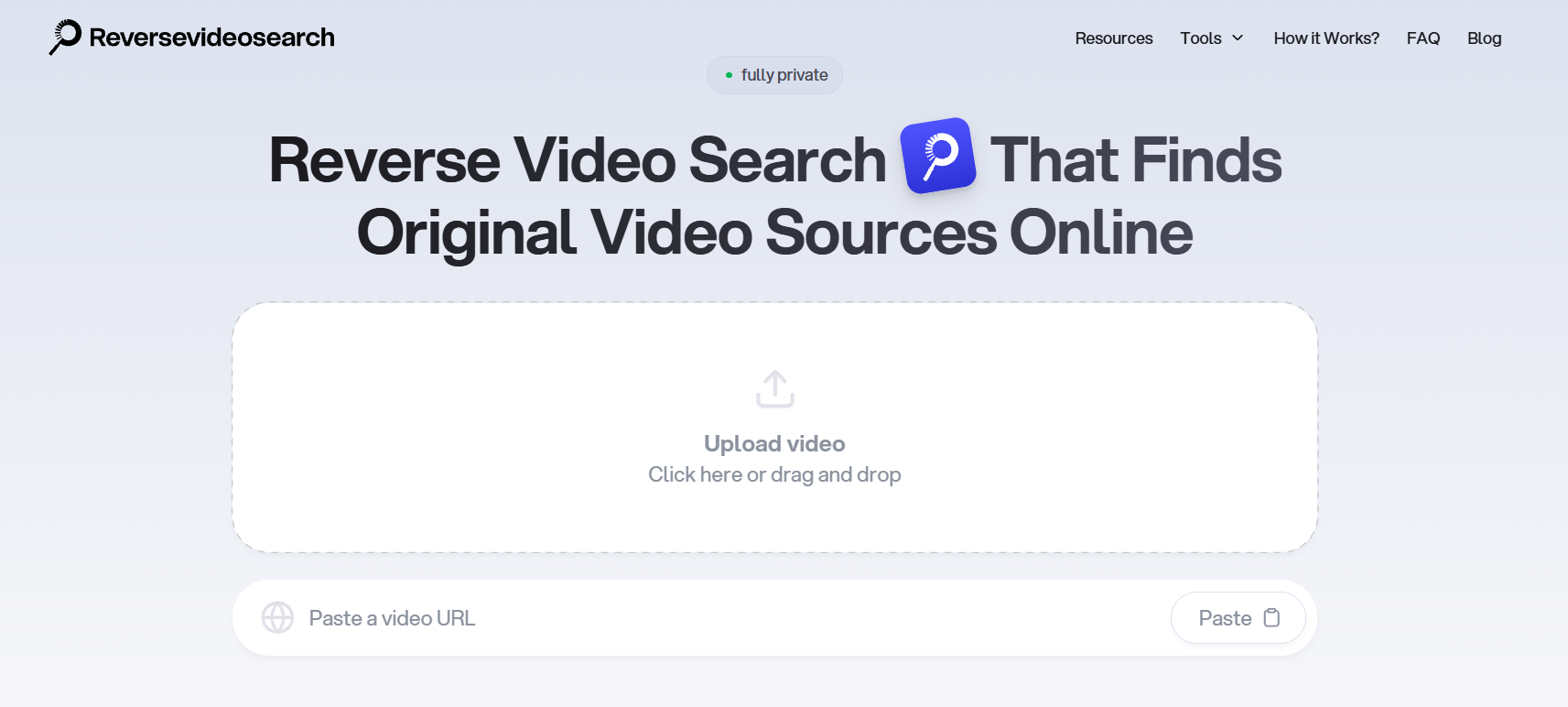
ReverseVideoSearch.io helps you find where a video may appear online by extracting keyframes and using them for reverse image searches. You can upload a video or paste a supported URL, then search selected frames manually or use its automated search option.
To perform a deep search of a video, you pay a certain amount based on the video length, and it finds where that clip appears on the internet.
Pros & Cons
Pros:
- Helps extract useful frames without doing it separately.
- Offers a manual search workflow.
- Supports video source research through visual matches.
Cons:
- Requires manual search, which takes time.
- Results depend on the available search indexes.
Pricing
Reversevideosearch.io price varies depending on the video’s length.
Our Verdict
What makes ReverseVideoSearch.io useful is its frame-extraction feature, which saves you the trouble of capturing screenshots manually. The downside is that manual searching can take time, particularly when the first few frames don't produce relevant matches.
Reversevideosearch.app
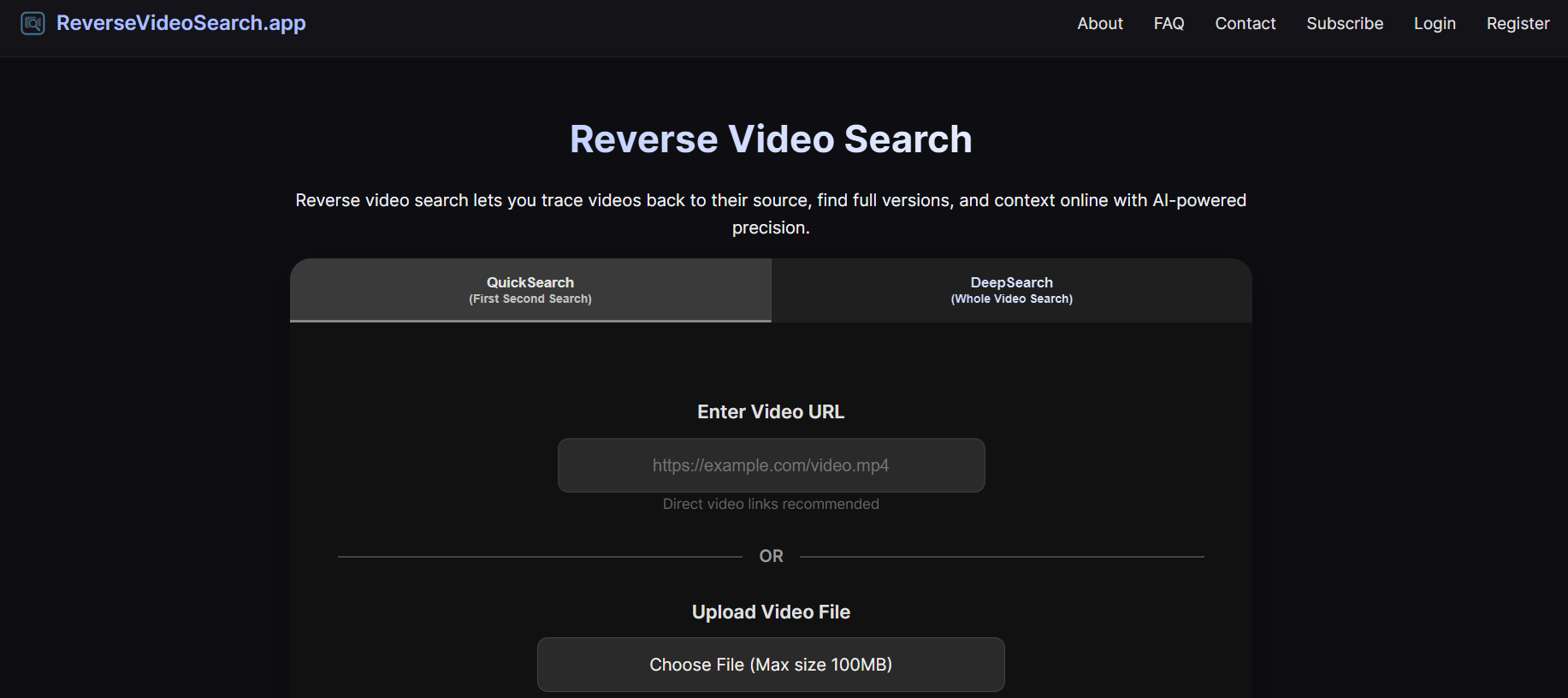
Reversevideosearch.app lets you search for matching footage by uploading a video, pasting a URL, or describing the clip with keywords. It uses keyframes to look for similar results across sources, including search engines and video platforms.
Besides, you will only get similar results against the first frame extracted from the video. To find duplicate matches for the rest of the frames, you need to subscribe to their deep search plan.
Pros & Cons
Pros:
- Offers different ways to start a search.
- Can help locate similar videos and possible source pages.
- Useful when you have a clip but do not know its title.
Cons:
- Only finds similar matches for one frame.
- Interface needs improvement.
- Too many annoying ads on the screen.
Pricing
DeepSearch Pay Per Use: $1/min
DeepSearch Starter: $4/monthly
DeepSearch Basic: $7/monthly
DeepSearch Pro: $29/monthly
Our Verdict
This tool offers a convenient way to start searching with a video, URL, or keywords. However, the reported limitation of its basic search to a single frame could make it less useful when investigating videos with multiple distinctive scenes.
Reverse-Video-Search.com
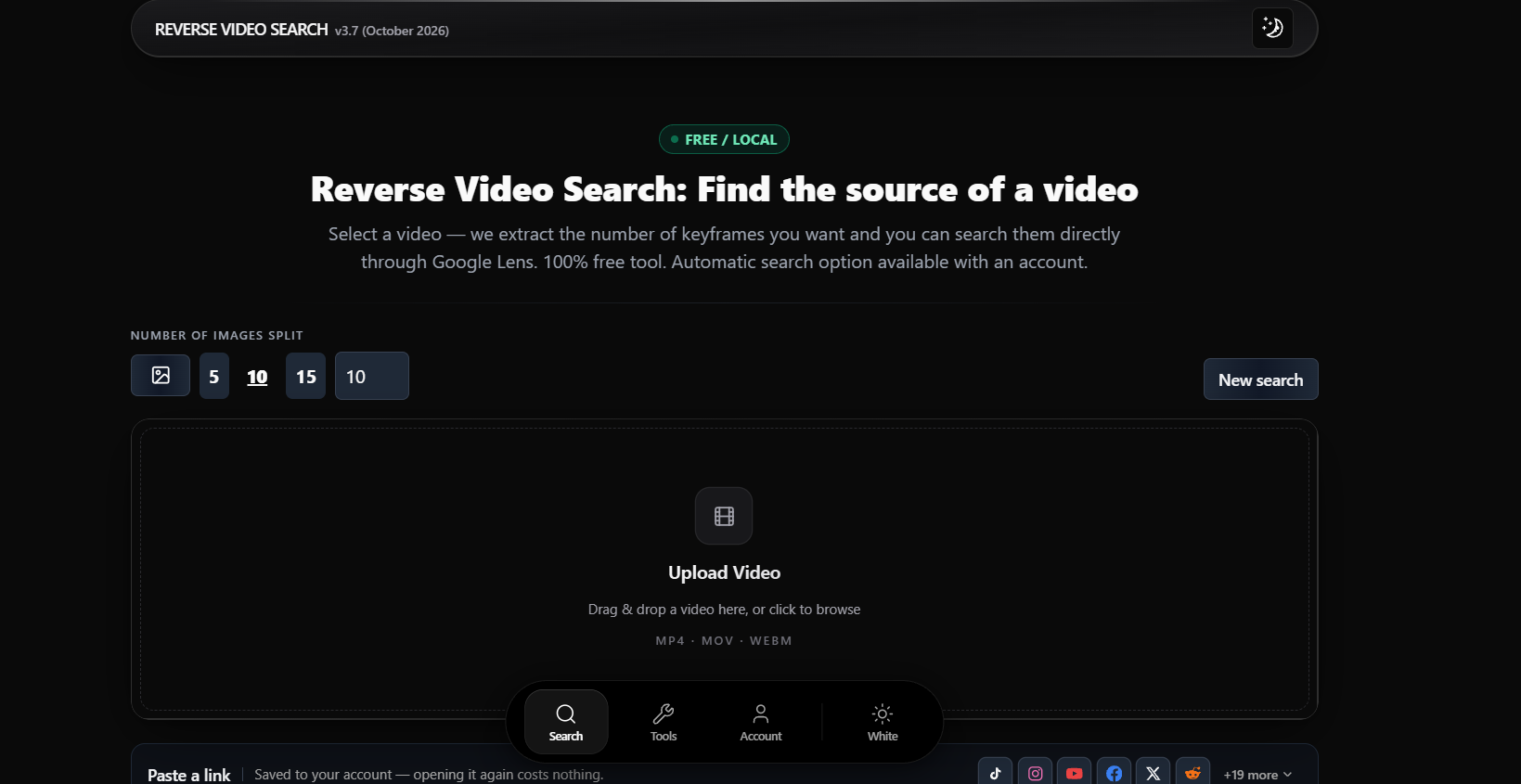
Reverse-Video-Search is also a free online tool offering the easiest way to extract frames from a video and search them through Google Lens, Yandex, and Bing. It also provides an automatic search option for users with an account. This makes it useful when you want to find matching pages without manually taking screenshots from the clip.
Pros & Cons
Pros:
- Extracts multiple frames from a video.
- Choose the number of frames you want to extract from a video.
- Supports pasting a video link from several social platforms.
- Bulk reverse search on all extracted frames simultaneously.
Cons:
- You have to manually check each frame and find similar results.
Pricing
Essential: $9/mo with 1,000 credits
Pro: $29/mo with 3,000 credits
Expert: $89/mo with 10,000 credits
Our Verdict
If you prefer having control over which frames you search, Reverse-Video-Search is worth considering. It lets you extract multiple frames and search them using different visual search engines, although you'll still need to review the results yourself to identify a credible source.
Reversevideosearches.com
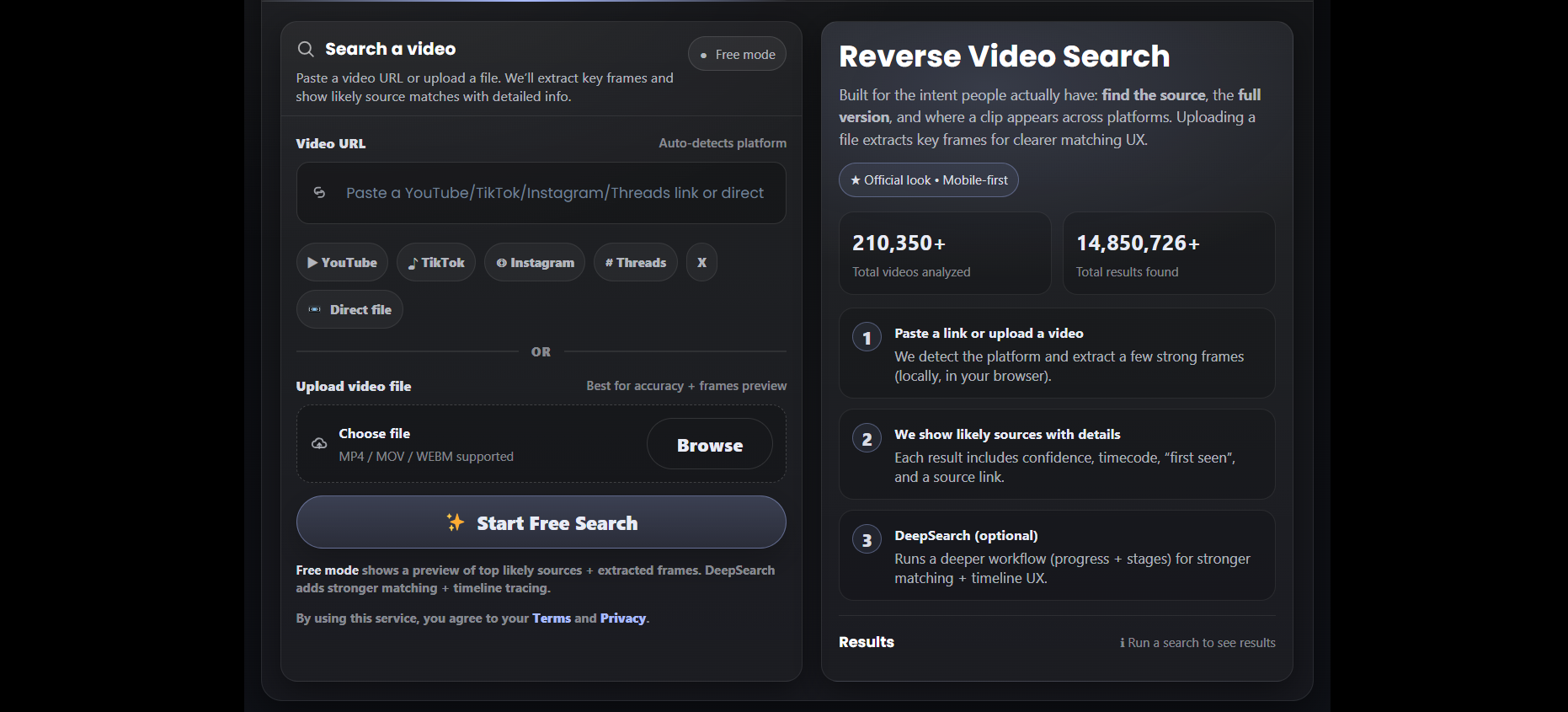
Similar to Reversevideosearch.app, this tool also offers two different search methods. One is its QuickSearch, which performs a basic search and locates identical matches of your video online. The other one is DeepSearch, which is only available for premium users on Reversevideosearches.com, where it finds the source, locates the full version, and verifies the metadata of videos as well.
Pros & Cons
Pros:
- QuickSearch feature is available for free.
- Supports different video file formats: MOV, MP4, and WEBM.
- Provides source links for reviewing possible matches.
- Includes a deeper search option for more detailed investigation.
Cons:
- Cloudflare cache is very complicated.
- Sometimes provides irrelevant results.
Pricing
There’s no specific price mentioned by Reversevideosearches.com for their premium plans.
Our Verdict
The availability of both QuickSearch and DeepSearch makes this tool worth exploring when a basic search doesn't uncover enough matches. However, irrelevant results can complicate the investigation, so checking the source links is essential before deciding which version appeared first.
Reverse Video Search by Alejandro Rioja
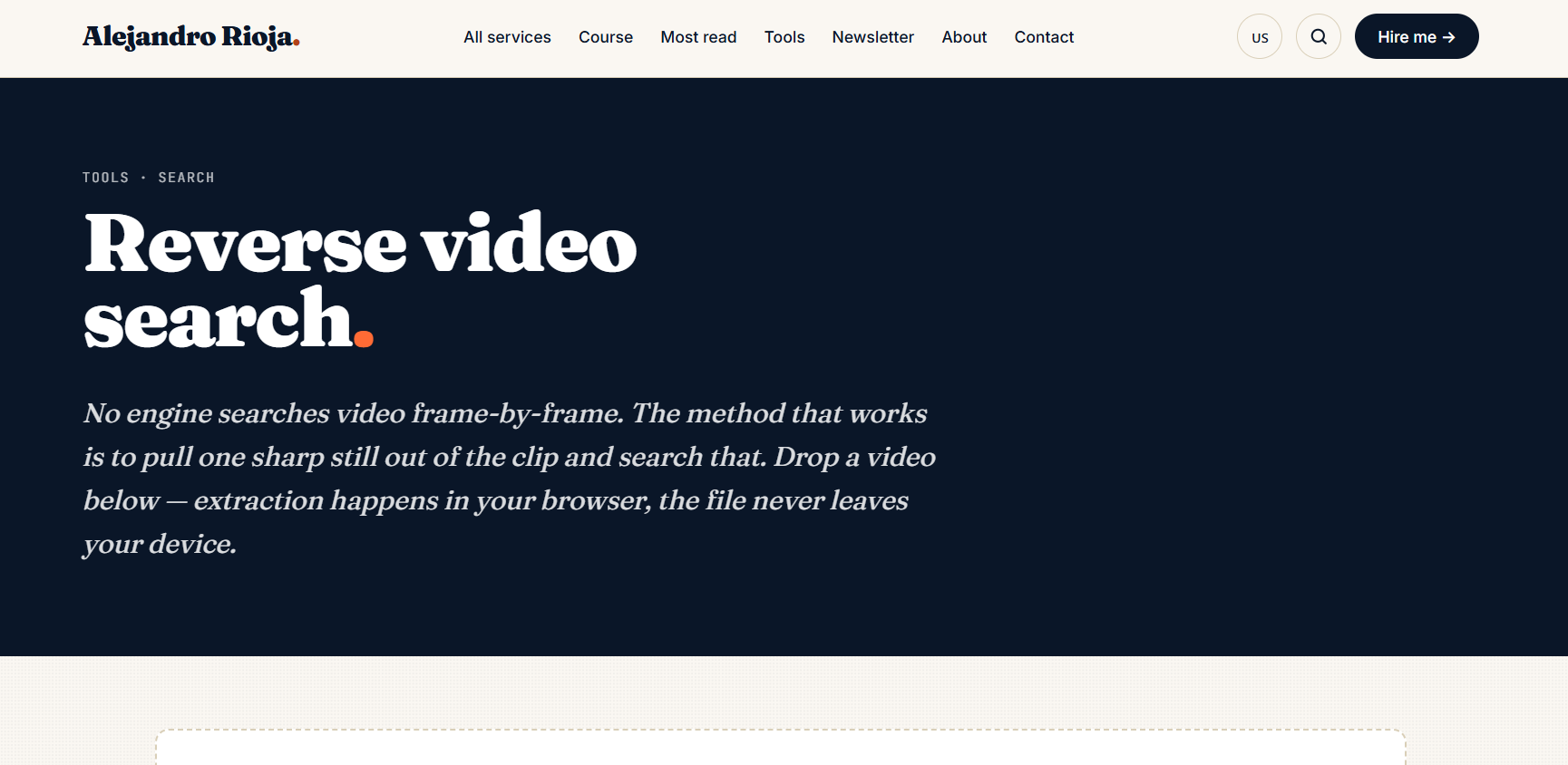
Alejandro Rioja’s Reverse Video Search tool helps you extract frames from a clip and use them for visual searches. Just like traditional tools, it also extracts several frames from the video, which you can then check with services such as Google Lens, Bing, Yandex, or TinEye.
Pros & Cons
Pros:
- Good for retrieving multiple frames from a video in seconds.
- No file size limit available.
- Download the keyframes directly to your device storage.
- No need to create an account in order to use the tool.
Cons:
- Finding the source requires checking the search results yourself.
- Results can vary depending on the frame and the search engine.
Pricing
Reverse Video Search by Alejandro Rioja is free to use.
Our Verdict
For a straightforward, no-account frame-extraction workflow, Alejandro Rioja's tool is a useful option. It's particularly handy when you want to run your own searches through Google Lens, Bing, or Yandex, but it requires more manual work than a tool that searches for matching videos directly.
Ending Thoughts
When you have the right search tool, it's easier to locate a video's source. If you're looking for footage that matches, then you can use reverse video search tools like Revideo, and if you're looking for the same kind of footage for a project, you'll need to use the video stock service iStock. If the first tool doesn't turn up what you're looking for, then your next search will be with another frame or method. Never assume it is the original video based on the source links.