If you’ve been seeing warnings about CapCut getting banned, you’re not alone. A lot of creators are trying to figure out if they need to switch tools or if this is just another rumor.
CapCut is not currently confirmed to be getting banned in the U.S. It’s still available on app stores today. The concern comes from its ownership by ByteDance and a brief removal from U.S. app stores in January 2025 during regulatory action tied to TikTok-related apps, as reported by The New York Times.
That situation didn’t last long, but it raised a bigger question. There is no active nationwide ban on CapCut right now. What exists instead is ongoing regulatory pressure that could impact its future depending on how U.S. policy evolves.
For creators, this isn’t about reacting too early. It’s about understanding the risk and giving yourself time to adapt your workflow if needed.
Why is CapCut getting banned?
Short answer
People are asking, "Is CapCut getting banned?” because of U.S. scrutiny on ByteDance, concerns about data privacy, and past disruptions that made the risk feel real, even though there is no active U.S. ban today.
For more context
The concern around CapCut isn’t random. It’s directly tied to the broader conversation around TikTok and other ByteDance-owned apps. U.S. regulators have been reviewing how these platforms handle user data and whether foreign governments could access that data. This is where most of the headlines and speculation are coming from.
That pressure increased after legislation such as the Protecting Americans from Foreign Adversary Controlled Applications Act, which gave the government greater authority to act against apps linked to foreign entities. CapCut wasn’t singled out on its own, but it falls under the same umbrella because of its ownership.
Here’s what’s actually driving the concern:
- Data privacy: Like most apps, CapCut collects usage and device data, which raises questions about where that data goes and who can access it
- Security concerns: ByteDance’s ties to China have led to ongoing debates about potential surveillance risks
- Precedent: Countries like India banned CapCut and other ByteDance apps back in 2020, showing that a ban is possible under the right conditions
The key point is this: nothing here confirms a ban, but it explains why people are paying attention.
If you rely heavily on CapCut, it’s worth thinking ahead and exploring alternatives early so you’re not forced to react later.
Is CapCut getting banned in the U.S.?
Short answer
No, CapCut is not banned in the U.S. right now. It remains available to download and use, with no active restriction in place as of today.
For more context
CapCut is still listed on both major app stores and continues to receive updates. The confusion comes from a brief moment in January 2025, when ByteDance-owned apps, including CapCut, were temporarily removed during regulatory action tied to TikTok. That disruption didn’t last long, and access was restored shortly after.
What matters is the current status. There is no enforced ban in the U.S., and creators are actively using CapCut without limitations.
The situation here is very different from countries like India, where CapCut was permanently banned in 2020. In the U.S., the conversation is still ongoing. It’s a legal and political process, not an active shutdown.
Here’s where things stand right now:
- Availability: CapCut is fully accessible in the U.S. as of 2026
- Functionality: The app is working normally, with updates continuing
- Risk level: Ongoing regulatory pressure tied to ByteDance could influence future decisions
There’s no immediate disruption, but the long-term outcome still depends on how these regulatory discussions play out.
When is CapCut getting banned?
Short answer
There is no confirmed date for a CapCut ban in the U.S. There’s no official timeline, deadline, or scheduled removal in place.
Deeper insight
What makes this question tricky is how fast rumors spread. You might see specific dates or claims that a ban is “around the corner,” but none of those are based on confirmed decisions. Right now, there isn’t a fixed outcome to point to.
Any potential change depends on how U.S. regulators handle apps owned by ByteDance. That process involves legal reviews, negotiations, and policy decisions, which don’t follow a predictable schedule.
So instead of thinking in terms of “when,” it’s more accurate to think in terms of possibility. A ban could happen, get delayed, or never materialize, depending on how things evolve.
For creators, this removes the urgency around a specific date. There’s no countdown. But it does highlight something more important: relying on a single tool without flexibility can become a problem if policies change unexpectedly.
The smarter approach is staying adaptable, not trying to predict a timeline that doesn’t exist.
What happened before, and why are people worried again?
Short answer
A brief disruption in the U.S. in 2025 brought back concerns many creators had already seen before, especially after countries like India banned CapCut entirely. That combination is what’s driving the current wave of worry.
Here’s what that actually means
The current concern didn’t appear out of nowhere. It’s tied to a series of events that made the risk feel more real, even if nothing permanent has happened in the U.S.
Here’s the timeline that shaped how people see CapCut today:
- 2020: India bans CapCut and other ByteDance apps over security concerns
- 2024: The U.S. passes new legislation targeting foreign-owned apps, increasing pressure on ByteDance
- January 19, 2025: CapCut is temporarily removed from U.S. app stores during regulatory action
- January 20, 2025: Access is restored shortly after, with no permanent restriction
- 2026: CapCut remains available, but regulatory discussions are still ongoing
What changed isn’t the app itself. It’s the perception of stability.
Once creators saw CapCut disappear, even briefly, it shifted how people think about relying on it long term. Add the TikTok situation on top of that, and it’s easy to see why the concern keeps resurfacing.
Most of the current anxiety is coming from that mix of past disruption and ongoing uncertainty, amplified by social media and speculation.
For creators, the takeaway is simple. You don’t need to stop using CapCut today, but it’s worth testing a more stable video editor early so you’re not forced to switch under pressure.
What should creators do if they are worried about CapCut?
Short answer
Don’t rely on a single tool. If CapCut is part of your workflow, the safest move is to diversify early so you’re not forced to switch under pressure.
Here’s what that actually means
You don’t need to stop using CapCut. But you also don’t want your entire content process tied to one app, especially when its future depends on ongoing decisions around ByteDance.
A few small changes now can save you a lot of friction later:
- Export your projects regularly: Keep final videos and key assets saved locally or in the cloud so you don’t lose access
- Build transferable skills: Focus on editing fundamentals like timing, cuts, and storytelling so you can move between tools easily
- Test alternatives early: Try a second platform alongside CapCut so the transition feels natural if you ever need to switch
You don’t need a full migration overnight. The goal is flexibility.
Pro tips to stay ahead
- Back up everything: Use cloud storage or external drives for important projects
- Create repeatable workflows: Templates, presets, and systems make switching tools easier
- Keep learning: Short tutorials can help you adapt quickly across different editors
This isn’t about reacting to fear. It’s about staying in control of your workflow.
If you want something more stable long-term, the next step is finding a tool that doesn’t rely on the same ecosystem and can handle editing, AI, and scaling in one place.
CapCut alternative?
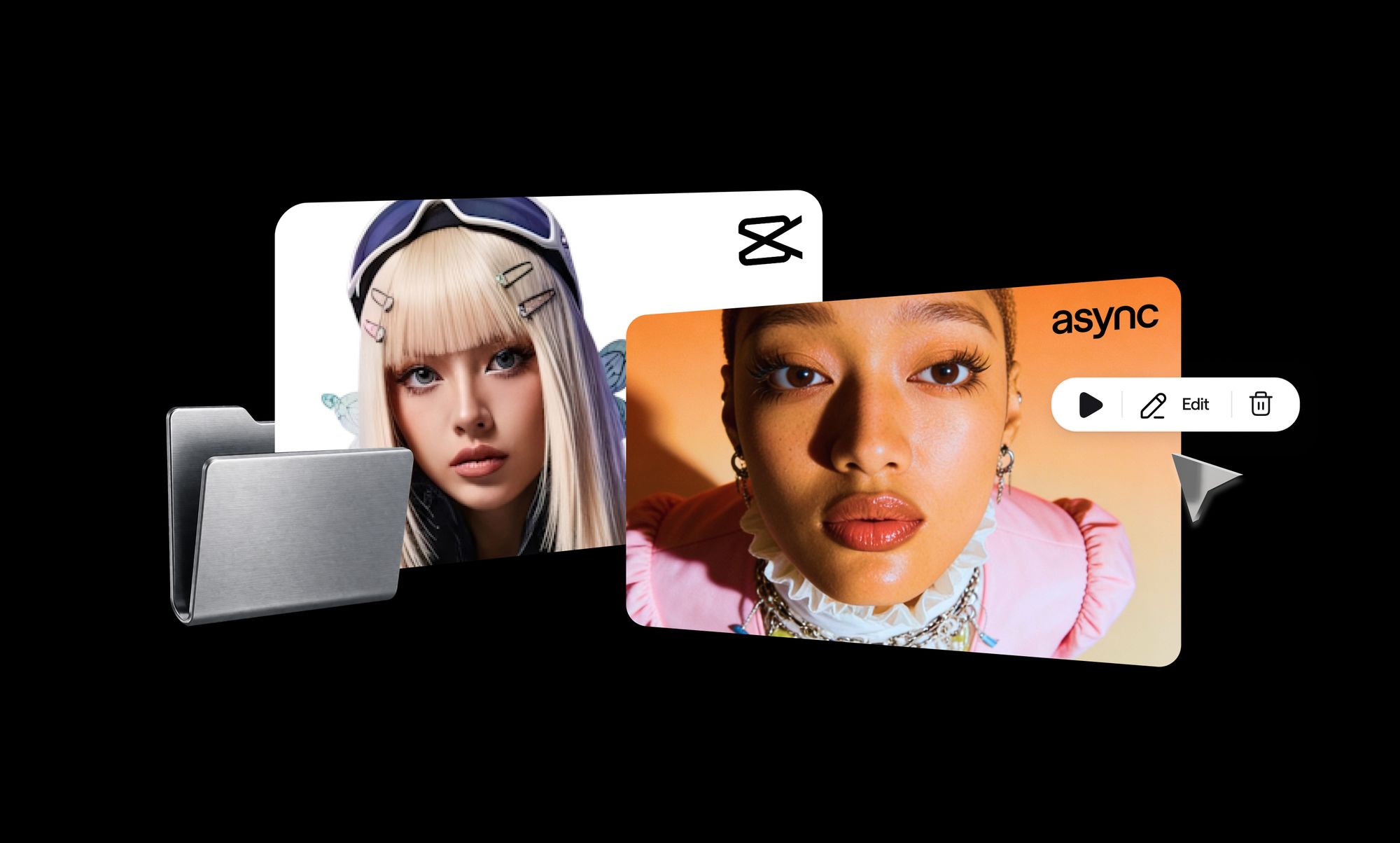
Async is one of the strongest CapCut alternatives for creators who want long-term stability. It combines video editing, AI generation, and content repurposing in one platform, without relying on the same ecosystem as ByteDance.
CapCut became popular because it made editing simple. But it’s still a single-purpose tool. You edit, export, and then move to other apps for subtitles, clips, or AI features. That workflow works until you need to scale.
Async approaches this differently. Instead of adding features on top, it brings the entire workflow into one place: editing, generating, and repurposing content without switching tools.
Async as a video editing alternative
Async gives you a familiar editing experience, but removes a lot of the friction.
- Browser-based, so no downloads or device limits
- Clean timeline for trimming, cuts, and sequencing
- Smooth performance without lag or crashes
- Built for collaboration, not just solo editing
You still get the control you expect from CapCut, but with a more stable setup and fewer technical limitations.
Async for AI-powered editing
This is where the difference becomes obvious.
Instead of manually editing everything, you can use chat-based editing commands to speed things up:
- “Add subtitles”
- “Turn this into short clips”
- “Clean up the audio”
Async handles tasks that usually take multiple steps or separate tools. It can automatically adjust eye contact, reduce noise, and improve visual quality without manual tweaking.
Async for AI models and content generation
Beyond editing, Async gives you access to a full set of AI tools inside the same workflow.
- Generate clips from long-form content
- Create videos from text
- Add dubbing or voiceovers
- Repurpose one video into multiple formats
This goes beyond templates. You’re not limited to preset styles. You can build custom workflows depending on the type of content you’re creating.
Why this matters long term
The biggest shift here isn’t just features. It’s how your workflow is structured.
With CapCut, you’re often moving between tools:
edit → export → subtitle → repurpose
With Async, everything happens in one place:
edit → generate → repurpose → publish
That saves time, reduces complexity, and makes scaling content much easier.
If you want to go beyond basic editing, this is where Async really stands out. You can explore AI Models to generate videos, create clips, add dubbing, and build custom workflows that go far beyond CapCut templates.
Why Async is better than single-purpose apps
Most creators don’t just edit videos. They also clip content, add subtitles, generate variations, and publish across platforms. When each step lives in a different tool, the workflow gets slower and harder to manage.
Async simplifies that by keeping everything in one place:
edit → generate → repurpose → publish
That shift removes constant exporting, uploading, and switching between apps. It also makes it easier to stay consistent, especially if you’re creating content regularly or working with a team.
Who this is best for
Async adapts to different types of workflows:
- Creators: Turn long-form content into multiple short clips without starting from scratch
- Marketers: Scale content production across platforms without adding more tools
- Teams: Collaborate on projects without sending files back and forth
The long-term advantage
The real benefit is stability.
Because Async isn’t tied to the same ecosystem as ByteDance, it removes the uncertainty that comes with relying on a single platform. At the same time, it’s built to handle more than editing, so your workflow doesn’t need to change as your content grows.
Instead of patching together multiple tools, you build one system that continues to work over time.
If you’re ready to simplify your setup, you can sign up and start testing how editing, AI, and repurposing work together in one place.
Stay ready without overthinking it
CapCut works today, and there’s no confirmed ban in place. But the uncertainty around platforms tied to ByteDance has already shown how quickly things can change.
You don’t need to react overnight. But you also don’t want to wait until your workflow is disrupted to start figuring things out.
The safer approach is to build flexibility into how you create. That might mean exporting your projects, testing new tools, or gradually moving toward a setup that can handle editing, generation, and repurposing without relying on a single platform.
If you’re exploring your options, take a look at CapCut alternatives to see how different tools compare and what a more stable workflow could look like.
FAQ
Is CapCut getting banned in the U.S.?
No, CapCut is not banned in the U.S. It’s currently available on app stores and working normally. A brief removal in 2025 confused, but access was restored quickly. There’s no active restriction today, only ongoing regulatory discussions that could affect its future.
Why is CapCut getting banned?
CapCut isn’t being banned right now. The concern comes from its connection to ByteDance and broader U.S. scrutiny around data privacy and national security. These concerns have led to reviews and discussions, not an official ban.
When is CapCut getting banned?
There is no confirmed date for a CapCut ban in the U.S. Any claims about specific timelines are speculation. The situation depends on ongoing regulatory decisions, which don’t follow a fixed schedule or deadline.
Can I still use CapCut if it gets banned?
If a ban happens, existing installations may continue working for a short time. However, updates, cloud features, and support would likely stop. That’s why many creators choose to prepare early instead of waiting for disruption.
What is the best CapCut alternative?
Async is a strong alternative because it combines video editing, AI generation, and repurposing in one platform. Instead of switching between tools, you can manage your entire workflow in one place and scale content more efficiently.