AI video generation has changed dramatically over the past year. The best AI video generator in 2026 depends less on raw visuals alone and more on workflow, editing flexibility, publishing speed, and how easily a team can move from idea to finished content.
Platforms like Runway and Kling AI remain strong for cinematic generation; Synthesia and HeyGen lead for avatar-driven business videos, while Canva and CapCut continue dominating lightweight social workflows. At the same time, tools like Async are becoming increasingly relevant for creators and teams that want AI generation, editing, repurposing, and publishing inside one connected workspace instead of juggling multiple platforms.
In this guide, we’re comparing the best AI video generators in 2026 based on workflow, AI capabilities, pricing, editing tools, image-to-video quality, and real-world usability for creators, marketers, businesses, and content teams.
Key highlights
- Best overall AI video generator: Async (for end-to-end generation, editing, and publishing).
- Best for cinematic generations: Runway or Kling AI (for physics-heavy text-to-video clips).
- Best for AI avatars: Synthesia or HeyGen (for multilingual business presentations).
- Best for short-form social content: CapCut (for fast, automated TikTok edits).
- Best for quick branded assets: Canva AI (for simple drag-and-drop marketing visuals).
- Best for image-to-video conversion: Luma AI (for fast, accurate concept art animation).
Best AI video generators in 2026: quick comparison
Choosing the best AI video generator in 2026 depends less on raw generation quality and more on workflow. Some tools are built for cinematic text-to-video generation; others focus on AI avatars, collaborative editing, social media workflows, or end-to-end production pipelines. The table below compares the best AI video generators based on generation strengths, workflow capabilities, pricing, and real-world limitations.
| Tool | Best for | Free plan/trial | Starting price (monthly) | Key AI video features | Workflow strength | Best limitation to know |
|---|---|---|---|---|---|---|
| Async | End-to-end AI video workflows | Free basic tier | $19/month | Multi-model generation, AI clips, repurposing | Full editing and publishing workflow | Smaller template ecosystem than older editors |
| Runway | Cinematic AI video generation | Limited trial credits | $12/month | Gen-4 cinematic generation, image-to-video | Lightweight editing tools | Rendering times can become slow |
| Synthesia | Avatar-led business videos | Free demo creation | $22/month | AI avatars, multilingual voiceovers | Script-based business workflow | Limited creative flexibility |
| Envato | AI generation plus a stock catalog | No free tier (subscription) | $16.50/month | Image and video generation, auto model routing, AI editing | Asset sourcing across stock and AI in one subscription | Not a timeline editor or publishing platform |
| InVideo | Template-based marketing videos | Free with watermarks | $20/month | Text-to-video scripts, stock-assisted creation | Timeline and script editing | Relies heavily on stock assets |
| Canva AI | Quick branded social assets | Free basic tools | $15/month | Magic Studio, AI-assisted design | Simple drag-and-drop workflow | Limited cinematic motion control |
| CapCut | Short-form social content | Free mobile and desktop versions | $8/month | Auto-captions, templates, AI effects | Advanced short-form editing | Commercial usage limitations |
| Kapwing | Collaborative browser editing | Free with export limits | $16/month | Silence removal, reframing, subtitles | Multi-user web editing | Slower with larger projects |
| OpenArt | AI video generation and creative storytelling | Check current free access and trial terms | $13/month | Text-to-video, image-to-video, and multiple AI video models | Multiple AI video models within one creative platform | Features, limits, and costs vary by model and plan |
| HeyGen | Localization and AI avatars | Limited free credits | $24/month | Voice cloning, AI translation | Business presentation workflow | Costs scale quickly for teams |
| Kling AI | High-motion text-to-video | Free daily credits | $10/month | Physics-heavy cinematic generation | Generation-focused workflow | No advanced editing timeline |
| Luma AI | Creative image-to-video generation | Free daily generations | $15/month | Dream Machine, image animation | Fast creative generation | No built-in editing workflow |
If you want a workflow that brings generation, editing, repurposing, and publishing into one place, Async is the best place to start exploring.
What is an AI video generator?
Short answer:
An AI video generator is a tool that uses artificial intelligence to create or assemble videos from text prompts, images, scripts, or existing footage. In 2026, most AI video generators fall into three main categories: cinematic generation tools, avatar and localization platforms, and workflow-based video creation tools.
To be more accurate:
AI video generators can create entirely new scenes, animate still images, generate avatar-led videos, turn scripts into visual content, or help assemble videos with templates, captions, stock assets, and editing tools. The right tool depends on whether you need raw generative clips, presenter-led business videos, or a more complete production workflow.
In 2026, most AI video generation models are designed to support one of three main workflows:
- Cinematic generation: These tools turn text prompts or images into high-motion video clips. They are best for creators who need realistic scenes, camera movement, concept visuals, or image-to-video outputs. Runway, Kling AI, and Luma AI are strong examples in this category.
- Avatar and localization: These tools create presenter-led videos using AI avatars, synthetic voices, and translation features. They work best for training videos, onboarding, internal communication, and multilingual business content. Synthesia and HeyGen are the clearest examples here.
- Workflow-based video creation: These tools combine AI generation with editing, repurposing, subtitles, collaboration, and publishing features. They are useful for creators and teams that need to move from idea to finished video without relying on too many separate apps. Async, CapCut, Canva, Kapwing, and InVideo fit into this broader workflow category.
This distinction matters because the best AI video generator is not always the tool with the most cinematic demo. It is the one that matches the type of video you need to create and how much of the production process you want the platform to handle.
How we chose the best AI video generators
We selected the best AI video generators based on output quality, workflow efficiency, editing capabilities, usability, pricing, and overall value for creators and teams. Each platform was evaluated across common workflows, including text-to-video generation, image-to-video creation, subtitles, social media editing, avatar videos, repurposing, and collaborative production.
Our comparison focused on five main areas:
- Visual quality and motion consistency
- Workflow continuity between generation and editing
- Editing and repurposing capabilities
- Commercial usability and scalability
- Feature depth across text-to-video, image-to-video, avatars, and publishing workflows
Best AI video generators 2026: full tool breakdown
The best AI video generators in 2026 are built for very different workflows. Some focus on cinematic generation, others on social media editing, AI avatars, or collaborative production. The tools below stand out for different strengths depending on how you create and publish content.
1. Async: Best overall AI video generator for end-to-end content creation
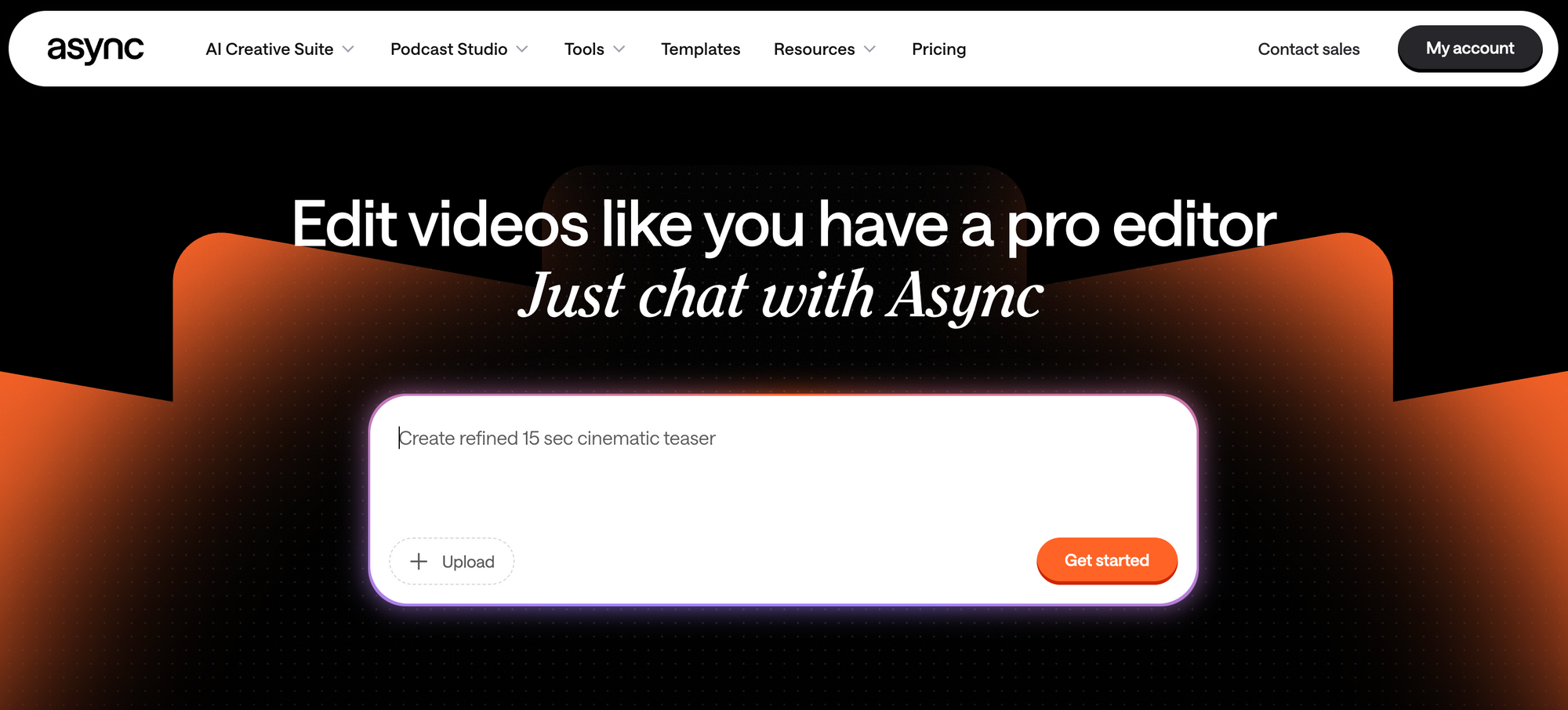
Async is one of the strongest AI video generators in 2026 for creators, marketing teams, and businesses that want more than standalone clip generation. While many AI video tools still focus primarily on text-to-video outputs, Async combines AI generation, editing, repurposing, subtitles, and publishing inside a single workflow. That makes it especially useful for teams producing content consistently across TikTok, Reels, YouTube Shorts, ads, and long-form video workflows.
One of Async’s biggest strengths is workflow continuity. Instead of generating clips in one platform and moving into separate editing software afterward, users can manage generation, editing, captions, repurposing, and publishing from the same dashboard. For creators handling high content volume, that connected workflow can save a significant amount of production time.
Standout features:
- Unified AI generation workspace with access to multiple AI video generation models
- AI repurposing tools for turning long-form content into vertical social clips
- Built-in editing workflow with subtitles, resizing, trimming, and multi-track editing
- Direct publishing and scheduling tools for social media workflows
- AI-assisted editing tools that remove silence, pauses, and filler words automatically
Pros:
- Combines generation, editing, repurposing, and publishing in one workflow
- Strong fit for creators, agencies, and social media teams
- Reduces workflow fragmentation compared to standalone AI generation tools
- Supports both short-form and long-form content production
Cons:
- Smaller template ecosystem than older design-first platforms
- Less focused on highly experimental cinematic generation
- Cloud-based workflows can become heavier on slower internet connections
Pricing:
- Free plan: Basic AI generations, editing tools, and standard exports
- Creator plan ($19/month): Advanced AI tools, higher export quality, and expanded editing features
- Team plan ($49/month): Collaboration tools, shared brand assets, and faster rendering workflows
Async works best for creators and teams that need a connected production workflow instead of isolated AI clips. If your priority is purely cinematic experimentation or highly stylized generative visuals, platforms like Runway or Kling AI may still offer stronger generation-focused capabilities. Async’s biggest advantage is how much of the overall production process it keeps inside one platform.
If standalone AI generators leave you with raw clips and extra editing steps, Async gives you a more connected way to finish the video.
2. Runway: best for advanced generative video experiments
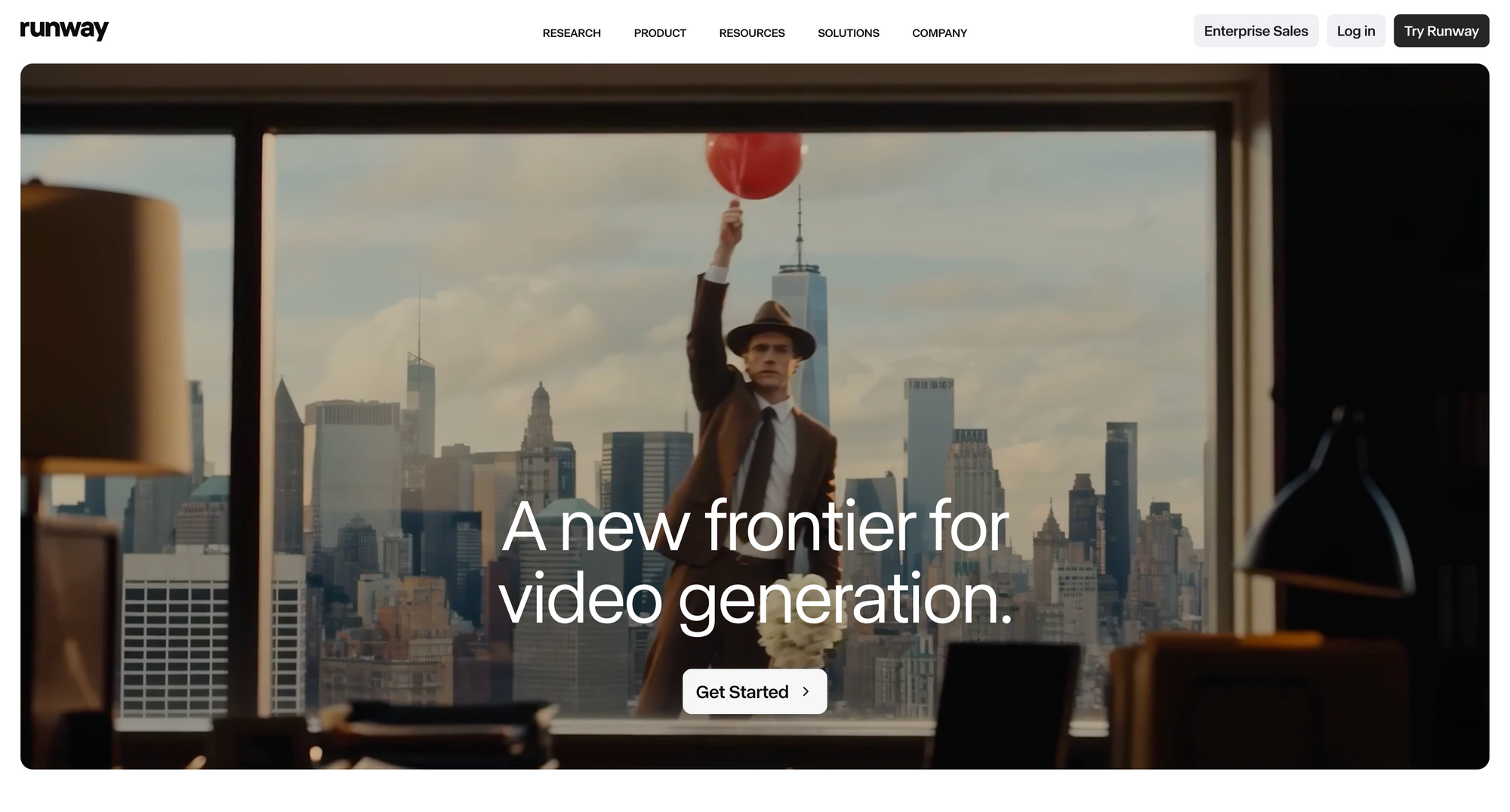
Runway is best for filmmakers, visual artists, and creators focused on cinematic AI video generation. Its strongest use cases are image-to-video, motion realism, camera control, and experimental standalone clips that depend heavily on clear AI video prompts.
Standout features:
- Gen-4 cinematic AI generation with highly realistic motion and lighting
- Advanced image-to-video workflows that preserve composition and visual detail
- Motion Brush tools for controlling movement within specific areas of an image
- AI-assisted editing and prompting tools through the Runway Agent interface
- Camera movement controls for pan, zoom, tilt, and cinematic motion effects
Pros:
- Some of the strongest cinematic visuals currently available in AI video generation
- Excellent image-to-video consistency compared to many competing tools
- Powerful creative controls for filmmakers and visual artists
- Strong fit for experimental and stylized video production
Cons:
- Limited timeline editing compared to workflow-first platforms
- High credit usage can become expensive quickly
- Steeper learning curve for casual creators and marketing teams
- Less optimized for repurposing, publishing, and collaborative workflows
Pricing:
- Standard plan ($12/month): Access to core generation models with limited credits
- Pro plan ($28/month): Higher generation limits and faster rendering
- Unlimited plan ($76/month): Relaxed unlimited generations and expanded usage
Runway works best for creators focused on cinematic AI visuals, experimental storytelling, and high-end generative video work. If your workflow depends more on editing, repurposing, collaboration, and publishing content consistently across platforms, tools like Async provide a more connected production environment. Runway’s biggest strength is the quality and flexibility of its generation engine rather than end-to-end content management.
3. Synthesia: best for avatar-led business videos
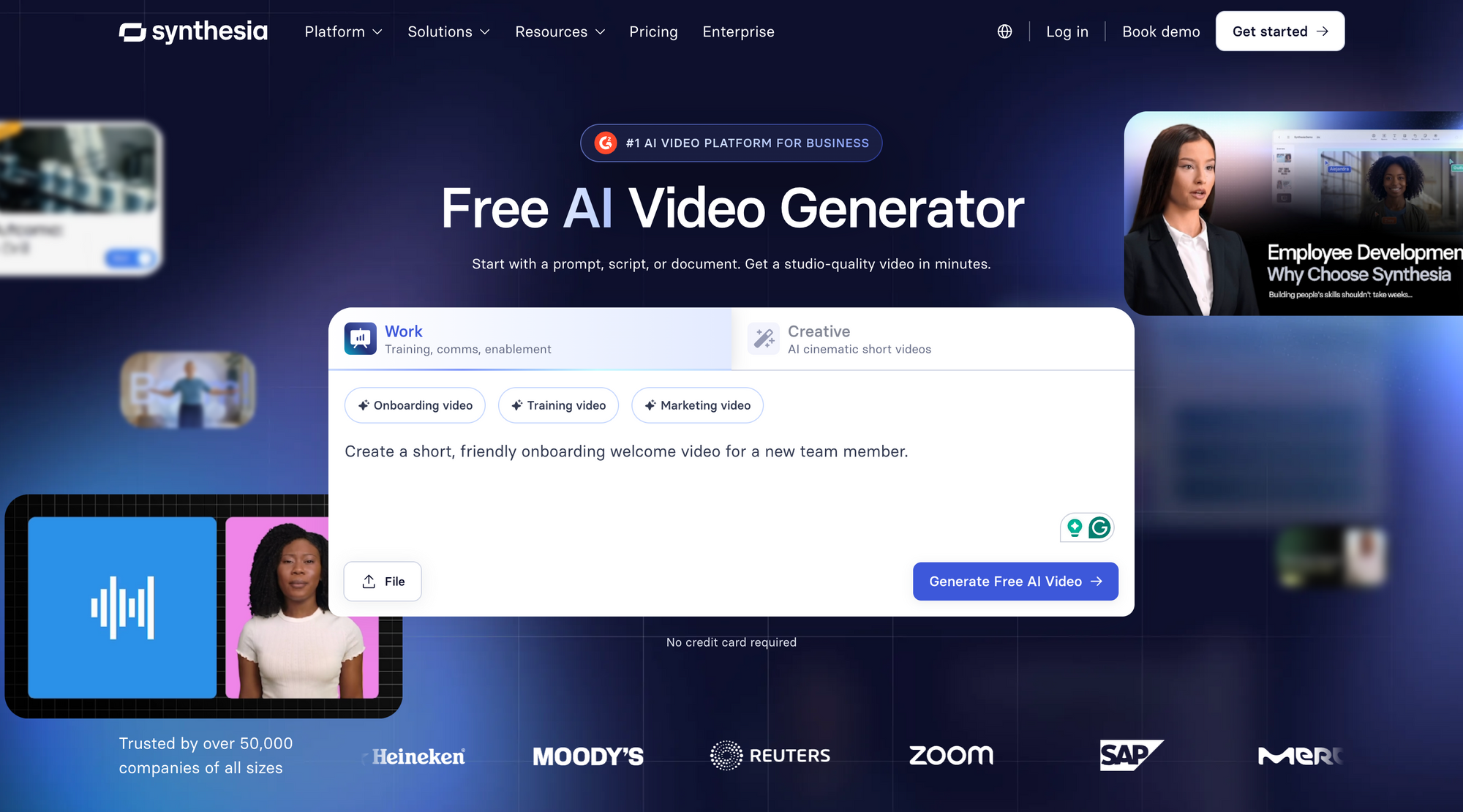
Synthesia is best for businesses creating avatar-led training videos, onboarding content, internal updates, and multilingual presentations. It focuses on scripted AI presenters rather than cinematic generation, making it strongest for repeatable corporate communication workflows.
Standout features:
- Realistic AI avatars with natural lip-syncing and improved speech delivery
- Large multilingual library with support for over 140 languages and accents
- AI voice cloning and localization tools for global business communication
- Multi-speaker scenes with interactive avatar conversations
- Presentation-style workflows designed for tutorials, onboarding, and training
Pros:
- Excellent fit for training, onboarding, and internal business content
- Eliminates much of the cost and logistics involved in filming presenters
- Strong localization and multilingual video capabilities
- Easy-to-use interface for slide-based and script-driven videos
Cons:
- Not designed for cinematic storytelling or social-first visual content
- Avatar-based videos can still feel repetitive in longer formats
- Limited flexibility for lifestyle, b-roll, or heavily edited creative videos
- Compliance review systems can occasionally slow down publishing workflows
Pricing:
- Starter plan ($22/month): Basic avatar access and limited monthly generation
- Creator plan ($59/month): More generation time, custom avatars, and uploaded audio
- Enterprise plan (custom pricing): Advanced collaboration, voice cloning, and enterprise security features
Synthesia works best for companies prioritizing scalability, consistency, and multilingual communication rather than cinematic creativity. If your workflow depends more on social media editing, short-form repurposing, or visual storytelling, platforms like Async or CapCut are usually a better fit for ongoing content production.
4. Envato: best for AI generation paired with a stock catalog
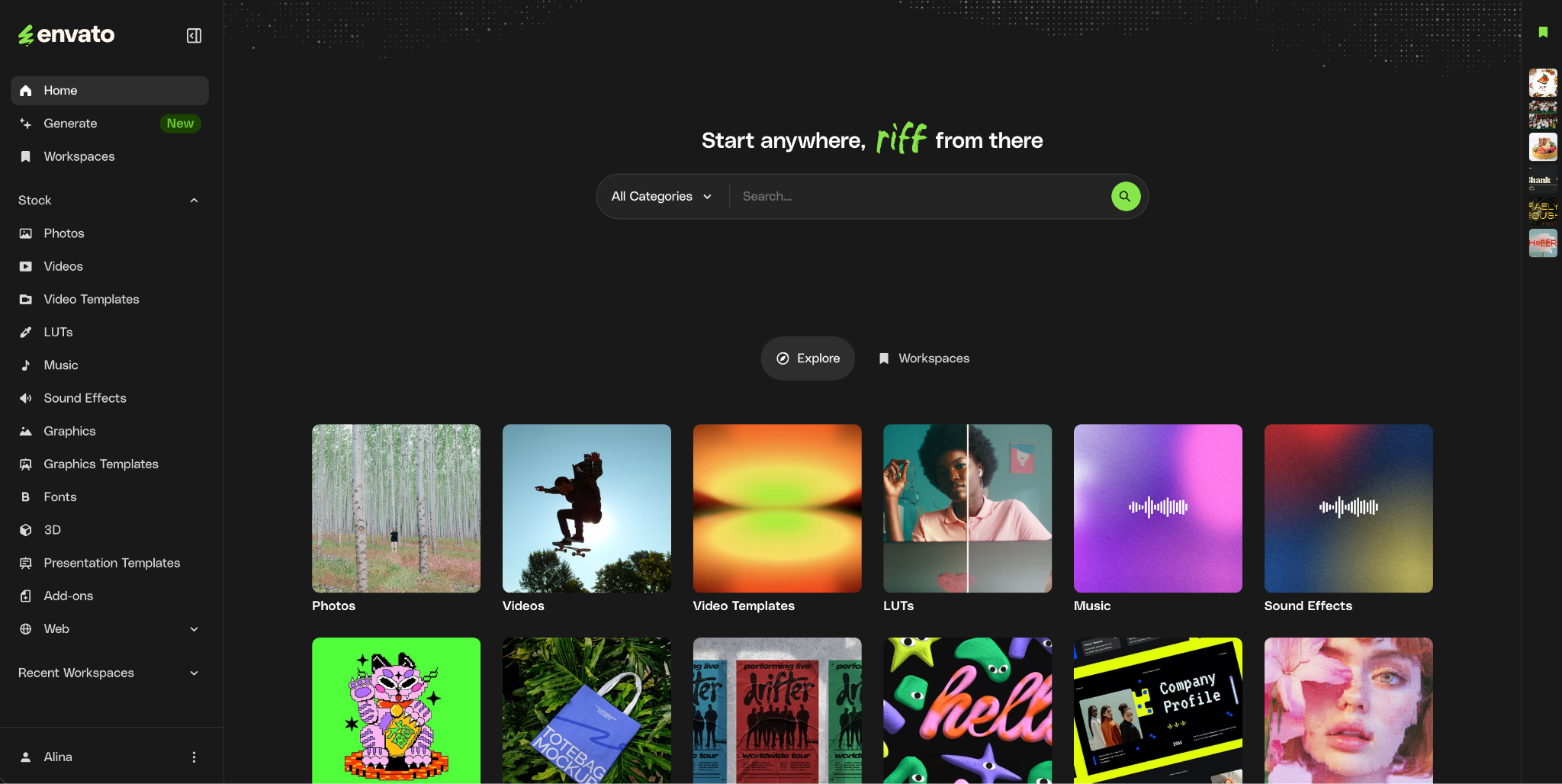
Envato is best for designers, video editors, and content teams who want AI video and image generation alongside a large stock library, rather than a standalone generator. Its strength is breadth in one subscription: generate a custom clip or image, then finish it with licensed stock footage, music, and templates from the same place, all under a single commercial license.
Standout features:
- AI video and image generation from text prompts or reference images
- Automatic model routing that sends each prompt to a well-suited model behind the scenes
- A stock catalog of footage, music, graphics, and templates alongside the AI tools
- AI editing tools including background removal, object cleanup, and image expansion
- Lifetime commercial license on every generation and download
Pros:
- Combines AI generation with a full stock catalog in one subscription
- Strong fit for teams that mix generated and licensed assets in the same project
- Simple, predictable commercial licensing across generations and downloads
- Broad coverage across image, video, music, and templates
Cons:
- Not a timeline editor or publishing platform; generated clips move into your editor to finish
- Leans toward practical, commercial output over experimental generation
Pricing:
- Core ($16.50/month, billed annually): unlimited stock downloads and a monthly AI credit allowance
- Plus ($39/month): more monthly AI credits and parallel generations
- Ultimate (from $168/month): higher AI credit tiers and expanded usage
Envato works best for creatives who want generation and licensed stock assets under one subscription, rather than pairing a standalone generator with a separate stock provider. If your priority is a connected editing, repurposing, and publishing workflow, tools like Async provide a more complete end-to-end production environment. Envato’s biggest advantage is breadth of assets and licensing simplicity rather than timeline editing or publishing.
5. InVideo: best for template-based marketing videos
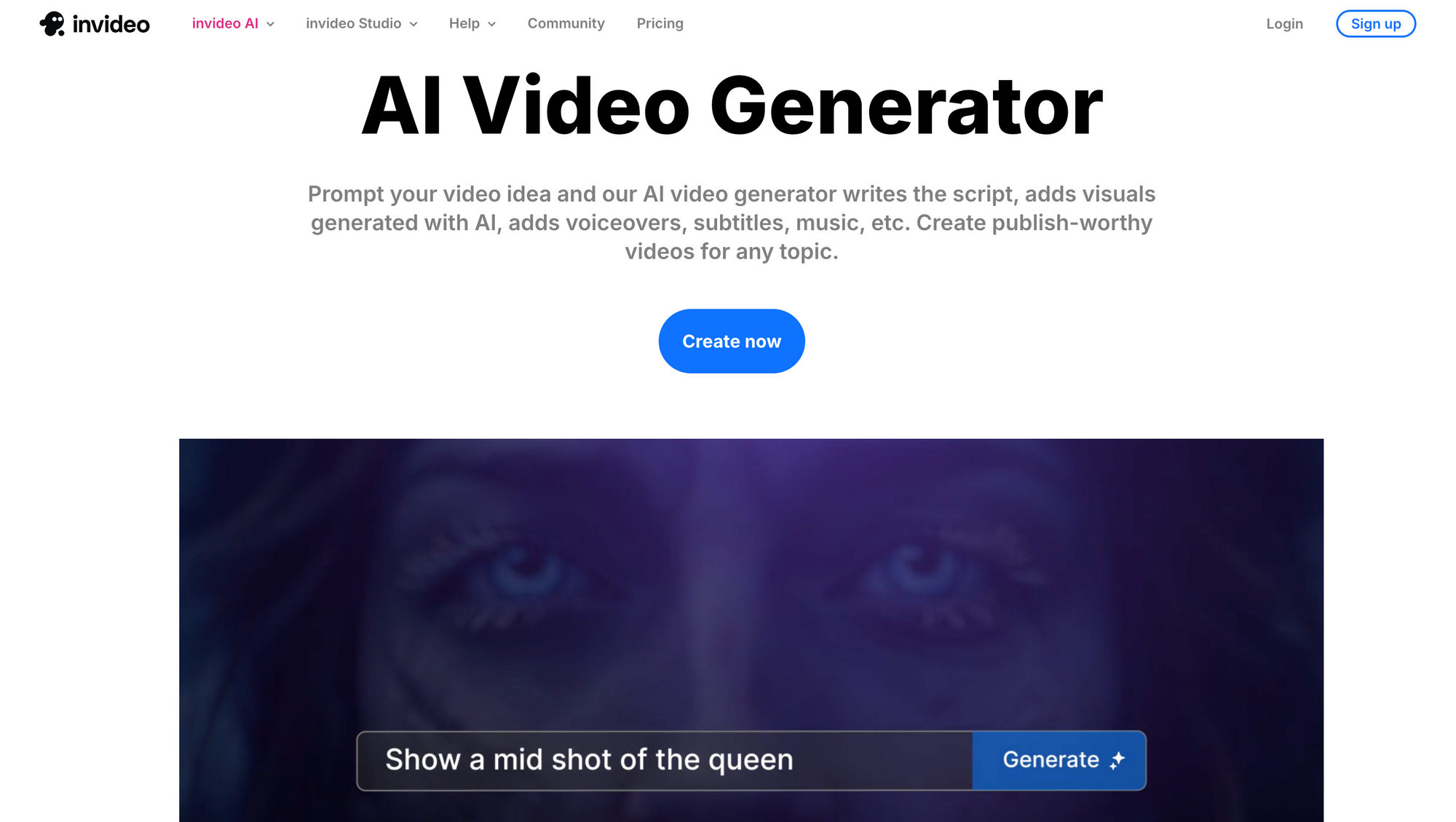
InVideo is best for small businesses and marketers who want to turn prompts, scripts, or blog posts into structured videos using templates, stock footage, and AI voiceovers. It works well for fast promotional videos, faceless YouTube content, explainers, and social media marketing assets.
Standout features:
- Prompt-to-video workflows that generate scripts, visuals, and voiceovers automatically
- Large stock footage and music library integrated directly into the editor
- Script-driven editing that updates visuals based on text changes
- AI voiceover generation and voice cloning tools
- Beginner-friendly editing interface designed for fast marketing production
Pros:
- Very fast workflow for creating marketing and faceless content
- Large built-in library of licensed stock assets
- Easy learning curve for beginners and non-editors
- Strong fit for explainer videos, ads, and social content production
Cons:
- Heavy reliance on stock footage can make videos feel repetitive
- Limited cinematic AI generation compared to tools like Runway or Kling AI
- More template-driven than creatively flexible
- Text and layout adjustments sometimes require manual cleanup
Pricing:
- Free plan: Watermarked exports with limited features
- Plus plan ($20/month): Premium stock assets, expanded exports, and watermark removal
- Max plan ($48/month): Higher export limits, additional storage, and priority support
InVideo works best for creators and businesses that prioritize speed, automation, and high-volume content production over cinematic originality. If your workflow depends more on custom visual generation, collaborative editing, or connected production pipelines, platforms like Async provide more flexibility and deeper workflow control.
6. Canva AI video generator: best for quick branded assets
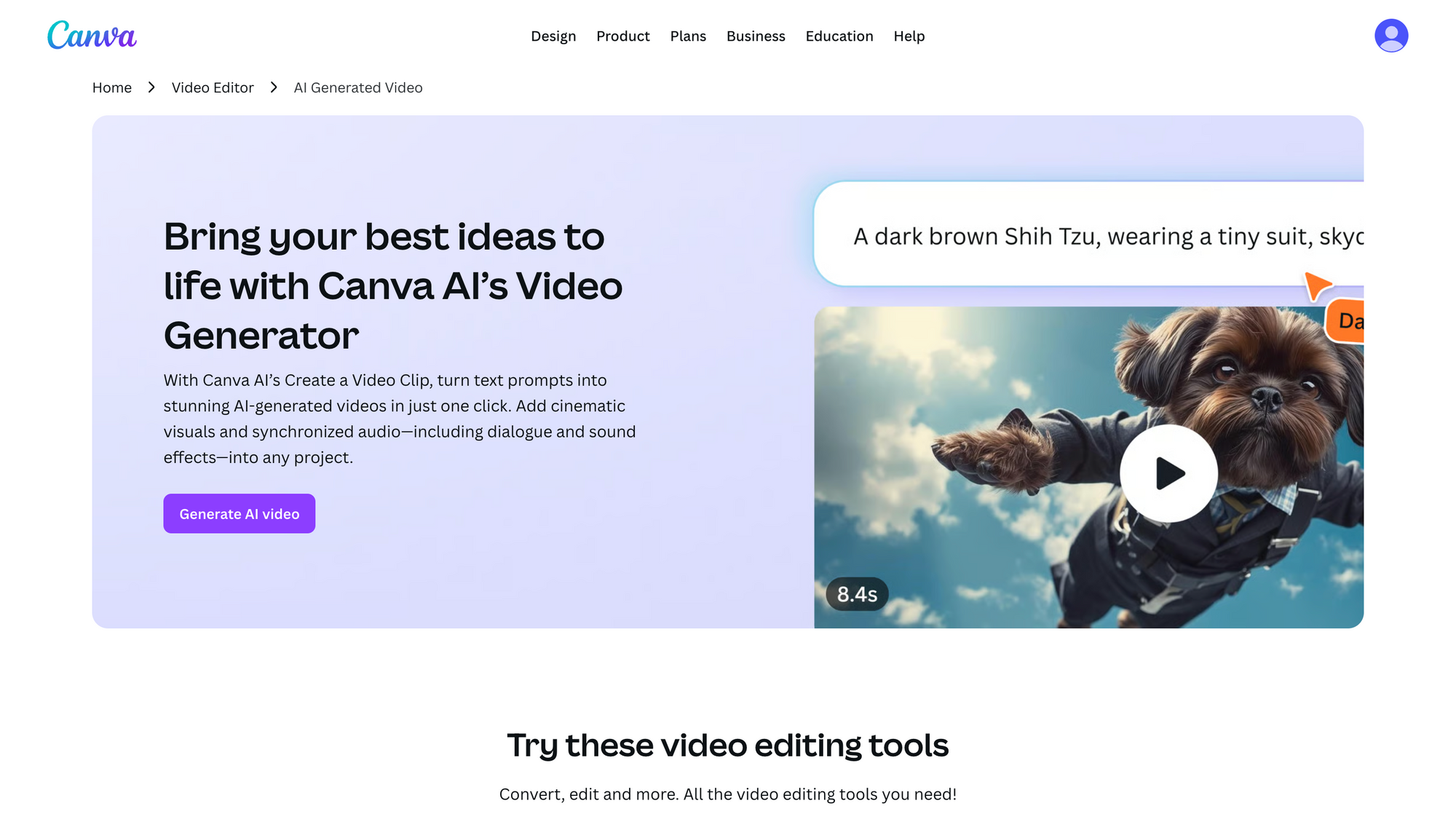
Canva AI is best for social media managers, small businesses, and design teams that need quick, branded videos without a complex editing workflow. Its strength is combining templates, brand kits, lightweight animation, and AI-assisted design inside a familiar drag-and-drop workspace.
Standout features:
- Magic Studio AI tools for turning static designs into animated video assets
- AI-assisted writing and campaign generation workflows
- Large template ecosystem for social media, ads, presentations, and branded content
- Built-in brand kits with shared fonts, colors, and visual assets
- Beginner-friendly drag-and-drop editing environment
Pros:
- Extremely easy to learn for non-editors and marketing teams
- Excellent integration with existing brand assets and templates
- Large library of stock graphics, animations, and design elements
- Strong fit for fast social media and promotional content production
Cons:
- Limited cinematic AI video generation capabilities
- Less control over advanced motion and timeline editing
- Outputs can feel template-heavy without custom assets
- Not ideal for complex multi-scene editing workflows
Pricing:
- Canva Free: Basic video editing and design tools
- Canva Pro ($15/month per user): Premium templates, AI tools, and full brand kit features
- Canva for Teams ($30/month): Shared collaboration and team asset management
Canva works best for teams that prioritize branding, accessibility, and fast content production rather than advanced AI video generation. If your workflow depends more on cinematic visuals, connected editing pipelines, or deeper video production tools, platforms like Async or Runway provide more specialized video-first environments.
7. CapCut AI video generator: best for short-form social content
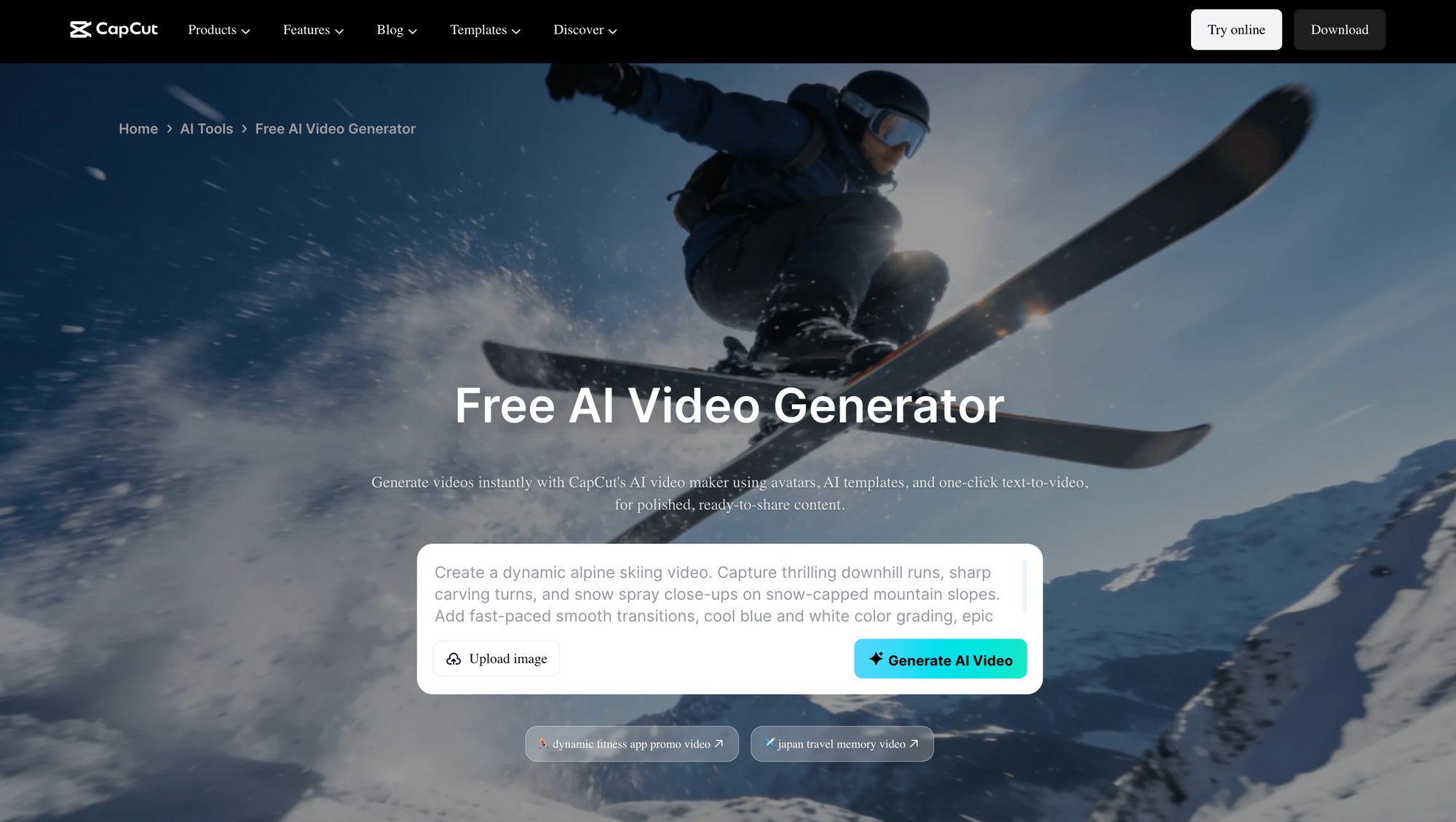
CapCut is best for TikTok, Reels, and YouTube Shorts creators who need fast, mobile-first editing with captions, templates, effects, and trending social formats. It is strongest for short-form content production rather than long-form business workflows or cinematic generation.
Standout features:
- AI auto-captioning with animated subtitle styles for short-form content
- Large library of trending templates, transitions, filters, and sound effects
- Smart background removal and subject isolation tools
- Mobile and desktop editing workflows with cloud syncing
- Fast social-first editing environment optimized for TikTok, Reels, and Shorts
Pros:
- Extremely fast workflow for short-form social content creation
- Strong mobile editing experience with surprisingly advanced features
- Large ecosystem of templates, music, effects, and creator tools
- Affordable pricing compared to many competing editors
Cons:
- The interface can feel crowded because of the large number of effects and tools
- Commercial licensing around music usage can become confusing for businesses
- Less optimized for long-form editing and collaborative production workflows
- More focused on trend-based social content than cinematic AI generation
Pricing:
- Free version: Robust editing tools, templates, captions, and standard exports
- CapCut Pro ($8/month): Premium effects, AI tools, cloud storage, and advanced templates
CapCut works best for creators producing fast-paced vertical content for TikTok, Reels, and YouTube Shorts. The CapCut getting-banned discussion may also matter for long-term brand workflows. If your workflow involves larger collaborative projects, connected publishing pipelines, or managing long-form marketing campaigns across multiple channels, platforms like Async are generally better suited for scaled production environments.
8. Kapwing: best for collaborative online editing
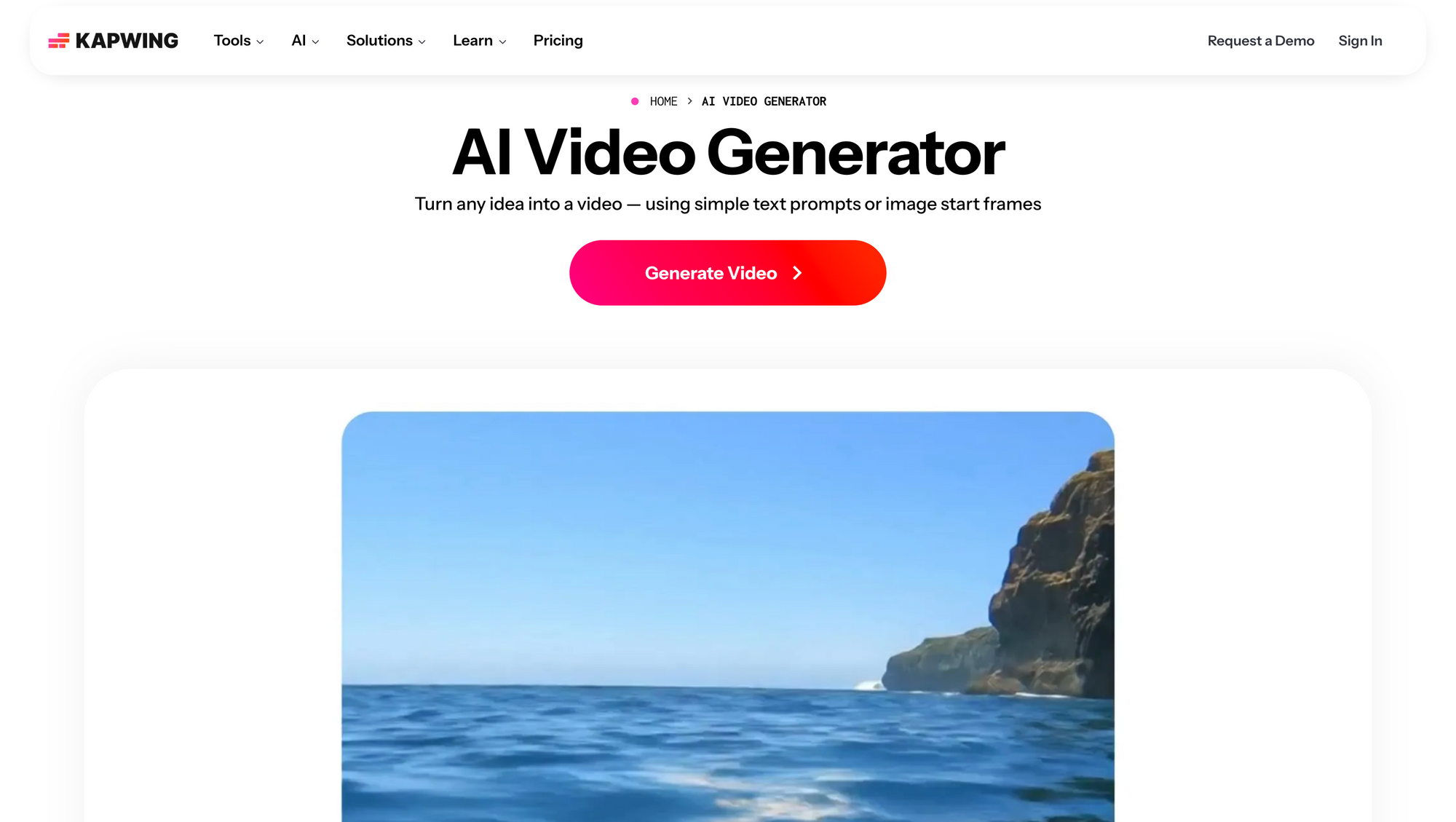
Kapwing is best for remote teams, agencies, and marketers that need browser-based video editing with collaboration, subtitles, resizing, and repurposing tools. It is less of a deep cinematic generator and more of a practical online workspace for editing and reviewing content quickly.
Standout features:
- Browser-based collaborative editing with shared project workspaces
- AI silence removal for podcasts, interviews, and talking-head videos
- Auto-subtitles and multilingual caption generation
- Automatic reframing for TikTok, Reels, and Shorts
- Lightweight editing tools designed for fast social media production
Pros:
- Very accessible workflow for remote teams and collaborative editing
- No software installation required
- Strong subtitle, resizing, and repurposing tools
- Easy learning curve for marketers and content teams
Cons:
- Browser performance can slow down on large or complex projects
- Limited cinematic AI generation capabilities
- Less powerful for advanced timeline editing compared to professional desktop editors
- The free plan includes export restrictions and watermarks
Pricing:
- Free plan: Basic browser editing with watermarked exports and limited resolution
- Pro plan ($16/month): 4K exports, advanced AI tools, and expanded subtitle features
- Business plan ($50/month): Shared workspaces, team collaboration, and priority rendering
Kapwing works best for collaborative editing and fast-moving content teams that prioritize accessibility, approvals, subtitles, and social media workflows. If your focus is on generating highly cinematic AI footage or creating avatar-led business videos, tools like Runway or Synthesia offer more specialized generation capabilities.
9. OpenArt: Best for Flexible AI Video and Image-to-Video Creation
OpenArt is a creative platform worth considering for creators who want to explore AI-powered video generation alongside image creation. It can be useful for developing visual concepts, animating still images, and experimenting with different creative styles for marketing, social media, and storytelling projects.
Unlike tools designed primarily for editing existing footage or producing presenter-led business videos, OpenArt offers a creative workflow centered on AI-generated visual content. This makes it a relevant option for creators who want to experiment with different visual ideas before refining them into finished videos.
Key features and use cases:
- AI video generation: Explore video creation from prompts and supported generative workflows.
- Image-to-video creation: Animate suitable still images to develop moving scenes and creative sequences.
- Multiple creative models: Explore available models to find different visual styles and generation capabilities.
- Creative experimentation: Develop concepts for advertisements, social media clips, storytelling, and digital content.
- Image and video workflows: Bring image creation and video experimentation together within a broader creative process.
Pros:
- Useful for creators exploring both AI image and video generation.
- Supports experimentation with different visual concepts and styles.
- Relevant for marketing assets, social media content, and creative storytelling.
- Offers an alternative to workflows focused exclusively on traditional video editing.
Things to consider:
- Output quality, generation limits, and available features depend on the selected model and plan.
- Complex scenes may require multiple generations and additional editing.
- Users should verify commercial usage terms before publishing generated content for business purposes.
Who should use OpenArt?
OpenArt is worth exploring if you want an AI video generator that fits into a broader visual creation workflow. It may be particularly useful for content creators, digital artists, and marketers who want to experiment with generated images and videos without treating every project as a conventional editing task.
Verdict: OpenArt is a relevant option for creators looking for flexible AI-powered visual creation, particularly when their workflow combines image generation, image animation, and video experimentation.
10. HeyGen: best for avatar and localization workflows
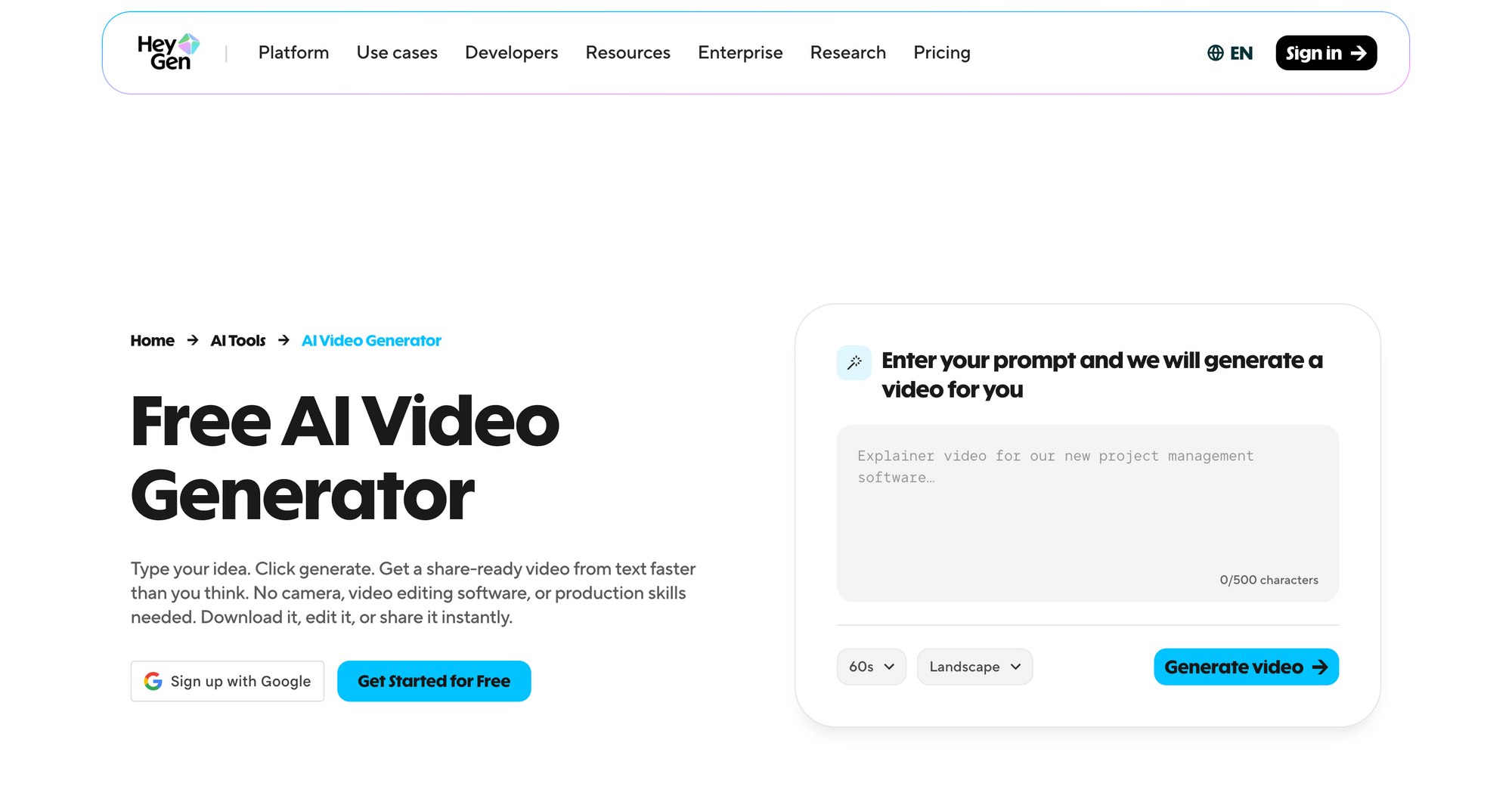
HeyGen is best for companies and creators that need avatar videos, AI translation, voice cloning, and multilingual localization. It is strongest for adapting presenter-led content across languages rather than producing cinematic scenes or social-first edits.
Standout features:
- AI video translation with synchronized lip movement across multiple languages
- Voice cloning tools that preserve tone and delivery across localized versions
- Custom AI avatars created from uploaded footage
- Real-time conversational avatar integrations for support and interactive workflows
- Multilingual video generation optimized for business communication
Pros:
- Excellent localization and multilingual workflow capabilities
- Strong voice cloning quality with natural speech delivery
- Reduces production costs for global marketing and training content
- Simple interface for presentation-style business videos
Cons:
- Credit-based pricing can become expensive at scale
- Limited creative timeline editing compared to traditional video editors
- Less suited for cinematic storytelling or highly visual social content
- Identity verification requirements can slow down avatar setup workflows
Pricing:
- Free plan: Limited credits for testing avatars and translations
- Creator plan ($24/month): Expanded credits, faster processing, and premium voices
- Business plan ($72/month): Higher generation limits, team workflows, and 4K exports
HeyGen works best for businesses focused on localization, multilingual communication, and scalable avatar-based workflows. If your content strategy depends more on social media editing, cinematic generation, or connected publishing pipelines, platforms like Async or InVideo offer broader production workflows beyond avatar and translation tools.
11. Kling AI: best for high-motion cinematic text-to-video
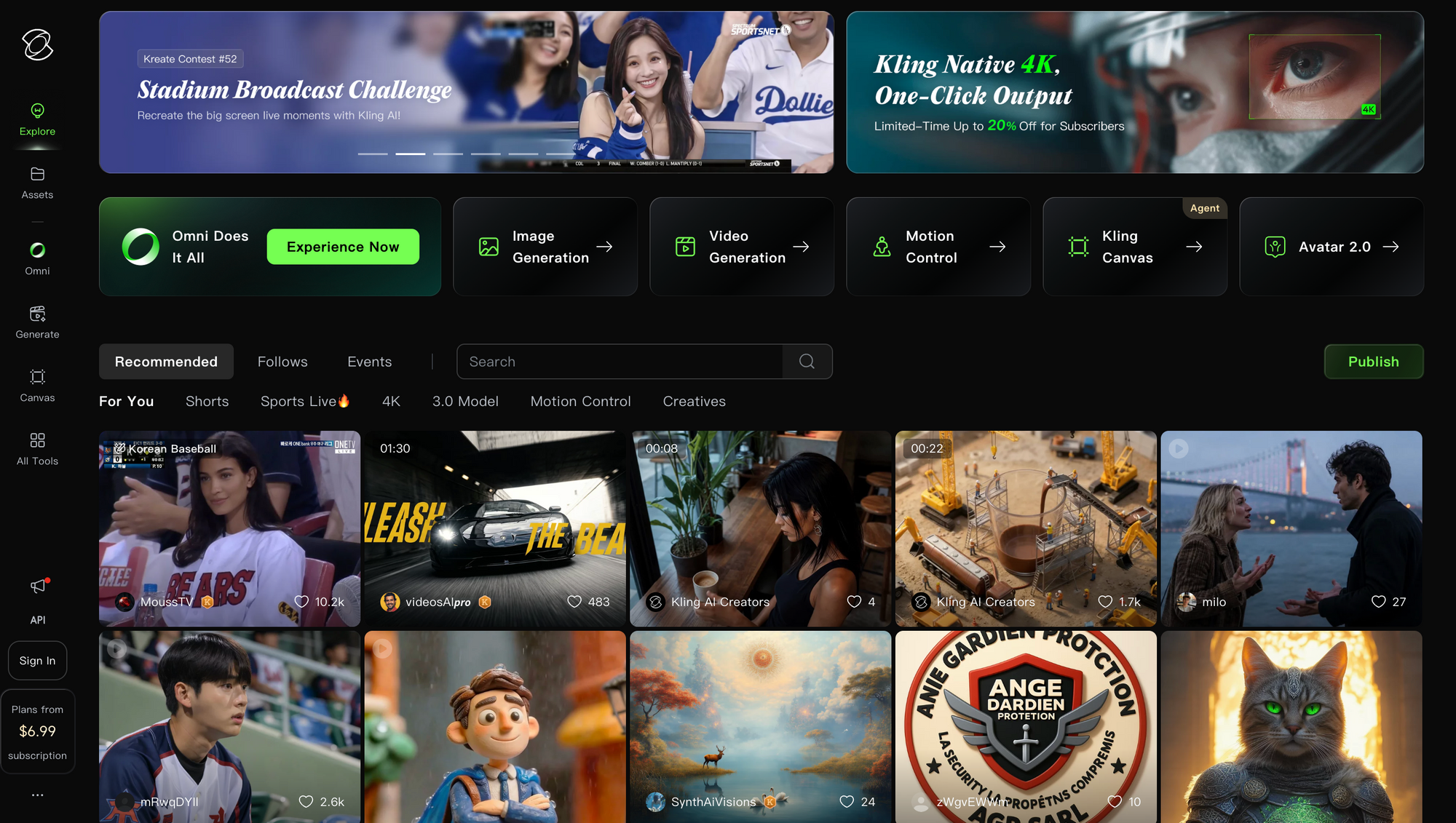
Kling AI is best for creators who want high-motion cinematic text-to-video and image-to-video generation with realistic physics, dynamic camera movement, and detailed visual prompts. It is strongest for standalone generative clips, not full editing or publishing workflows.
Standout features:
- Advanced motion control for cinematic camera movement and action-heavy scenes
- High-quality text-to-video and image-to-video generation
- Video extension tools that continue scenes while maintaining visual consistency
- Multiple generation modes balancing speed and output quality
- Realistic lighting, physics, and environmental motion compared to many competing tools
Pros:
- Strong cinematic visuals with realistic movement and lighting
- Excellent for experimental storytelling and visual concept creation
- Fast generation speeds compared to many earlier diffusion-based tools
- Flexible workflow for filmmakers and creative visual projects
Cons:
- No advanced built-in timeline editing workflow
- Limited collaboration and publishing tools
- Free generations can slow down significantly during high traffic periods
- Less practical for social media repurposing and ongoing content pipelines
Pricing:
- Free plan: Daily generation credits with standard rendering access
- Paid plans ($10–$45/month): Higher-quality rendering, faster generation, and expanded credit limits
Kling AI works best for creators focused on cinematic generation, motion-heavy visuals, and standalone AI scenes. If your workflow depends more on editing, subtitles, repurposing, scheduling, and collaborative production, platforms like Async provide a more complete end-to-end content workflow beyond raw generation alone.
11. Luma AI: best for creative image-to-video generation
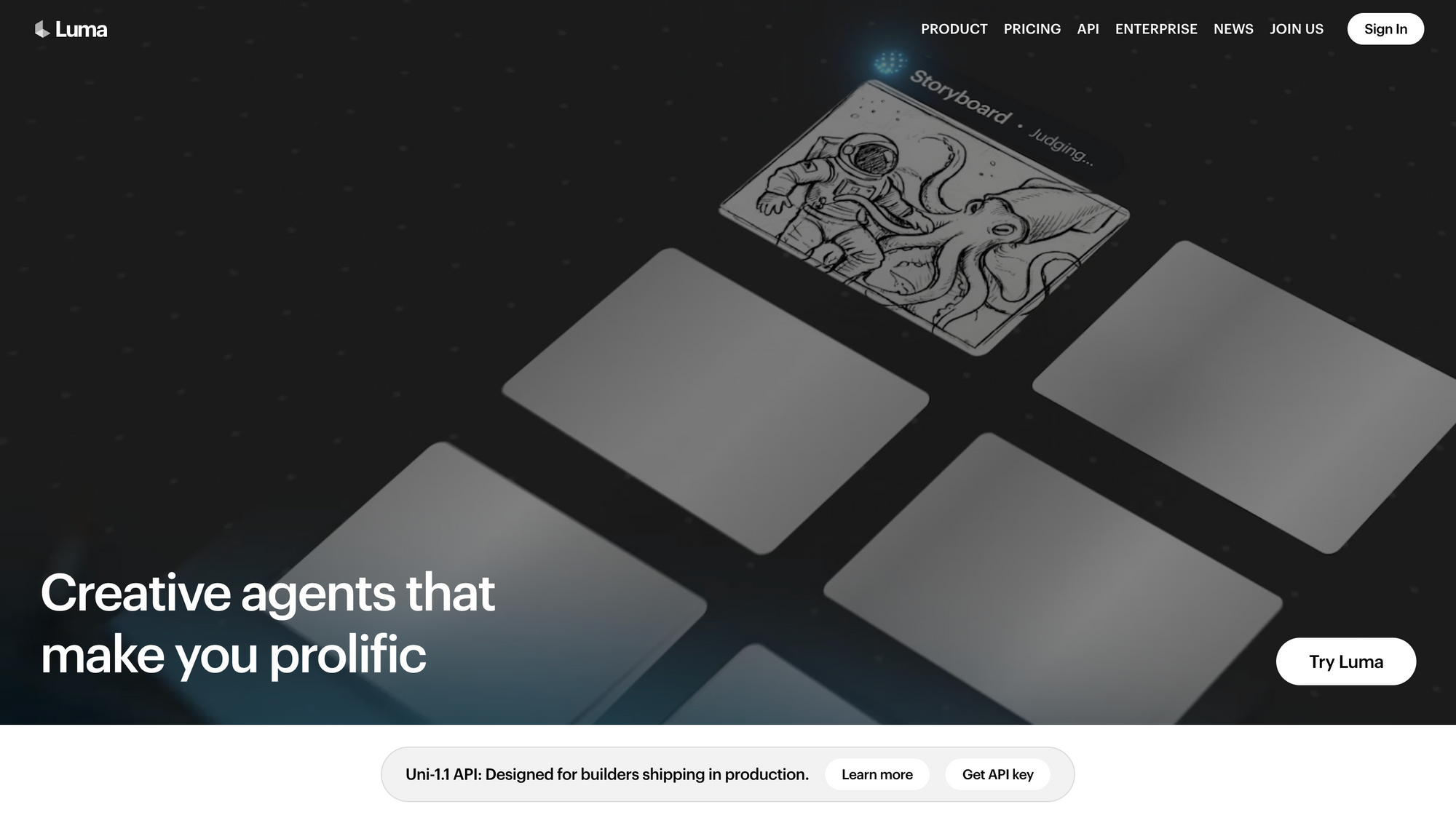
Luma AI is best for designers, filmmakers, and visual creators who want to turn static images or concept art into cinematic moving clips. Its Dream Machine workflow is strongest for fast image-to-video experimentation, but it still needs a separate editor for finished projects.
Standout features:
- Dream Machine AI generation engine for cinematic image-to-video workflows
- Fast rendering speeds compared to many competing AI video generators
- Strong camera motion and environmental movement capabilities
- High-quality image animation with good structural consistency
- 3D and creative workflow integrations for advanced visual projects
Pros:
- Excellent speed for cinematic AI generation workflows
- Strong image-to-video consistency during motion-heavy scenes
- Good fit for concept artists, filmmakers, and visual experimentation
- Accessible free generation options for testing creative workflows
Cons:
- No built-in editing timeline or full production workflow tools
- Limited subtitle, publishing, and repurposing features
- Less suited for collaborative marketing workflows
- Generated text inside scenes can still become inconsistent or distorted
Pricing:
- Free plan: Daily AI video generations with standard processing queues
- Standard plan ($15/month): Faster rendering and expanded generation access
- Enterprise plans (custom pricing): Advanced API access and private workflow options
Luma AI works best for creators focused on cinematic image-to-video generation and fast creative experimentation. If your workflow depends more on editing, subtitles, publishing, social media repurposing, or collaborative production, platforms like Async are better suited for managing the full content pipeline beyond raw clip generation.
12. Vadoo AI: best for AI-powered video creation and content workflows
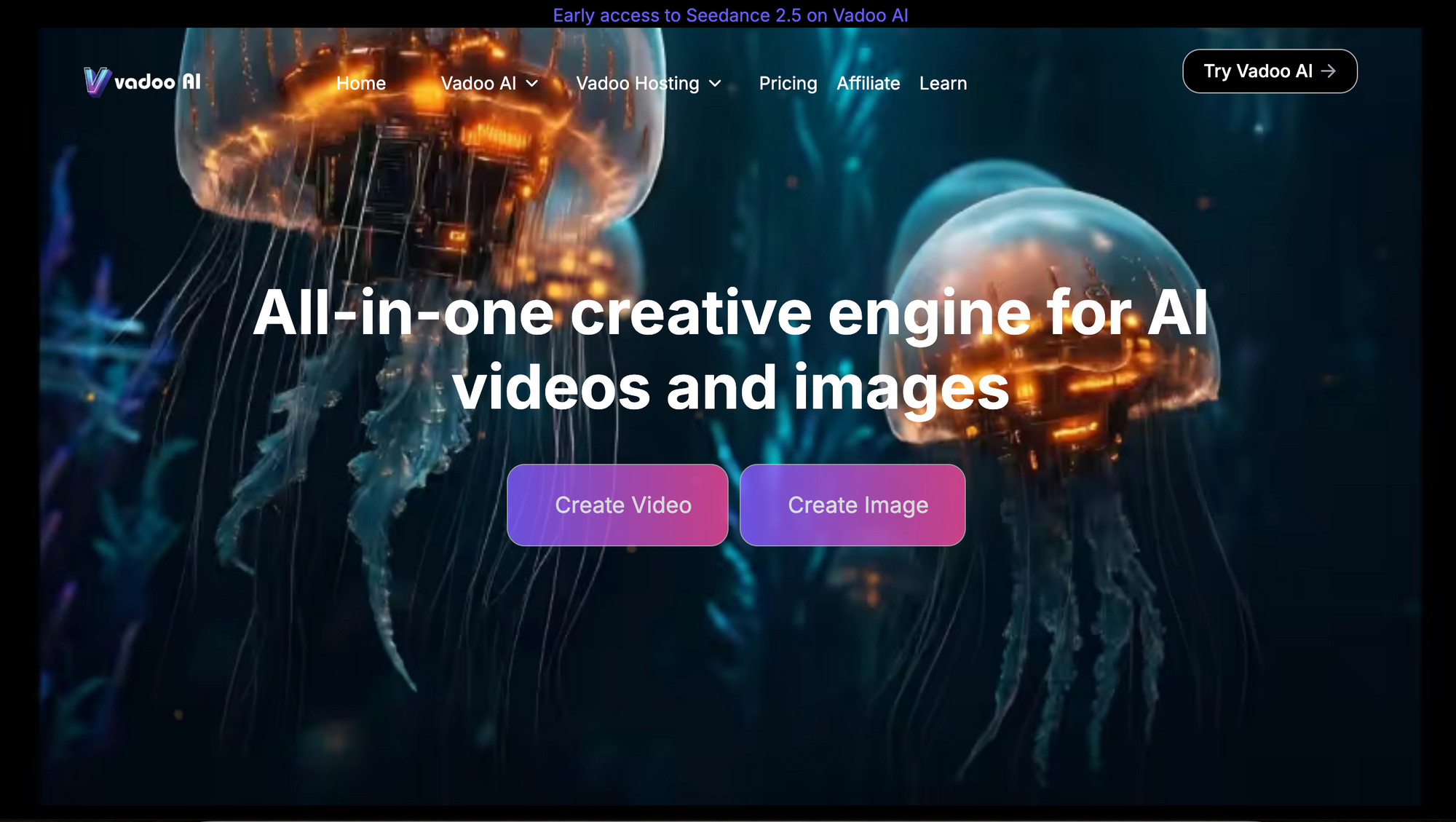
Vadoo AI is a good option for creators and marketing teams that want to create videos with AI without managing multiple tools for every step of the process. It brings AI video generation and editing into one platform, making it easier to turn an idea, prompt, or existing content into a finished video.
One of the useful things about Vadoo AI is the range of video creation workflows it supports. Instead of being limited to a single generation model or style, users can experiment with different AI models and approaches depending on the type of video they are trying to create. It also includes AI agents that can help automate parts of the content creation process, which can be useful when producing videos at scale.
Standout features:
- AI video generation from text and images
- Access to multiple AI video generation models
- Text-to-video and image-to-video workflows
- AI-powered video editing and content creation tools
- AI agent support for automating parts of the video creation workflow
- Tools for creating videos for social media and marketing
Pros:
- Supports different AI video creation workflows in one platform
- AI agent support can automate parts of the video creation process
- Useful for both creators and marketing teams
- Makes it easier to experiment with different AI video models
- Supports video, image, and music generation in the same platform
- Good fit for short-form, promotional, and social media content
Cons:
- Users looking for highly specialized editing features may still prefer a dedicated video editor
- The number of available AI models and features can make the platform feel broader than a single-purpose generator
- Advanced creative workflows may require some experimentation to get the desired result
Pricing:
- Vadoo AI does not offer a free plan. Its paid plans start at $19/month.
- It offers three paid plans: Starter, Pro, and Advance, designed for different content creation needs.
Best free AI video generators: Which tools are actually useful?
The best free AI video generator in 2026 depends heavily on what kind of content you create. CapCut remains one of the strongest free options for short-form social editing; Canva works well for branded marketing assets, and Luma AI offers one of the more accessible free image-to-video workflows for cinematic experimentation. For creators looking for a more connected workflow, Async’s free tier combines AI generation, editing, repurposing, and timeline-based production tools inside a single workspace.
Most free AI video generators still come with meaningful limitations. Some platforms restrict exports with watermarks, others slow down rendering speeds on free tiers, and many “free” AI video generators only provide enough credits to generate a few short clips before pushing users toward paid plans.
Which free AI video generators are genuinely usable?
CapCut and Canva currently offer some of the most practical long-term free workflows for everyday creators and small teams. CapCut’s free version includes surprisingly advanced mobile and desktop editing tools, while Canva’s free tier remains useful for lightweight branded content, presentations, and simple social media videos.
Luma AI and Kling AI also provide free daily generations for creators experimenting with cinematic text-to-video and image-to-video workflows, although queue times and rendering limits can become restrictive during busy periods.
The reality of “free” AI video generation in 2026
High-quality AI video generation is expensive to run, especially for cinematic text-to-video models that require heavy GPU processing. Because of that, finding a truly powerful AI video generator with a free no-sign-up option has become increasingly rare in 2026. Most platforms now require at least a basic account to manage abuse prevention, rendering queues, and generation limits.
That does not mean free plans are useless. Many platforms still provide enough access for testing workflows, creating lightweight social content, experimenting with AI visuals, or learning how different AI video generation tools operate before committing to a paid plan.
Best free AI image-to-video generators
For creators specifically searching for an AI image-to-video generator free option, Luma AI and Kling AI currently offer good, free experimental tools. Both platforms also work well as free AI image-to-video generators for testing cinematic movement, camera motion, and animated scene generation.
These free tiers work best for concept visuals, mood pieces, social clips, and short experimental projects rather than large-scale commercial production pipelines.
AI video generator vs AI video editor: what is the difference?
An AI video generator creates new video content from text prompts, images, or scripts, while an AI video editor helps refine existing footage through tools like trimming, captions, reframing, resizing, and silence removal. The difference matters because many tools are strong at generation but still require separate editing software to finish the project.
AI video generators are best when you need new visuals, AI b-roll, animated concepts, avatar videos, or image-to-video outputs. AI video editors are better when you already have footage and need to turn it into polished content faster. A dedicated video editor is especially useful for trimming, captions, resizing, repurposing, and final publishing prep.
In 2026, the line between the two categories is starting to blur. Platforms like Async combine AI generation with editing, subtitles, repurposing, and publishing tools, making them more useful for creators and teams that want to move from idea to finished video without switching between multiple apps.
How to choose the best AI video generator for your workflow
The best AI video generator depends less on which platform has the flashiest demos and more on how your actual production workflow operates. Some creators need cinematic text-to-video generation; others need fast social editing, multilingual avatars, or complete marketing workflows that move from generation to publishing inside one environment.
A simple way to choose the right platform is to identify where your workflow starts and what type of finished content you are trying to produce.
If you are starting with an idea and need a finished marketing video
If your workflow begins with a text prompt, script, or rough concept and ends with a polished marketing asset, workflow-driven platforms like Async or InVideo are usually the strongest fit. These tools combine AI generation, editing, subtitles, repurposing, and publishing workflows instead of focusing only on raw clip generation.
They work especially well for creators, agencies, brands, and social media teams producing content consistently across multiple platforms.
If you need AI avatars for business or educational content
For onboarding videos, tutorials, presentations, multilingual communication, and training material, avatar-focused platforms like Synthesia and HeyGen are typically more effective than cinematic generators.
These tools are optimized for script-driven communication workflows and can dramatically reduce the cost and complexity of repeatedly filming presenters, voiceovers, and localized versions of the same content.
If you want cinematic text-to-video or image-to-video generation
If your focus is visual experimentation, cinematic storytelling, concept art, or AI-generated scenes, platforms like Runway, Kling AI, and Luma AI offer much stronger generation-focused workflows.
These tools are best for creators who care more about visual quality, camera motion, atmosphere, and scene generation than collaborative editing or publishing workflows.
If you already have footage and mainly need editing help
Many creators do not actually need full AI video generation. If you already record podcasts, interviews, tutorials, vlogs, or social media content, an AI-powered editing workflow may be more valuable than generating entirely synthetic clips.
Platforms like Async, CapCut, and Kapwing are particularly useful for speeding up editing tasks like captions, reframing, silence removal, resizing, clip repurposing, and social media formatting. If your main challenge is adapting horizontal footage for vertical platforms, AI video reframe workflows are especially important.
Final verdict: Which AI video generator should you use in 2026?
The best AI video generator in 2026 ultimately depends on the kind of content you create and how fragmented your workflow currently feels. Some platforms specialize in cinematic AI generation, others focus on avatars, localization, or social editing, while newer workflow-driven tools are trying to combine generation, editing, repurposing, and publishing into a single environment.
For creators and teams producing content consistently across multiple platforms, Async stands out because it connects more of the production pipeline in one workspace instead of relying on separate tools for generation, editing, captions, resizing, and publishing. At the same time, creators focused primarily on cinematic experimentation may still prefer generation-first platforms like Runway, Kling AI, or Luma AI.
The most effective approach is usually the one that removes the most friction from your workflow. Testing the free tiers, identifying where your production process slows down, and choosing the platform that helps you move from idea to finished video faster will matter far more than chasing the newest AI demo clips.
If you want to start with a connected workflow, sign up for Async and create your first AI video from one workspace.
FAQs
What is the best AI video generator in 2026?
The best AI video generator in 2026 depends on the type of workflow you need. Platforms like Runway and Kling AI are stronger for cinematic text-to-video generation, while Synthesia and HeyGen focus on avatar-led business communication. For creators and teams managing editing, repurposing, captions, and publishing alongside AI generation, workflow-driven platforms like Async provide a more complete production environment.
What is the best free AI video generator?
CapCut remains one of the strongest free AI video generators for short-form social content, while Canva offers one of the most accessible free workflows for branded marketing assets and lightweight editing. For cinematic experimentation, Luma AI and Kling AI both provide limited free image-to-video and text-to-video generation access through daily credit systems.
Is there an AI video generator free no sign up?
Completely unrestricted AI video generators with no sign-up are increasingly rare in 2026 because cinematic AI generation requires significant GPU infrastructure and moderation systems. Most major platforms now require at least a basic account for rendering access, generation queues, and abuse prevention.
What is the best AI image-to-video generator?
Runway, Kling AI, and Luma AI are currently some of the strongest AI image-to-video generators available. These platforms offer more advanced motion consistency, cinematic camera movement, and realistic scene animation than most lightweight social editing tools.
Which AI video generator is best for YouTube and social media?
CapCut is one of the strongest options for fast-moving TikTok, Reels, and Shorts workflows, especially for mobile-first creators. For creators and teams repurposing long-form YouTube content into multiple short-form assets with captions, resizing, and publishing workflows, platforms like Async provide a more connected production pipeline.
Which AI video generator is best for businesses?
Synthesia and HeyGen are among the strongest AI video generators for onboarding, training, multilingual communication, and avatar-led business content. For marketing teams producing campaigns, social media assets, and ongoing branded content workflows, platforms like Async offer broader editing, repurposing, and publishing capabilities.
What happened to OpenAI’s Sora?
OpenAI shut down Sora as a standalone consumer platform in early 2026 as the company shifted resources toward broader AI infrastructure and physical-world simulation research. The move accelerated interest in workflow-focused AI video platforms that combine generation, editing, and publishing instead of functioning only as standalone clip generators.
What is the difference between an AI video generator and an AI video editor?
An AI video generator creates entirely new footage using text prompts, images, or scripts, while an AI video editor helps improve and organize existing footage through tools like captions, silence removal, resizing, reframing, and automated editing workflows.
Can AI video generators make professional marketing videos?
Yes. Modern AI video platforms can now support professional marketing workflows that include AI generation, editing, subtitles, resizing, voiceovers, repurposing, and publishing. The strongest results usually come from combining AI-assisted generation with strong editing and workflow management rather than relying entirely on raw AI clips alone.