Hero banner

Text-to-Speech with human-like AI voices

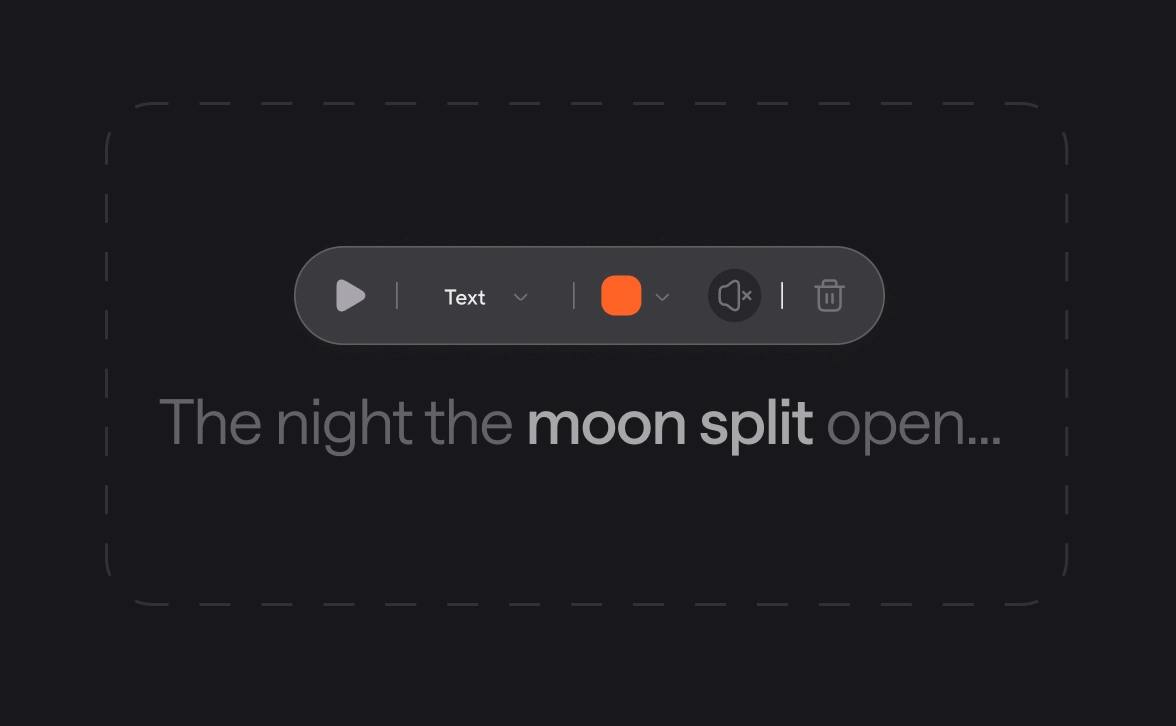
Convert text to speech in seconds. Create voiceovers and narration in 15 languages with 1000+ voices. Adjust pauses, emphasis, and timing right in the text-based editor.

Enjoy AI Text-to-Speech that
breaks the studio bottleneck

bottleneck-img
bottleneck-img
bottleneck-img
< TOP FEATURE >

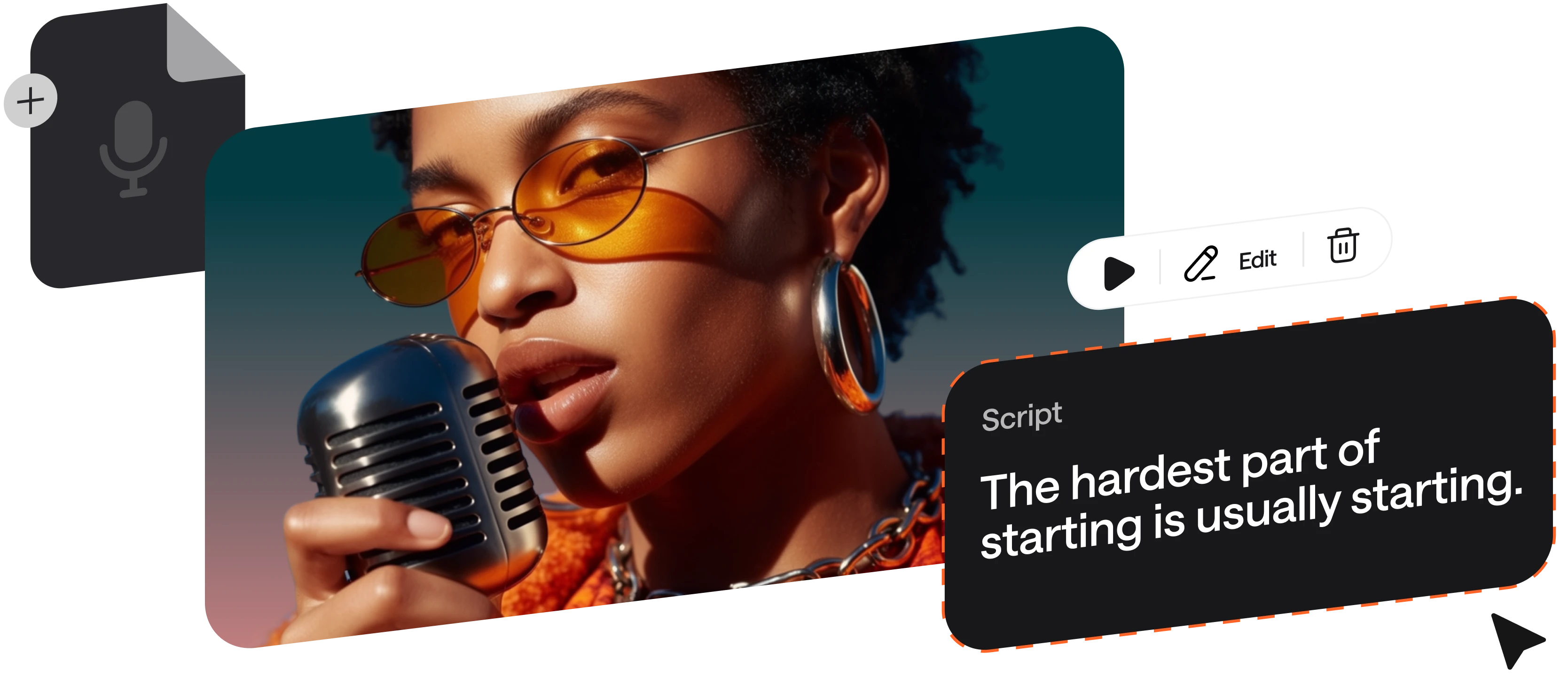
Generate podcast and voiceover scripts with AI

Tell Async what you’re creating (podcast, ad, tutorial, etc.), the tone, and length. 
It drafts a voice-ready script with a strong hook and flow, so you can generate and refine speech instantly.

Choose from 1000+ AI voices by accent, style, or language

Raquel
Try now
Albert
Try now
Gregory
Try now
Lorenzo
Try now
George
Try now
Samara
Try now
Gustavo
Try now
Olivia
Try now
Charlie
Try now
Cristian
Try now
Carmine
Try now
Explore AI Voices library

Rely on TTS technology built for scale

100%

speech stability. Same input, 
same output, every time

Zero

skipped words with sentence-level checks.

15 min

from script to polished audio.

90%

less time spent on voiceovers production vs studio recording.

100+

languages and dialects tested for natural pronunciation.

Make any idea speak with Async Text-to-Speech, from voiceovers to audiobooks
Podcasts

Podcasts

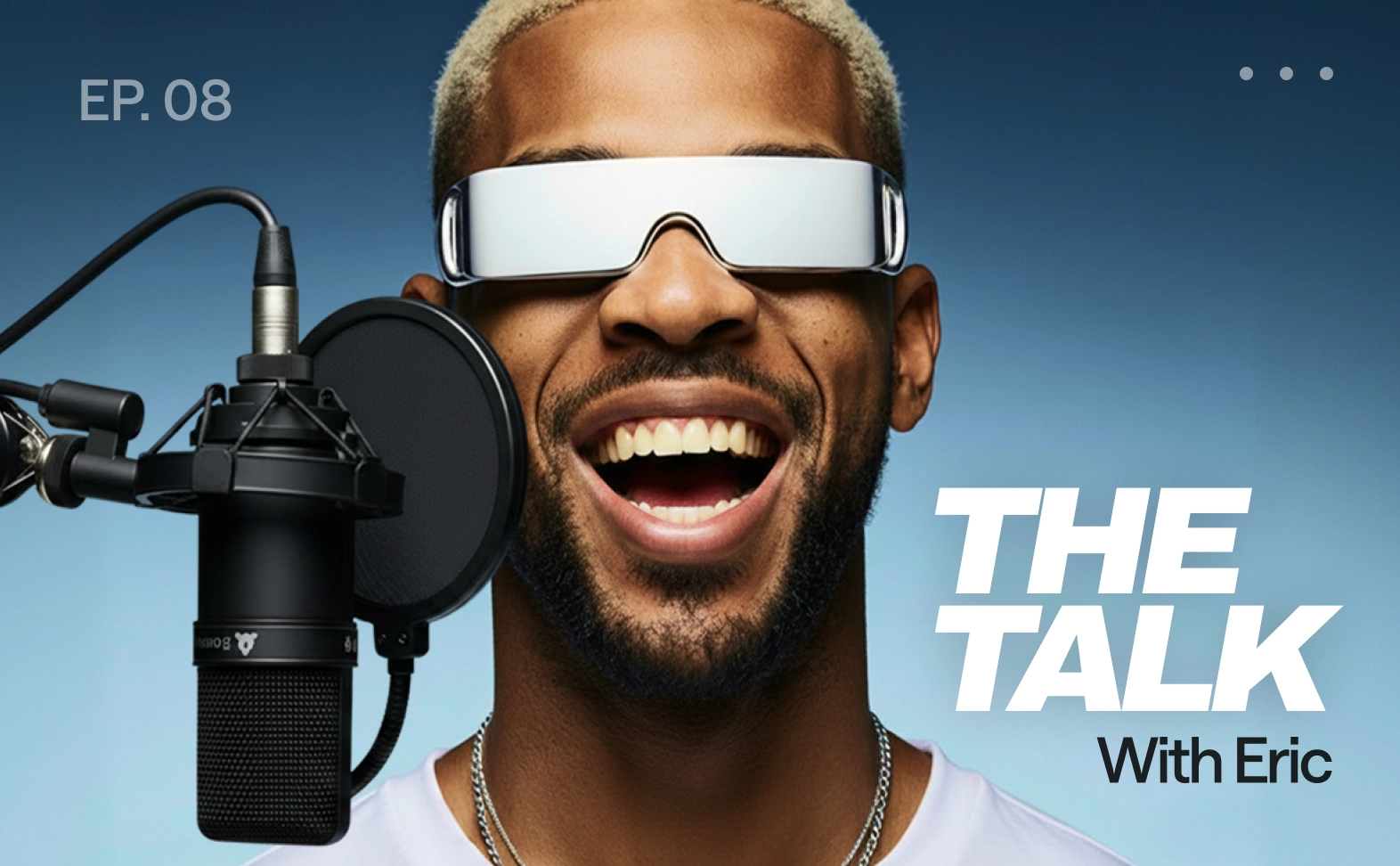
Generate intros/outros, sponsor reads, and segment bridges without re-recording. Clone a voice to keep the show sound consistent across episodes.

E-learning and training

E-learning & training

Produce consistent narration for lessons, onboarding, and enablement. Multi-speaker paragraphs make scenarios and dialogues feel real.

Product demos

Product demos

Turn scripts into crisp narration for walkthroughs and launches. Use pronunciation control for feature names and brand terms so every take is accurate.

Audiobooks and long form narration

Audiobooks & long-form narration

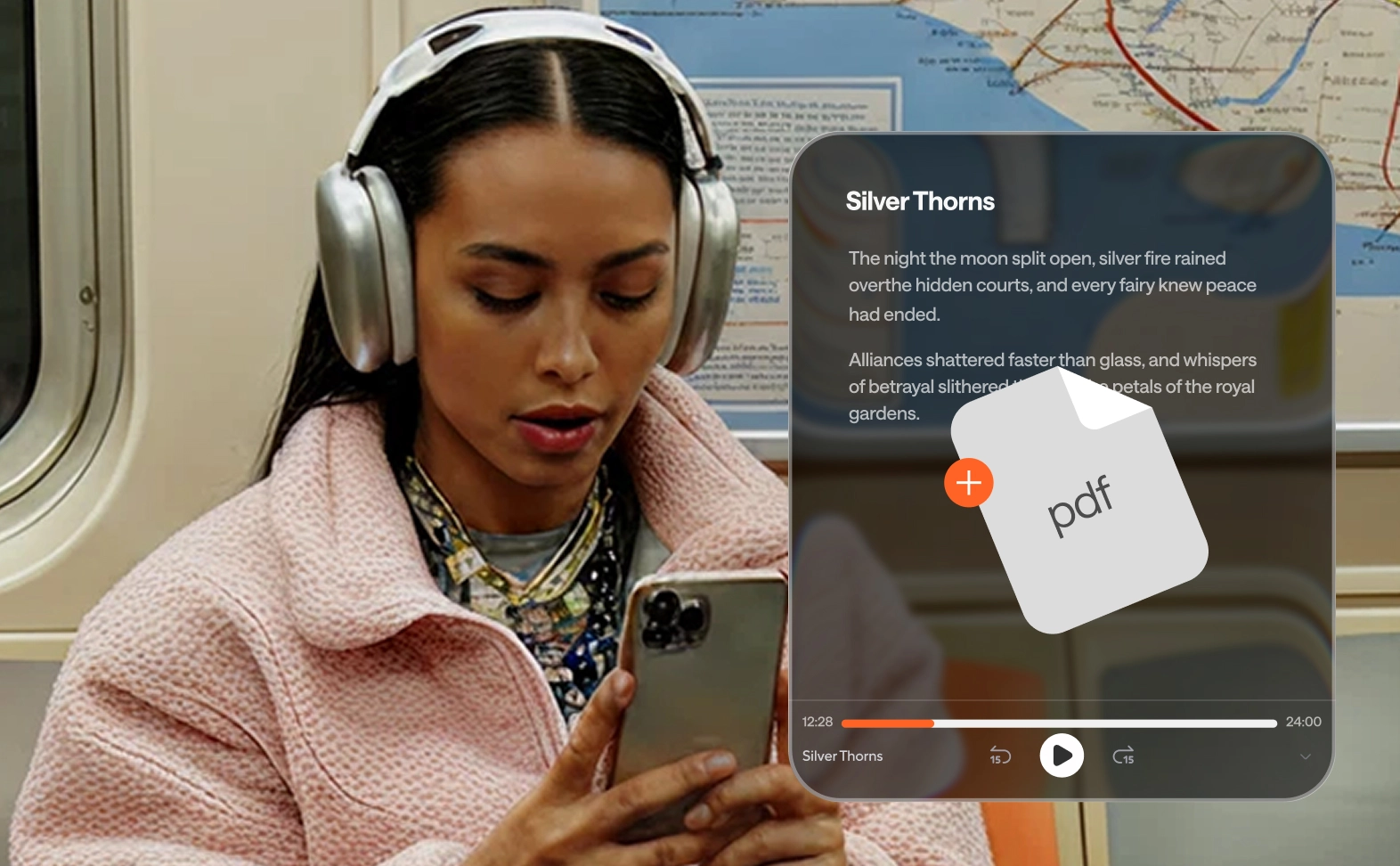
Create chapter-by-chapter narration with realistic AI voices in multiple languages just by uploading a PDF file. Regenerate only the sentences you want to polish.

Accessibility

Accessibility

Add audio versions of articles and docs. Make content easier to consume for people with visual impairments or reading difficulties.

Video voiceovers

Video voiceovers

Create natural-sounding AI voiceovers for explainers, ads, or social content. Keep pacing tight, fix a single line, and export ready-to-edit audio.

How to convert text to speech

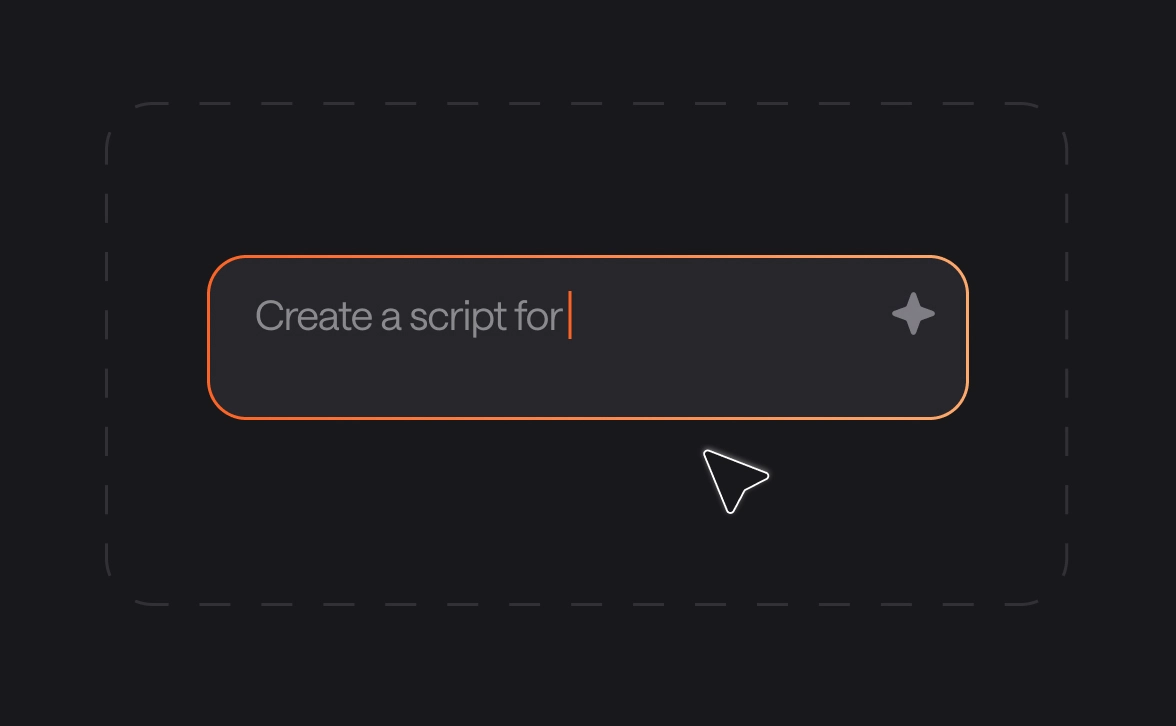
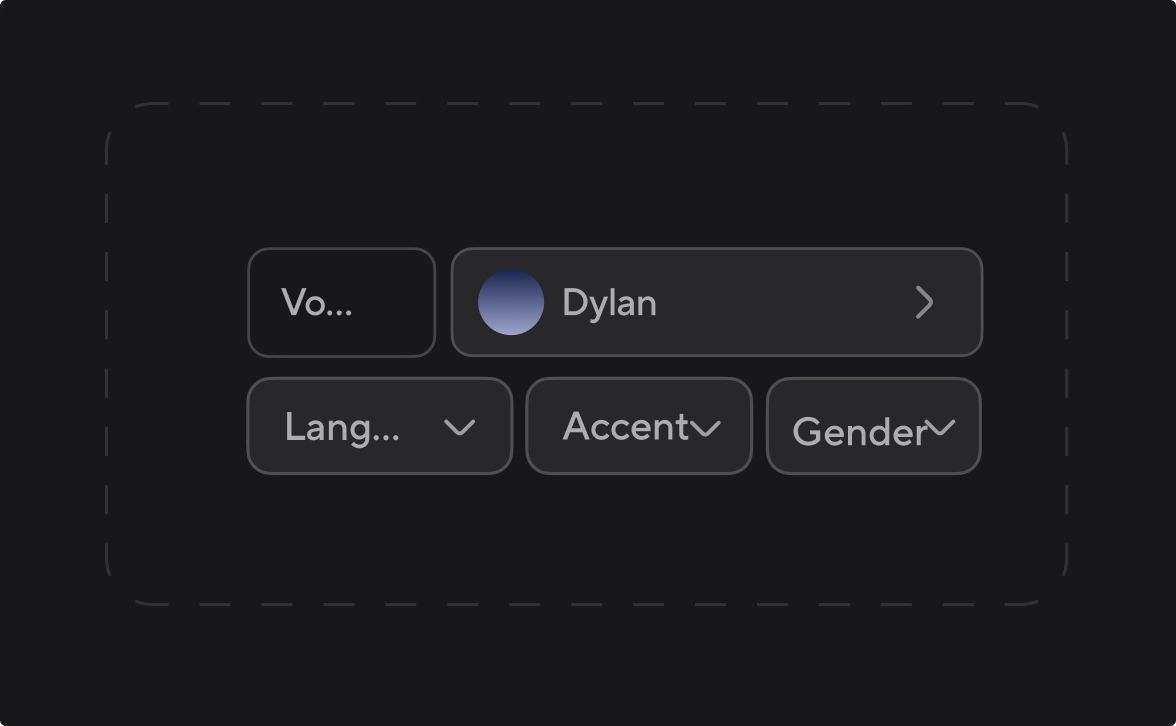
Unlike other tools, Async keeps the whole workflow under one roof, so you focus on the story, not the software.
convert-img
convert-img
convert-img
convert-img
voice-api-img

Add text-to-speech to your app or agent with our Voice API

Async Text-to-Speech is powered by the same proprietary model available via API. Build realtime voice apps and agents with streaming support and voice cloning. Use ready-to-go integrations with Pipecat, n8n, LiveKit, Twilio, and more. Starting at $0.50 per hour with 24/7 SLA from day one.

Explore Voice API

Frequently Asked Questions

What is text-based editing?

Text-based editing lets you edit audio or video by editing the transcript instead of working with waveforms or timelines. When you delete or change text, the audio or video updates automatically to match.

What are the advantages of text-based editing?

Text-based editing is faster, more intuitive, and easier to learn than traditional editors. It removes technical friction, keeps you in creative flow, and makes complex edits as simple as editing a document.

How to turn text to audio or video with Async?

Start by writing your idea in the AI chatbot or uploading a document like a PDF. Async instantly turns your text into audio using AI text to speech, then lets you continue editing in the audio or video editor without restarting.

Can I use AI text to speech and still edit later?

Yes. With Async, AI text to speech is built into the workflow, not a one-off export. You can generate speech from text, then refine timing, pacing, voices, and effects directly in the editor.

Is text-based editing good for interviews and videos?

Absolutely. Text-based editing works for interviews, YouTube videos, marketing content, and more. It’s especially powerful for long-form content where cutting, restructuring, and polishing traditionally take the most time.

Do I need editing experience to use text-based editing?

No. If you can edit text, you can edit content. Text-based editing removes the need to understand timelines, waveforms, or audio engineering concepts.

‍Can I switch between text-based editing and timeline editing?

Yes. Async lets you move seamlessly between text-based editing and traditional audio or video timelines. Use text when you want speed, and timelines when you want precision, without duplicating work.

One subscription.

Everything covered.

Record, edit, dub, subtitle, create clips, and clone voices. All in our AI platform.

Start creating for free