Top AI tools for generating UGC video content include:
- Async
- Arcads
- Creatify
- HeyGen
- Tagshop AI
- JoggAI
- Topview AI
That’s the quick answer if you want to jump straight into using the tools. But if you have a bit more time and want to understand what each one is best for, we’ve covered everything for you in this blog.
In the next few sections, we’ll show you the best UGC video platforms for digital marketers, explore which AI UGC tools you can integrate into your workflow, and walk you step by step through the process of creating a fully AI-generated UGC ad using Async.
So let’s not waste any more time cause we’ve got a lot to cover!
What are UGC platforms?
In short, UGC platforms are tools that help brands and marketers source, manage, create, and scale user-generated content, especially content that looks and feels like it came from real customers, creators, or everyday product users.
More specifically, UGC platforms can help you:
- find creators,
- organize briefs and approvals,
- manage content production,
- collect usage rights,
- and, increasingly, generate UGC-style videos with AI.
That is the simple definition. In practice, UGC platforms sit at the center of a workflow that helps digital marketers produce content that feels more native, more relatable, and often more effective than polished brand ads.
A closer look at what UGC platforms do
Traditional ads often feel like ads. UGC-style ads works differently. It is usually built to feel more like a recommendation, a testimonial, a product demo, or a quick first-person experience shared by someone real.
That is why so many marketers use UGC in paid social, landing pages, product launches, and performance campaigns.
UGC platforms help make that process easier and faster.
Some platforms focus on the creator marketplace side. They help brands connect with UGC creators, send briefs, review submissions, and manage deliverables in one place.
Others focus on the production side. These tools help marketers turn product ideas, scripts, links, or raw assets into ready-to-use UGC-style videos.
And now, a growing number of platforms add AI into that workflow. Instead of waiting on a full creator production cycle every time, marketers can use AI tools to generate scripts, avatars, voiceovers, edits, hooks, variations, and full UGC-style ads much faster.
That makes UGC platforms much more than a place to “get content.” They have become part of the modern content engine.
How UGC platforms help creators and marketers
For creators, these platforms open up more opportunities to work with brands, deliver content efficiently, and build repeat collaborations.
For marketers, they solve a much bigger problem: scale.
You do not just need one good ad anymore. You need multiple angles, fresh hooks, fast iterations, platform-specific cuts, and enough creative volume to keep testing. UGC platforms make that possible without forcing your team to build every asset from scratch.
Why these tools should be part of your workflow
If you are creating UGC content regularly, these platforms should not be treated as optional extras. They should be part of your everyday workflow.
That is because they help reduce the biggest bottlenecks in UGC production:
finding creators, briefing them clearly, waiting on revisions, turning one concept into multiple versions, and keeping content output consistent.
With the right platform, you can move from idea to published ad much faster. You can test more creative. You can adapt winning concepts into new versions. And with AI-powered tools, you can do even more of that without adding extra production overhead.
In other words, UGC platforms help you create content that feels human, while making the workflow behind it much more scalable.
Top 7 AI tools for generating UGC video content
If you are comparing the best UGC video platforms for digital marketers, these are the ones worth looking at right now.
We went through Reddit threads, product pages, user reviews, and popular roundups to narrow the list down to the tools that keep coming up for AI UGC video creation.
These are the platforms most worth looking at right now.
Async
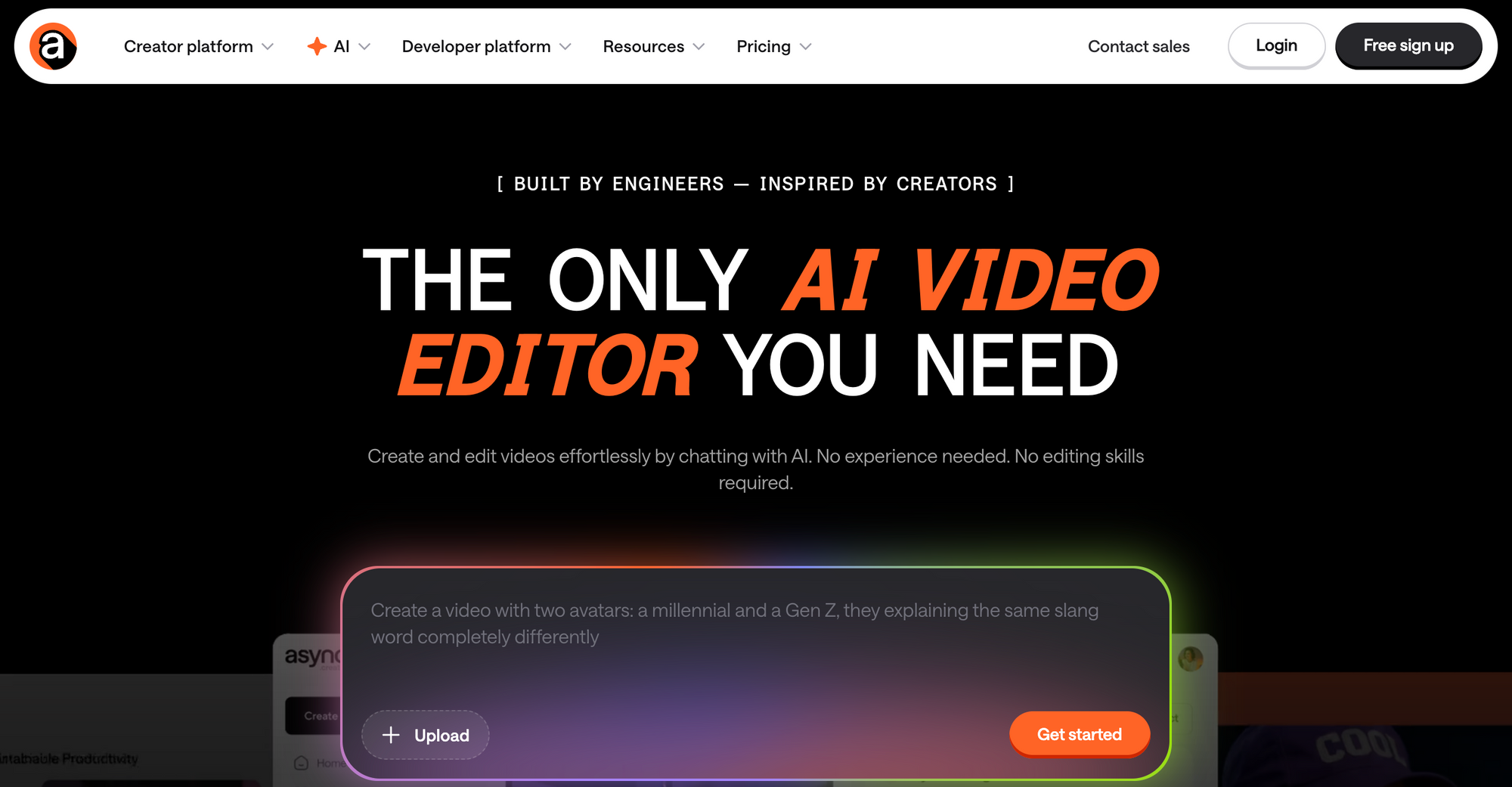
Async is the most complete option here if you do not just want to generate a UGC-style ad, but actually finish it in the same workflow. Inside Async, you can access 100+ AI models to generate videos, images, avatars, music, sound effects, and voiceovers without leaving your workspace. It also supports chat-based editing, so you can create or refine content by prompting directly in the editor.
That matters for UGC because the job is rarely done at generation. You still need to tighten the cut, swap assets, adjust the story, reframe for vertical or horizontal formats, and make the video publish-ready.
Async is built for that end-to-end flow. The platform also is known for its AI video editor where you can create and edit videos by chatting, and its AI reframe workflow is built specifically to convert footage for different aspect ratios automatically.
Pros: Wide selection of AI generation models in one workspace; chat-based editing; strong fit for going from idea to finished ad without tool switching; useful for aspect ratio changes and final polishing before publishing.
Cons: It is broader than a pure one-click UGC ad generator, so marketers looking for only a URL-to-avatar shortcut may need a slightly more intentional workflow. This is an inference based on Async’s broader editor-first positioning rather than a stated limitation.
Free plan available: Yes, Async’s editor is easy to start using right away, and its public product pages actively invite users to start creating. However, you will need a paid subscription to access some of its advanced features.
Try it: If you want one place to generate, edit, reframe, and prep UGC-style videos for publishing, Async is the strongest place to start.
Arcads
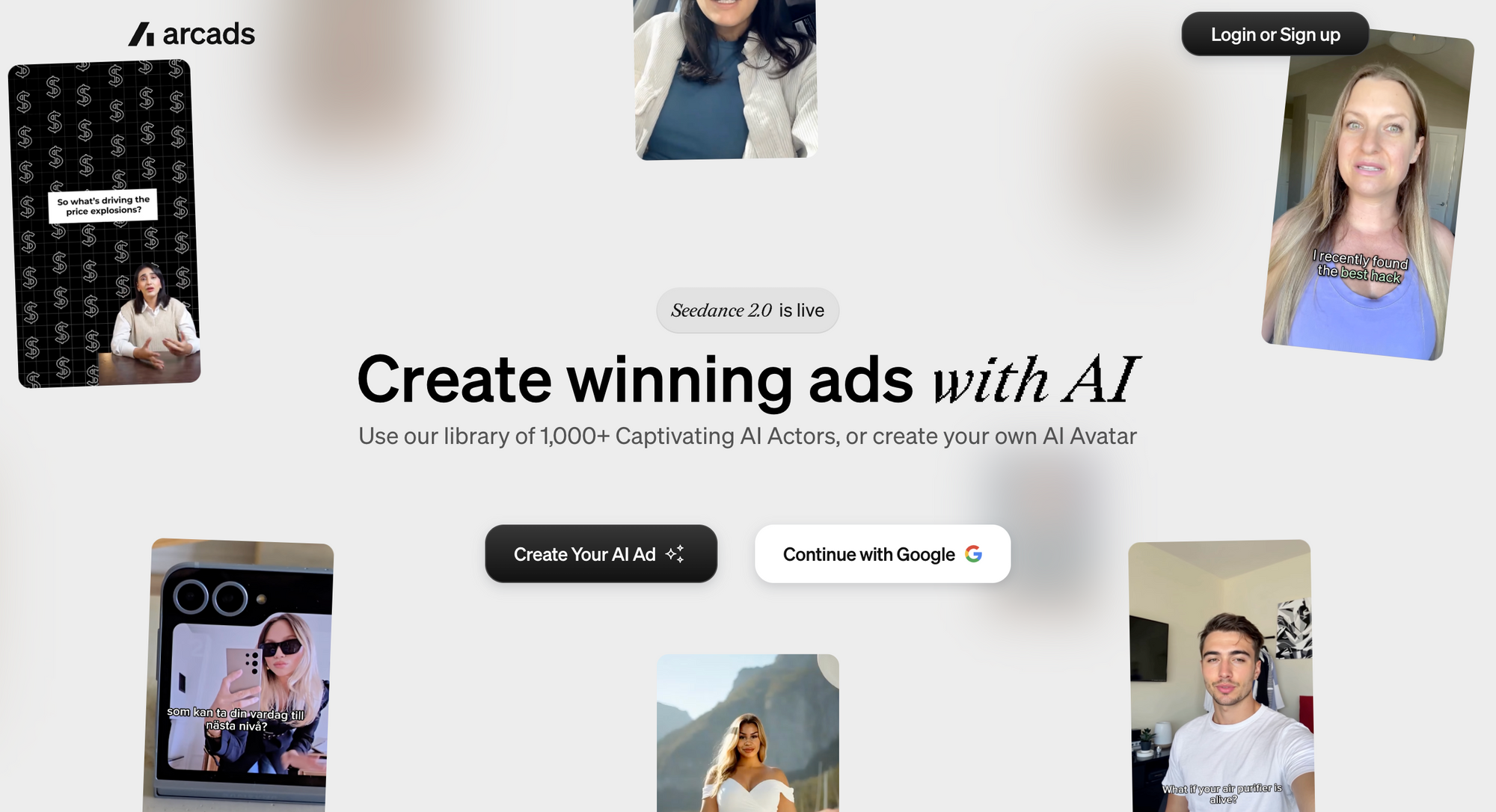
Arcads is built very directly around AI video ads. It lets you create, refine, and launch video ads with AI, offers a library of 1,000+ AI actors, and includes tools to edit, translate, extend, subtitle, upscale, and remix videos. It is a strong option for teams that want ad-first workflows and a big actor library.
Pros: Very ad-focused; large AI actor library; built-in tools for localization and variations.
Cons: The product messaging is heavily optimized for ad generation, so brands that want broader editing or mixed media creation may find it narrower than an all-in-one creative workspace. This is an inference from its positioning.
Free plan available: Arcads does not show a free trial. The entry plan listed is Starter at $110/month billed monthly, and the page says you can book a demo.
Creatify
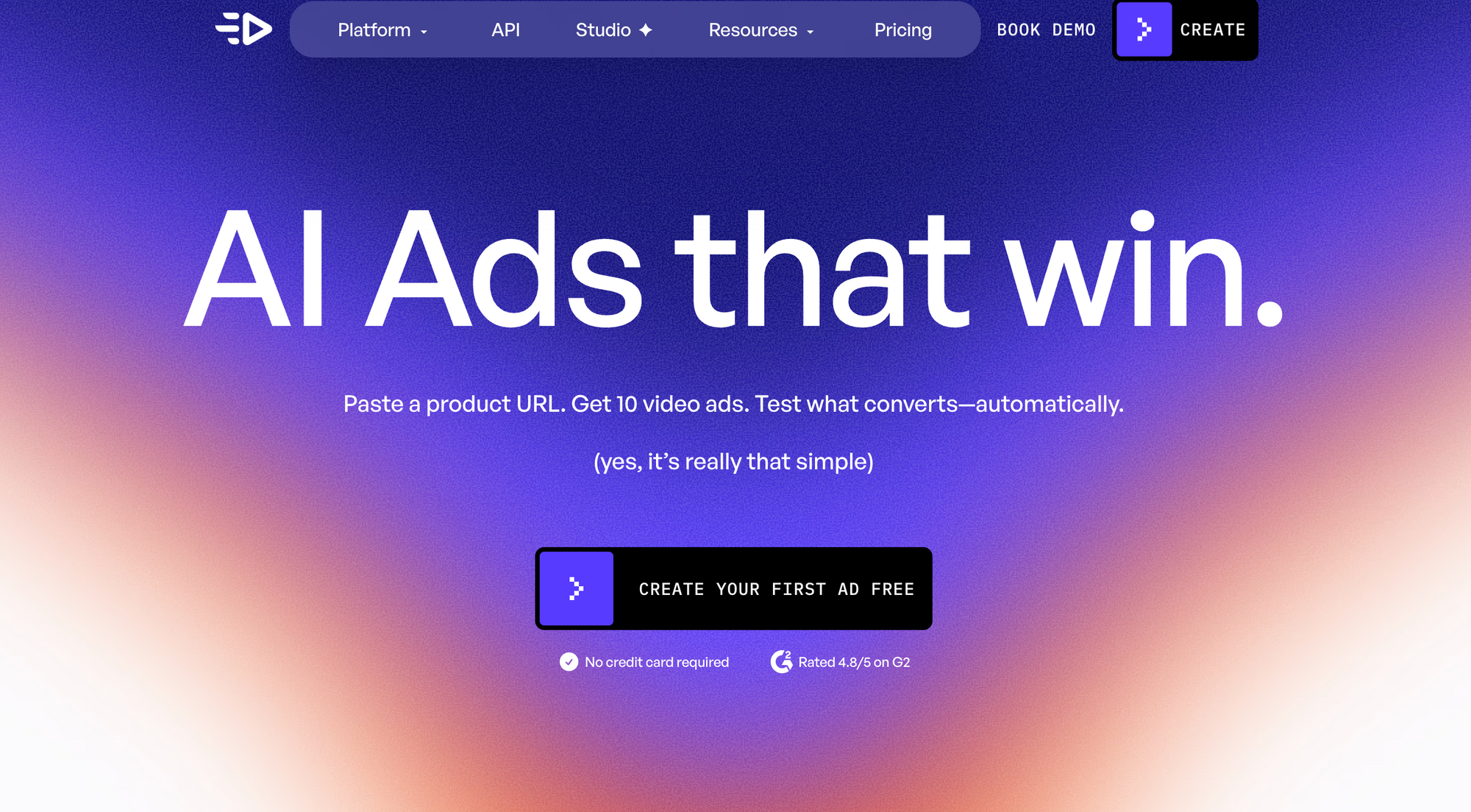
Creatify is one of the clearest performance-marketing tools in this category. Its pitch is simple: paste a product URL and get multiple video ads back, with support for URL-to-video, image-to-video, authentic UGC style, cinematic style, and batch creation of many variations at once. The free plan includes 10 monthly credits and up to 2 video ads.
Pros: Excellent for fast ad iteration; URL-based workflow is easy for ecommerce teams; free entry point is clear.
Cons: More centered on ad generation and testing than deeper editing polish inside the same workflow.
Free demo available: Yes, no credit card required to start.
Free Trial available: Yes, 10 monthly credits on the free plan.
HeyGen
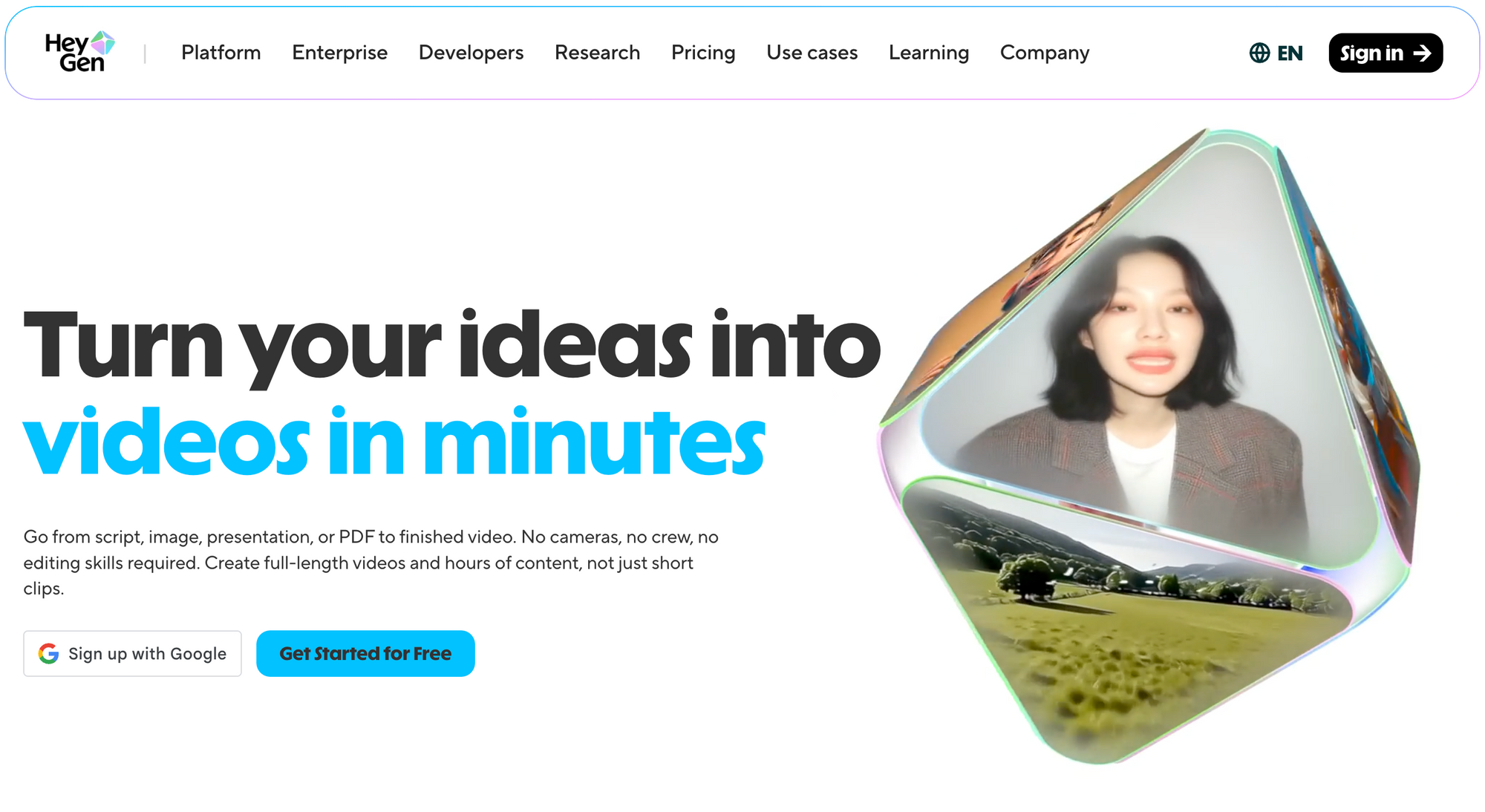
HeyGen is a strong pick when avatar-led UGC is the priority. It supports video generation from text, images, stock images, or audio, and its UGC pages focus on lifelike avatars for marketing videos. Its free plan currently includes 3 videos per month, 500+ stock photo avatars, and 720p export.
Pros: Strong avatar experience; easy for non-editors; free plan is straightforward; works well for social formats.
Cons: Best suited to avatar-driven workflows, which may feel less flexible if you want a broader product-to-edit pipeline.
Free demo available: Yes, through the free plan.
Free Trial available: Yes, 3 videos per month on free.
Tagshop AI
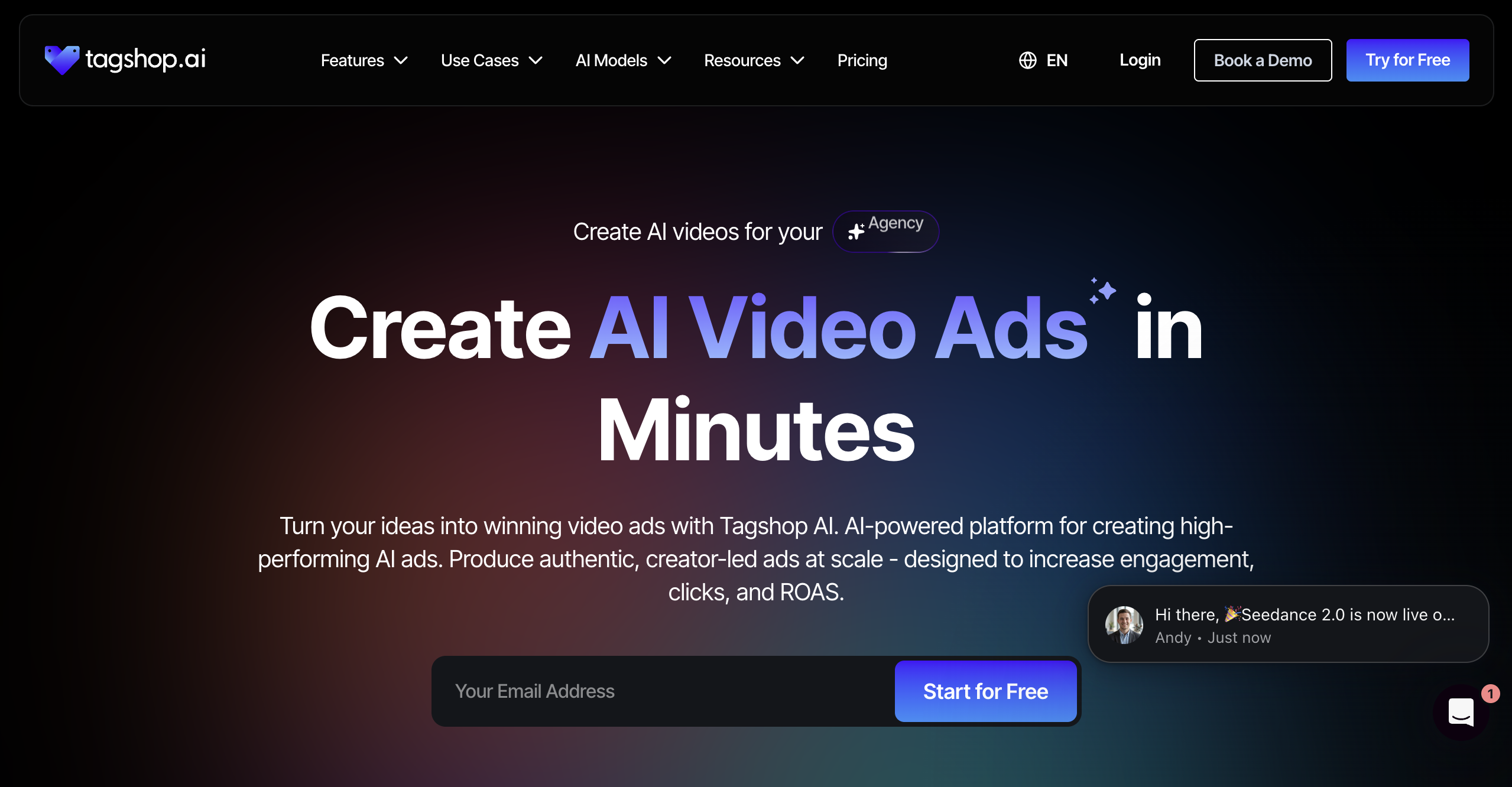
Tagshop AI is very clearly among theAI video ad platforms that feel creator-led and performance-focused. It promises AI video ads in minutes and emphasizes authentic ads at scale for engagement, clicks, and ROAS.
Pros: Clear UGC ad angle; built for fast campaign output; strong performance-marketing positioning.
Cons: Public pages I checked are more sales-led than workflow-detailed, so the exact depth of editing control is less obvious than with some competitors.
Free demo available: Start-for-free messaging is visible.
Free Trial available: Yes, based on the start-for-free positioning.
JoggAI
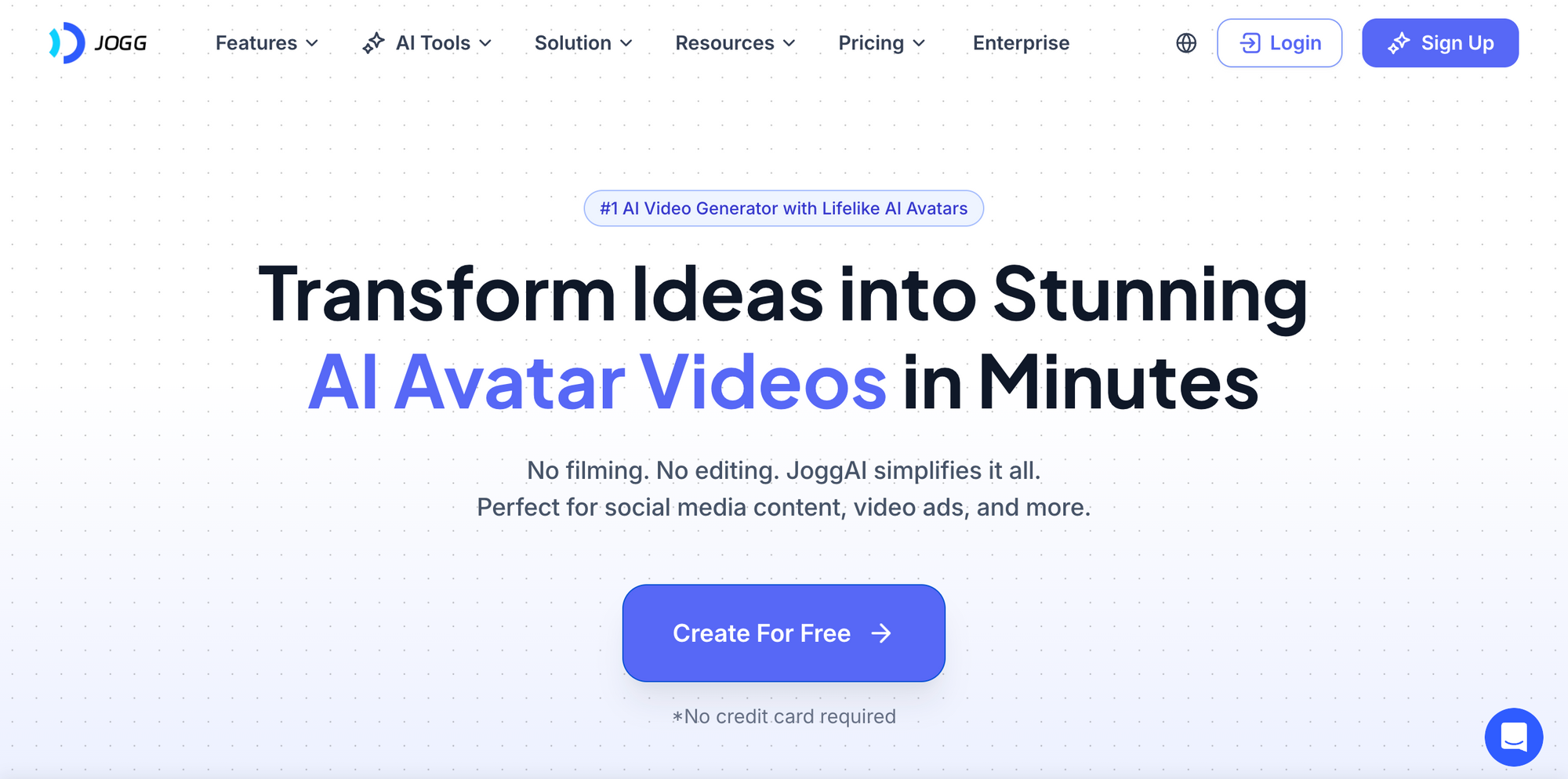
JoggAI focuses on product videos, avatars, voices, and AI editing. Its site highlights support for 9:16 and 16:9, which is useful for social and ad workflows, and its pricing section shows dedicated paths for AI video, AI editing, and AI avatar tools.
Pros: Good format support for social placements; combines avatars, voices, and editing.
Cons: The public pages are less specific about free-plan allowances than some competitors, so evaluating entry-level value takes more digging.
Free demo available: Not clearly stated on the pricing page I checked.
Free Trial available: Pricing exists, but the exact trial structure is not clearly stated on the page I checked.
Topview AI
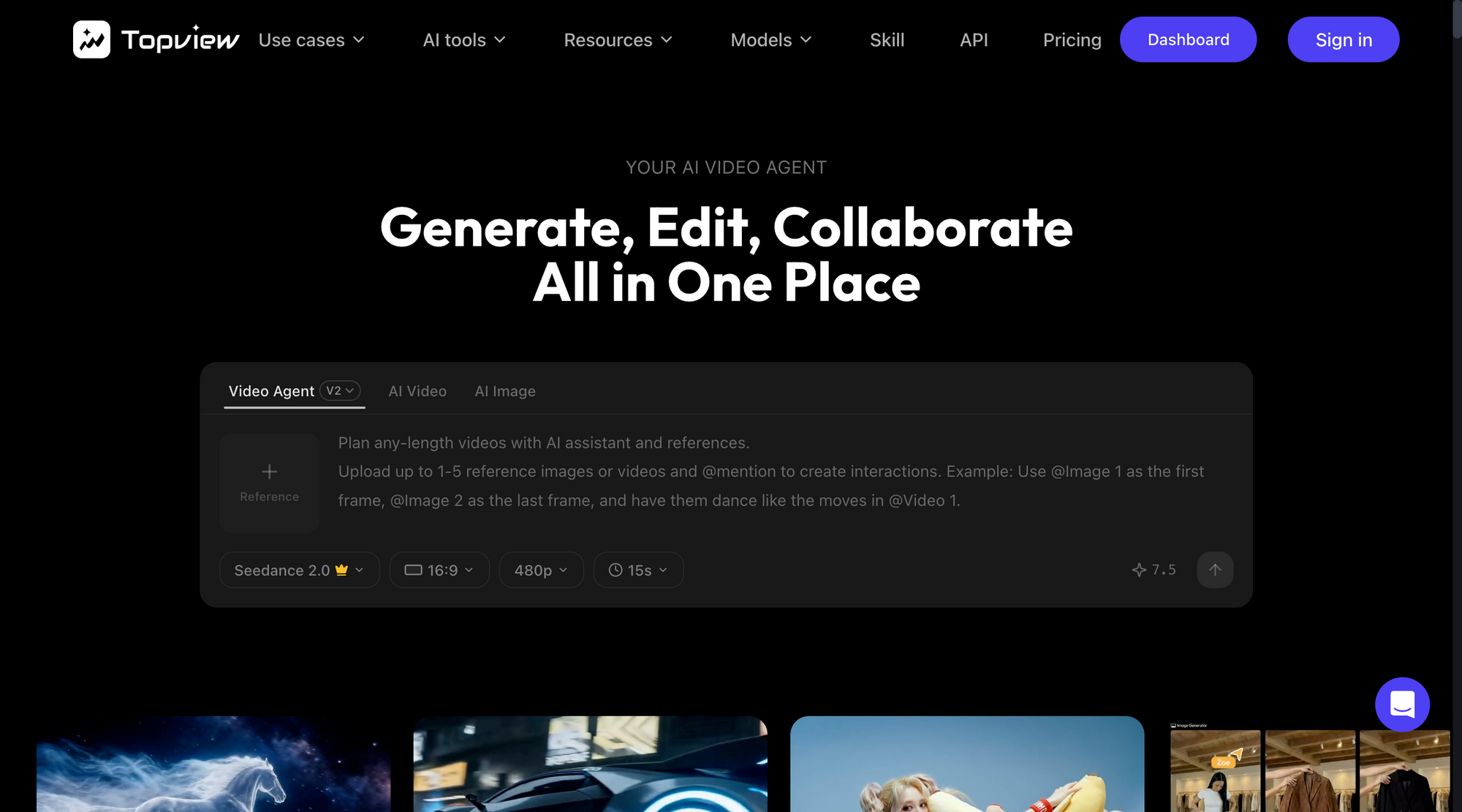
Topview is known as an AI video agent for viral UGC and marketing ads. You can describe an idea, upload product images, or provide a reference video, and the platform says it handles scripting, scene generation, editing, and effects automatically.
Pros: Strong automation pitch; built for low-effort ad creation; useful for quick product-led marketing videos.
Cons: More automation usually means less hands-on control, so teams with very specific brand editing standards may want more manual flexibility. This is an inference from the product framing.
Free demo available: Not clearly stated on the public pages I checked.
Free Trial available: Pricing is public, but trial details were not clearly stated on the pages I checked.
Best AI UGC platforms quick comparison
If you do not want to read every review from top to bottom, here is the quick version.
We pulled together the tools that stand out most for AI UGC video creation, then compared them based on what actually matters when you are trying to make ads faster: how easy they are to start with, what kind of workflow they support, and where each one shines most.
If you already know what kind of workflow you want, here is the easiest way to think about it:
- Go with Async if you want to generate and edit in one place.
- Go with Arcads or Creatify if your priority is performance ad production.
- Go with HeyGen if avatar-style UGC is your main play.
- Go with Tagshop AI, JoggAI, or Topview AI if you want faster creator-style outputs with varying levels of automation.
Keep in mind:
Not every UGC platform does the same job. Some are better for fast ad generation, some are stronger on avatars, and some give you a fuller workflow from first idea to final edit. So choose depending on your needs!
How to create viral UGC ads with Async
If you’re more of a visual learner, here’s our quick video on how to create viral UGC ads with Async!
Want the short version?
Here it is: to create viral UGC ads with Async, you start by generating a realistic AI creator, then add your product into the scene, animate everything with an AI video model, and polish the final ad inside the same workflow.
If that already sounds good, let’s walk through it step by step.
Don’t forget to sign up to Async, so you can follow the process step by step with us!
Step 1: Start by creating your AI creator
The first thing you need is your on-screen “creator” or AI influencer. Inside Async, open the video editor and go to Explore AI Models. You will see different tabs for image, video, and audio generation, all in one workspace. That matters because this is where most AI UGC workflows get messy. You generate something in one tool, download it, upload it into another, test lip-sync somewhere else, and by the end you have ten tabs open and no finished ad.
Here, you can keep the whole process in one place.
Start with the image generation step. Your goal is to create a photorealistic person who actually looks like someone you might see in a real UGC ad. This is important, because weak prompts usually lead to stiff, overly polished, obviously fake-looking characters.
A few simple rules help a lot here:
- Set your aspect ratio to 9:16 if you are making a vertical ad for TikTok, Reels, or Shorts.
- Describe the shot like real UGC, for example: phone front camera selfie, natural lighting, casual home setting, slightly imperfect framing.
- Be specific about age range, vibe, clothing, expression, and setting.
A good UGC-style prompt is not just “young woman holding product.” It is more like: a woman in her late 20s filming herself on a phone front camera in her kitchen, casual workout clothes, natural daylight, conversational expression, realistic skin texture, creator-style selfie angle.
The more grounded your description is, the more usable the result will be.
Once your prompt is ready, Async can pitch the concept back to you before generation. That gives you a chance to tweak the idea before committing. When it looks right, generate the image and download or save it for the next step.
Step 2: Make your product look realistic first
Now that you have your AI creator, it is time to bring in the product.
A lot of AI product ads fail here. The person looks good, but the product feels awkwardly pasted in, floating at the wrong angle, or lit completely differently from the scene. That is what breaks the illusion.
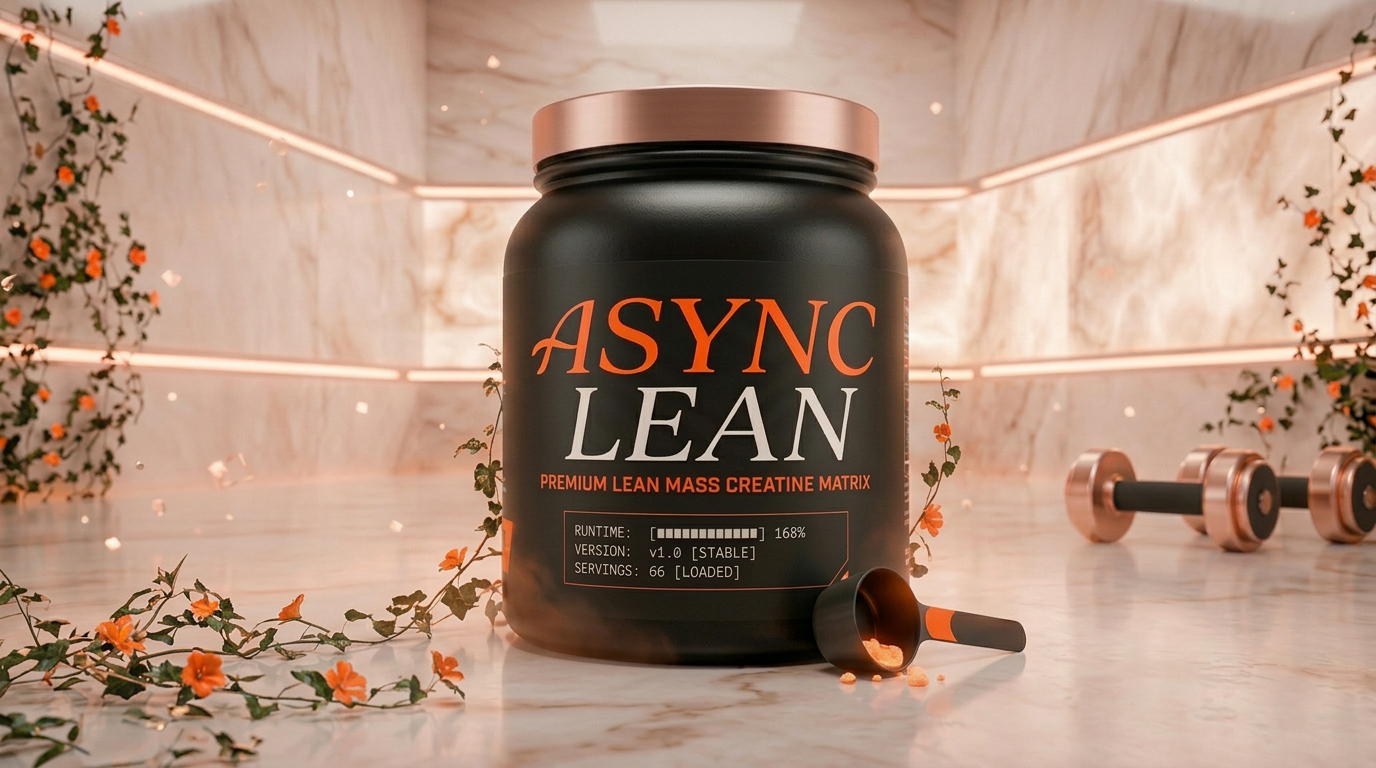
For example if your generated product looks like this:
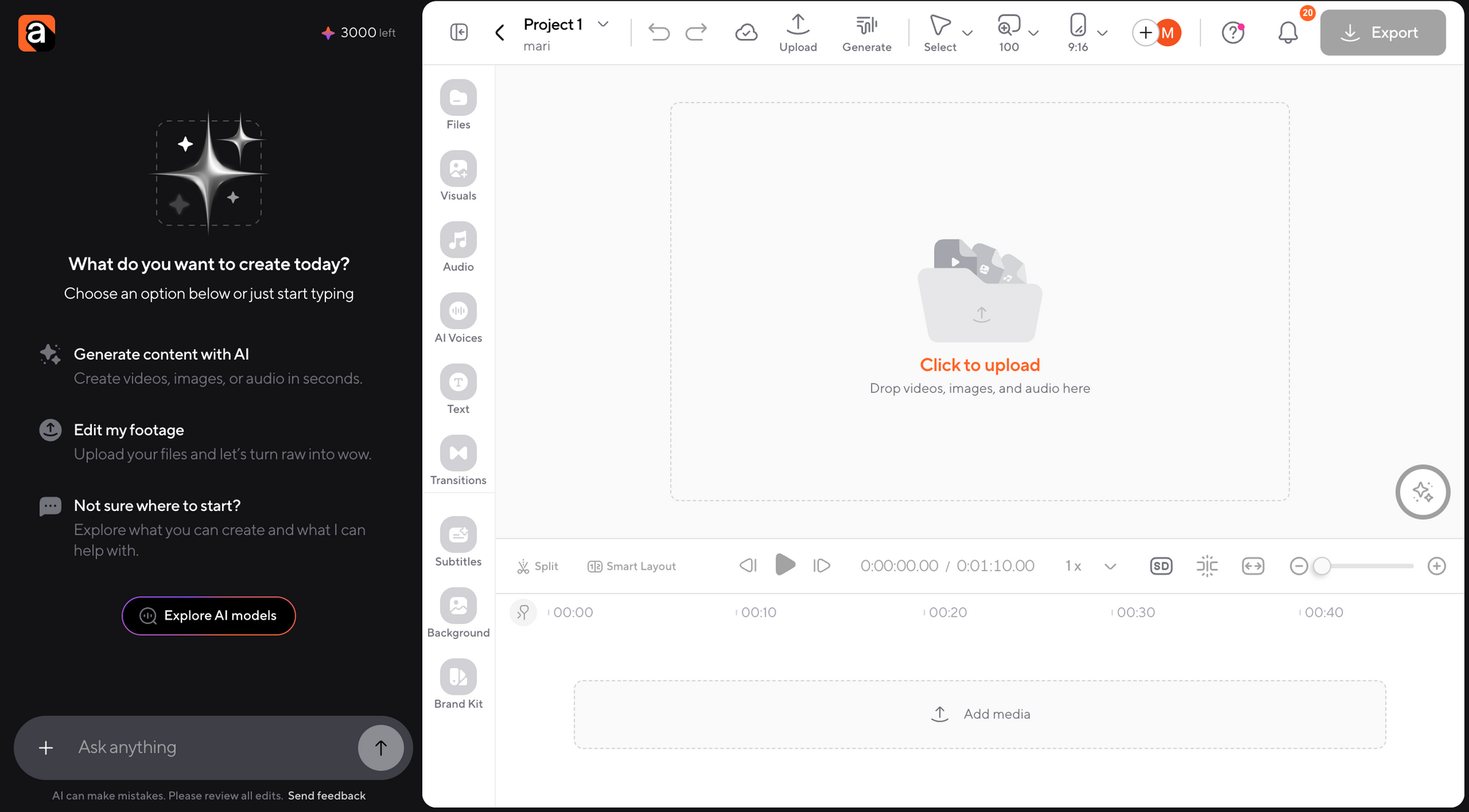
Before combining your product with the creator, upload your product image and ask Async to create a 3x3 reference grid of the product from different angles. This gives the AI better visual information and helps it understand the shape, depth, and perspective of the item.
Here is an example of a product we generated!
And here is our precious Async Lean creatine powder in different angles:
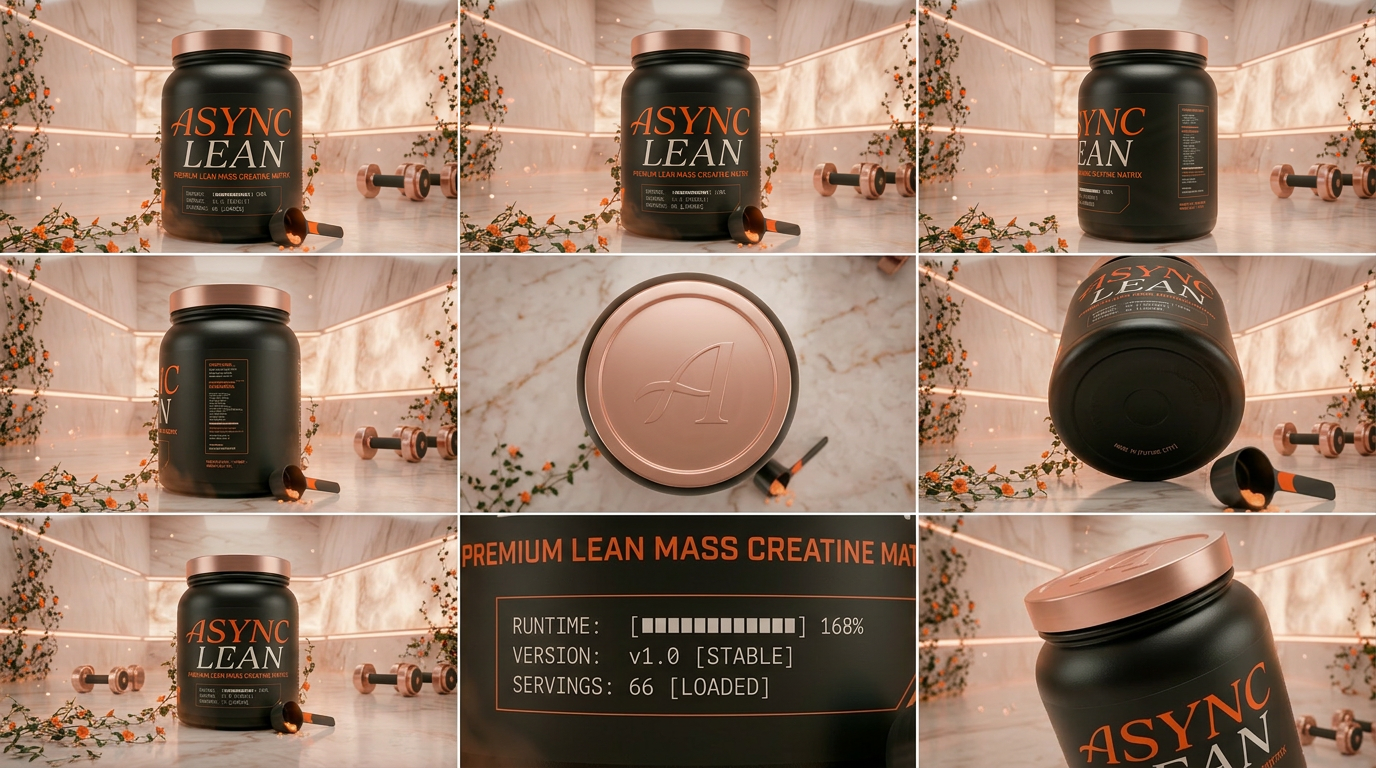
Once you have a reference like this one, ask Async to combine the creator image and the product image into one scene. Be very explicit about where the product should go. Do you want it in the creator’s hand? On a table? Next to a mirror? In a gym bag?
Also add one instruction that is always worth including: match the lighting of the product to the environment.
That line helps the product feel like it belongs in the shot instead of being dropped on top of it.
The best part is that once you have your creator and product working together, you can keep building variations fast. Use the same creator image and place them in multiple settings: in the kitchen, at the gym, walking outside, filming in the car, doing a quick unboxing at a desk. Suddenly, you are not making one ad. You are building a whole library of UGC-style scenes.
Step 3: Turn the image into motion
Once your still image looks right, it is time to animate it.
Inside Async, you can move straight into video generation and use a model like Kling to turn your static image into a moving UGC-style clip. This is where the ad starts to feel alive.
When you prompt the motion, do not just say “make her talk.” Give the AI real behavior to work with. For example:
- walking through her apartment while talking
- holding the product up to camera
- opening the package and reacting naturally
- gesturing with one hand while explaining why she likes it
UGC works best when it feels like a person casually showing, explaining, or reacting to something. So your motion prompts should support that.
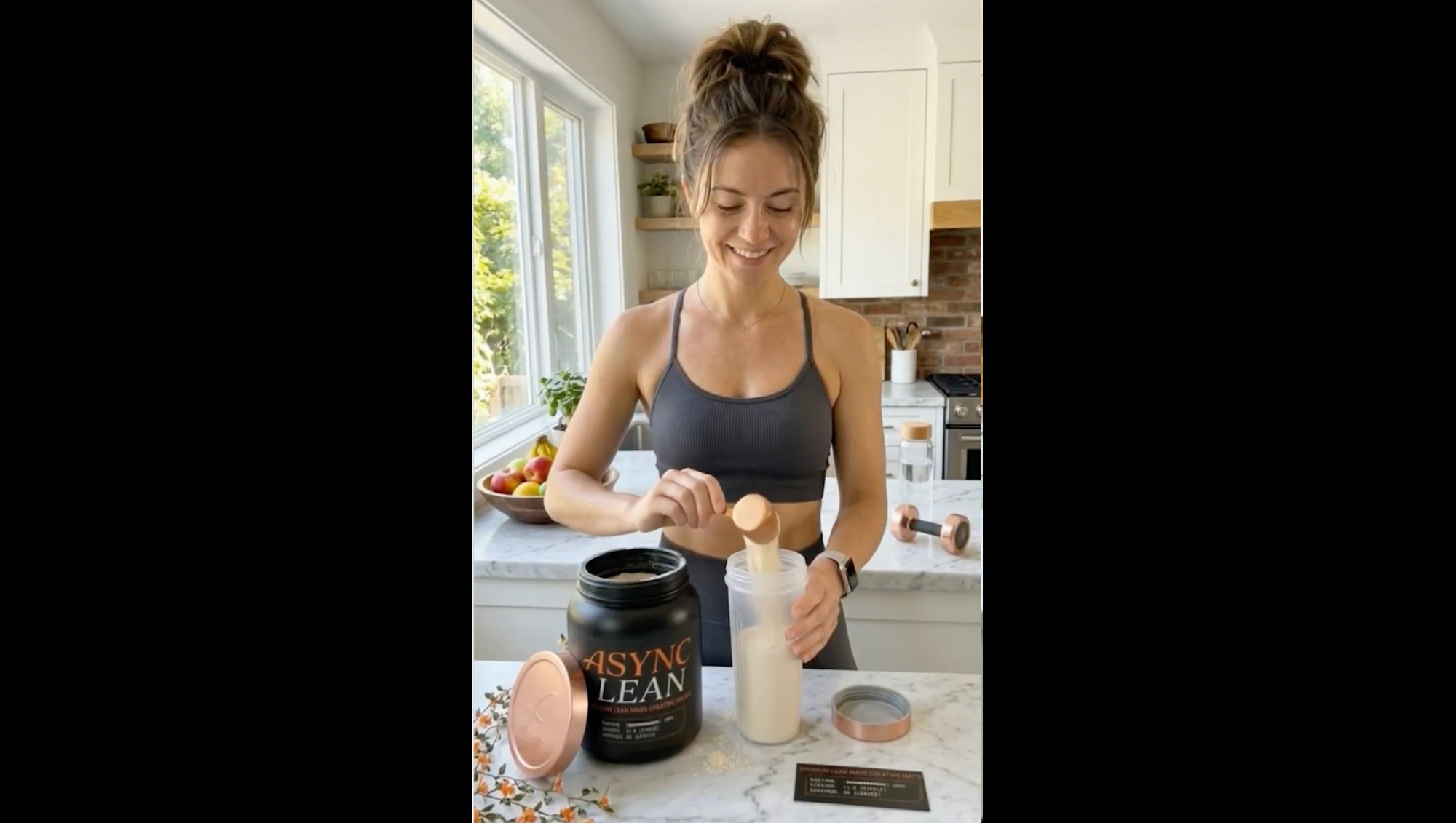
There is also a very useful trick here: keep the product anchored in your prompt every time. Instead of describing the creator only once and hoping the product stays consistent, mention the product specifically in the action line too. That helps the model keep the item stable across frames.
For example, instead of saying “she talks while holding it,” say “she talks while holding the white creatine jar with a pink label in her right hand.”
That extra specificity can save you a lot of frustration. Look for instance, how realistic our fitness influencer ended up looking with our Async Lean powder:
Step 4: Add dialogue that sounds like real UGC
Now let’s make the ad actually sound like UGC.
Write the line exactly as you want it spoken, and put the dialogue in quotation marks. Then describe the tone. For UGC, that usually means something like:
- conversational
- energetic
- casual
- slightly excited
- confident but not salesy
This is a big part of how to create AI UGC ads that do not feel robotic. The script should sound like something a real creator would actually say to camera, not like polished ad copy from a brand deck.
So instead of:
“Introducing the ultimate supplement for high-performance women.”
Try:
“Okay, I’ve been using this before workouts and I’m actually obsessed.”
That shift matters. UGC is usually more direct, more personal, and less formal.
If you need multiple scenes, you can repeat the same workflow for each one. Create one clip for the hook, another for a quick demo, another for the testimonial moment, and another for the CTA. Then bring them together in the editor.
Step 5: Edit everything in the same workflow
This is where Async really helps.
Once your clips are generated, you do not need to jump into a completely separate workflow just to finish the ad. You can drop the clips into the timeline, trim the extra seconds, reorder scenes, tighten the pacing, add music, and turn on subtitles.
You can also adjust the aspect ratio if you want versions for different placements. So if you start with a vertical TikTok-style ad and later want a different cut for another channel, you can adapt it without rebuilding from scratch.
This is especially useful when you want to make UGC with AI at scale. You are not just making one asset. You are building a repeatable system.
Step 6: Export, test, and make more versions
Once the edit feels clean, export it and review it like a marketer, not just like an editor.
Ask yourself:
- Does the first second hook attention?
- Does the creator feel believable?
- Does the product look naturally integrated?
- Does the script sound like a real person?
- Could this be cut into shorter or alternate versions?
That last part matters a lot. The fastest way to improve results is usually not obsessing over one perfect ad. It is creating multiple variations and testing them.
That is exactly why this workflow works so well for UGC video ads AI production. You can build one creator, one product setup, and then spin out multiple hooks, scenes, and edits without starting from zero each time.
Final takeaway
If you have been wondering which AI tool is best for UGC, the biggest advantage of Async is that it lets you handle generation and editing in one place. You can create your AI creator, place your product, animate the scene, shape the script, edit the video, change the format, and get it ready to publish without turning the process into a ten-tab mess.
And that is what makes this workflow so useful. It is not just about making one AI ad. It is about building a faster, cleaner way to create better ones again and again.
So, if you want a smoother way to make UGC content again and again, sign up to Async and start creating in one place.
Frequently asked questions about UGC platforms and AI UGC ads
1. What is a UGC platform?
A UGC platform is a tool that helps brands and marketers create, manage, source, or scale user-generated content. Some UGC platforms connect brands with creators, while others use AI to help generate UGC-style videos faster.
2. What are the best UGC video platforms for digital marketers?
The best UGC video platforms for digital marketers depend on your workflow. Some are better for creator sourcing, while others are stronger for AI-generated UGC videos, ad variations, avatar-based content, and fast editing for paid campaigns.
3. Can AI create UGC video ads?
Yes, AI can create UGC video ads by generating realistic creators, product scenes, voiceovers, scripts, and video motion. Many marketers now use AI tools to make UGC-style ads faster and test more creative variations without relying on fully manual production.
4. Which AI tool is best for creating UGC ads?
The best AI tool for creating UGC ads depends on what you need. If you want an end-to-end workflow where you can generate, edit, reframe, and polish videos in one place, a platform like Async is a strong choice.
5. How do you make UGC ads with AI?
To make UGC ads with AI, you usually start by generating a realistic creator or avatar, add your product into the scene, animate the video, write natural-sounding dialogue, and then edit the final ad for the platform you want to publish on.
6. Are AI UGC ads effective for marketing?
AI UGC ads can be effective for marketing because they help teams create more content, test more hooks, and produce social-first ads faster. Their performance depends on how realistic the creative feels, how strong the hook is, and how well the ad matches the platform and audience.