If you’ve ever recorded a podcast, interview, or long-form video and thought, “Okay… now what?”, you’re not alone. Recording the content is usually the easy part. The exhausting part comes after: cutting clips for social, exporting audio-only versions, writing captions, adding subtitles, resizing videos, and doing it all again for every platform.
That manual grind is exactly what creators are starting to push back against in 2026. Instead of recording once and rebuilding everything from scratch, the workflow is shifting toward something much smarter: one recording → many finished assets. Short clips, long videos, subtitles, dubbed versions, transcripts, audio snippets, all created from the same source, without repeating the work.
This is where Async.ai fits into the picture. Instead of juggling separate tools for recording, editing, transcription, clipping, and localization, Async brings the entire repurposing workflow into one platform. You capture content once, enhance it with AI, and automatically turn it into dozens of ready-to-publish assets, all without breaking your flow or re-uploading files.
One recording, unlimited output, powered by Async
Getting to “30+ assets” sounds simple… until you try to do it with a stack of disconnected tools.
When your workflow is record here → export there → upload somewhere else → fix captions in another tab → reframe in a different editor → translate/dub in yet another place, the friction isn’t just “annoying.” It quietly breaks the whole promise of repurposing: speed, consistency, and momentum.
What “30+ assets” actually means in practice
When creators hear “30+ assets from one recording,” it can sound abstract, so let’s make it concrete.
From a single podcast episode, interview, or long-form video, that one source can realistically turn into:
Long-form formats
• Full-length video (YouTube, website, courses)
• Audio-only version for podcasts
Short-form social content
• 10-15 short vertical clips for TikTok, Reels, Shorts
• Square or landscape variants for feeds and ads
Captioned and accessible versions
• Auto-captioned clips
• Subtitled long-form videos
• Transcript-based blog or newsletter drafts
Localized & global-ready assets
• Translated subtitles
• Dubbed audio/video versions for different languages
Reusable audio outputs
• Voiceovers for promos
• Audiograms
• Snippets for ads, landing pages, or intros
And that’s before you even factor in platform-specific tweaks like aspect ratios, caption styles, or pacing changes. The key idea isn’t the exact number, it’s that the content multiplies naturally once the system supports it.
Why fragmented tools break this workflow
The obvious issue is time. The less obvious issue is compound damage, every switch and re-export adds tiny costs that snowball.
• The “toggle tax” isn’t just a meme, it’s measurable: A Harvard Business Review analysis found workers toggled between apps and sites about 1,200 times per day, spending just under 4 hours per week reorienting after those switches.
• Interruptions stack on top of toggling: Microsoft’s Work Trend Index research notes employees can be interrupted as often as every 2 minutes (especially heavy message/meeting users).
• UX research backs the “mental reload” effect: Nielsen Norman Group describes serial task switching as a real cognitive cost, even when the tools themselves are “easy,” your brain still pays for jumping contexts.
Now here’s where it gets really creator-specific and more interesting than “time wasted”:
• Quality drift happens across exports, and you don’t notice until the final post: When you export a video multiple times across tools, you can introduce “generation loss”, small compression artifacts that compound. Platforms also have specific upload/encoding requirements; even YouTube calls out settings that affect processing.
• Audio decisions ripple into everything downstream: Transcription accuracy varies a lot based on recording quality, and noise/poor audio can meaningfully degrade results. If your audio cleanup and exports are scattered, you can accidentally make the transcript/subtitles worse instead of better.
• Loudness consistency breaks when tools don’t share standards: Different editors and export presets can leave you with clips that jump wildly in perceived volume. Broadcasting/streaming worlds rely on defined loudness measurement standards (e.g., ITU-R BS.1770 and EBU R128). Fragmented workflows make it harder to keep audio consistently “platform-ready.”
• Metadata gets lost, so automation can’t “connect the dots:” Clip timestamps, speaker separation, transcript alignment, caption styling, aspect-ratio versions, in a multi-tool chain, those links often break, forcing manual fixes and rework (the opposite of repurposing).
• Version chaos becomes the default: When multiple tools each create their own “source of truth,” teams lose clarity on which file is current, which captions are approved, and which cut is the one you already posted. That’s how you end up republishing the wrong version to the wrong platform.
That’s the core reason “one recording → 30+ assets” works better as one connected system: recording, editing, transcription, reframing, subtitles, and localization all stay tied to the same source file and its metadata, so improvements, like cleaner audio or better captions, can flow through your outputs instead of being rebuilt from scratch.
Async as a single system, not disconnected tools
This is where most workflows fall apart. In fragmented setups, each output lives in isolation: you edit audio in one place, captions in another, clips somewhere else, and translations somewhere entirely different. Any change means re-exporting, re-uploading, and redoing work you already “finished.”
Async works differently because it’s designed as one continuous pipeline, not a bundle of features. Recording feeds directly into transcription. Transcripts power editing, subtitles, clips, and translations. Audio and video enhancements apply across outputs instead of creating new versions to manage.
The result is a workflow where improvements compound instead of resetting. Clean up the audio once, and everything downstream benefits. Fix a caption, and it stays aligned across formats. Instead of juggling tools, files, and timelines, you stay focused on shaping content and letting the platform handle the multiplication.
Capture & create with Async
Everything in a repurposing workflow rises or falls on the first step: the recording itself. If the source is clean, flexible, and well-structured, everything downstream gets easier. If it’s not, you end up fixing the same problems over and over.
Async is built around that reality: capture once, but capture properly.
Recording Studio
Async’s Recording Studio is designed for creators who want studio-quality results without turning recording into a technical project.
You can record studio-quality audio and video directly in the browser, with remote recording that keeps each participant on separate tracks. That matters more than it sounds. Multi-track recording gives you real control later, cleaner edits, better audio leveling, and far more accurate transcription.
This setup is especially useful for:
• Podcasts and video podcasts
• Interviews with remote guests
• Long-form YouTube or educational content
Instead of recording “just enough to post,” you’re recording a flexible master file that’s ready to be reused everywhere.
AI voice cloning & Text to speech
Once you’ve recorded, Async lets you go further with AI voice cloning and AI Text to Speech, not to replace creators, but to extend them.
You can create reusable AI voices based on real recordings and then use them to:
• Turn written scripts into natural-sounding audio
• Add intros, outros, or updates without re-recording
• Generate voiceovers for promos or social clips
This is especially powerful for repurposing. Instead of reopening your mic every time you need a small tweak, you can generate consistent audio instantly and keep your output moving.
Audio transcription
Audio transcription is the quiet backbone of modern content repurposing, and Async treats it that way.
Every recording can be automatically transcribed, creating a clean text layer that stays connected to the original audio and video. That transcript isn’t just for reading; it becomes the foundation for:
• Editing faster without scrubbing timelines endlessly
• Generating subtitles and auto captions
• Powering clips, translations, and dubbing later on
When transcription is baked into the same system as recording and editing, it stops being an extra step and starts being the connective tissue that turns one recording into many assets.
Edit & enhance with AI editors
Once the recording is done, this is usually where creators lose hours, opening heavy software, scrubbing timelines, and fixing tiny issues that should be automatic. Async flips that phase into something much lighter: fast, AI-assisted cleanup that keeps you moving.
AI audio editor
Async’s AI audio editor is built for one goal: getting your audio to a clean, publish-ready state without living inside a traditional DAW.
Instead of manually hunting for problems, you can apply:
• Noise reduction to remove background hums and room noise
• Silence removal to tighten conversations naturally
• Audio leveling to balance voices across speakers and segments
Because this happens inside the same system as recording and transcription, cleanup becomes a single pass, not a repeated chore. Clean the audio once, and every clip, subtitle, and export benefits from it.
AI video editor
The AI video editor keeps things intentionally simple. You still get a familiar, timeline-based editing experience, but without the weight of complex professional software.
It’s designed for creators who want:
• Fast cuts and trims
• AI-powered video enhancement
• Clean exports for multiple platforms
Instead of over-editing, the focus is on clarity and speed. You’re shaping content, not wrestling with tools.
Smart visual enhancements
This is where Async quietly raises the production bar.
With smart visual enhancements like:
• Cinematic blur for cleaner, more focused shots
• Eye contact correction to make on-camera delivery feel more natural
You can get a polished, professional look without reshoots or advanced color grading. These features are especially valuable when turning long recordings into short-form social clips, where visual quality and attention matter even more.
At this point in the workflow, you have a clean, enhanced master. Now the real multiplier kicks in.
Repurpose & promote automatically
This is the stage where most creators want the magic to happen and where fragmented workflows usually fall apart. Async is designed so repurposing isn’t a separate phase you brace yourself for; it’s a natural continuation of everything you’ve already done.
AI Clips
AI Clips turn long recordings into short-form content that actually feels intentional, not randomly chopped.
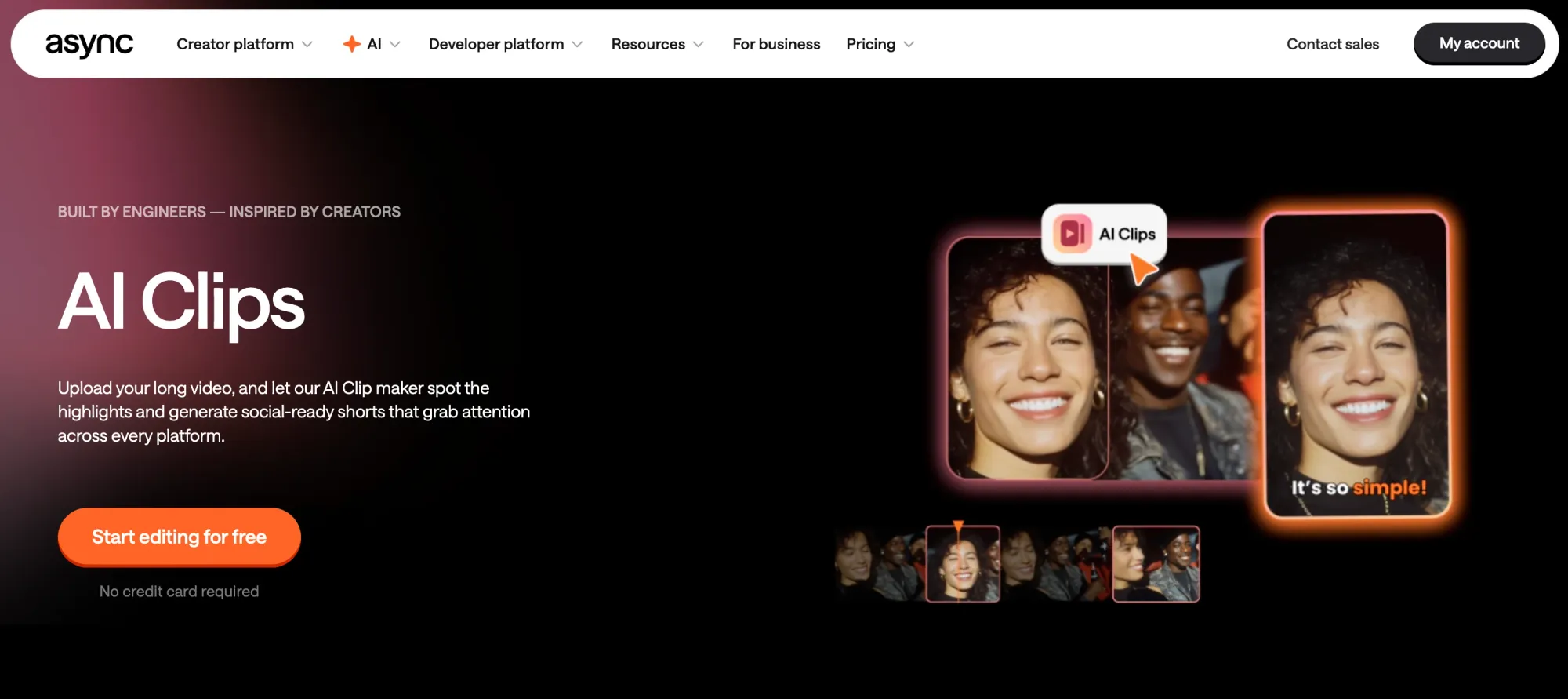
Instead of manually scanning timelines, Async analyzes your content and helps surface moments that work as:
• Short vertical videos for TikTok, Reels, and Shorts
• Quote-driven clips for feeds
• Highlight moments for promos
Because clips are generated from the same enhanced source (clean audio, polished video, aligned transcript), they’re ready to publish, not “almost done.”
AI Reframe
Different platforms want different shapes, and manual cropping is one of the most tedious parts of repurposing.
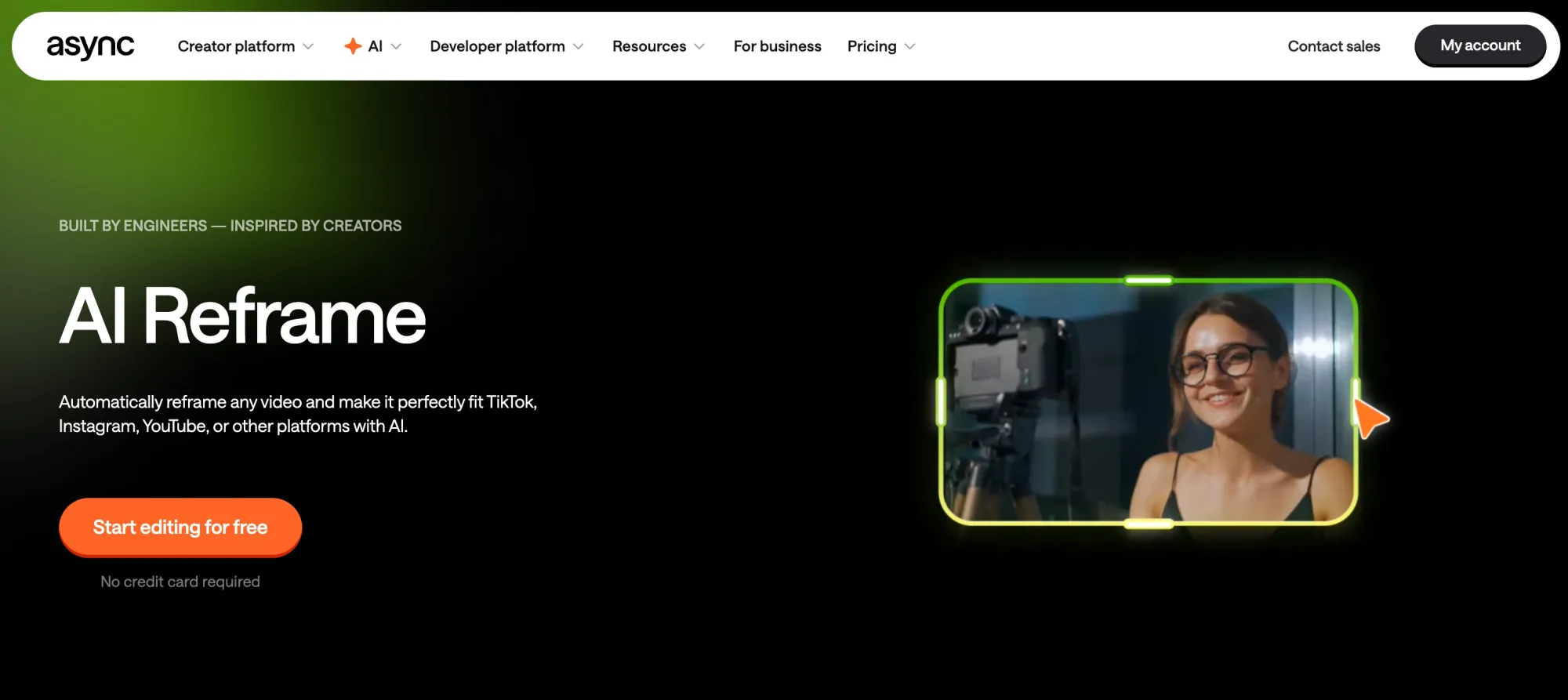
With AI Reframe, Async automatically resizes and reframes videos for different aspect ratios without breaking composition. Faces stay centered, framing stays natural, and you don’t have to rebuild edits just to fit another platform.
This means one clip can instantly exist as:
• Vertical (9:16)
• Square (1:1)
• Landscape (16:9)
No duplicate timelines. No guessing.
AI Subtitles, translation & dubbing
Subtitles and localization are no longer “nice to have”, they’re table stakes. Studies from platforms like Facebook and Verizon Media have shown that a majority of video views happen with the sound off, making captions essential for engagement.
Async handles this end-to-end:
• Auto captions generated from your transcript
• AI Subtitles that stay synced with edits
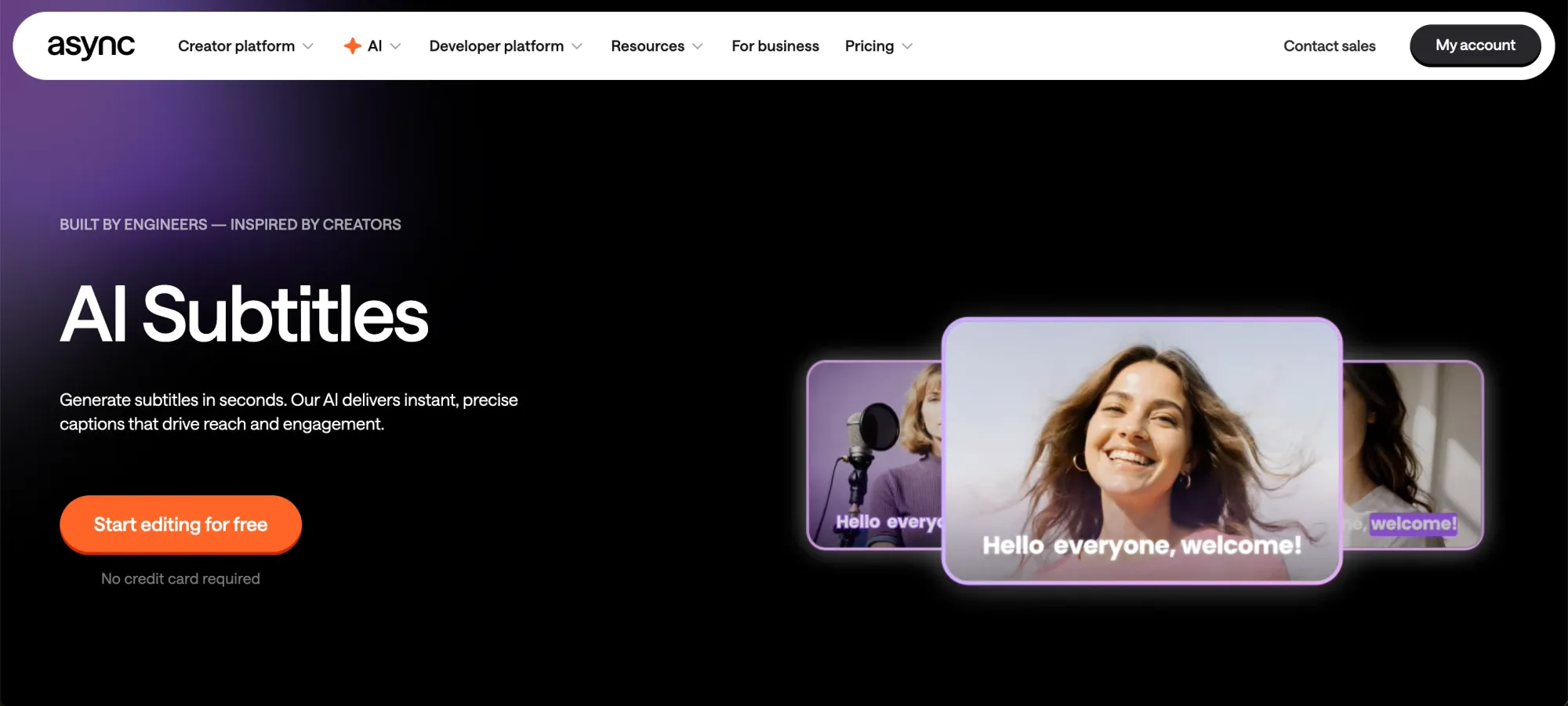
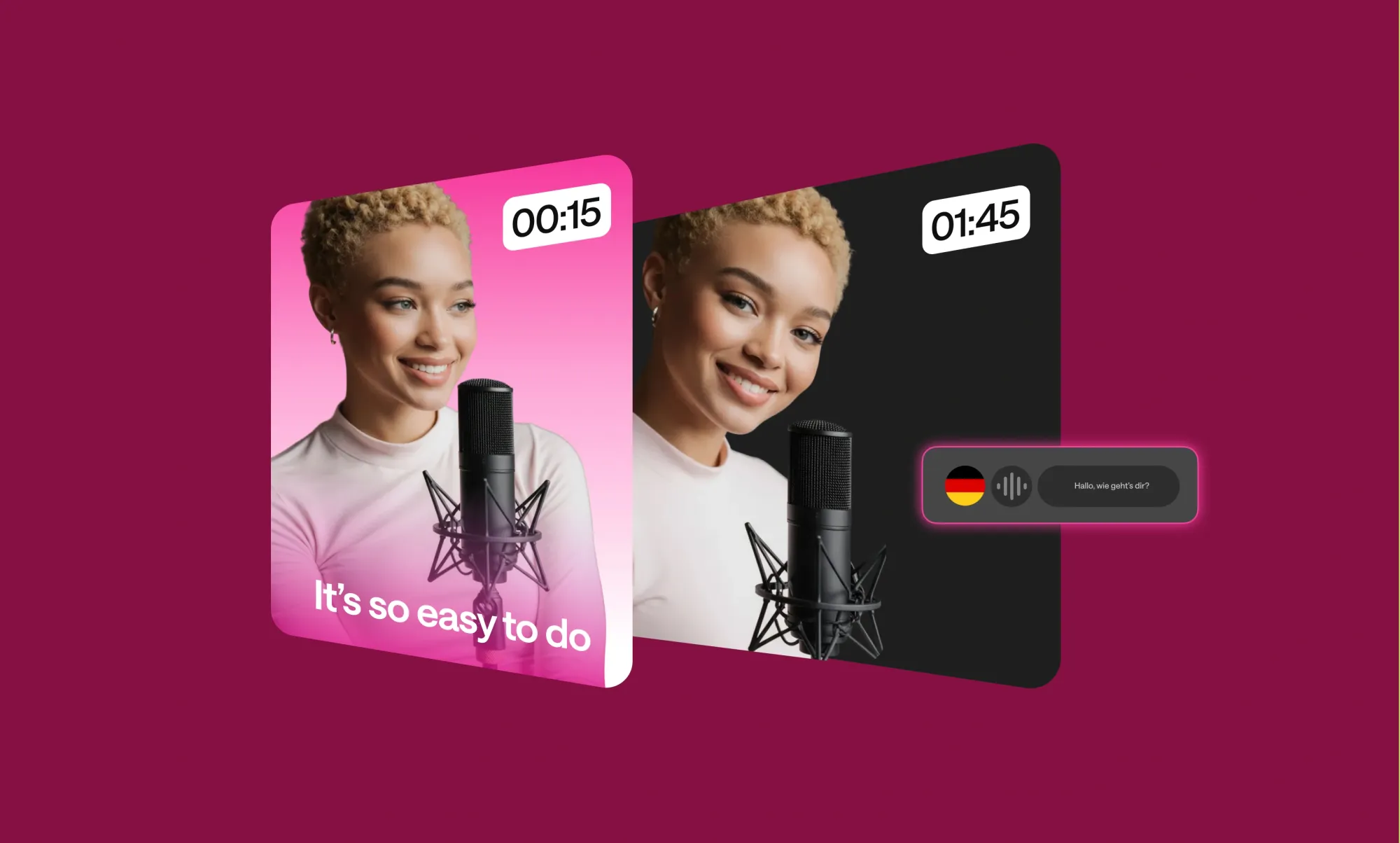
• Translation & dubbing to create multilingual video content from the same source
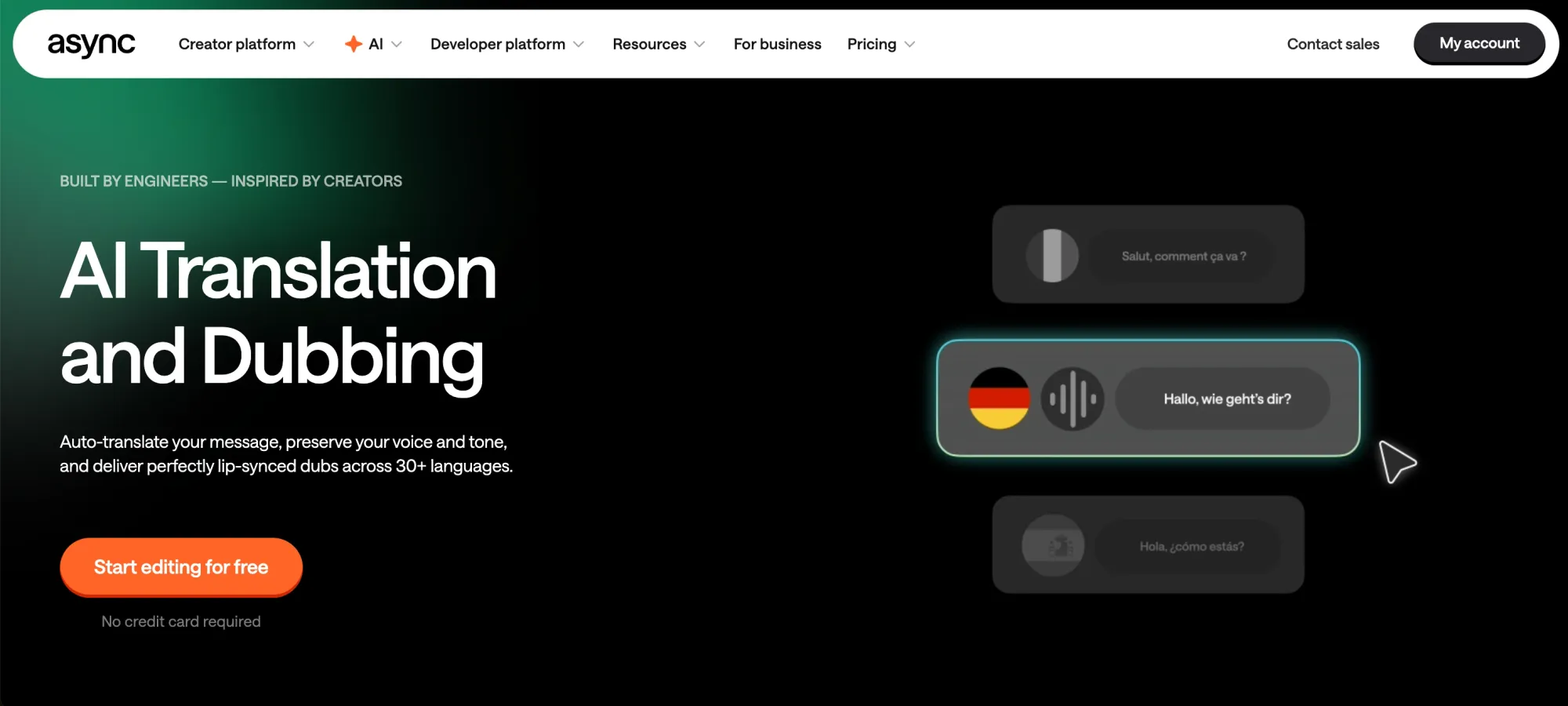
Instead of treating language versions as separate projects, Async keeps them connected, so updates, fixes, and improvements don’t require starting over.
By this point, your single recording has quietly multiplied into dozens of platform-ready assets, all tied back to the same source file.
For developers and advanced teams
Async isn’t only built for solo creators and content teams. Under the hood, the same tools power programmable workflows for product teams, media platforms, and developers who want content creation to happen automatically, not manually.
Async API
The Async API gives developers programmatic access to Async’s core voice and audio capabilities, including recording-related processing, AI voice cloning, AI Text to Speech, and audio workflows.
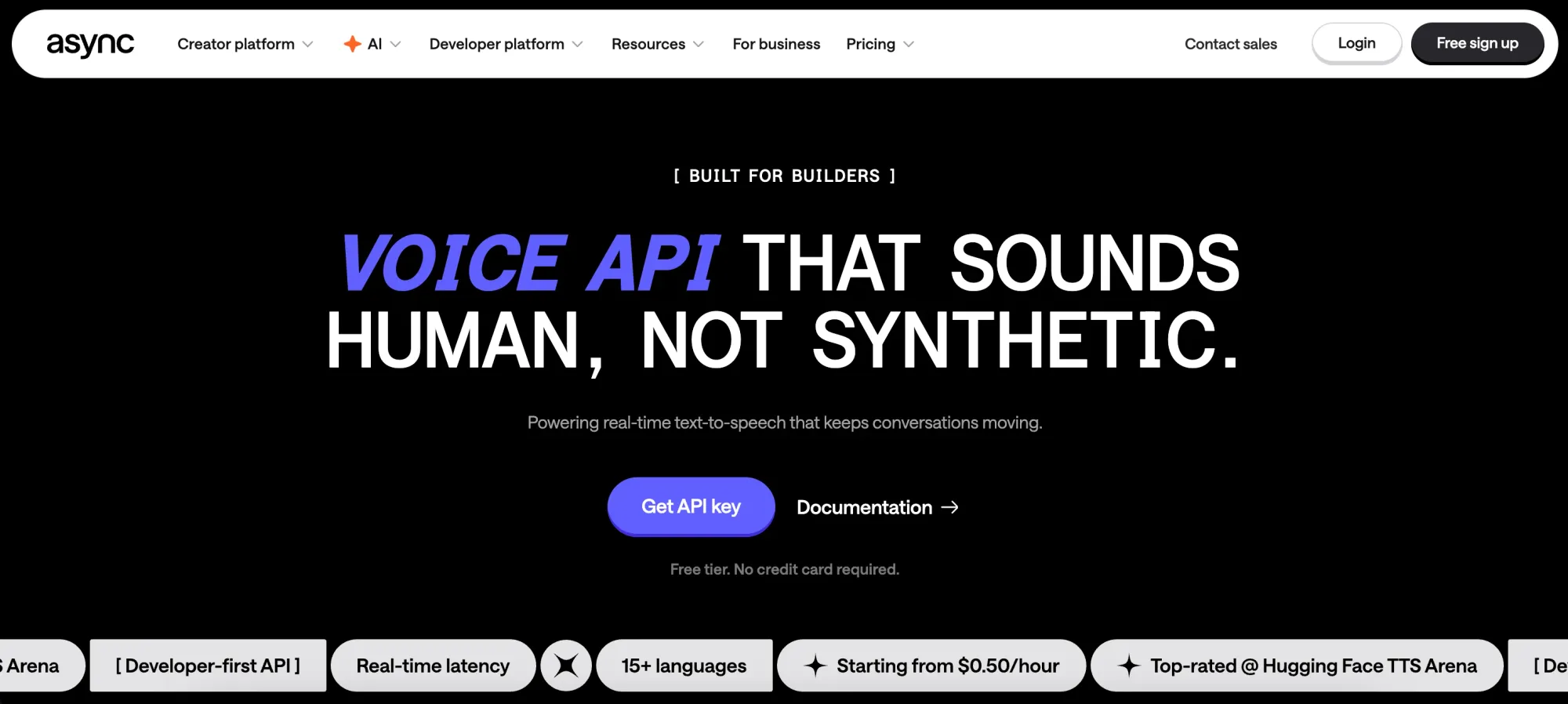
This is especially useful if you’re:
• Building internal content pipelines
• Automating voice generation or localization
• Integrating audio and voice features into existing products
Instead of stitching together multiple services, teams can build directly on top of one system, keeping quality, consistency, and performance predictable.
Real-time streaming TTS & voice agents
For more interactive use cases, Async supports real-time streaming TTS and voice agents designed for low-latency environments.
That means:
• Production-ready voice AI that responds instantly
• Natural-sounding speech for live or interactive experiences
• The same voice quality, whether the content is pre-recorded or generated on the fly
This matters because many teams don’t want separate stacks for “content” and “product.” With Async, the same voice system can power podcasts, social clips, apps, assistants, and user-facing experiences, without rebuilding from scratch.
The full Async workflow
At a high level, the Async workflow is simple, but the impact comes from how tightly everything is connected.
Capture → Edit → Repurpose → Distribute
You start with one clean recording. From there, every step builds on the same source instead of creating new, disconnected files.
With Async, a single session can become:
• A full podcast episode (audio and video)
• Polished long-form video content
• Social media clips in multiple formats
• Captioned versions for silent viewing
• Translated and dubbed versions for global audiences
• Voiceovers, promos, and short audio snippets
Because recording, transcription, editing, and repurposing all live in one system, changes don’t force you to redo work. Improve the audio once, and every output benefits. Adjust captions, and they stay aligned across clips and formats. Reframe a video, and the edits stay intact.
That’s the difference between using AI features and having an AI-powered workflow. Async doesn’t just help you create content, it keeps the entire lifecycle connected, so one recording can realistically turn into 30+ assets without chaos, file sprawl, or tool fatigue.
Conclusion
By 2026, content creation isn’t about collecting more tools, it’s about removing the friction between ideas and output. Recording great content has never been the hard part. Turning that content into something usable everywhere is where creators lose time, energy, and momentum.
Async changes that by replacing fragmented workflows with a single, connected platform. From Recording Studio capture to AI-powered editing, from AI Clips to subtitles, translations, and dubbing, everything stays tied to the same source. No re-uploads. No rebuilding timelines. No “final_v8” files.
One recording becomes podcasts, videos, clips, captions, and multilingual versions — without chaos. That’s what modern content creation looks like: fewer tools, smarter workflows, and output that scales naturally.
One recording. 30+ assets. Zero chaos.