[ Built by engineers — inspired by creators ]
Remote Recording Studio right in your browser
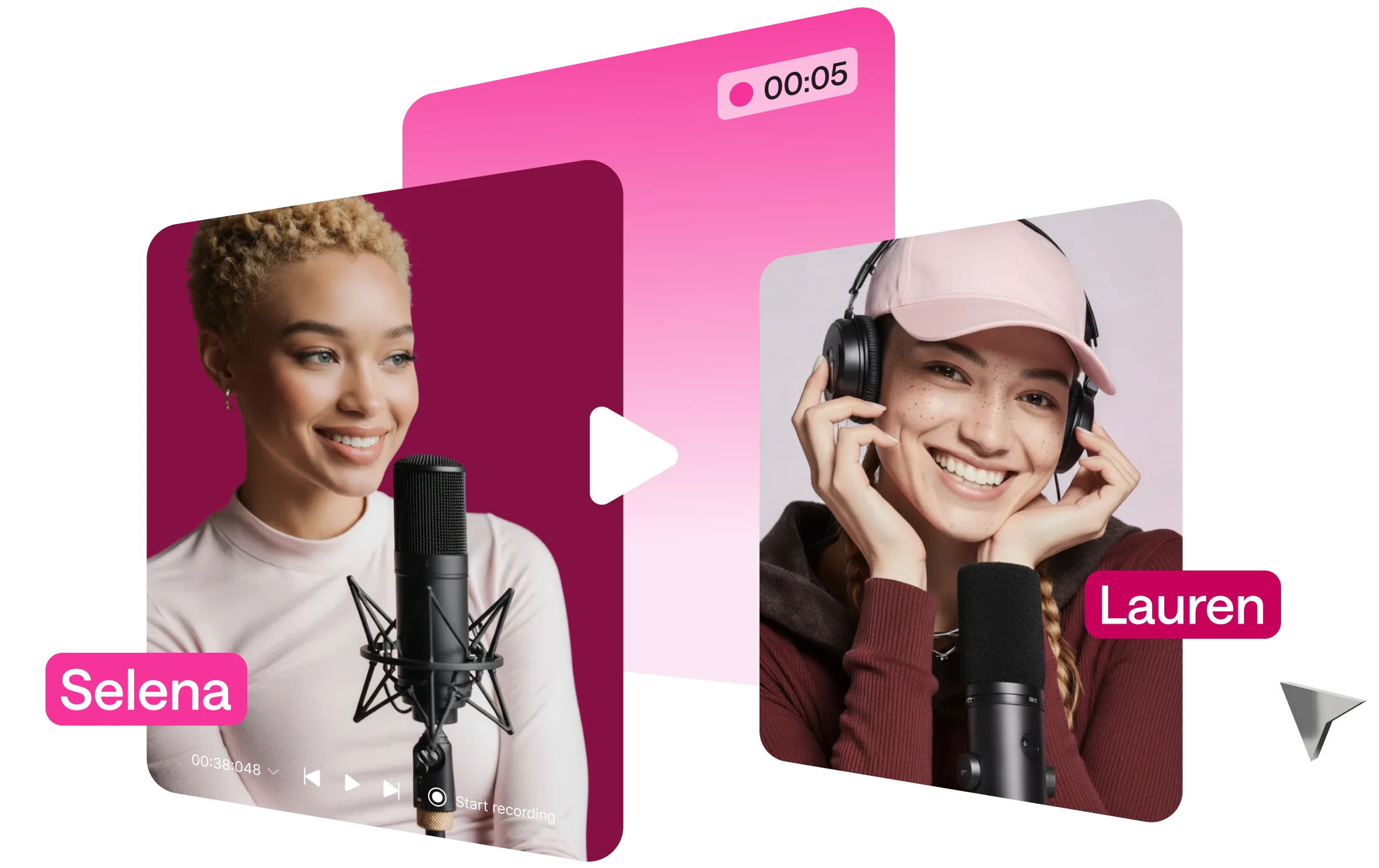
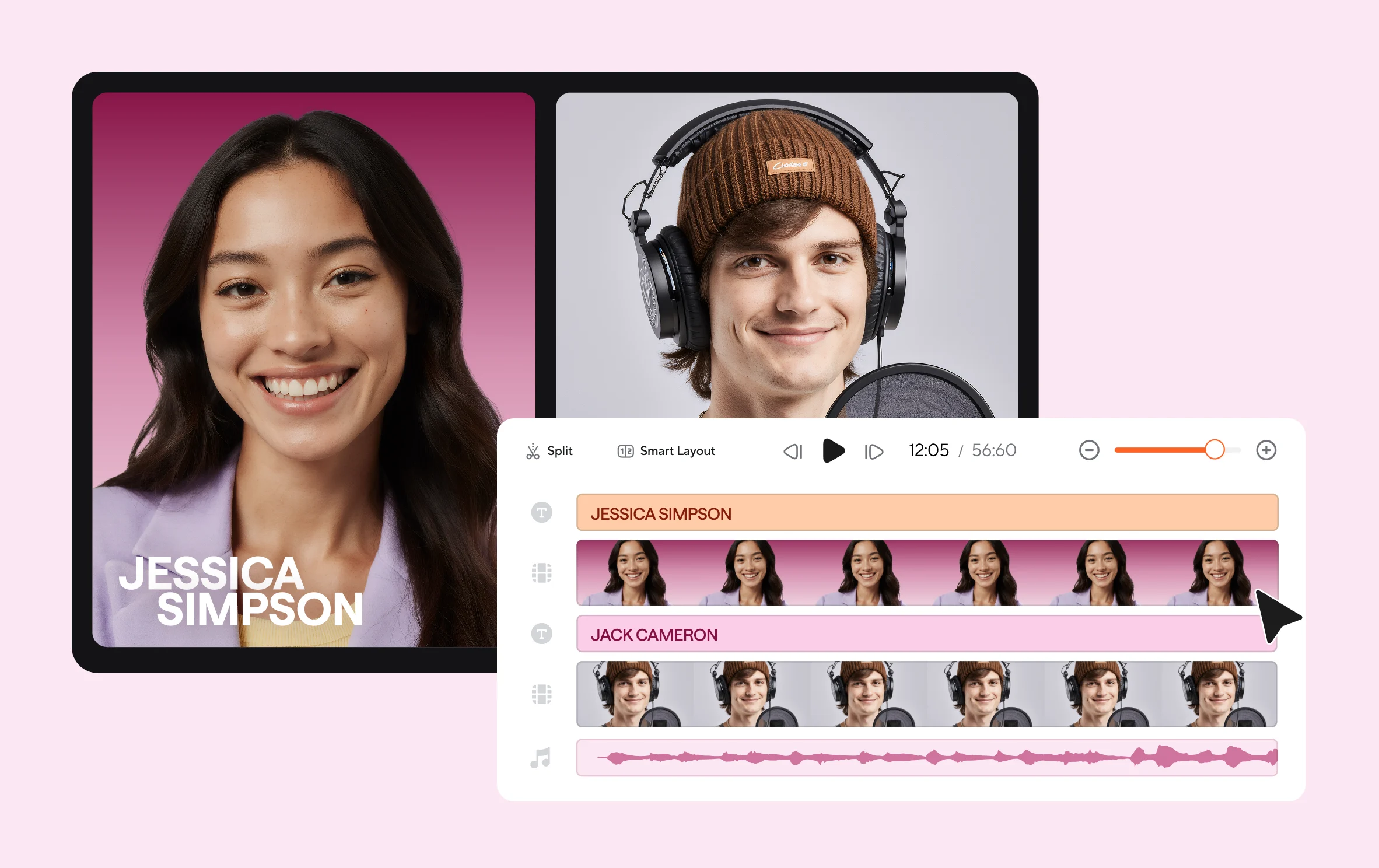
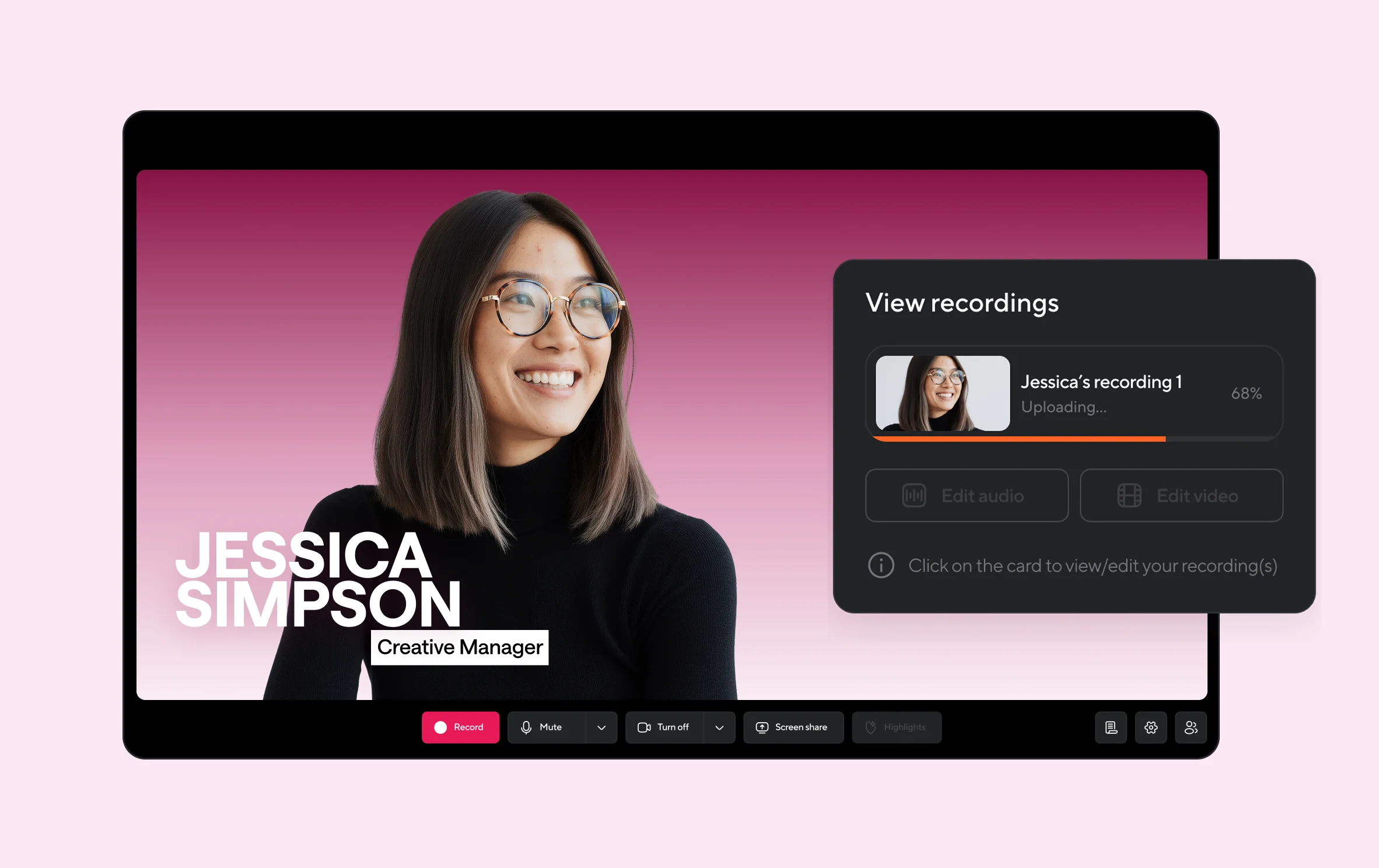
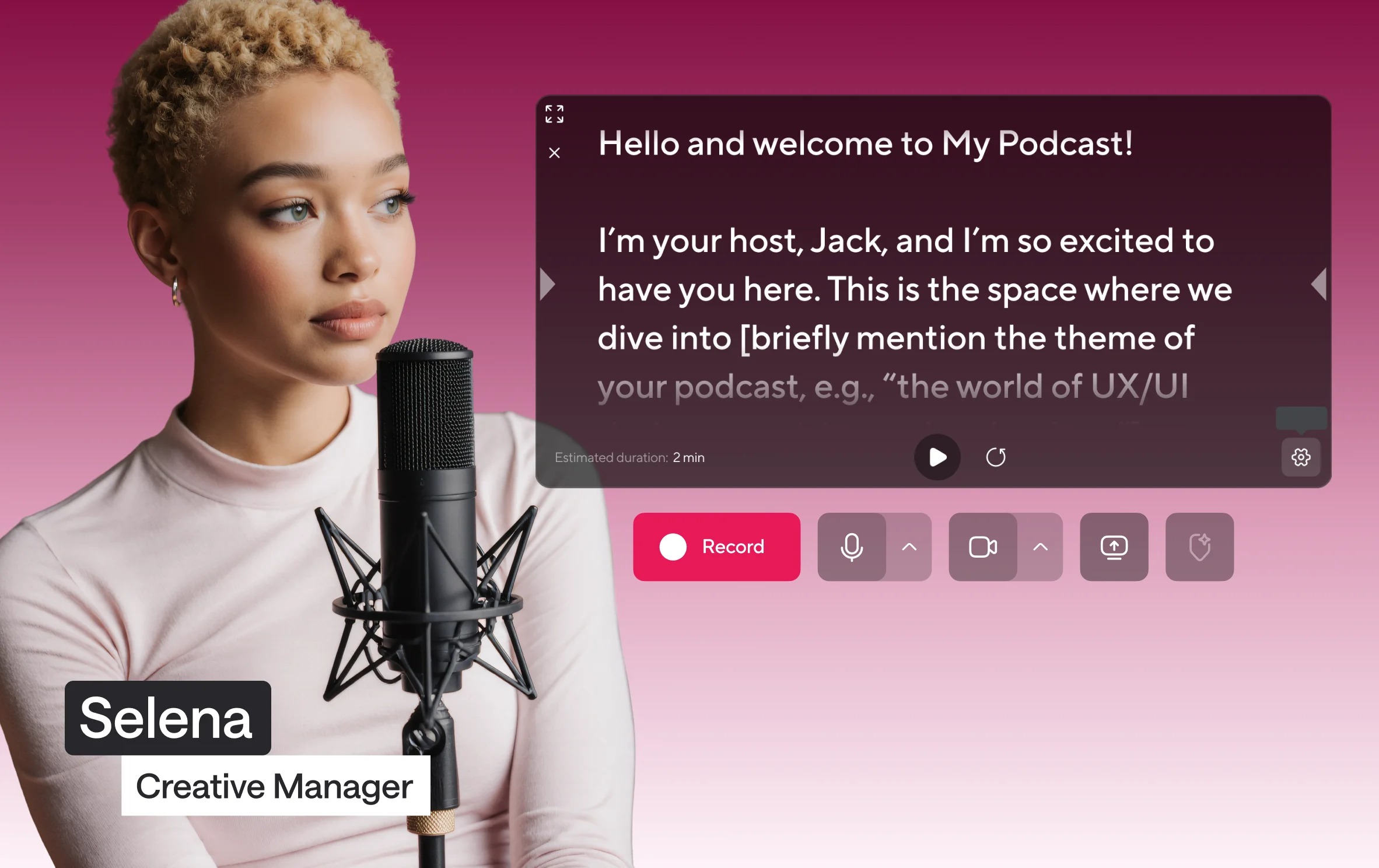
Record in crisp 4K video and uncompressed WAV audio, captured as clean, separate tracks for every speaker with our recording studio online. Your tracks lock in, save to secure cloud storage automatically, and are edit-ready the second you stop recording.

[ TOP FEATURE ]
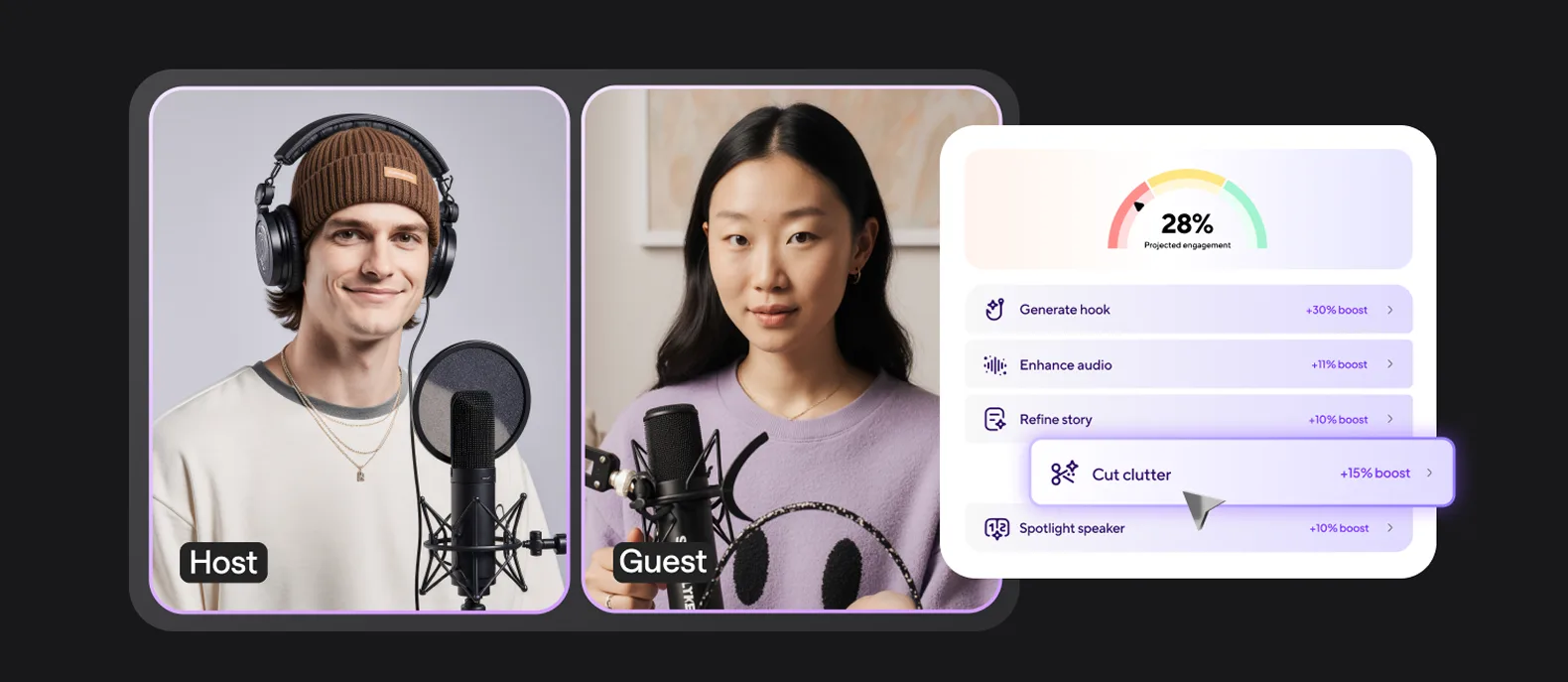
Engagement Booster
The new era of engagement optimization is here.
Engagement Booster thinks like your viewers, edits your recording automatically around what hooks them, and maximizes retention with one click.
Your entire creative workflow, seamlessly connected
Unlike other tools, Async connects every step of your workflow under one roof, so you can focus on stories, not on software.
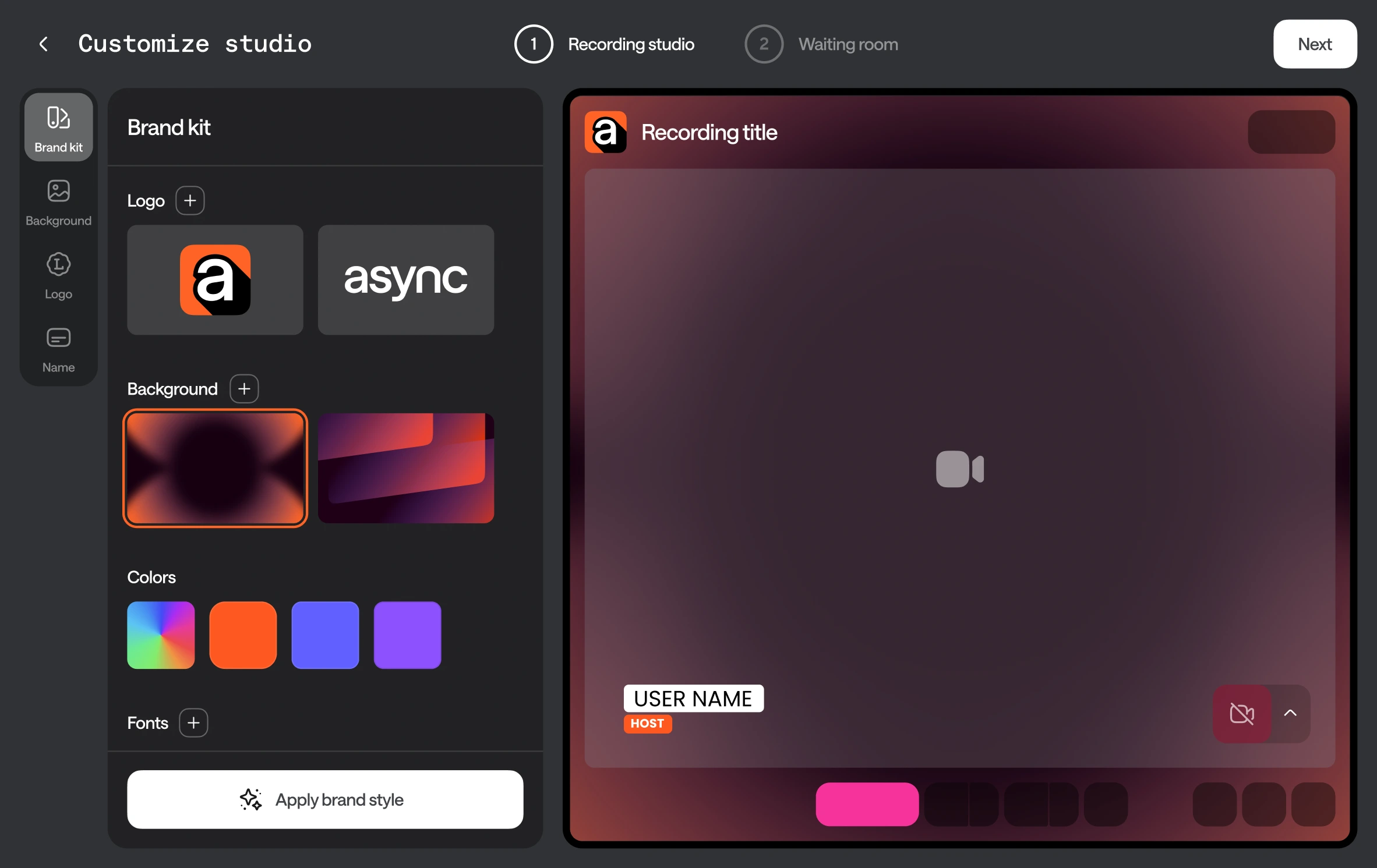
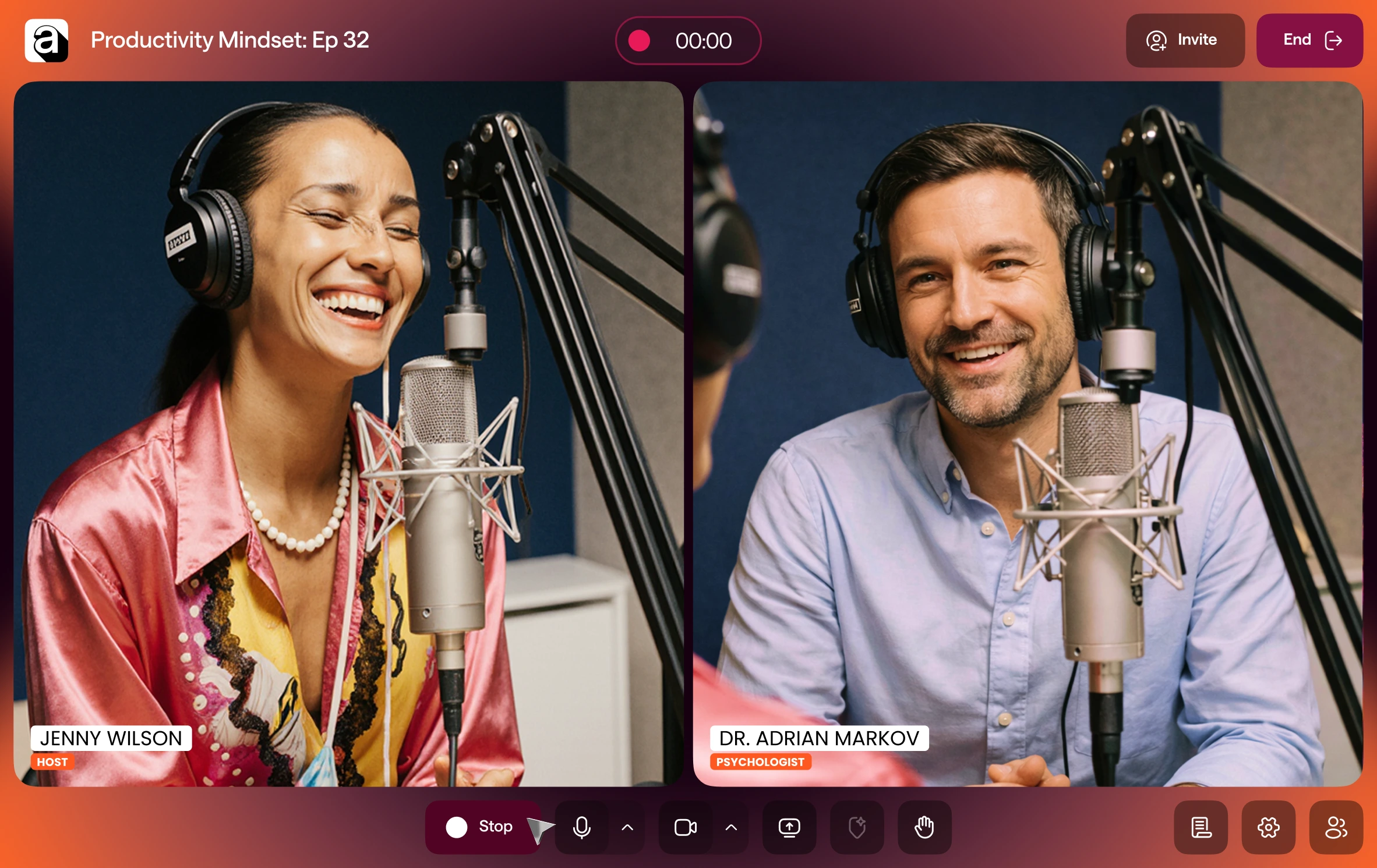
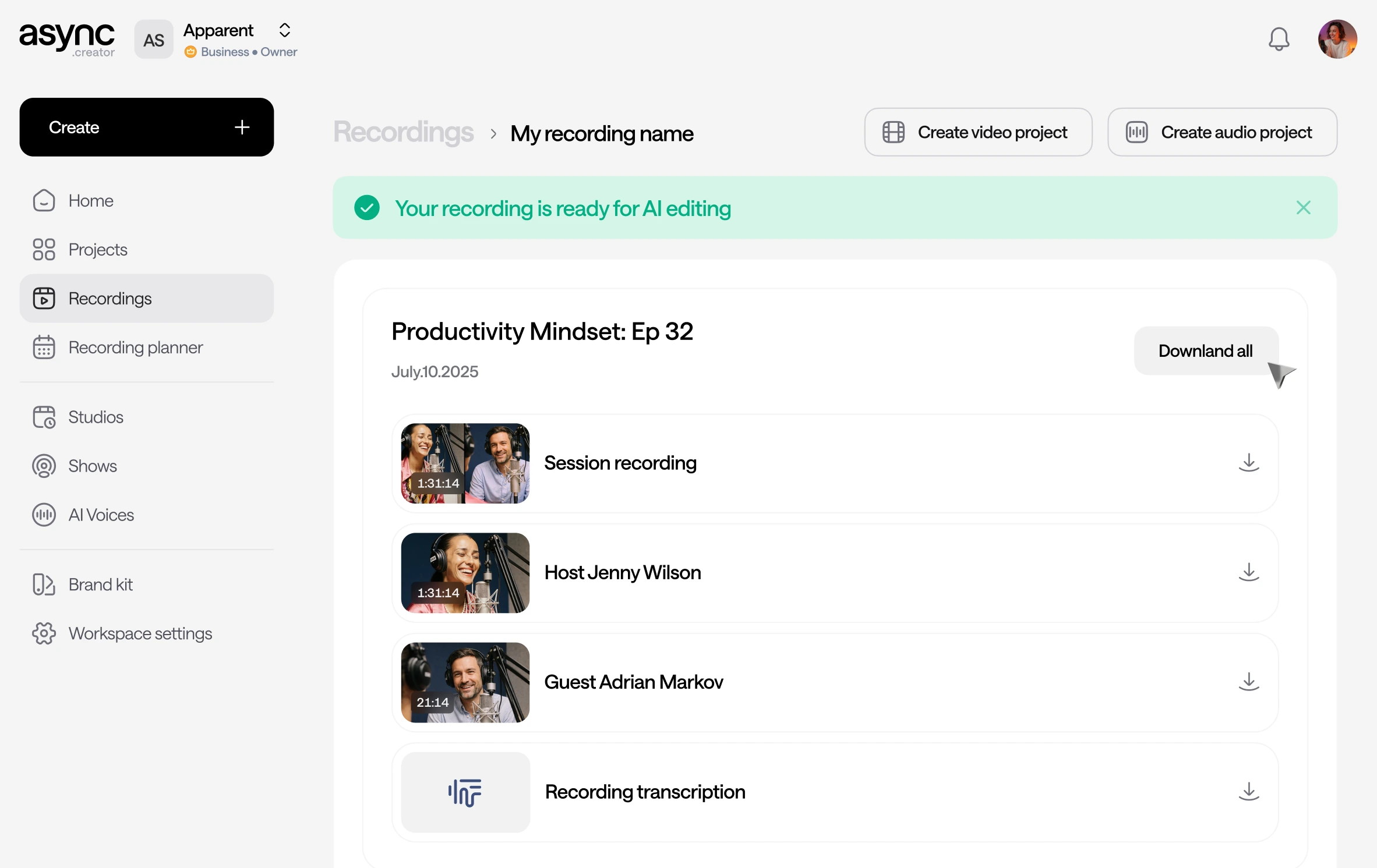
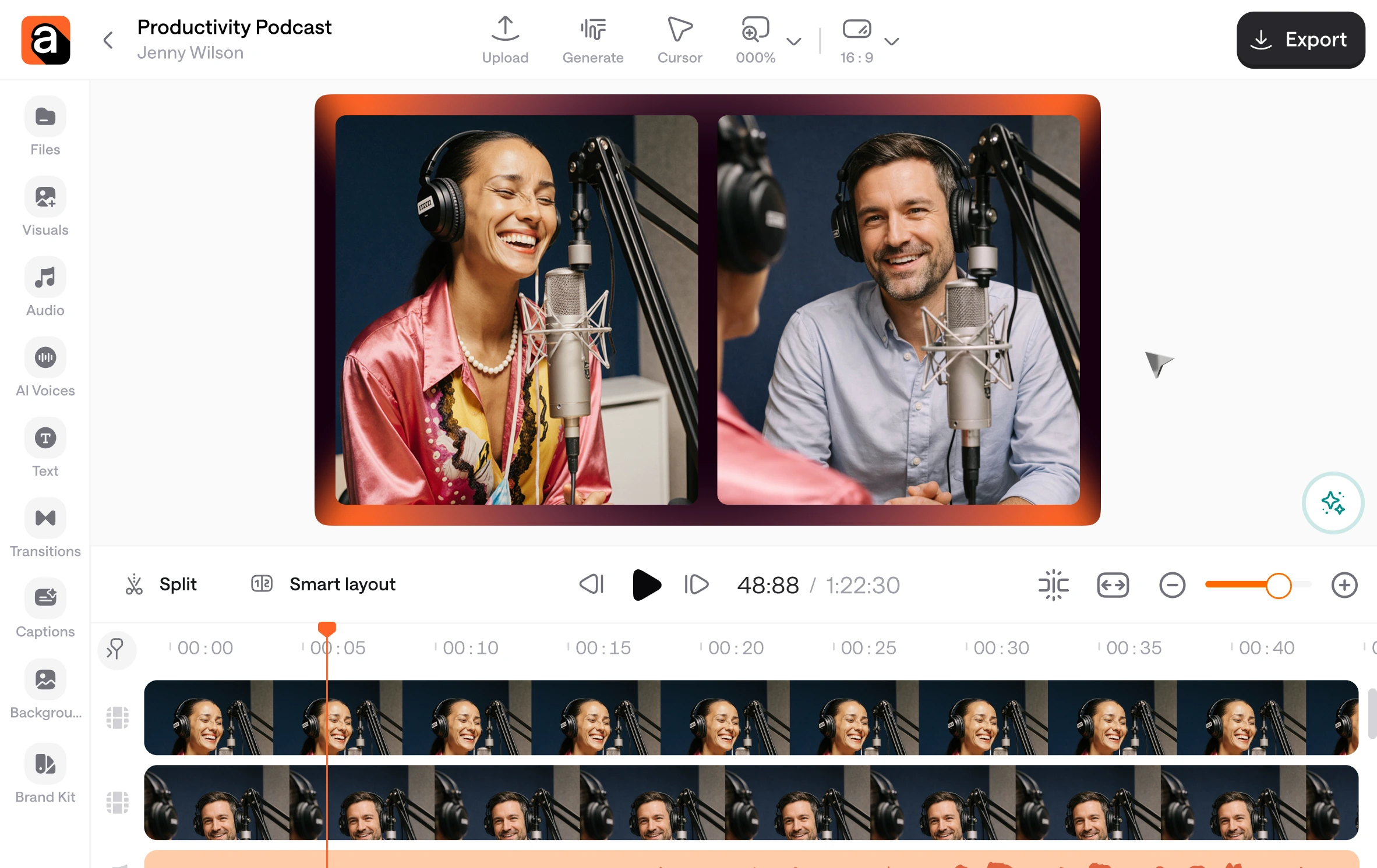
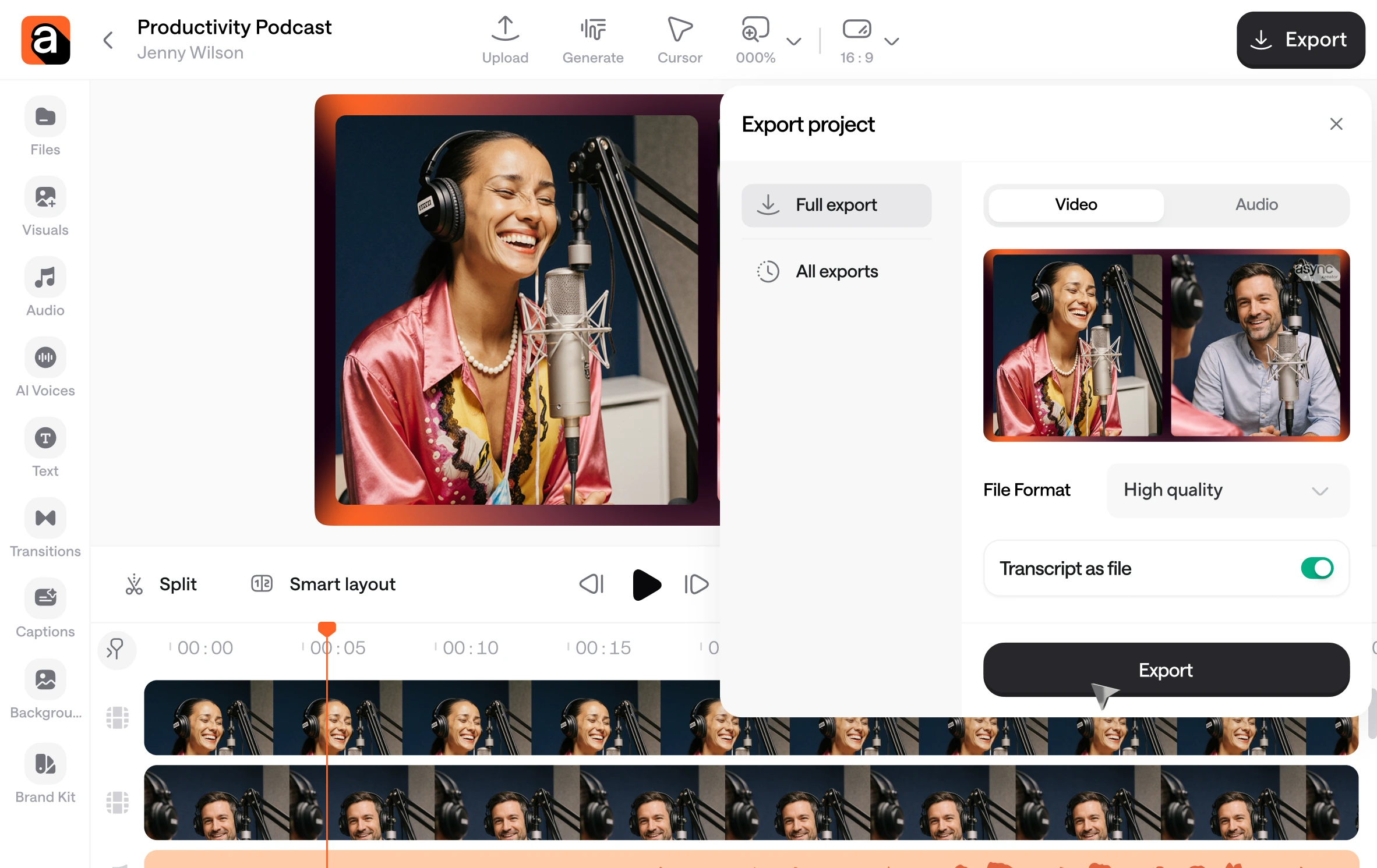
One Recording Studio. Endless possibilities.
Record remote interviews with separate tracks for every guest.
Capture roundtables without people talking over each other.
Run customer testimonials you can repurpose into short clips.
Record team updates that are ready to publish fast.
Loved by creators worldwide

“I really like it because it's the best application i have used so far for recording my episodes in the podcast.”
iCast P. on G2
“Async is very easy to use. The customer service is also top rate. I am glad I chose to work with them.”
Robert S. on G2
“Async has saved me so much time and money to be able to do everything all in one tool.”
Cosmin G. on G2
How to record a podcast remotely in studio quality?
Start with our online recording studio and invite your guests with a simple link. Record each person on separate tracks, ask everyone to use headphones, and keep mics close for clean voice capture. When you’re done, you’ll have edit-ready files that are easy to polish and publish.
How to achieve studio-quality sound for remote podcast recording?
Studio-quality starts with clean capture. Our remote recording studio records high-quality audio per participant, so a weak connection won’t ruin the whole take. Pair that with a quiet room and headphones, and you’ll get crisp, consistent sound that holds up in editing.
How do recording studios share track files with artists remotely?
Most teams use cloud storage, organized session folders, and consistent file naming so everyone can find the right takes fast. Our online recording studio simplifies this by saving your recordings automatically, so you can download, share, or hand off tracks without chasing files after the session.
Is there a free online recording studio?
Yes. You can start with our free online recording studio to try the workflow and record without an upfront cost. When you need more advanced controls or higher limits, you can upgrade, only if it makes sense for your work.
What should I look for in an online recording studio?
Prioritize local multitrack recording, reliable sync, automatic cloud saving, and easy exports. Our online recording studio is built around those essentials, so you can focus on the conversation and still walk away with clean, usable tracks every time.
How do you record multiple guests without losing quality?
Look for multitrack capture where each guest is recorded separately at high quality. That’s the core of our setup: you get clean individual tracks, better control in editing, and fewer “we’ll fix it later” moments.