Running out of things to post usually does not mean you have nothing to say. What it does mean, though, is that you do not know where to start. Luckily, you are in the right place, as we have put together a range of content ideas to inspire your next post.
But first, here's a quick answer to the everlasting question of:
What can I post when I have no content ideas?
- Answer a question you hear all the time
- Share a quick tip people can try today
- Show how your product works in real life
- Post a before-and-after
- Explain a common mistake
- Film part of your process
- Share a customer result or review
- Compare two options
- Give your honest take on something in your industry
- Ask your audience for their opinion
- Turn an old post into a short video
- Show what happened before the finished result
- Share a useful tool, template, or checklist
- Tell the story behind a product or decision
- Revisit something that worked well and update it
But this is just the quick answer, and over here we like to dive deeper, so let's take a closer look, shall we? 👀
25+ content ideas for social media, videos, and your brand
You do not need to reinvent your whole content strategy every time you sit down to post. Most good content comes from a handful of reliable angles. Here are some ideas and inspirations depending on your use case:
Social media content ideas
1. Show the oddly specific way someone uses your product
Skip the polished product shot for once. Show how the product fits into an actual routine.
A skincare brand could film what someone keeps beside their bed rather than another bathroom-shelf video. A coffee company could show the order of one very particular customer. A video tool could show how a creator fixes one annoying editing problem before posting.
The more specific the situation feels, the easier it is for someone to recognise themselves in it.
Works well as: a Reel, TikTok, carousel, or photo dump.
2. Share the version that nearly happened
People usually only see the finished logo, campaign, product, or video. Show them one of the versions that did not make the cut.
You could share:
- The packaging colour you almost chose
- A rejected thumbnail
- The first draft of a campaign
- A product name that was considered and dropped
- A scene removed from the final video
This gives people something new to react to and makes the finished work feel less distant.
Works well as: a carousel or side-by-side video.
3. Turn one customer sentence into a post
Look through reviews, emails, comments, support conversations, or sales calls and find one sentence that says something interesting.
Not necessarily a glowing compliment. Sometimes the best post starts with:
“I thought this would be much harder to use.”
Or:
“I didn’t realise I was doing this wrong.”
Use that sentence as the opening, then show what happened next. It will usually feel more believable than writing a polished testimonial from scratch.
Works well as: a talking-head video, carousel, or simple text post.
4. Show what the camera normally misses
Film the five minutes before the neat final result.
Show the cables under the desk, the pile of rejected props, the ten attempts it took to record one sentence, or the tiny adjustment that made the product shot work.
Behind-the-scenes content is most interesting when it reveals something genuinely unexpected, not when it is just another carefully arranged desk photo.The Times recently covered one business doing exactly that through honest, instructional team videos.
Works well as: a short video or photo dump.
5. Recreate one of your earliest posts
Find an old product photo, campaign, video, website, or social post and make it again with what you know now.
Do not only show the glow-up. Point out the small things you changed: the lighting, framing, opening line, pacing, background, or call to action. That gives people something useful to take from the comparison instead of simply admiring the newer version.
Works well as: a before-and-after carousel or split-screen video.
6. Show the same idea on three different budgets
Take one task and make a low-cost, mid-range, and higher-budget version.
For example:
- Three ways to shoot a product video
- Three home lighting setups
- Three ways to package an order
- Three versions of the same social campaign
- Three microphones for different budgets
It is a much more useful post than recommending the most expensive setup and calling it the best. More people can see an option that actually fits them.
Works well as: a carousel, comparison video, or three-part series.
7. Use a real customer sentence as the opening
Look through reviews, comments, emails, support tickets, or sales calls and pull out one line that sounds like something a real person would say.
It could be:“I thought this would take me hours.” Or something more like:“I didn’t know I was doing this wrong.”
Then build the post around what happened next. Real customer language usually makes a stronger opening than a polished marketing claim because it starts with a concern or surprise other people may share.
Works well as: a short video, carousel, or even just a simple quote-led post.
8. Let people see how you made a decision
Instead of announcing the final choice, explain how you got there.
You could show why you chose one thumbnail, removed a feature, shortened a video, changed the packaging, dropped an idea, or decided not to follow a trend.
People rarely get to see the thinking behind finished work, and that is often the most interesting part. It also gives you a chance to share an opinion without forcing a dramatic “hot take.”
Works well as: a carousel, screen recording, founder post, or voiceover video.
9. Turn one product photo into something unexpected
Take a photo you already have and use it as your starting point for something you could never shoot in real life.
What do we mean by that? Well, you could send the product floating through space, place it inside a miniature world, or build a strange little scene around it.
The trick is not to generate something random just because you can. Keep the product recognizable and give the post a clear idea. For example, if you own a coffee shop, you could turn your drinks into tiny holiday destinations. A clothing brand could place the same outfit in three completely different worlds.
Doing this is very easy, by the way. You can make the visuals in Async, animate the strongest image, and turn the experiment into a short video. Add your own caption, opinion, or story rather than publishing an untouched generated clip. Instagram has been putting more weight behind original work and content that has been meaningfully changed, rather than simple reposts or low-effort duplicates.
Works well as: a Reel, carousel, “pick your favorite” post, or short series.
10. Turn the boring footage on your phone into a proper video
The truth is most businesses already have enough material to make a post. It is just sitting in the camera roll as five-second clips, screen recordings, product shots, customer videos, or footage nobody ever got around to editing.
Choose one small story and build around it. It could be:
- How an order goes from purchase to delivery
- What happened during a product shoot
- One day preparing for a launch
- The making of a customer order
- A week of small moments from the business
- The raw clips behind a finished campaign
Drop the footage into Async and ask the editor to find the useful moments, cut the dead space, add captions, clean up the audio, and resize the finished video for the platform you are posting on. You are not inventing another idea from scratch; you are finally using what you already filmed.
Works well as: a Reel, TikTok, YouTube Short, recap, or before-and-after edit.
Next on our content creation ideas list is:
Video content ideas
11. Test a new format with a trial Reel
If you haven’t tried Instagram trial Reels yet, this is your sign to do it.
In case you’re new to it, Instagram’s trial Reels let you show a Reel to non-followers first, so you can try a new topic or style without immediately pushing it to your usual audience. You can then check the early views, likes, shares, and comments before deciding whether to publish it more widely.
Use it for something slightly outside your normal routine:
- A founder talking directly to camera for the first time
- A more playful product video
- A new recurring series
- A stronger opinion than you would normally post
- A completely different editing style
The video itself is the content, but the test can become part of the story too. You can later share which version worked and what surprised you.
Works well as: an experimental Reel, pilot episode, or new series.
12. Make a “we tried it so you do not have to” video
Pick something your audience is curious about and test it properly.
As a skincare brand, you could try a viral application method. A café could test whether an internet coffee trick actually changes the taste. You just need to find what is trendy in your niche.
Show the setup, the test, and the result. But most importantly, avoid pretending one small experiment proves everything. What your viewer wants to see is what actually happened.
Works well as: a Reel, TikTok, YouTube Short, or two-part series.
13. Follow one product from start to finish
Forget general behind-the-scenes montages: choose one item and stay with it.
Follow one video from rough footage to finished cut, or show one cake from the first ingredient to the customer pickup. The narrower your video, the easier it will be for your viewers to actually follow it through.
These videos have a natural ending, which makes them easier to watch than a random collection of clips.
Works well as: a short process video, voiceover Reel, or satisfying time-lapse.
14. Make the customer the main character
If you make your customer the main character rather than focusing on the product, your video will become ten times more engaging.
Show your customer’s main pain point, then show how they resolved it. This is still a product or service video, but it feels like a small story rather than an advert.
That matters even more now as platforms place greater value on original work and recognisable human perspectives, rather than generic or lightly recycled posts.
Works well as: a customer story, case-study Reel, or short transformation video.
15. Borrow the format, not the trend
Some brands are good at making ads that do not really feel like ads. Jacquemus, Marc Jacobs, and Fenty Beauty have all posted videos that are a little strange, a little rough around the edges, and much closer to the kind of thing people already enjoy watching in their feeds.
The point is not to copy the exact joke or editing style. Take the format and make it yours. You could turn a product launch into a fake movie trailer, film a mock documentary, or make an overly dramatic reveal for something completely ordinary.
That usually works better than chasing a trend that has nothing to do with your brand.
Works well as: a Reel, TikTok, Short, or recurring series.
16. Make the YouTube video people are already searching for
Go to YouTube, type the beginning of a question connected to your work, and look at what the search bar completes for you. Those suggestions usually show things people are actively trying to find.
Once you’re there, choose one narrow question and answer it properly by showing the answer or the result early, and then walking through the process. You can also cut the clearest moment into a Short and point viewers toward the full video.
YouTube supports linking a Short to another video from your channel, which makes this a useful way to connect quick answers with longer tutorials.
Works well as: a YouTube tutorial with a supporting Short.
17. Launch a fake campaign for something completely ordinary
This one is borrowed from literature. In writing, a famous exercise is to pick something ordinary and treat it extraordinarily. So do the same for your video! Pick an object that is mundane and then treat it like the launch of the year.
Give it an over-serious voiceover, beautiful close-ups, and a ridiculous final reveal.
You can use Async to generate extra shots, build a visual world around the object, arrange the clips, add captions, and resize the finished video for Reels, TikTok, or Shorts. The ordinary subject is what makes the polished treatment funny.
This works especially well as a repeatable format:
- Making household objects look expensive
- Giving our least glamorous product a luxury campaign
- Ads nobody asked us to make
- Turning office supplies into movie trailers
Works well as: a recurring series.
18. Tell the story through someone else’s hands
Not every video needs a person speaking to the camera. Follow the hands instead.
Film someone opening the shop, mixing the ingredients, packing an order, editing the first cut, laying out the products, writing the labels, or cleaning up after the shoot. Add a few lines of text or a quiet voiceover explaining what is happening.
It feels more personal than a standard process montage because the viewer stays close to one person and one task. The New York Times’ recent move further into short-form video also reflects the wider demand for concise, expert-led visual storytelling rather than simply reposting written material in video form.
A simple opening could be:
“ This is what happens to your order before it reaches you.” or “Four hours of work, condensed into 30 seconds.”
Works well as: a close-up Reel, TikTok, Short, or quiet process video.
19. Swap yourself with a character that copies every move
For our next trick, we’ll show you how to swap yourself with someone else!
Swapping characters could be a fun and unexpected way to elevate your content, and all it requires is a good script and a bit of AI. Film yourself doing something simple, then replace yourself with a different character while keeping the same movement, timing, and body language.
Here’s how we did it:
https://www.youtube.com/watch?v=bHvhYD1bZ8w
That could mean turning yourself into a game character, a creature, a mascot, or something completely made up. The fun comes from seeing your own performance carried over into a character that clearly should not move, as you do.
Keep the original movement easy to read. A short dance, a dramatic entrance, a product demo, or even just walking into frame usually works better than a busy scene.
Works well as: a Reel, TikTok, YouTube Short, or recurring character series.
20. Make the YouTube video people wish already existed
A lot of YouTube ideas are hiding in the comments under other videos. Look for questions that were left unanswered, parts people wanted explained more clearly, or repeated complaints about what the creator skipped.
Then make the missing video.
That might be a shorter version of an overcomplicated tutorial, a proper comparison nobody has done yet, or a follow-up answering the question everyone kept asking. It gives you a much stronger starting point than guessing what people may want, because the interest is already visible.
Keep the title close to the language people used in the comments, and show the answer early rather than spending the first minute introducing the topic.
Works well as: a YouTube tutorial, comparison, follow-up, or search-led explainer.
Visual ideas to borrow
In this section, we’re keeping things visual. Use these as inspiration for your own content, save the ideas you like, and put your own spin on them.
21. TeenageBedrooms

A website of a range of teenage bedrooms that were shown on the screen, curated just for you! Check it out here: https://teenagebedroomsonscreen.com/.
22. AestheticsFandom
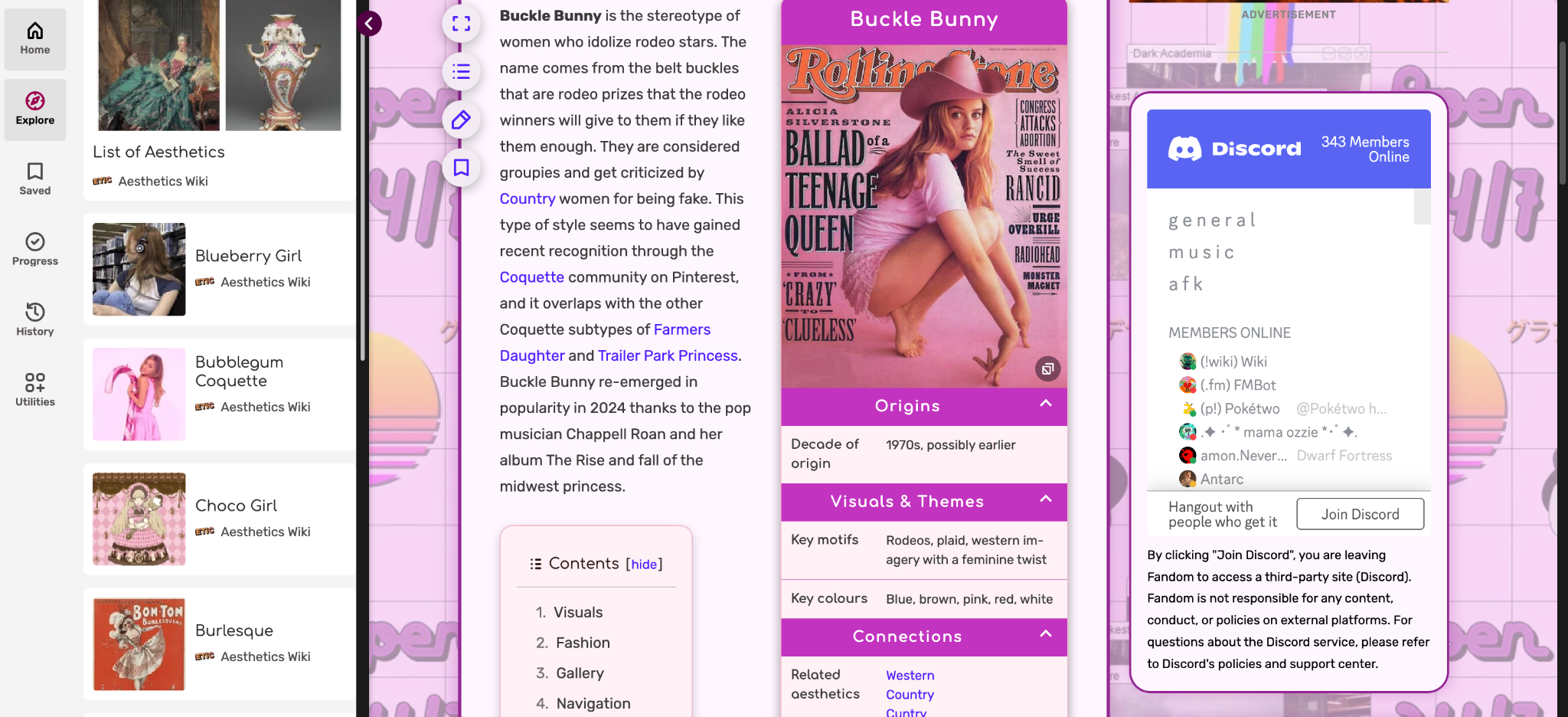
Another gem we’re bringing to you is AestheticsFandom, a website full of different aesthetics you can search, along with their definitions and examples.
23. ShotDeck
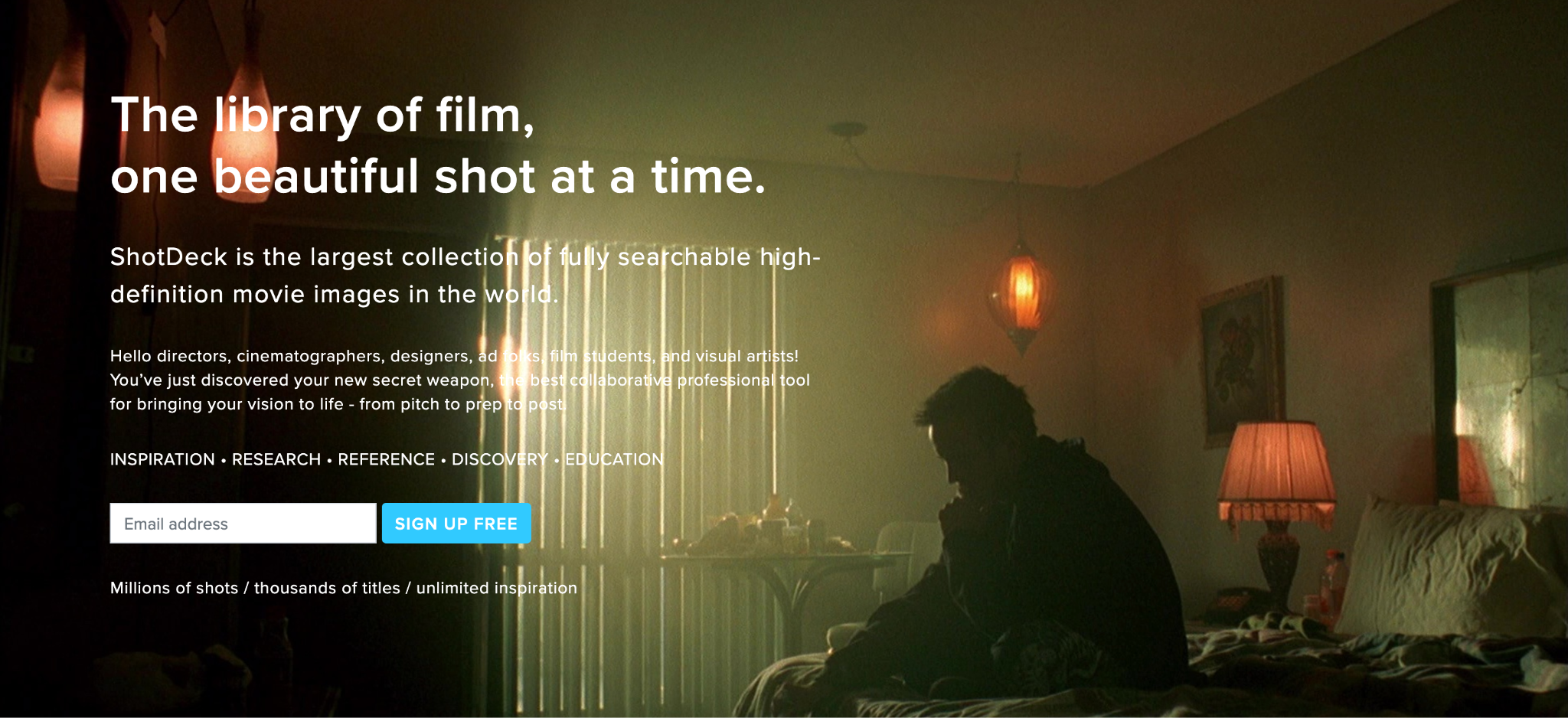
A searchable library of film stills for lighting, framing, colour, costumes, and mood: shotdeck.com
24. FilmGrab
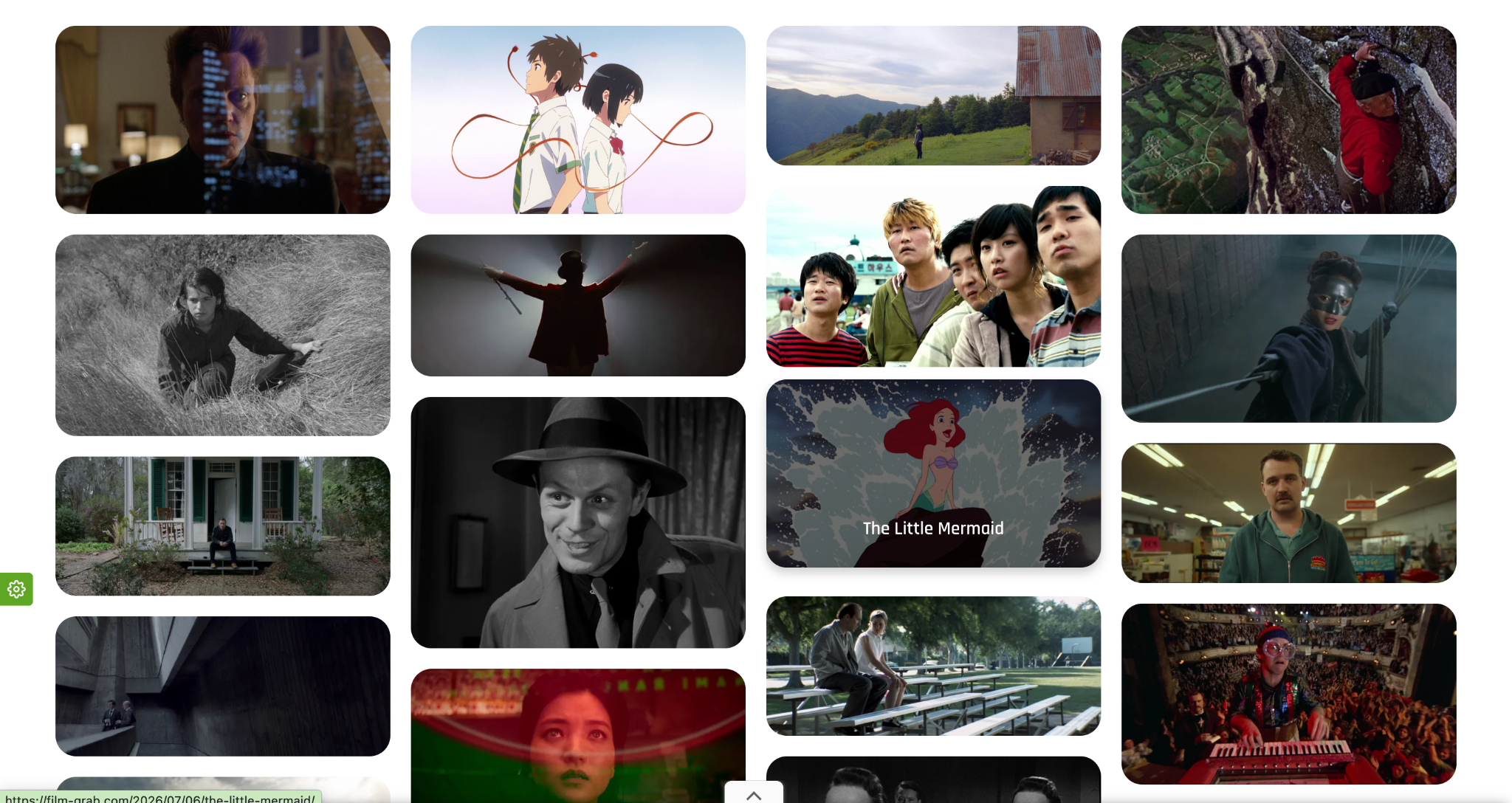
A beautiful archive of film stills, organised by title, director, and cinematographer: film-grab.com
25. Are.na

Like a deeper, more niche Pinterest, with collections built around oddly specific visual themes: are.na
26. The Public Domain Review
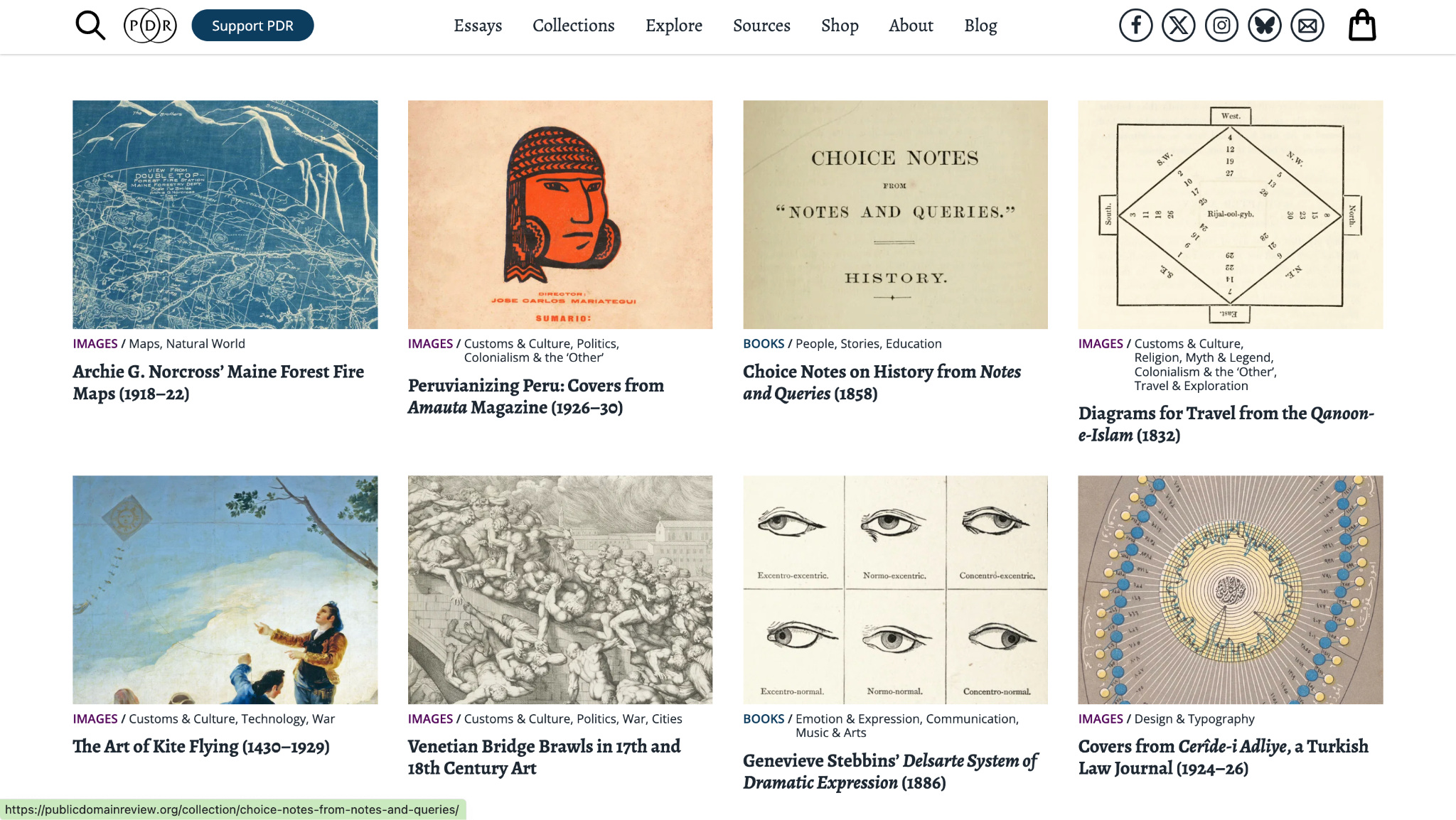
A goldmine of old visual oddities to get inspired by: publicdomainreview.org
27. Same Energy
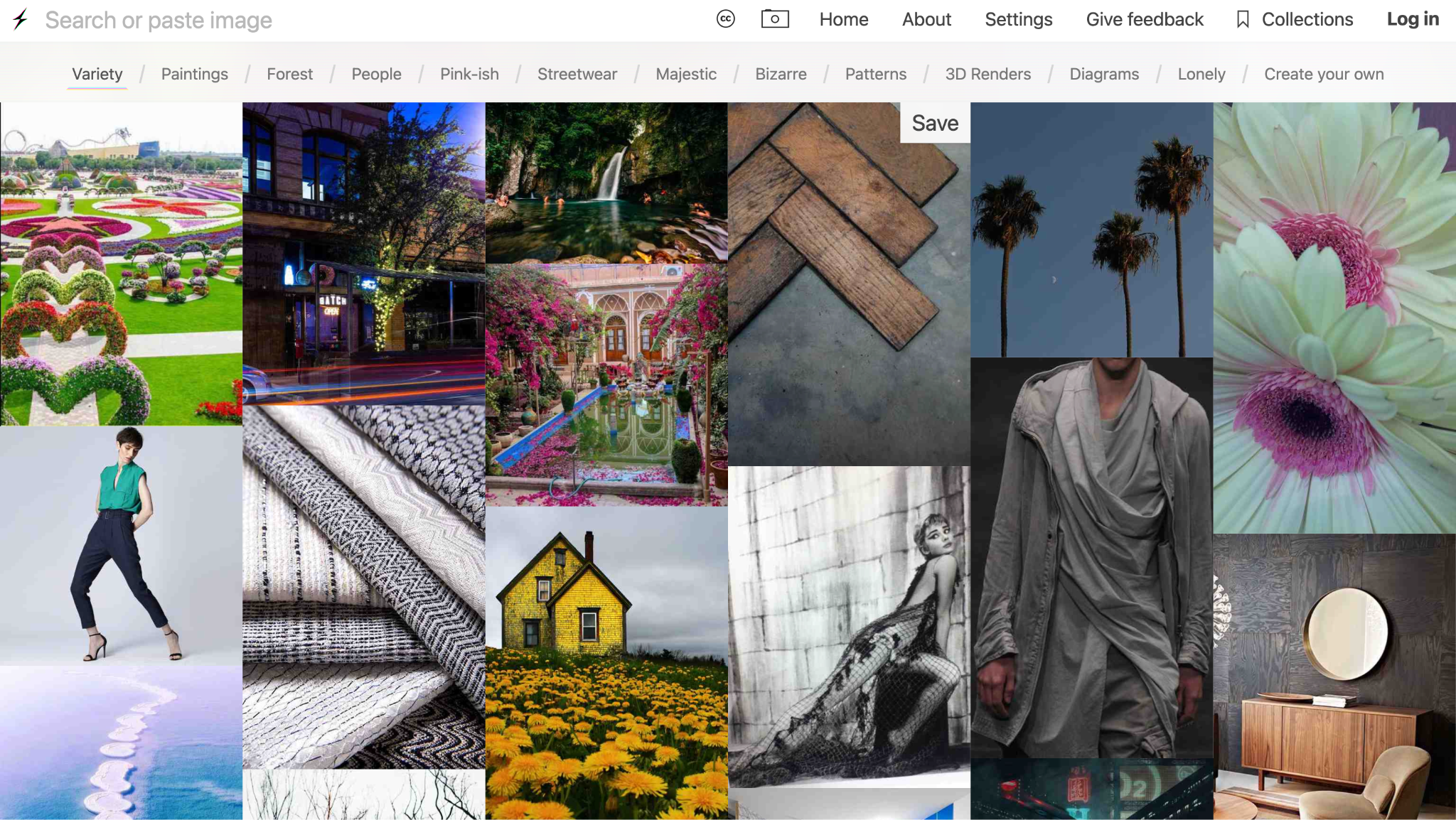
Upload or click an image and find others with a similar color, composition, and overall feel: same.energy
28. Frame it differently
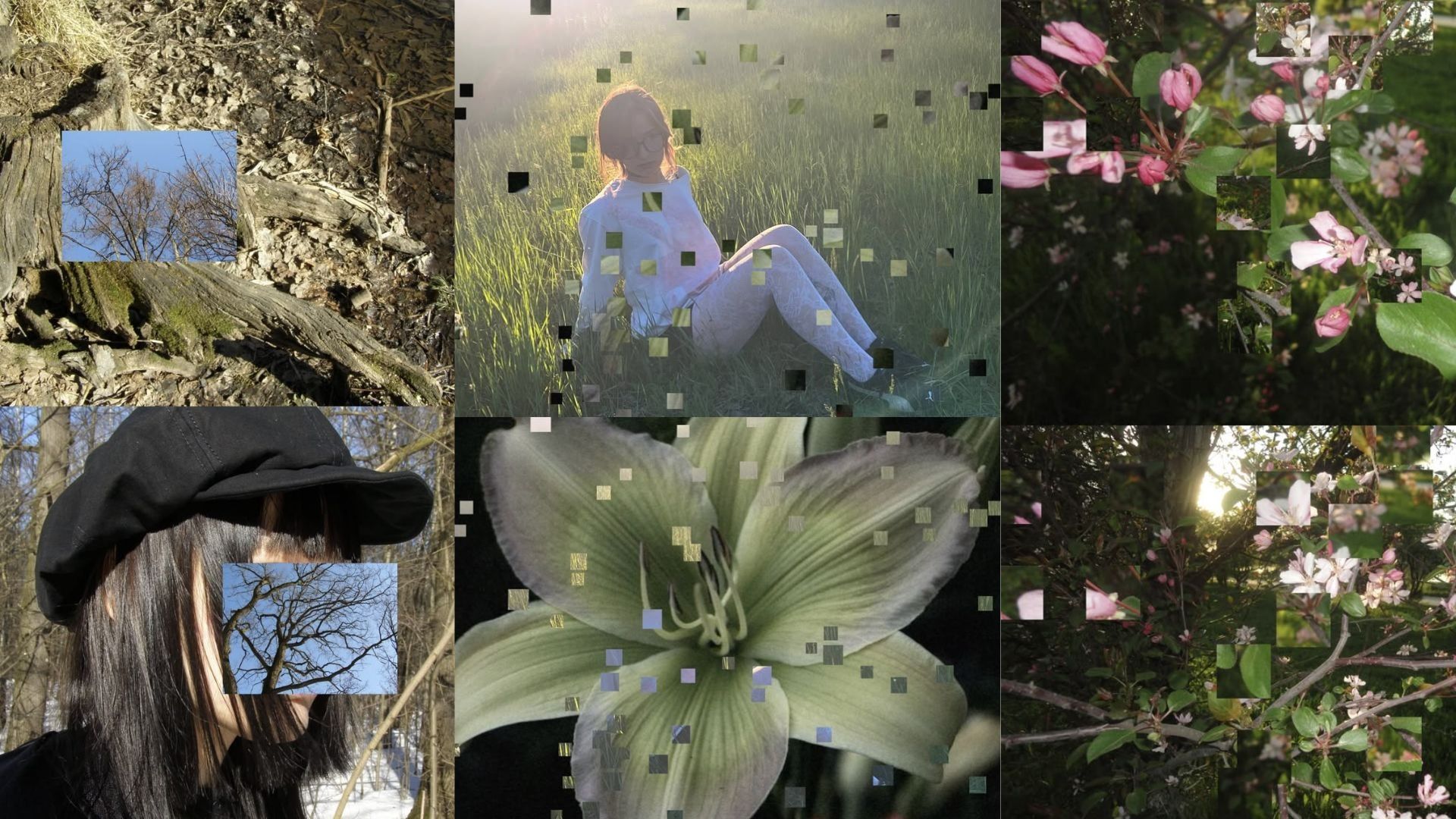
And our final inspo for your content ideas! Play with the framing of your photos to make them feel less ordinary and less predictable.
Create your content with Async
Once you pick your content idea, Async can help you turn it into something ready to post. Generate visuals, edit your footage, add captions, clean up the audio, and resize everything for Reels, TikTok, YouTube Shorts, and more, all in one place. Start creating and bring your ideas to life!
FAQ
How do I come up with content ideas?
Start with what is already around you: questions people ask, problems you keep solving, decisions you make at work, unfinished drafts, customer feedback, and things you have recently learned. One topic can also become several posts when you show it as a tutorial, opinion, example, before-and-after, or short video.
Where can I find content ideas?
Look through customer emails, reviews, Reddit threads, and the questions people ask in sales calls. The best content ideas usually come from real curiosity or frustration. For personal content ideas, you can find inspiration everywhere; just make sure you have somewhere to take notes in and go out for a day just being more observant about things around you and taking notes on everything that sparked your curiosity.
How do I find content ideas for social media?
Pay attention to what people are already talking about in your niche, then look for the part that has not been explained properly. You can also revisit posts that performed well, answer comments with a new post, or show something people rarely see, such as how a decision was made or what happened after a launch.
How do I never run out of content ideas?
Keep one place where you save questions, observations, screenshots, links, half-finished thoughts, and things worth revisiting. Do not wait until posting day to think of everything. A running idea bank makes content creation much easier because you are choosing from material you already collected rather than starting from zero every time.
How do I organize my content ideas?
Group them by purpose rather than platform. For example, group all your content that is for teaching into one list, and keep the entertaining ones in the other one. Then, add the format beside each idea, such as a Reel, carousel, YouTube video, blog post, or email.
What are good content ideas for beginners?
Beginners should start with things they already understand well enough to explain simply. Answer a common question or turn something you recently discovered into a short tutorial. You do not need a complicated concept for the post to be useful.
How do I come up with content ideas for YouTube?
Use YouTube search suggestions, scan comments under popular videos, and look for questions that were answered badly or not at all. A useful YouTube idea usually solves one clear problem, compares two choices, shows a process from start to finish, or gives viewers a reason to keep watching until the result.
How can I turn one idea into several posts?
Change the angle or format rather than repeating the same post. One tutorial could become a short video, a checklist, a carousel of mistakes, a behind-the-scenes clip, a longer YouTube explanation, and a follow-up answering questions from the comments. This is one of the easiest ways to get more from strong content creation ideas without making everything from scratch.
What should I post when I have no content ideas?
Choose something small and useful. The best next post is usually not the most original one, but the one you can make clearly and publish without turning it into a huge project.
Can I use the same content idea on different platforms?
Of course! Just make sure you adjust it to suit how people use each platform. Keep the central idea, but change the opening, length, and format rather than posting the exact same piece everywhere.