AI video moved fast, but Sora’s shutdown moved even faster for anyone who had started planning around it.
OpenAI has discontinued the standalone Sora web and app experiences, and its developer API is scheduled to follow on September 24, 2026. So, is Sora shutting down? Yes. For most creators, it already has. Sora has not been moved to another company or relocated somewhere else. It is ending as a public AI video product. According to the OpenAI Help Center, the Sora web and app experiences were discontinued on April 26, 2026, while the Sora API is scheduled to be discontinued on September 24, 2026.
The bigger story is not that AI video is disappearing. It is that OpenAI appears to be narrowing its focus after the high cost and complexity of running a public AI video app. Reporting has linked the move to Sora’s computing demands and OpenAI’s broader shift toward enterprise tools, world simulation, and robotics, as reported by the BBC.
Because Sora as a public product is ending, you may need to look for other AI video alternatives. Depending on your needs, there are several powerful options available, from cinematic text-to-video models to image-to-video tools, social-first generators, video enhancement models, and multi-model workflows.
In this guide, we’ll compare the best Sora alternatives for AI videos, including Veo, Kling, Runway, Seedance, Wan, Halo, Grok Imagine, and Async. We’ll look at what each one is best for, where it falls short, and when it makes more sense than replacing Sora with another single AI video generator.
A quick look into the best Sora alternatives for AI videos
The tools in this list are not all trying to do the same job. Some are stronger for overall quality, some are better for realistic motion, some give professionals more creative control, and others are more useful for social-first videos, dialogue, or budget-friendly testing.
If you want the closest high-end AI video generator to replace the kind of workflow people expected from Sora, start with Veo 3.1, Kling 3.0, Runway Gen-4.5, Seedance 2.0, Wan 2.6, Halo 02, and Grok Imagine. If you care more about workflow than one single model, Async becomes useful because it lets you access and test multiple AI Models without rebuilding your process around one tool.
Key highlights
- Best overall quality: Veo 3.1
- Best for motion realism: Kling 3.0
- Best for professional creative control: Runway Gen-4.5
- Best for cinematic camera control: Seedance 2.0
- Best for budget-friendly action clips: Wan 2.6
- Best for dialogue and talking characters: Halo 02
- Best for social-first video ideas: Grok Imagine
- Best for testing multiple models in one workflow: Async
Best Sora alternatives compared
Here is the quick version before we get into the full breakdown.
Pricing changes often and may vary by provider, API access, credits, region, and billing cycle, so treat the cost column as a starting point rather than a fixed quote.
The main takeaway is simple: there is no single perfect Sora alternative for every creator. A filmmaker testing cinematic scenes, a marketer making product videos, a social creator generating short clips, and a team building repeatable content workflows may all choose different tools.
Use the table as a shortcut, then use the full breakdown to match each model to your production needs.
Best Sora alternatives for AI videos
These tools are easier to compare when you group them by what they actually do best. Some models are better for premium quality, some are stronger for cinematic direction, and others are more useful for dialogue, social videos, or full production workflows.
The best overall Sora alternatives
The best overall Sora alternatives are the models that can handle a wider range of AI video tasks, from text-to-video prompts to polished campaign concepts. Veo 3.1, Kling 3.0, and Runway Gen-4.5 are the strongest picks when you care about quality, realism, and creative control.
Veo 3.1
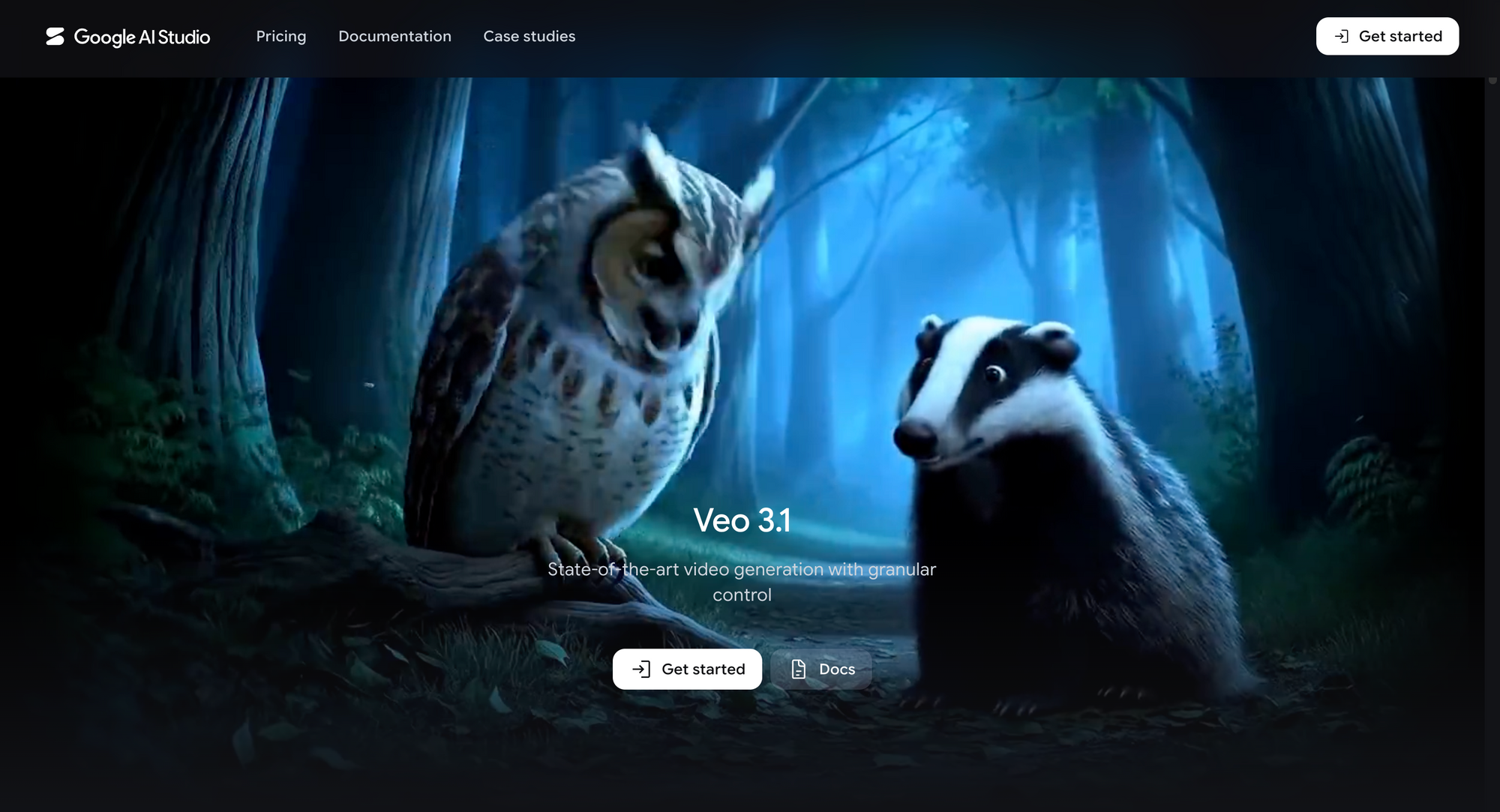
Veo 3.1 is best for overall AI video quality. It is a strong Sora alternative if your priority is polished output, realistic detail, high-resolution generation, and a model that can support more ambitious visual prompts.
Veo is especially useful for brand films, pitch visuals, product concepts, campaign ideas, and cinematic scenes where final image quality matters. It is not necessarily the lightest or simplest option, but it is one of the strongest models to test if Sora’s appeal was its promise of premium AI video generation.
Pros:
- Strong overall output quality
- Good fit for cinematic text-to-video prompts
- Useful for image-to-video workflows
- Supports high-resolution generation through some access points
- Strong option for creators who care about realism and polish
Cons:
- May feel too advanced for quick casual clips
- Access, pricing, and limits can vary by provider
- Strong results still depend on detailed prompting
- Not always the most practical choice for fast social iteration
Best fit:
Veo 3.1 is the best fit if you want one of the strongest overall Sora alternatives for high-quality AI videos. It works especially well for campaign concepts, product visuals, cinematic scenes, and polished creative tests.
Kling 3.0

Kling 3.0 is best for motion realism. If your video idea depends on believable movement, consistent physics, camera motion, or a scene that feels like it was actually directed, Kling is one of the strongest Sora AI alternatives to test.
This makes it useful for fashion clips, product movement, lifestyle scenes, action shots, and cinematic concepts where the motion needs to feel intentional. It is also a good option when a basic AI video generator makes the subject look too floaty, stiff, or disconnected from the scene.
Pros:
- Strong motion realism
- Good handling of camera movement
- Useful for action, lifestyle, and cinematic scenes
- Better suited to movement-heavy prompts than many basic tools
- Strong option when physics and subject behavior matter
Cons:
- Complex prompts may need several generations
- Character and object consistency still need review
- Some outputs may look strong visually but need editing
- Not always the fastest option for simple social clips
Best fit:
Kling 3.0 is the best fit if movement is the most important part of your video. It is useful when you want an object, person, or camera to move naturally through a scene instead of creating a visually impressive but awkward clip.
Runway Gen-4.5
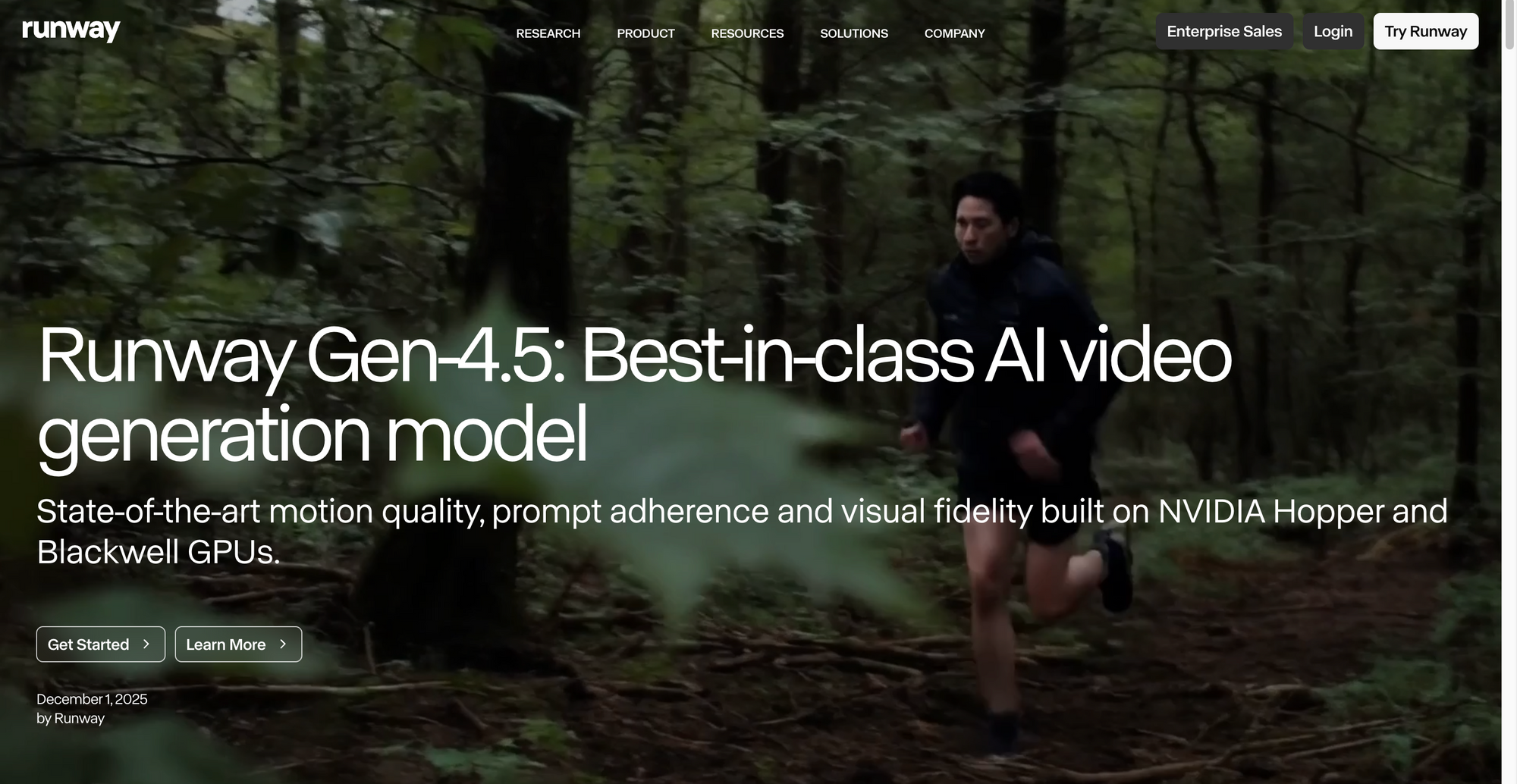
Runway Gen-4.5 is best for professionals who want more creative control around AI video generation. It is a strong Sora alternative for filmmakers, agencies, editors, and creative teams that need references, visual direction, and a more production-oriented toolset.
Runway is not only about generating a clip from a prompt. Its strength is that it fits more naturally into creative workflows where users are testing shots, directing movement, working with references, or trying to build a more polished sequence.
Pros:
- Strong fit for professional creative workflows
- Useful for VFX-style experimentation
- Good reference-based controls
- Better suited to teams that want more direction over the final result
- Practical for campaigns, concept films, and experimental visuals
Cons:
- More expensive than some casual AI video tools
- Can feel heavier than simple prompt-to-video generators
- Requires experimentation to get the best results
- May be more than beginners need
Best fit:
Runway Gen-4.5 is the best fit if you want professional creative control rather than a simple generation experience. It is useful when you are building a visual sequence, testing production ideas, or working with references instead of relying on one prompt.
Sora alternatives for cinematic AI videos
The best Sora alternatives for cinematic AI videos are models that give you more control over camera movement, pacing, subject motion, and visual energy. Seedance 2.0 is useful for cinematic direction, while Wan 2.6 is a practical option for faster action-heavy testing.
Seedance 2.0
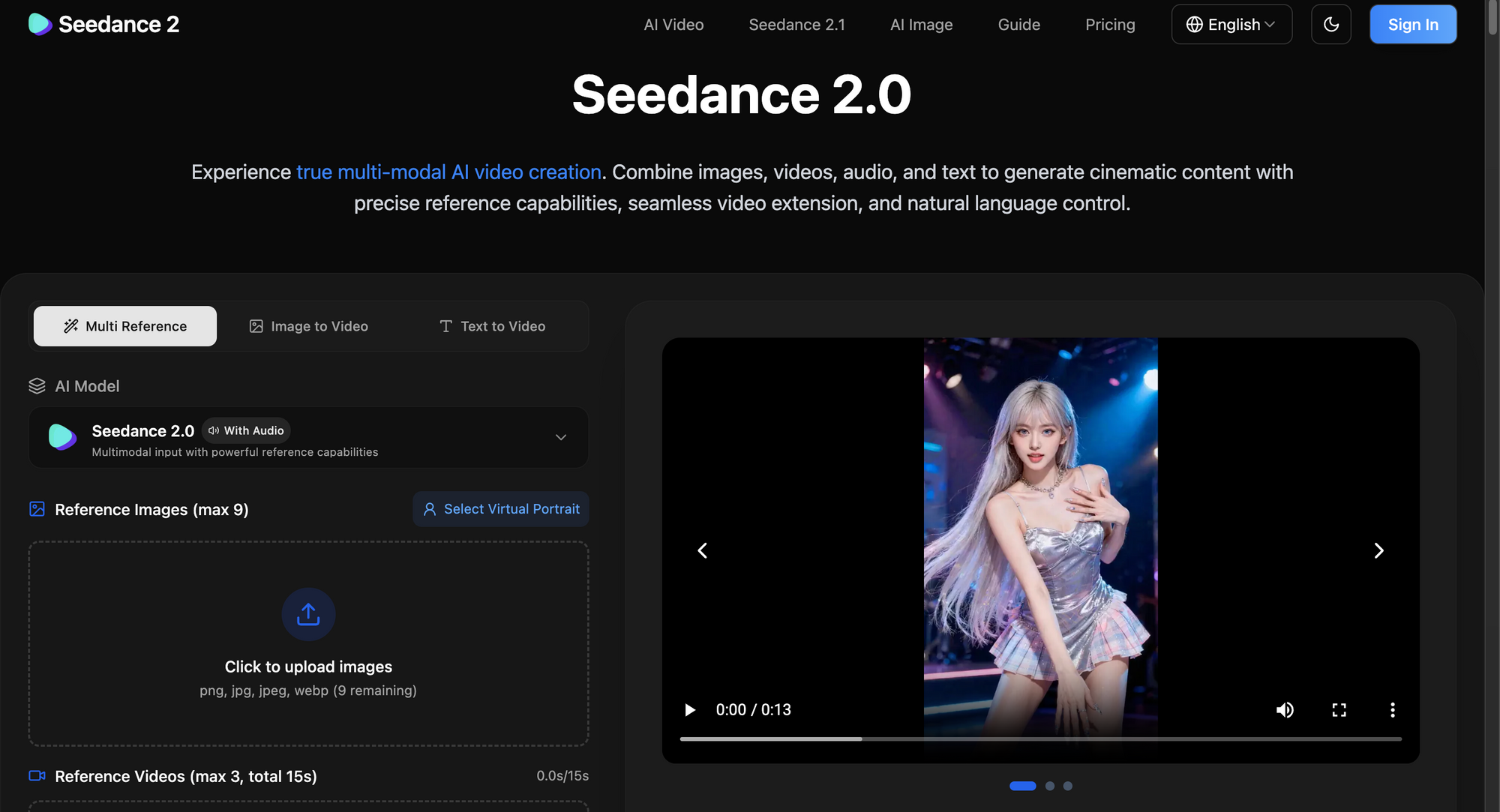
Seedance 2.0 is best for cinematic videos where camera control matters. It is a useful Sora alternative if you want to guide the feel of a shot, not just describe what appears in it.
This model is a good fit for creators who think in terms of camera movement, shot composition, pacing, and visual storytelling. It can work well for cinematic social clips, mood videos, product concepts, character moments, and stylized campaign assets.
Pros:
- Strong fit for cinematic generation
- Useful camera control
- Good for stylized and realistic visual concepts
- Helpful when prompts need more visual direction
- Strong option for creators who want directed AI video
Cons:
- May take testing to get the exact camera movement right
- Access and pricing can vary by platform
- Less ideal for very simple one-click generation
- Complex scenes may still need editing after generation
Best fit:
Seedance 2.0 is the best fit if your priority is cinematic direction. It is especially useful when you care about how the camera moves, how the shot feels, and how the generated video fits into a visual sequence.
Wan 2.6
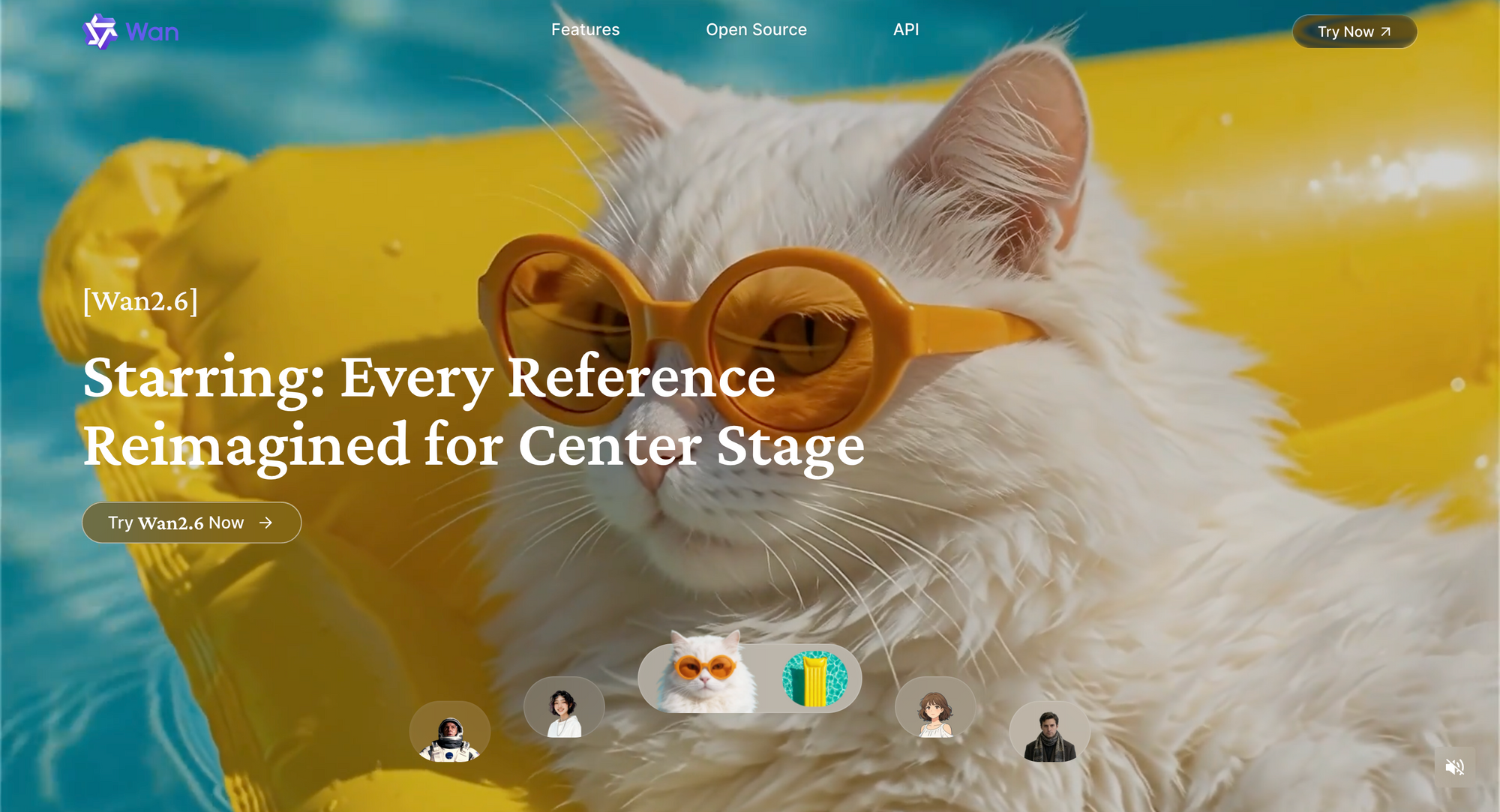
Wan 2.6 is best for budget-conscious creators and action-heavy clips. It is worth considering if you want fast high-resolution generation without treating every video test like a high-cost production decision.
Wan is especially useful for creators who need to experiment with motion, action, or visual energy. It can be a good fit for fast scene testing, stylized clips, product motion, social assets, and AI video ideas where you want to generate multiple directions before choosing the best one.
Pros:
- Good fit for action and motion-heavy clips
- Useful for faster creative testing
- Can support high-resolution workflows
- More accessible for creators comparing several directions
- Strong option for budget-conscious experimentation
Cons:
- May need more prompt tuning for polished results
- Not always as refined as premium cinematic models
- Some outputs may require cleanup or editing
- Best suited to testing rather than final-only workflows
Best fit:
Wan 2.6 is the best fit if you want a practical model for fast action, motion, and budget-conscious testing. It is useful when you need to explore several visual ideas instead of waiting for one perfect generation.
Sora alternatives for dialogue and talking characters
The best Sora alternatives for dialogue and talking characters are tools that move beyond silent cinematic clips. Halo 02 is especially useful when your video depends on speech, character performance, or presenter-style scenes.
Halo 02
Halo 02 is best for dialogue and talking characters. It is a useful Sora alternative if your video needs people speaking, character-driven scenes, or dialogue-focused content rather than silent cinematic clips.
This makes it relevant for explainer videos, training clips, educational content, AI presenters, character concepts, and social videos where speech or personality is central to the idea. If a video depends on a character delivering lines, expression and timing matter more than pure visual spectacle.
Pros:
- Strong fit for talking characters
- Useful for dialogue-led video ideas
- Good for explainers, social clips, and training content
- Helps when speech is central to the concept
- More relevant than cinematic-only tools for presenter-style videos
Cons:
- Not the best choice for broad cinematic scenes
- Paid access may limit casual testing
- Dialogue results still need close review
- May require editing for pacing, captions, and final polish
Best fit:
Halo 02 is the best fit if your main goal is a talking character or dialogue-driven video. It is especially useful when spoken performance matters more than wide cinematic world-building.
Sora alternatives for social videos
The best Sora alternatives for social videos are tools that help creators move quickly, test ideas, and create clips around social-first formats. Grok Imagine is useful for fast social concepts, while Async helps turn generated clips into finished videos.
Grok Imagine
Grok Imagine is best for social-first video ideas. It is useful when speed, trend awareness, and fast creative testing matter more than polished cinematic output.
For creators making short-form content, Grok Imagine can be useful for quick concepts, memes, reactive ideas, and social visuals that need to move fast. It is not necessarily the best option for evergreen brand films or high-end cinematic work, but it can be helpful when the goal is to test ideas quickly.
Pros:
- Good for social-first content
- Useful for quick ideation
- Can help with trend-aware creative testing
- Accessible compared with some professional tools
- Strong option for short-form experimentation
Cons:
- Less ideal for polished cinematic campaigns
- Social-first outputs may age quickly
- Not always the best fit for brand-controlled visuals
- Still needs human review before publishing
Best fit:
Grok Imagine is the best fit if you are creating social content and need quick, trend-aware ideas. It is better for fast testing than for carefully controlled cinematic production.
Best Sora alternative for full AI video workflows
The best Sora alternative for full AI video workflows is not always another single model. If you want to test several models, compare results, edit clips, and move toward final publishing in one connected process, Async is the more practical workflow option.
Async
Async is best understood as the workflow layer for creators who want to test multiple Sora alternatives, compare outputs, edit clips, and keep production moving in one place.
This matters because AI video generation is rarely the final step. After a model gives you a clip, you may still need to cut it down, add captions, resize it, clean up the audio, create multiple versions, or combine it with other assets. Async is useful when you want to turn AI-generated clips into finished videos without jumping between disconnected tools.
For creators who do not want to manage separate generation tools, editors, caption tools, and export workflows, Async’s Video Editor helps keep more of the process connected.
Pros:
- Lets creators test multiple AI video models
- Useful for comparing outputs before choosing a direction
- Keeps generation, editing, and finishing closer together
- Better for repeatable workflows than one-off experiments
- Helpful for creators, marketers, and teams making AI videos regularly
Cons:
- Not one single model replacing Sora
- Best suited to creators who want a full workflow
- May be more than someone needs for one quick AI video test
Best fit:
Async is the best fit if your real problem is not just generation, but workflow. It is especially useful if you want to test several Sora alternatives, compare results, edit the best clips, and continue creating without rebuilding your process around one model.
Why creators need Sora alternatives now
Creators need Sora alternatives now because Sora is no longer a reliable public tool to build around. The web and app experiences have already been discontinued, and the API has a scheduled end date. That means creators and teams need AI video options they can actually access, test, and fit into their production process.
Sora is no longer available
Sora’s shutdown matters because many creators saw it as the model that would define AI video. It had the name recognition, the OpenAI connection, and the promise of turning detailed prompts into polished video clips.
However, for creators working on deadlines, availability matters more than hype. If a tool is discontinued, region-limited, waitlisted, expensive to run, or difficult to integrate, it becomes risky to depend on. A creator can experiment with unstable access, but a brand, agency, or production team usually cannot.
AI video creation requires more than a generation model
There is also a bigger lesson here: AI video is not just about the model. A good output is only the first step.
Most creators still need to:
- Choose the right aspect ratio
- Trim and edit clips
- Add captions and subtitles
- Adjust audio and voiceovers
- Resize videos for different platforms
- Create multiple versions for distribution
That is why the best Sora alternatives are not only the models that generate impressive demo clips. The strongest options are the ones that help creators produce useful videos consistently, not just one good-looking clip.
Different creators need different Sora alternatives
Not every creator is looking for the same thing from an AI video generator.
Social media creators often prioritize speed and rapid testing. Filmmakers may care more about cinematic motion, lighting, and camera control. Marketers typically need brand consistency and scalable content production. Training and education teams may prioritize dialogue, localization, and editing flexibility.
Because of these differences, the best Sora alternative depends heavily on the intended use case, which is also why broader lists of the best AI video generators can feel overwhelming without a clear workflow goal.
Comparing Sora alternatives can get confusing
Comparing Sora AI alternatives is not always straightforward because each platform tends to excel in different areas.
One model may generate highly realistic motion but struggle with dialogue. Another may be excellent for image-to-video workflows but weaker with complex scenes. A third may produce less cinematic results but offer faster generation and easier iteration.
The goal is not to identify a single universal winner. The goal is to find the tool that best matches your workflow, content type, and production requirements.
What to look for in a Sora alternative
A good Sora alternative should match the kind of AI video you actually need to create. Look at output quality, motion realism, image-to-video support, audio features, editing options, pricing, usage rights, and whether the tool fits into a real production workflow.
Output quality and consistency
The first thing to check is whether the video looks usable without heavy cleanup. Look at lighting, faces, hands, product details, object consistency, and how stable the scene feels from start to finish.
For brand or client work, small issues can make a generated clip unusable. A warped product label, changing face, strange hand, or inconsistent background can ruin an otherwise impressive shot. Strong Sora alternatives should be able to hold the core subject together long enough for the video to feel intentional.
Motion realism
Motion is one of the biggest differences between AI video models. A strong model should understand how people walk, how objects move, how fabric reacts, how cameras pan, and how a scene changes over time.
This matters most for cinematic clips, product reveals, fashion videos, lifestyle shots, and action-heavy scenes. If the motion feels floaty or disconnected, the video may look more like an animated image than a real clip.
Text-to-video and image-to-video options
Text-to-video is useful when you want to create a scene from scratch. Image-to-video is better when you already have a product photo, character design, campaign visual, or brand asset that needs to stay consistent.
For many creators, image-to-video is the safer starting point. It gives the model a visual anchor and reduces the chance that the output drifts too far from the intended look. If you are still figuring out how to make AI videos, start by testing one text prompt and one image prompt, then compare how much editing each result needs before it feels usable.
Audio and dialogue support
If your video needs people speaking, ambient sound, or synchronized audio, do not choose a model based on visuals alone. Look for tools that support dialogue, talking characters, voice timing, sound design, or audio-video alignment.
This is especially important for explainers, training videos, education content, AI presenters, and social clips built around a character. A visually strong video can still fail if the speech feels disconnected from the performance.
Editing and workflow
AI video generation is usually not the final step. After the model creates a clip, you may still need to trim it, resize it, add captions, adjust audio, create platform-specific versions, or combine it with other footage.
That is why workflow matters. A standalone AI video generator can be enough for testing, but creators who publish regularly need a smoother process from generation to editing and export.
Pricing and commercial rights
Pricing can change quickly across AI video tools, especially when models are offered through different apps, APIs, or credit systems. Before choosing a tool, check whether the plan includes the resolution, duration, number of generations, and export quality you need.
Also check commercial usage terms. If you are using AI videos in ads, client projects, paid social, product launches, or branded campaigns, make sure the license allows that use and review the output for likeness, trademark, and copyright issues.
Best free Sora alternatives
Free Sora alternatives are useful for testing model quality before you commit to a paid workflow. Most free AI video tools have limits, so they are usually best for early comparison rather than final production.
For people searching for Sora alternatives free, Async is a practical place to start because it has a free plan for testing AI video generation without jumping between separate tools. The free plan includes selected AI video generation models, along with access to useful workflow tools like AI clips, AI reframe, AI subtitles, and the AI thumbnail generator.
Grok Imagine is also worth testing for social-first ideas, depending on plan and region. Veo 3.1 may be available through free testing or API access, while Kling, Runway, Seedance, WAN, and Halo are better treated as paid, credit-based, or trial-based options.
Which Sora alternative should you choose?
Choose Async if you want the most practical Sora alternative for a complete AI video workflow. It lets you test multiple AI video models, compare outputs, edit the strongest result, and keep creating in one place instead of replacing Sora with another isolated generator.
For specific generation needs, use Veo 3.1 for overall quality, Kling 3.0 for motion realism, Runway Gen-4.5 for professional control, Seedance 2.0 for cinematic direction, Wan 2.6 for action-heavy testing, Halo 02 for dialogue, and Grok Imagine for social-first ideas.
The simplest way to decide is this: choose a model when you need one specific generation strength, and choose Async when you want a repeatable workflow for testing, editing, and publishing AI videos. This is also where Chat-based editing fits naturally, because AI video usually improves through small refinements rather than one perfect prompt.
The next AI video workflow is bigger than one model
Sora is gone as a public AI video product, but AI video is not slowing down. The better move now is to build a flexible workflow instead of depending on one model that may change, limit access, or disappear.
Use Veo 3.1 for quality, Kling 3.0 for motion, Runway Gen-4.5 for creative control, Seedance 2.0 for cinematic direction, Wan 2.6 for action-heavy testing, Halo 02 for dialogue, and Grok Imagine for social-first ideas.
But if you want to test multiple Sora alternatives, compare outputs, edit the strongest clip, and keep creating in one connected workflow, Async is the more practical place to start. You can Sign up when you are ready to test multiple AI video models inside a workflow that can keep up with the next wave of AI video tools.
Frequently asked questions about Sora alternatives
What is the best Sora alternative?
The best Sora alternative depends on what you need to create, but Async is the most practical choice if you want a complete AI video workflow. It lets you test multiple models, compare outputs, edit results, and keep working in one place instead of relying on one generator.
Is there a free Sora alternative?
Yes. Async has a free plan that includes selected AI video generation models and workflow tools, making it a useful starting point for testing Sora alternatives. Some other tools may offer free trials, credits, or limited access, but free AI video plans usually come with usage limits.
What is the best Sora alternative for AI videos?
For AI videos, Async is best if you want a workflow that supports generation, comparison, editing, and publishing. For individual model strengths, Veo 3.1 is strong for quality, Kling 3.0 for motion realism, Runway Gen-4.5 for professional control, and Halo 02 for dialogue.
What is the best Sora alternative for image-to-video?
The best Sora alternative for image-to-video depends on the result you need. Veo 3.1 is strong for polished quality, Seedance 2.0 is useful for cinematic direction, and Halo 02 is better for talking characters or dialogue-led image-to-video workflows.
Can I use Sora alternatives for commercial videos?
Usually yes, but commercial use depends on the platform, model provider, plan, and license terms. Before using AI-generated video in ads, client work, paid social, or branded campaigns, check usage rights carefully and review outputs for likeness, trademark, copyright, and brand safety issues.