Video is no longer a “nice to have” for creators and marketing teams. Wyzowl’s 2026 video marketing report found that 91% of businesses use video as a marketing tool, while 93% of video marketers see it as an important part of their overall strategy.
That makes platforms like Artlist genuinely useful. If you need royalty-free music, sound effects (SFX), stock footage, templates, plugins, and creative assets, Artlist gives you a lot in one subscription. It is especially helpful when you already have a video editing workflow and mainly need professional assets to make your content feel polished.
But this Artlist review comes with an important caveat: Artlist is strongest as a creative asset and licensing platform. While it now offers AI tools, including AI video, image, music, and voiceover generation on certain plans, many creators, marketers, agencies, and teams still need a more connected way to create, edit, repurpose, and scale video content.
So, is Artlist worth it? Yes, if your main problem is finding licensed assets. But if your bigger problem is producing more videos faster, managing your edits, repurposing content, and building a repeatable video creation workflow, you may want to consider a stronger Artlist alternative.
What is Artlist?

Artlist is a creative asset platform for creators, marketers, editors, and teams that need licensed music, sound effects, stock footage, video templates, plugins, and AI tools. It helps users find production-ready material for videos, ads, social content, podcasts, films, and branded projects.
Its biggest value is convenience. Instead of searching separate platforms for music, SFX, stock footage, and templates, users can access several asset types from one place. That makes Artlist especially useful for creators who publish often and need reliable assets with clear licensing.
Artlist has also expanded beyond its original reputation as a royalty-free music platform. Depending on the plan, it can include music, SFX, footage, templates, LUTs, plugins, AI video, AI image, AI voiceover, AI music, and Artlist Studio.
Still, Artlist is strongest as a sourcing and licensing platform. It can make videos feel more polished, but users may still need separate tools for editing, captions, collaboration, repurposing, or publishing. That is why Artlist works best when it supports an existing workflow, rather than replacing the full video production process.
Who is Artlist best for?
Artlist is best for creators, editors, marketers, and teams that use licensed production material regularly.. It makes the most sense if music, sound effects, stock footage, templates, and other production assets are already part of your content process.
For example, a YouTuber may use Artlist to find background music for a weekly upload, while a freelance editor may use it to source SFX, transitions, or footage for client work. A marketing team may also use it to keep ads, product videos, and social content polished without searching across multiple asset sites.
Artlist is especially useful when you already have a clear production workflow. In that case, the platform works as a reliable asset library that supports the video you are already making, rather than a tool that has to manage every step of creation, editing, and publishing.
What does Artlist include?
Artlist can include several types of creative assets and tools, depending on the plan you choose. Its stock-focused plans cover categories like music, sound effects, footage, video templates, LUTs, and plugins. Its AI-focused plans can include AI video, image, voiceover, and music generation, along with access to Artlist Studio on certain plans.
This matters because Artlist has evolved. A few years ago, many creators mainly thought of it as a stock music alternative. Today, it is trying to cover more of the creative production stack.
Still, the practical question is not just “How much does Artlist include?” It is “Which part of your workflow do you need help with most?”
If you need assets, Artlist is strong. If you need a connected system to generate ideas, create videos, edit them, repurpose them into multiple formats, and publish consistently, then you may need a different kind of tool.
Artlist pros and cons
Artlist is a strong option if your main need is licensed creative assets. It gives creators access to music, SFX, footage, templates, plugins, and AI tools, but it may not cover every part of video production on its own.
Artlist pros
- Large asset library: Music, SFX, footage, templates, LUTs, plugins, and AI tools.
- Strong audio selection: Especially useful for music, sound effects, and transitions.
- Clearer licensing: Easier than sourcing assets from multiple platforms.
- Good for frequent creators: Helpful if you publish videos regularly.
- More than music: Artlist now includes stock assets and AI creation tools.
Artlist’s biggest advantage is convenience. If your videos often need background music, cinematic sound effects, stock footage, or templates, having them in one place can save a lot of time. It also makes the production process feel more organized, especially for creators, marketers, and editors who publish content every week.
The licensing side is another major benefit. Instead of checking different usage rules across different asset sites, Artlist gives users a more centralized way to find assets for personal, commercial, and client projects, depending on the plan.
Artlist cons
- Still asset-first: Best for sourcing assets, not managing the full workflow.
- Extra tools may be needed: Editing, captions, approvals, repurposing, and publishing may happen elsewhere.
- Subscription value varies: It makes more sense if you use assets often.
- Audio cleanup is separate: Music and SFX will not fix echo, hum, or messy dialogue.
- Less ideal for workflow-heavy teams: Teams may need a fuller creation and editing system.
The main limitation is not that Artlist is weak. It is that Artlist solves a specific part of production: sourcing licensed material That is very useful, but it does not automatically replace the tools creators use to record, edit, clean up audio, add captions, repurpose clips, collaborate, or publish.
This matters most for teams with repeatable video needs. If your bottleneck is finding better music, Artlist can help. If your bottleneck is producing more finished videos from start to finish, you may need a platform built around the full creation and editing workflow.
Is Artlist worth it?
Artlist is worth it if you use licensed creative assets often and want one place for music, sound effects, stock footage, templates, and AI tools. It may be less necessary if you only need assets occasionally, or if your bigger need is a complete system for creating, editing, and repurposing videos.
Artlist is worth it if you create content regularly
Artlist makes the most sense for creators and teams that publish consistently. If you are making YouTube videos, ads, reels, podcasts, branded content, or client videos every month, the platform can save time by keeping many assets under one subscription.
It is especially useful if music and sound design are a regular part of your process. If YouTube is your main channel, Artlist can pair well with your existing YouTube editing software because it gives you licensed music, SFX, and footage to support the edit. Instead of searching for tracks across different sites, checking usage terms, and worrying about where each asset can be used, Artlist gives you a more centralized way to find production-ready material.
The licensing model is also part of the value. Artlist says projects created and published during an active subscription can remain published and monetized even after the subscription ends. New projects, however, are not covered after the subscription expires.
Artlist may not be worth it if you only need assets occasionally
If you only need one song, one SFX pack, or a few stock clips every now and then, Artlist may feel like more platform than you need. Its own pricing explainer says monthly plans can be useful for testing the platform, while annual plans offer better value if you upload new content every month. ([artlist.io][2])
This does not make Artlist a bad deal. It just means the value depends on how often you create. A creator publishing weekly may get much more from Artlist than a brand that only makes a few campaign videos a year.
It is also worth separating “assets” from the rest of production. Music, footage, and templates can make videos better, but they do not automatically solve scripting, recording, editing, captions, approvals, repurposing, or publishing.
So if your main challenge is finding better licensed assets, Artlist is worth considering. If your main challenge is building a faster video editing workflow from start to finish, you may want to compare it with platforms designed around creation and editing, not just asset sourcing.
Best Artlist alternative: Async
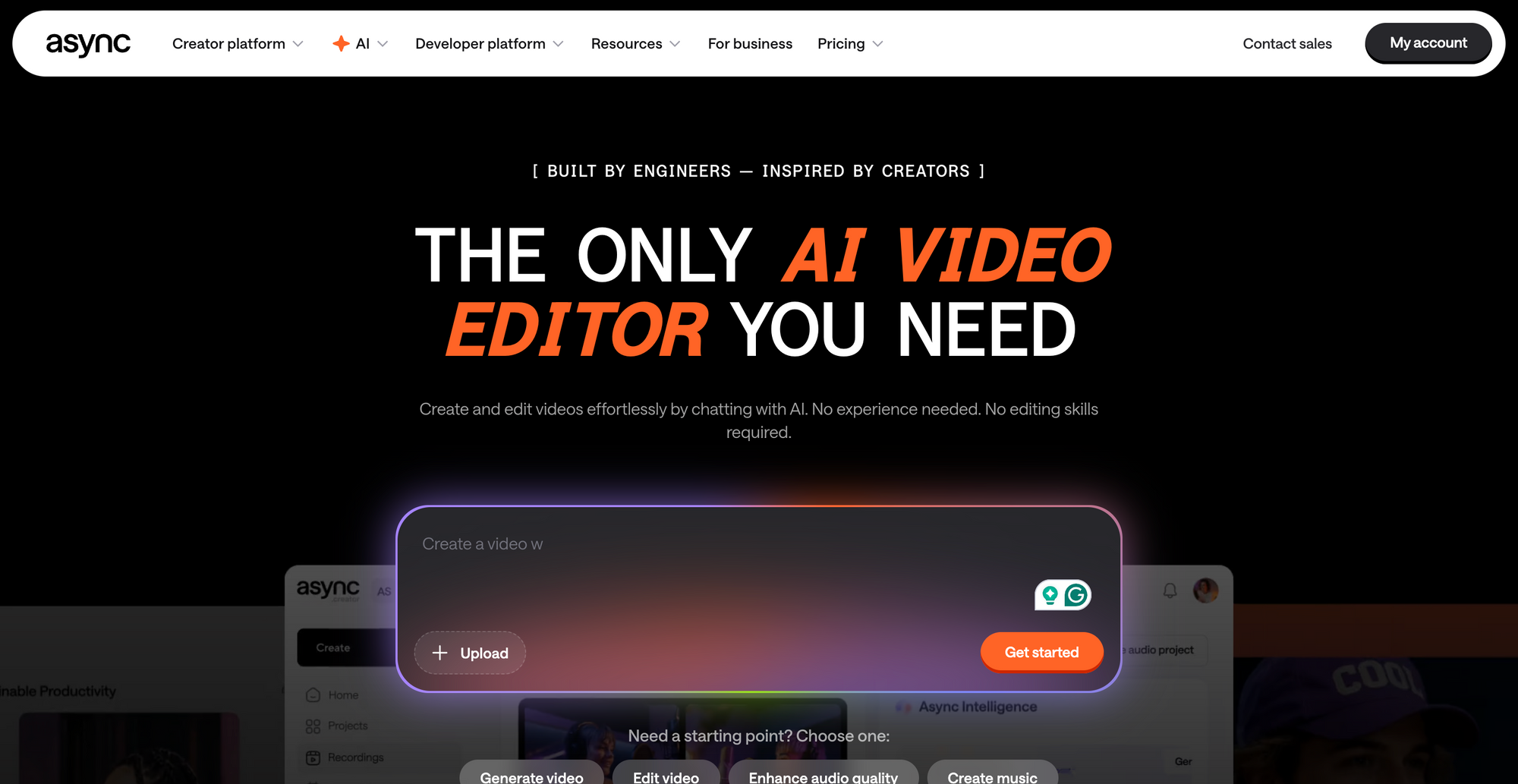
Async is the best Artlist alternative if you need more than licensed assets. Artlist helps you find music, SFX, footage, templates, and creative elements, while Async is built for the broader video process: creating, editing, repurposing, and publishing content from one connected workspace.
Why Async is different from Artlist
The simplest way to compare Artlist vs Async is this: Artlist is strongest when you need assets for a video, while Async is stronger when you need to make the video itself.
That difference matters because many creators and teams are not just looking for “a better song” or “a better stock clip.” They are trying to produce more content without constantly moving between separate tools for recording, editing, captions, audio cleanup, resizing, clipping, and publishing.
Async is built around that full process. It works as AI video generation tool, editing, recording, subtitles, dubbing, clips, and repurposing into one workflow, so users can move from idea to finished content without rebuilding the same project across multiple platforms.
That does not make Artlist and Async identical competitors. In many cases, they solve different problems. Artlist is useful when your workflow is already set and you need creative assets to support it. Async is more useful when the workflow itself is what needs to become faster, easier, and more repeatable.
Where Async is stronger
Async is stronger for creators, marketers, agencies, and teams that need an AI video editor for regular content production. Instead of only helping users source assets, Async’s video editor helps users cut, resize, caption, enhance, and polish videos directly in the browser.
That makes it a better fit for teams that need finished content, not just ingredients. For example, a marketer may need to turn one product demo into short clips, social posts, captioned versions, and different aspect ratios. A creator may need to clean up a recording, cut highlights, add subtitles, and publish variations for YouTube, TikTok, Instagram, or LinkedIn.
Async is also useful for repurposing. Its AI clip tools are designed to turn longer videos into short, social-ready clips by identifying strong moments and adding captions that creators can adjust.
This is where Async feels more future-facing than a traditional asset subscription. A royalty-free track can improve a video. A connected creation workflow can help a team produce many videos more consistently.
When should you choose Async over Artlist?
Choose Async over Artlist if your biggest challenge is the full video editing workflow, not just finding assets.
That includes cases where you need to:
- generate videos or creative variations
- edit footage quickly
- clean up audio
- add subtitles
- turn long videos into short clips
- resize videos for different platforms
- repurpose one recording into multiple assets
- collaborate around repeatable content production
Artlist can still be valuable if you need music, footage, templates, or SFX. But if you are trying to create more videos with fewer disconnected tools, Async is the stronger alternative.
The honest recommendation is not “never use Artlist.” It is this: use Artlist when your main need is licensed creative assets. Use Async when your main need is a complete video creation platform that helps you produce, edit, and scale content from one place.
Other Artlist alternatives to consider
Artlist is not the only option for licensed music, SFX, stock footage, templates, and creative assets. The best Artlist alternative depends on what you need most: music licensing, broad asset access, video templates, stock footage, or a more complete production workflow.
Epidemic Sound
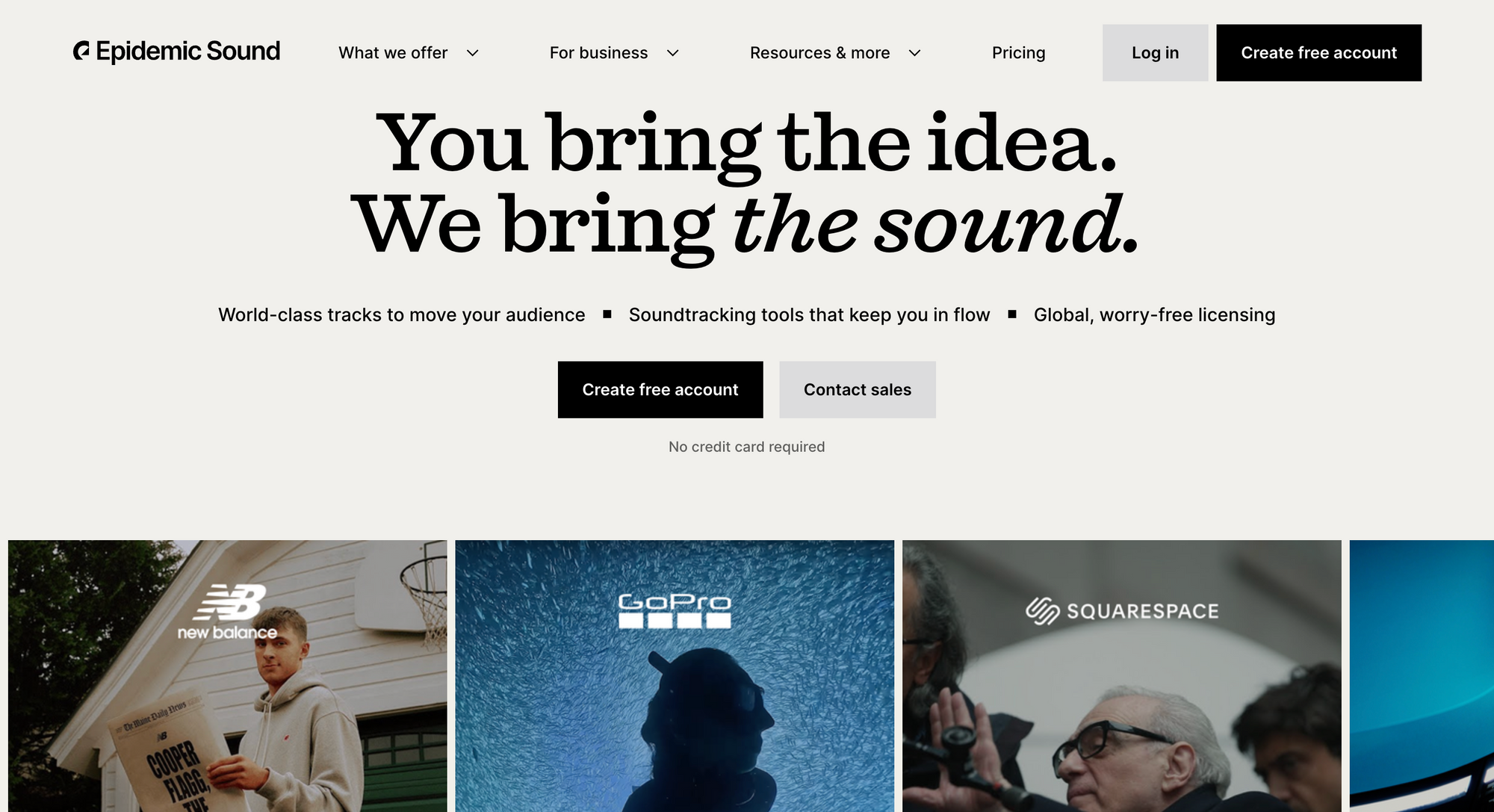
Epidemic Sound is one of the closest Artlist alternatives for music and sound effects. It focuses on royalty-free music, SFX, and soundtracking tools for creators, brands, and businesses. Its catalog is built around direct licensing, and Epidemic says content published during an active subscription can stay cleared after cancellation.
It is a strong option if your main priority is audio. If you want a broader library that also includes stock footage, templates, and plugins, Artlist or another asset platform may be a better fit.
Envato Elements
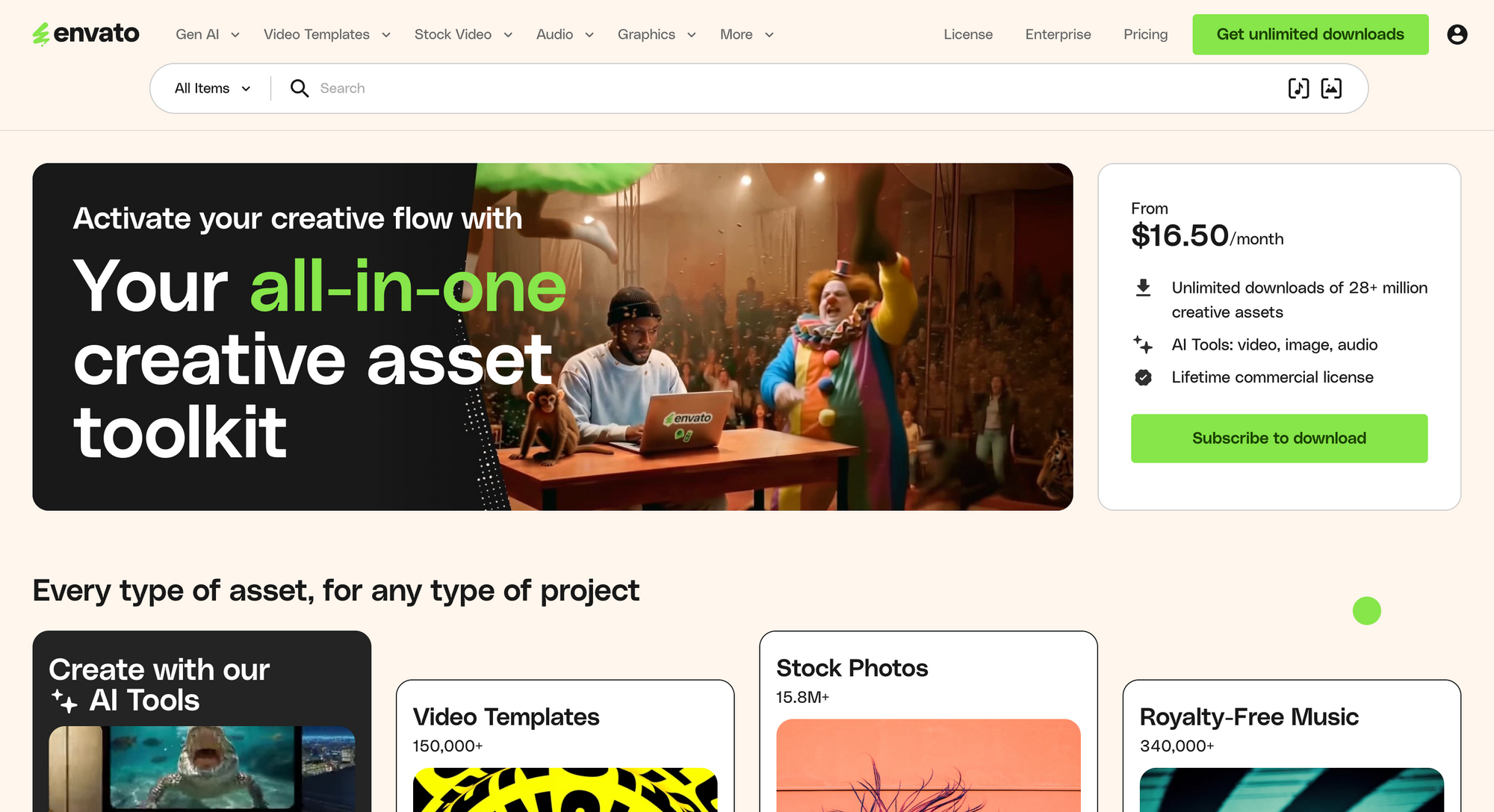
Envato Elements is a broad creative asset subscription. It includes stock video, photos, video templates, music, sound effects, design templates, graphics, fonts, add-ons, and AI tools. Envato says it offers unlimited downloads across more than 28 million creative assets, depending on the plan.
This makes Envato useful for creators and marketers who need more than video assets. It is especially practical for people working across social media, websites, presentations, branding, ads, and design projects.
Storyblocks
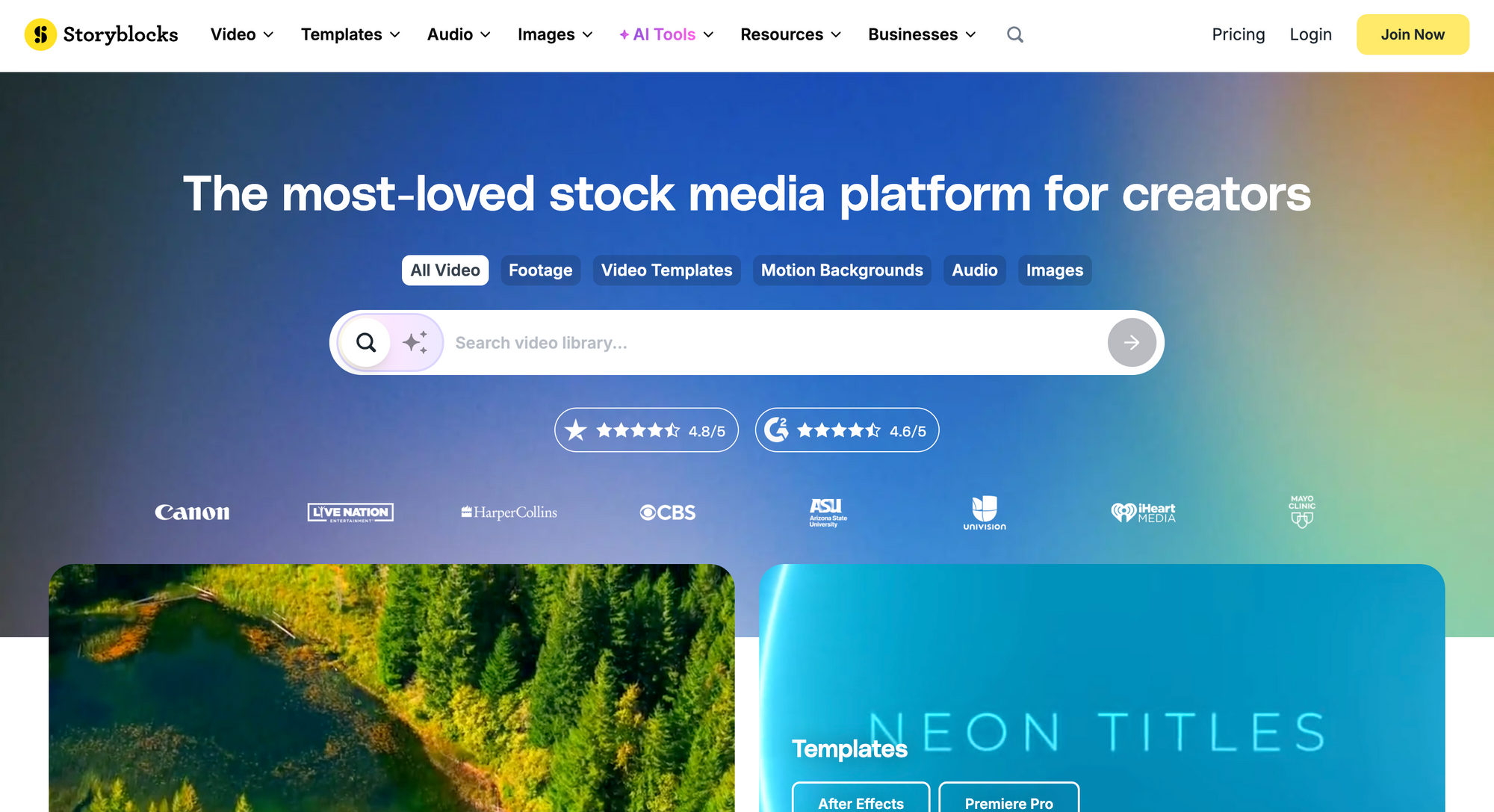
Storyblocks is a strong Artlist alternative for stock video, templates, images, music, and sound effects. Its library includes stock footage, After Effects templates, Premiere Pro templates, Apple Motion templates, DaVinci Resolve templates, and stock audio.
It is a good fit if your video work depends heavily on footage and templates. For teams that already have an editor and mostly need stock material to support production, Storyblocks can be a practical choice.
Motion Array
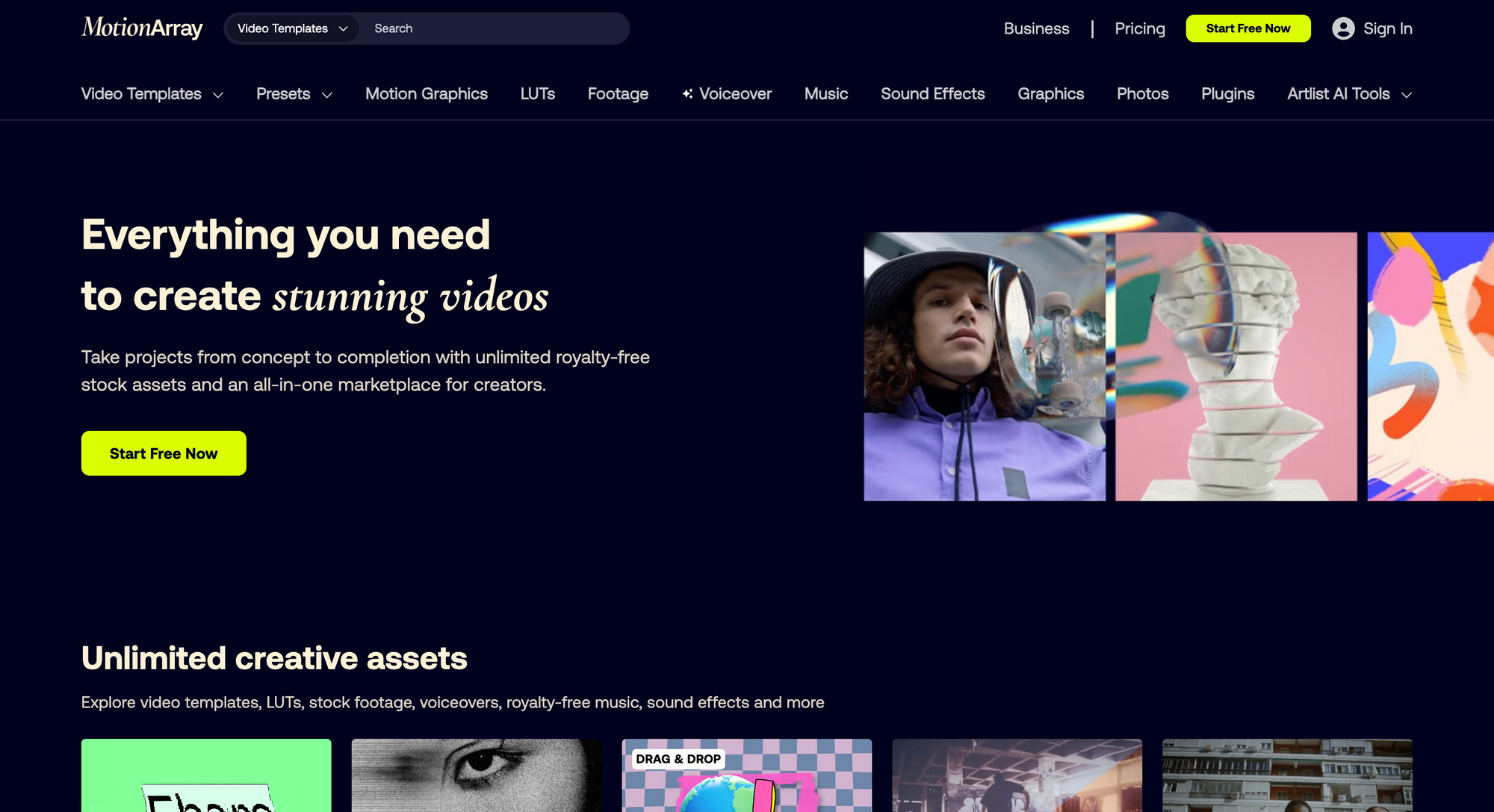
Motion Array is useful for editors who want templates, presets, plugins, footage, music, sound effects, graphics, LUTs, and other video assets in one subscription. Motion Array describes itself as an all-in-one platform for video creators and filmmakers, but its help center also clarifies that it is not an online video editing platform. It is mainly a marketplace for assets used inside existing editing software.
That makes it a good option if you already work in tools like Premiere Pro or After Effects and want editor-friendly assets. If you need to actually create and edit videos online, you may still need a separate video editor.
Soundstripe
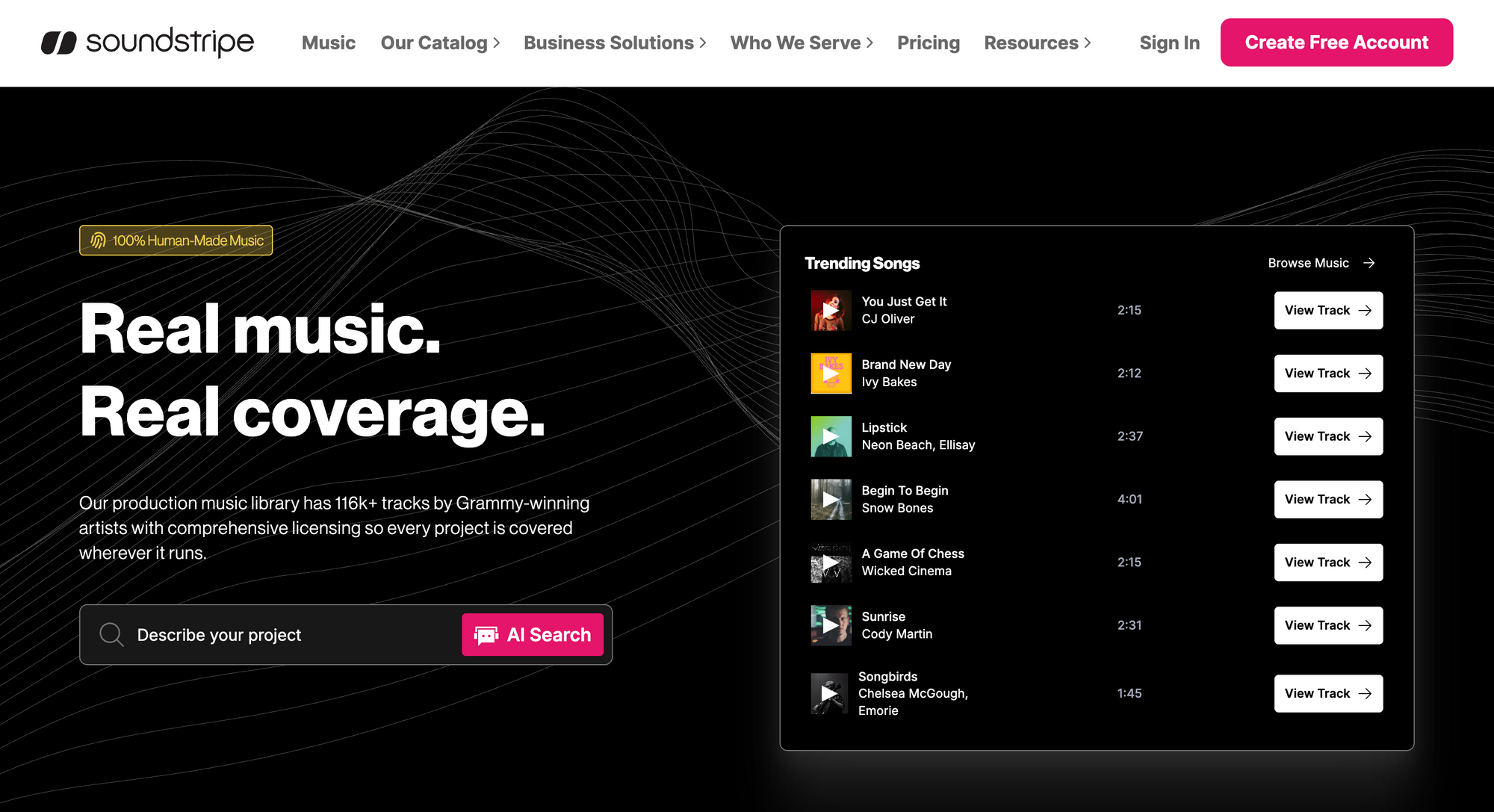
Soundstripe is another stock music alternative worth considering if your main focus is licensed music and SFX. It is often used by creators, YouTubers, podcasters, agencies, and businesses that want cleared tracks for content production.
Compared with Artlist, Soundstripe is usually more audio-focused. That can be a benefit if music licensing is the only thing you need. But if you also want footage, templates, AI tools, or a broader asset library, Artlist, Envato, Storyblocks, or Motion Array may be stronger options.
If you already have assets covered but still need to polish voiceovers, interviews, or recorded dialogue, an audio editor may be more useful than adding another asset subscription.
The honest takeaway: pick the tool that solves your real problem
Artlist is worth considering if your main problem is finding high-quality licensed assets. It is especially useful for creators, editors, and teams that regularly need music, SFX, footage, templates, plugins, and creative elements for videos.
But the best choice depends on what is actually slowing you down. Sometimes that bottleneck is not another music library, but cleaner dialogue, better captions, tighter cuts, or background noise removal that makes the original footage easier to use.
If your production setup is already solid and you mostly need better source material, Artlist can be a smart subscription. If your bigger challenge is creating more finished videos, Async is the stronger Artlist alternative because it is built around generating, editing, repurposing, and scaling video content from one place.
So the simple version is this: choose Artlist for licensed assets, Epidemic Sound or Soundstripe for audio-first licensing, Envato Elements or Storyblocks for broader stock libraries, and Async when you need a more complete video creation platform.
FAQs about Artlist and its alternatives
Is Artlist worth it for creators?
Yes, Artlist is worth it for creators who use licensed music, sound effects, footage, and templates often. It is especially helpful for YouTubers, editors, marketers, and teams that publish regularly. Still, assets work best when paired with strong pacing, clean sound, and practical video editing tips.
What is the best Artlist alternative?
The best Artlist alternative depends on your main need. Async is the best option for users who want a complete creation and editing workflow. Epidemic Sound and Soundstripe are better for music licensing, while Envato Elements, Storyblocks, and Motion Array are strong for broader creative assets.
What is the difference between Artlist and Async?
The main difference in the Artlist vs Async comparison is the workflow. Artlist is strongest for sourcing and licensing creative assets like music, SFX, footage, and templates. Async is stronger for creating, editing, repurposing, and scaling finished videos from one connected platform.
Is Artlist only a royalty-free music platform?
No, Artlist is not only a royalty-free music platform anymore. It also offers sound effects, stock footage, video templates, plugins, LUTs, and AI tools depending on the plan. However, many users still choose it mainly for licensed music, SFX, and stock assets.
What are the best stock music alternatives to Artlist?
The best stock music alternatives to Artlist include Epidemic Sound, Soundstripe, Envato Elements, Storyblocks, and Motion Array. Epidemic Sound and Soundstripe are the most audio-focused options, while Envato, Storyblocks, and Motion Array offer broader creative asset libraries.