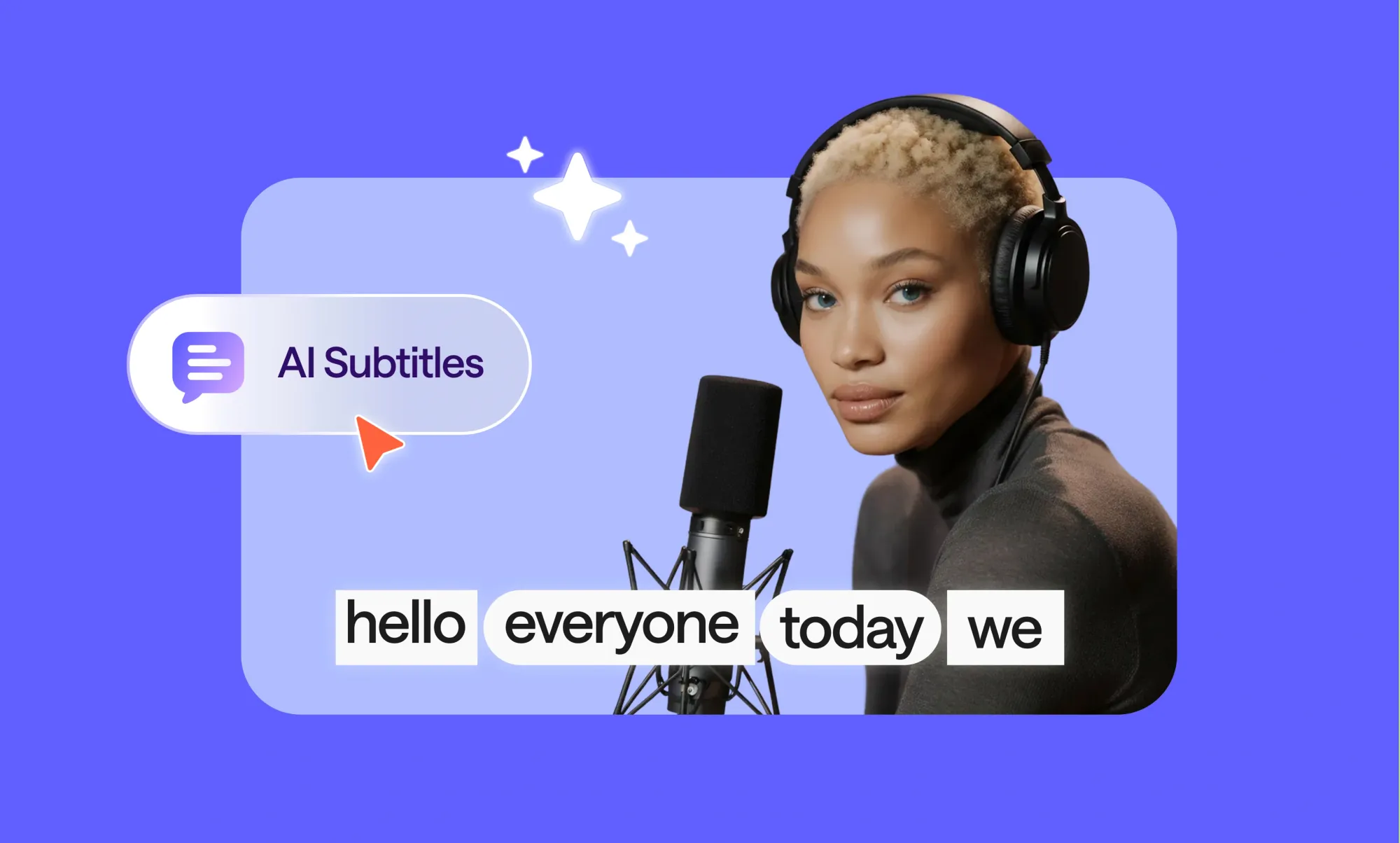
AI subtitles are smart, automatically generated captions that listen to your video, understand what’s being said, and turn spoken words into perfectly timed on-screen text: no typing, no syncing headaches, no fuss.
Think about how you scroll through social media: most videos play silently by default. Without captions, your content might be ignored faster than you can hit “play.” That’s where AI subtitles come in handy; they grab attention, make your videos understandable at a glance, and keep viewers hooked. Under the hood, AI subtitles use speech-to-text technology to listen to your audio, turn it into readable text, and perfectly match it to the action on screen. What used to take hours can now happen in a few clicks, and many tools even support multiple languages, making your content instantly global.
In this guide, we’ll break down exactly what AI subtitles are, how they work, and why creators, marketers, and businesses are embracing them.
By the end, you’ll know how to turn any video’s audio into clean, scroll-stopping captions, helping your content reach more eyes and ears without slowing down your creative flow.
What are AI subtitles?
Short answer:
AI subtitles are captions automatically generated by artificial intelligence that convert spoken audio into text and synchronize it with the video timeline, making every word appear at exactly the right moment for viewers to read.
The long answer:
AI subtitles go beyond simple text transcription. They use advanced speech-to-text technology to detect spoken words, interpret context, and place each caption in precise alignment with the video. “Time-synced text on video” means that the AI does not just convert audio to words but also ensures each line appears exactly when it is spoken and disappears when it is no longer relevant.
This process allows viewers to follow along effortlessly, whether they are watching on mute, in a noisy environment, or in a different language if translation is applied. AI subtitles also automatically handle punctuation, speaker pauses, and overlapping dialogue, which makes videos more accessible and engaging.
For creators, this removes the need for manual captioning, significantly speeding up production and ensuring consistency across multiple videos. Advanced AI subtitle generators can even adapt to various accents, speech patterns, and background noise, providing accurate captions across a wide range of content types, including tutorials, webinars, social media clips, and entertainment videos.
AI subtitles vs captions vs transcripts
Ever watched a video on mute and still understood every word? That’s the magic of subtitles, captions, and transcripts, but each works a little differently.
Subtitles display spoken dialogue on screen in real time, making it easy for viewers to follow along when sound is off or when the video is in another language. They focus mainly on the words themselves and usually skip extra audio details.
Captions take things further. They include not just dialogue but also background sounds, speaker labels, and other cues like [applause] or [music playing]. Captions are designed to make content accessible to deaf or hard-of-hearing audiences and to give viewers a richer understanding of the audio environment.
Transcripts are a full written record of your video or audio, unsynced to the timeline. They are longer and more detailed, making them perfect for reference, SEO, or repurposing content into blog posts, guides, or articles. Transcripts are especially useful when you want your content to be searchable, editable, or easy to convert into new formats.
So which one should you pick as a creator?
If your goal is to have quick engagement and readability on social media, AI subtitles are usually enough.
If accessibility and inclusivity matter, go with captions.
And if you need a complete text record that can be repurposed or optimized for search engines, a transcript is the way to go.
Many AI subtitle generators now let you create all three options in minutes, making it simple to choose the right format for every project while keeping your workflow fast and stress-free.
How to use Async’s AI subtitle generator
Might sound surprising, but adding AI subtitles takes just a few clicks. Follow these simple steps to turn any video into an accessible, scroll-stopping piece of content within minutes.
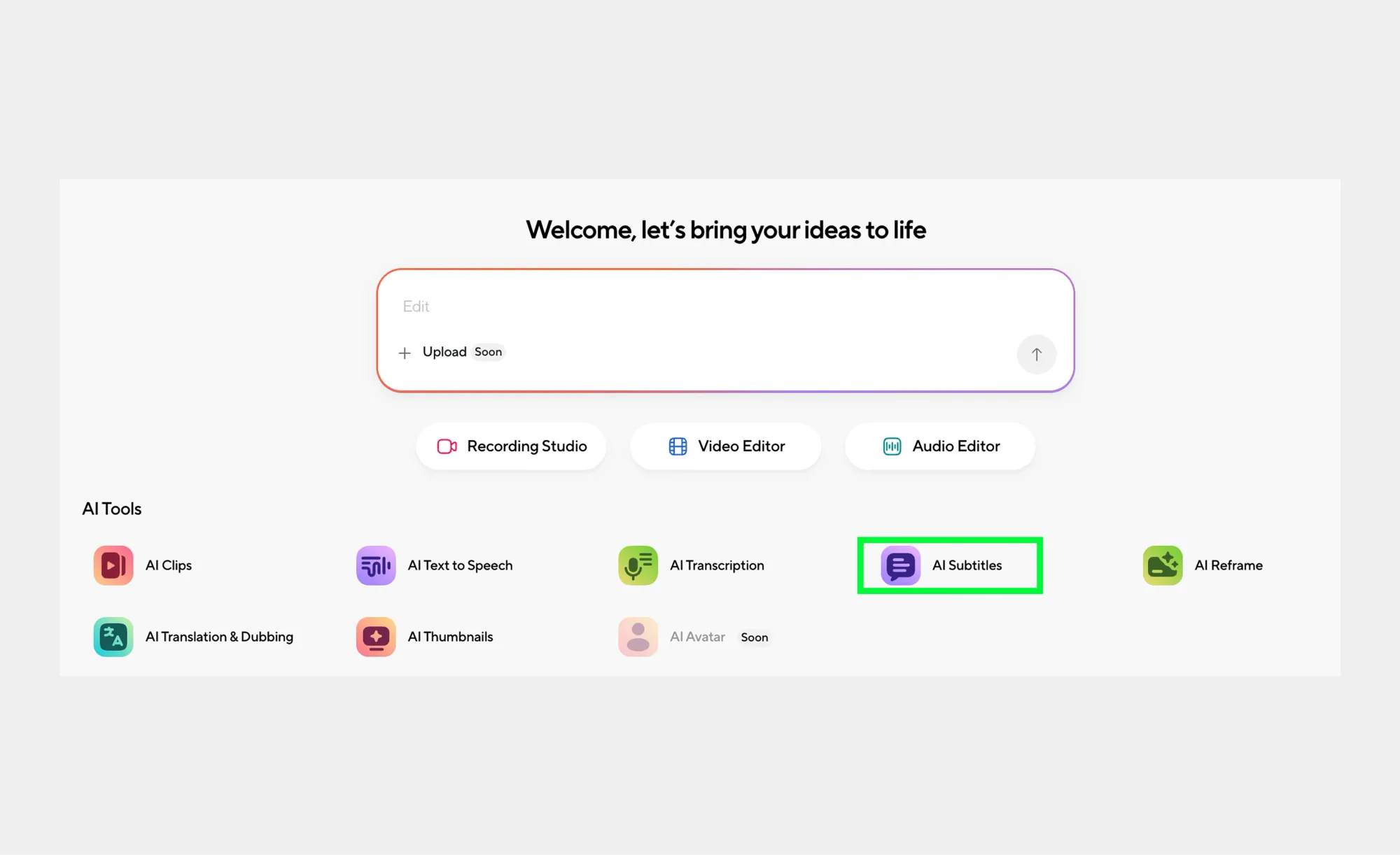
Step 1: Open the AI Subtitles tool
Once you sign up or sign in to your Async account, from the dashboard, select the AI Subtitles feature to begin.
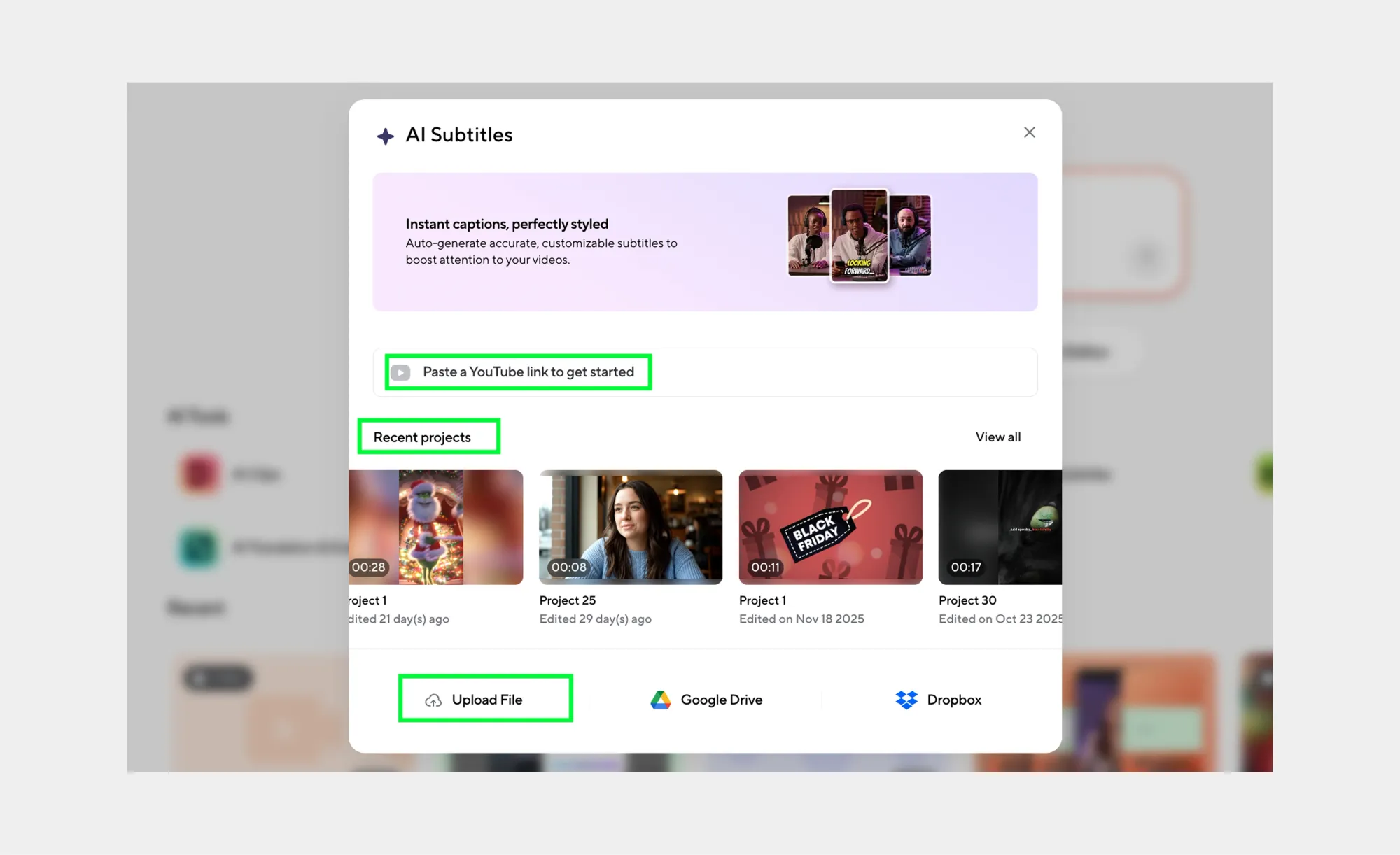
Step 2: Upload or link your video
Paste a YouTube link, upload a video file, or choose an existing Async project that you want to add subtitles to.
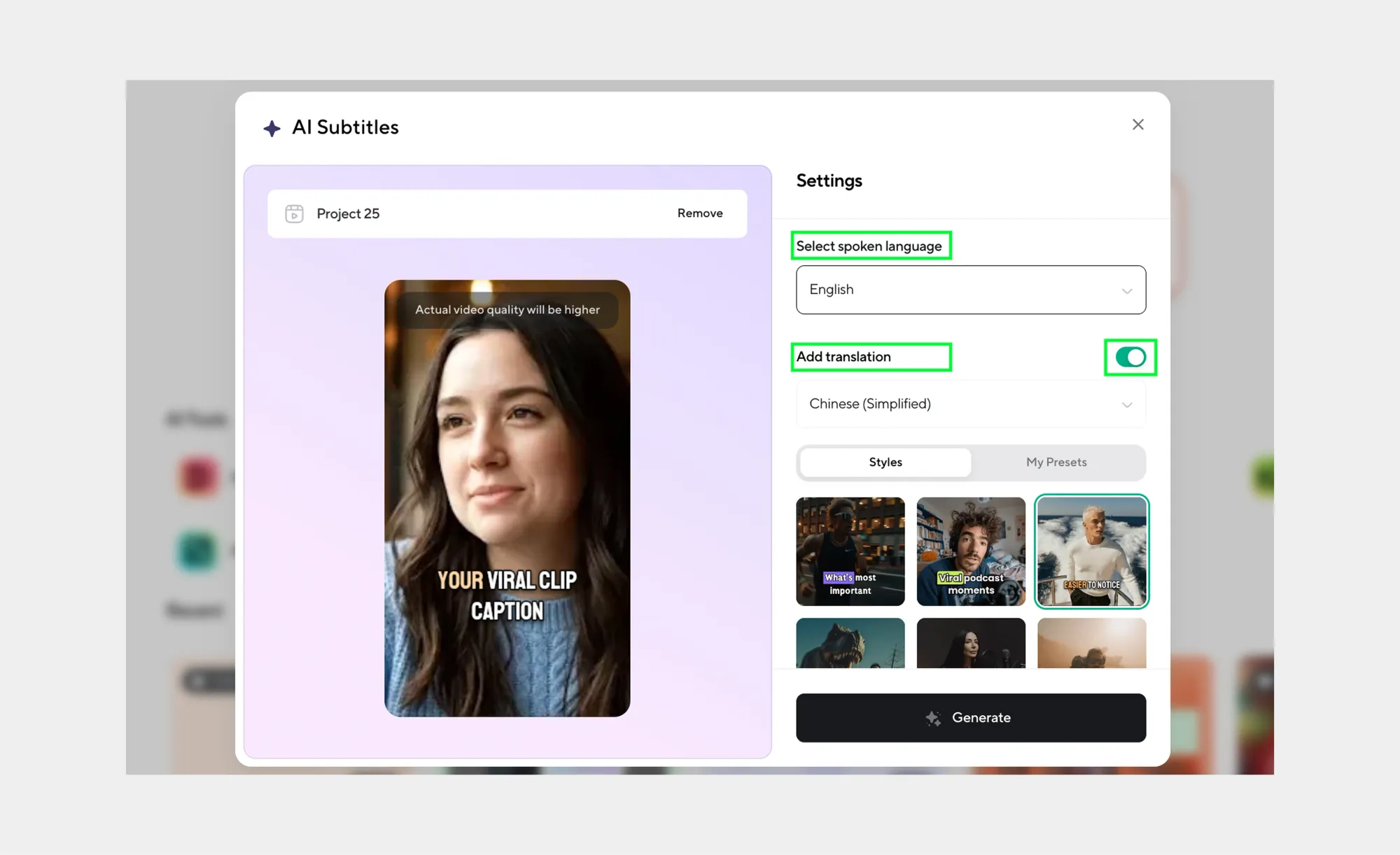
Step 3: Customize your subtitles
Pick a caption style and toggle translation to instantly localize your subtitles for a global audience.
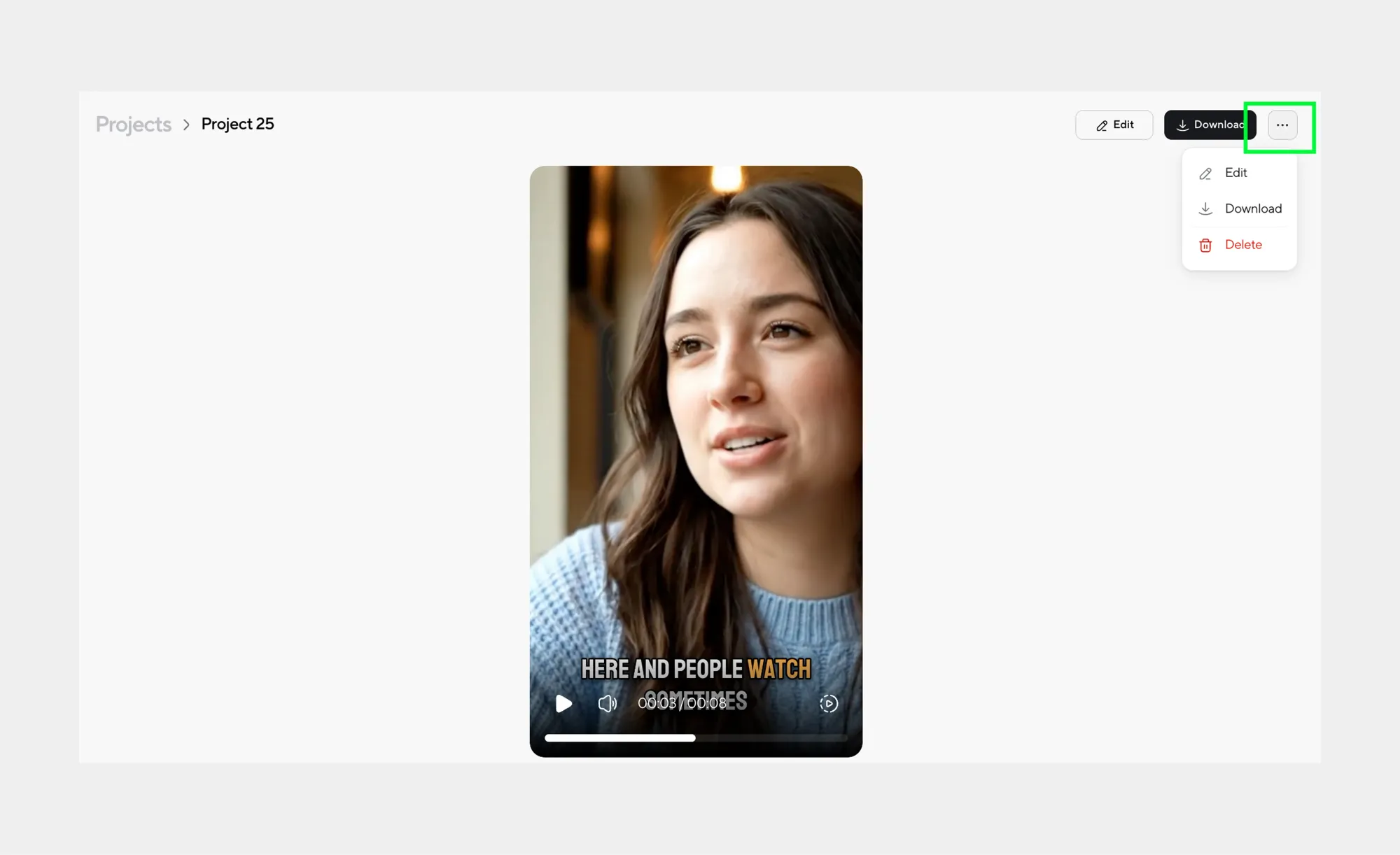
Step 4: Generate and fine-tune
Click Generate and let AI do the work. Additionally, you can edit the subtitles if needed, polish visuals, and enhance your video with built-in AI tools.
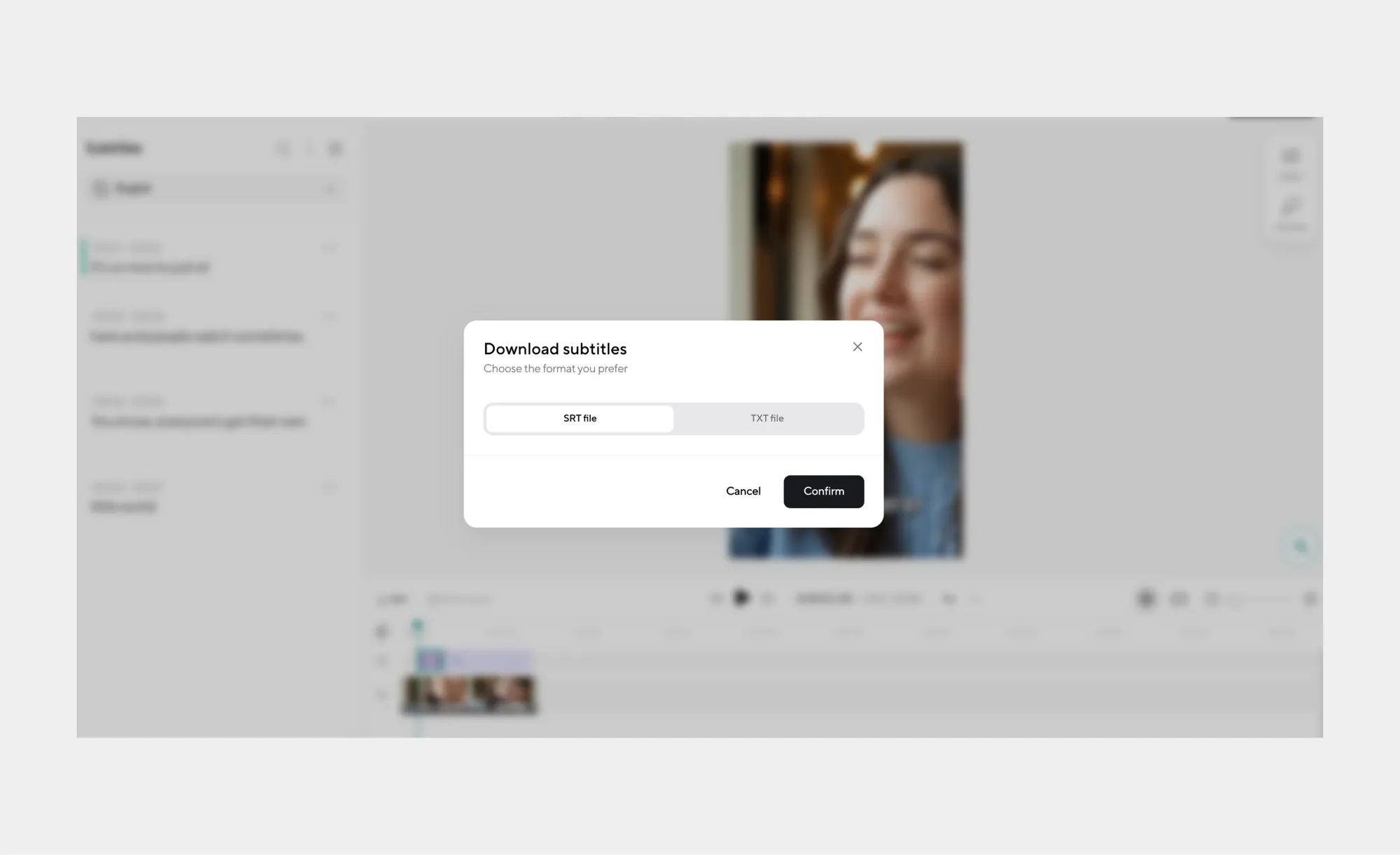
Step 5: Export your final result
Download your video with subtitles or export captions separately as SRT or TXT files. And that’s it! You have now successfully added AI subtitles to your video!
Why AI-generated subtitles help your content
Adding AI-generated subtitles does more than just show words on a screen. They make your videos easier to follow, more inclusive, more engaging, and far more versatile. Here’s why creators are turning to AI subtitles for every type of content.
1. Follow along without sound
Most people scroll through social media with the volume off. AI subtitles ensure your message comes across even when the sound is muted. Viewers can catch every word, joke, or instruction without needing headphones, increasing the chances they’ll watch your video all the way through.
2. Make your content accessible to everyone
Subtitles open your content to deaf and hard-of-hearing audiences and provide context for anyone watching in noisy environments. Some AI tools even include speaker labels and sound cues, making videos fully accessible. Accessibility isn’t just considerate, it expands your reach and signals professionalism.
3. Keep viewers glued to your video
Fast dialogue, complex explanations, or crowded visuals can confuse viewers. Subtitles make content easier to digest, keeping audiences engaged, boosting retention, and encouraging interaction. Well-timed, readable subtitles can turn ordinary videos into scroll-stopping content.
4. Repurpose your content like a pro
With AI subtitles, one video can become multiple pieces of content. Use the text for blog posts, social media snippets, newsletters, or scripts for podcasts. Subtitles save time and make your content work harder across platforms.
5. Boost SEO and discoverability
Text from AI-generated subtitles can be indexed by search engines, helping your videos appear in search results. Platforms like YouTube and Google can “read” your subtitles, making your content easier to find and increasing organic traffic. This is a huge advantage for creators who want their videos to reach new audiences through SEO marketing.
6. Support multiple languages and global reach
Some AI subtitle tools allow for translations, meaning your content can speak to audiences around the world. By offering multilingual subtitles, creators can expand their reach, grow international viewership, and make content inclusive for global audiences.
7. Improve comprehension and learning
Subtitles aren’t just for social media, they’re also powerful learning tools. Viewers retain information better when they can see and hear it at the same time. Tutorials, explainer videos, and educational content become more effective with AI subtitles.
What to look for in an online subtitle generator
Not all AI subtitle generators are created equal. When choosing a tool to create AI subtitles for your videos, keep these key features in mind:
• Accuracy: Look for a tool that reliably converts speech into text with minimal errors. High-quality AI subtitles should capture words, context, and tone.
• Speaker labels: If your video has multiple voices, the generator should identify who’s speaking. This is especially important for interviews, podcasts, and panel discussions.
• Punctuation and readability: Proper punctuation makes your AI subtitles or AI captions easier to follow. Check that the tool automatically adds commas, periods, and other punctuation marks.
• Language support: Choose an AI subtitle generator that supports multiple languages or can create AI subtitles free in other languages, so your content can reach a global audience.
• Export options: Your tool should allow you to download subtitles in popular formats like SRT, VTT, or plain text. Some platforms also let you embed subtitles directly into the video.
• Editing interface: A clean, user-friendly UI lets you tweak timing, text, or speaker labels quickly. Look for an AI subtitles generator with an intuitive editor so you can polish your captions without frustration.
• Turnaround speed: A fast subtitle generator saves time. Whether you’re using a free AI subtitle generator or a premium tool, the ability to generate AI subtitles quickly is key for social media, tutorials, or fast-paced content creation.
Choosing the right online subtitle generator ensures your videos are accessible, engaging, and ready to repurpose across platforms, all while saving you hours of manual work.
Fast subtitle generator tips (how to get usable results on the first pass)
Using an AI subtitle generator is easy, but a few smart tweaks can make your first run almost perfect. Follow these tips to get accurate AI subtitles quickly, saving time on editing and improving the overall quality of your content.
• Use clean audio: Clear recordings make a huge difference. Background noise, echo, or muffled speech can confuse even the best AI subtitle generators.
• Limit overlapping voices: If multiple people talk at once, the AI might struggle to label speakers correctly. Encourage one speaker at a time for faster, more accurate AI subtitles.
• Keep proper mic distance: Too close and the audio might distort; too far and voices can sound faint. Find a balanced distance so your AI subtitle generator can catch every word.
• Reduce music under speech: Loud background music or effects can interfere with speech recognition. Lower the volume of any music or ambient sounds under dialogue to improve accuracy.
• Speak clearly and at a steady pace: Even the best AI subtitles generator works better when words are pronounced clearly. Avoid rushing or mumbling to reduce errors in the output.
By following these tips, you can generate AI subtitles fast and minimize the need for extensive editing. A few simple adjustments to your recording setup can save you hours while ensuring your AI-generated subtitles are accurate, readable, and ready for any platform.
Editing rules that make subtitles actually readable
Even the best AI subtitle generators might need some careful editing to ensure your captions are clear, professional, and easy for viewers to follow. Here are the essential rules to make your AI-generated subtitles actually readable.
1. Keep lines short and focused
Breaking dialogue into smaller chunks helps viewers process what is being said without feeling overwhelmed. Each line should capture a single thought or sentence so that your AI subtitles are easy to follow, even for fast-paced videos. Short lines also work better on mobile screens, where long sentences can appear cramped.
2. Limit captions to two lines
Two lines of text per caption is the sweet spot for readability. Any more than that can be difficult for viewers to read quickly, especially when paired with dynamic visuals or rapid dialogue. AI subtitles that respect this rule will feel smoother and less cluttered, keeping your audience engaged.
3. Position subtitles carefully to avoid covering visuals
Subtitles should never block key elements of your video, such as titles, graphics, or faces. When using an AI subtitle generator, check the placement and adjust if necessary so that your audience can see both the text and the action clearly.
4. Do not cram too much text in one caption
Even if your AI subtitles capture everything perfectly, overloading a single caption can confuse viewers. Spread dialogue naturally across multiple captions, giving viewers enough time to read each line before the next one appears. This improves comprehension and overall watchability.
5. Ensure proper punctuation and capitalization
Correct punctuation makes your AI-generated subtitles much easier to read. Commas, periods, and question marks help convey pauses and tone, while capital letters signal the start of a sentence or a proper noun. Reviewing AI subtitles for these details makes a big difference in readability.
6. Maintain consistent timing with the speech
Captions should appear and disappear at the same pace as the dialogue. Even a fast AI subtitle generator can sometimes misalign timing slightly, so it is important to check and adjust to keep the flow natural and prevent viewers from missing words.
7. Label speakers clearly when needed
For interviews, podcasts, or any other projects with multiple people speaking, speaker labels help viewers follow the conversation. AI subtitles often detect multiple voices automatically, but a quick review ensures that each line is correctly attributed and reduces confusion.
8. Use high contrast and readable fonts
If your AI subtitle generator allows visual styling, choose fonts and colors that stand out against your video background. High contrast between text and visuals makes your AI-generated subtitles legible on any device, from phones to large screens.
Following these rules ensures your AI subtitles are professional, engaging, and easy to read. When captions are well-edited, viewers can focus on your content instead of struggling to keep up with the text, which boosts audience retention, accessibility, and overall watchability.
Quick comparison: popular AI subtitles generators
Here’s a quick look at some of the most popular AI subtitle generators and what each is best for. This is perfect if you want to quickly scan your options while generating AI subtitles or AI-generated captions for your videos.
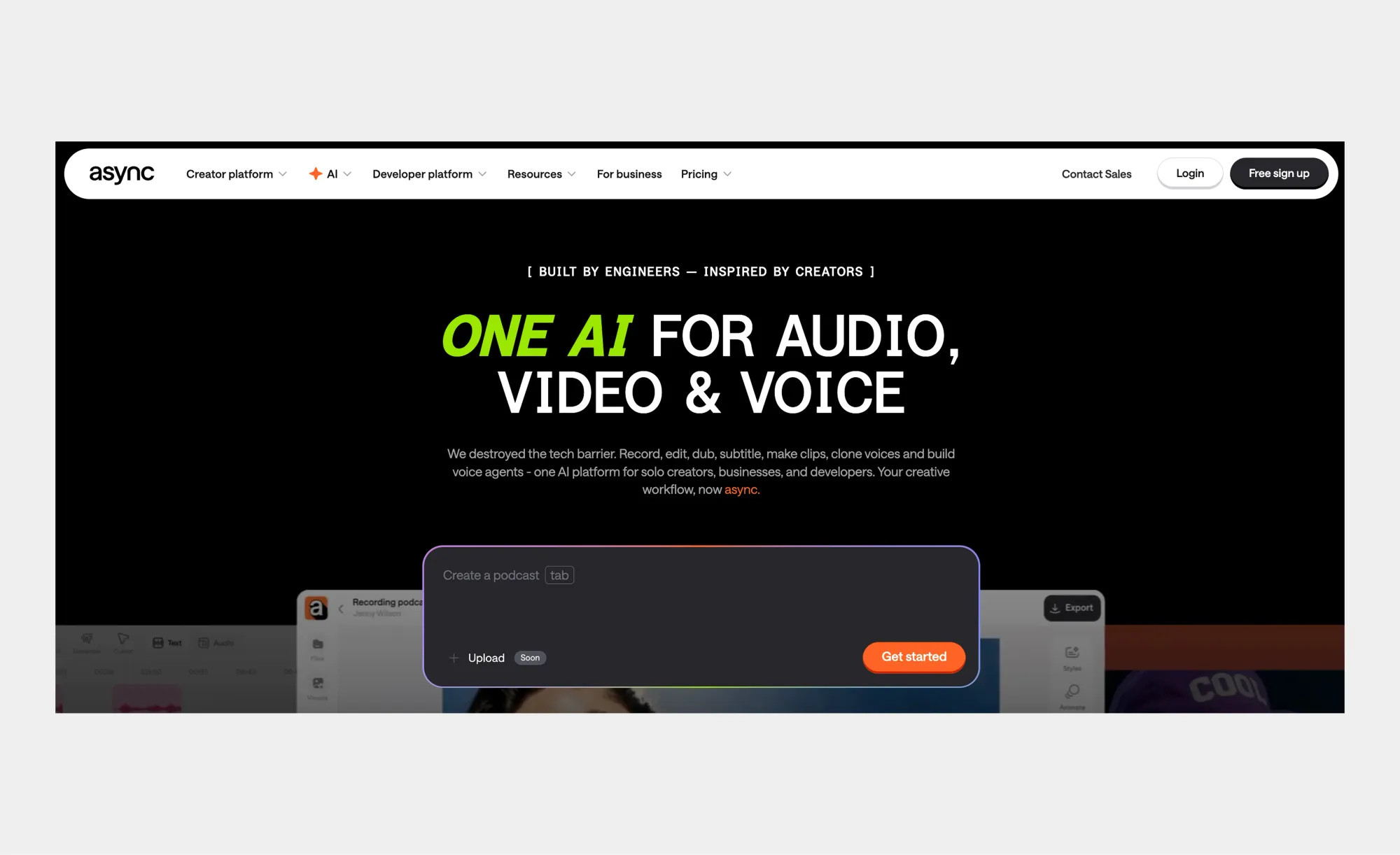
1. Async
Async is an all-in-one platform for creators. You can generate correct AI subtitles in seconds, edit and personalize them easily, and also access dubbing, AI clips, recording, and other AI tools, all in one place. It’s versatile, quick, and perfect for repurposing content across multiple platforms.
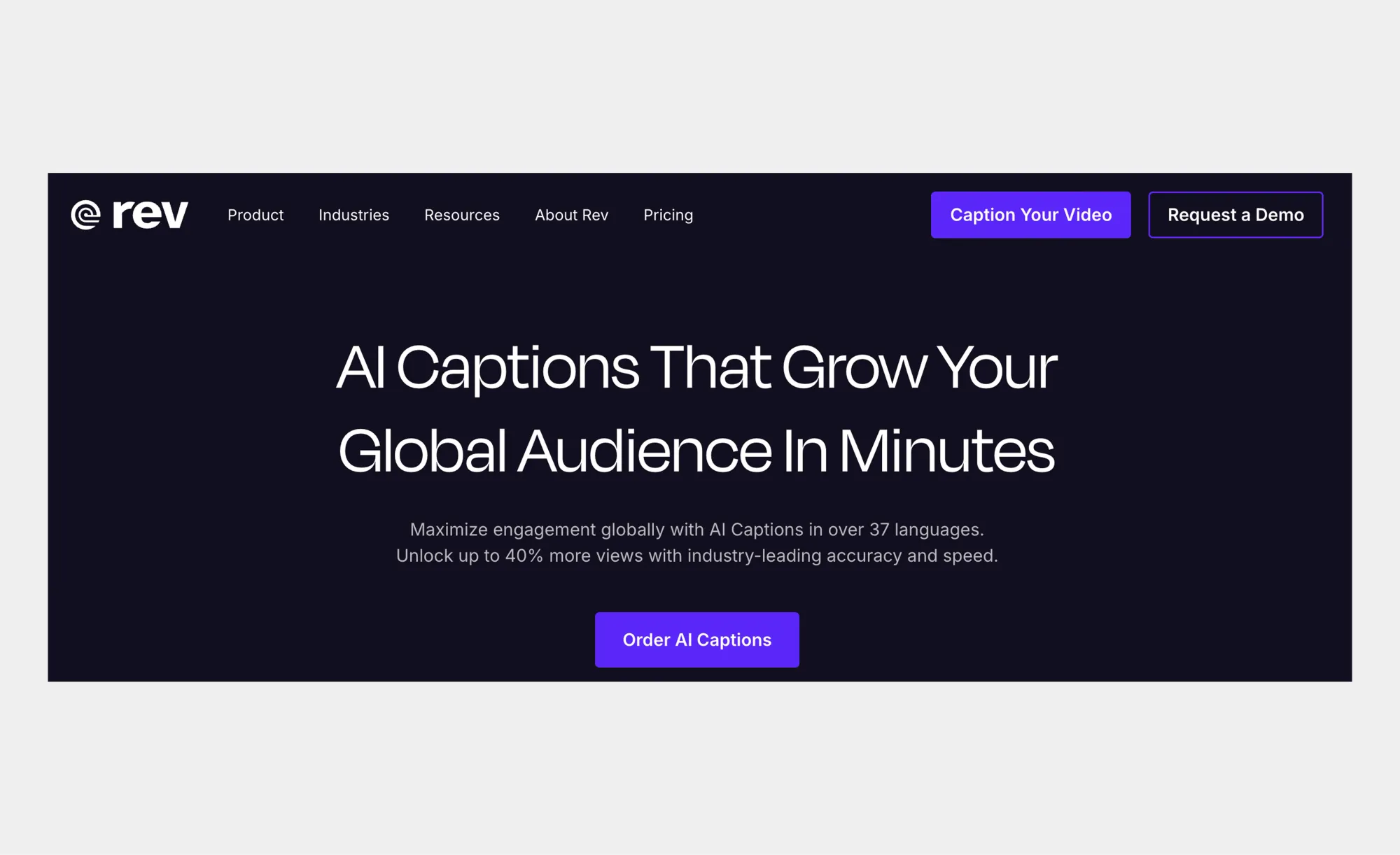
2. Rev
Rev is known for its accuracy. Its AI subtitle generator produces captions, making it ideal for professional content, interviews, or tutorials where every word counts.
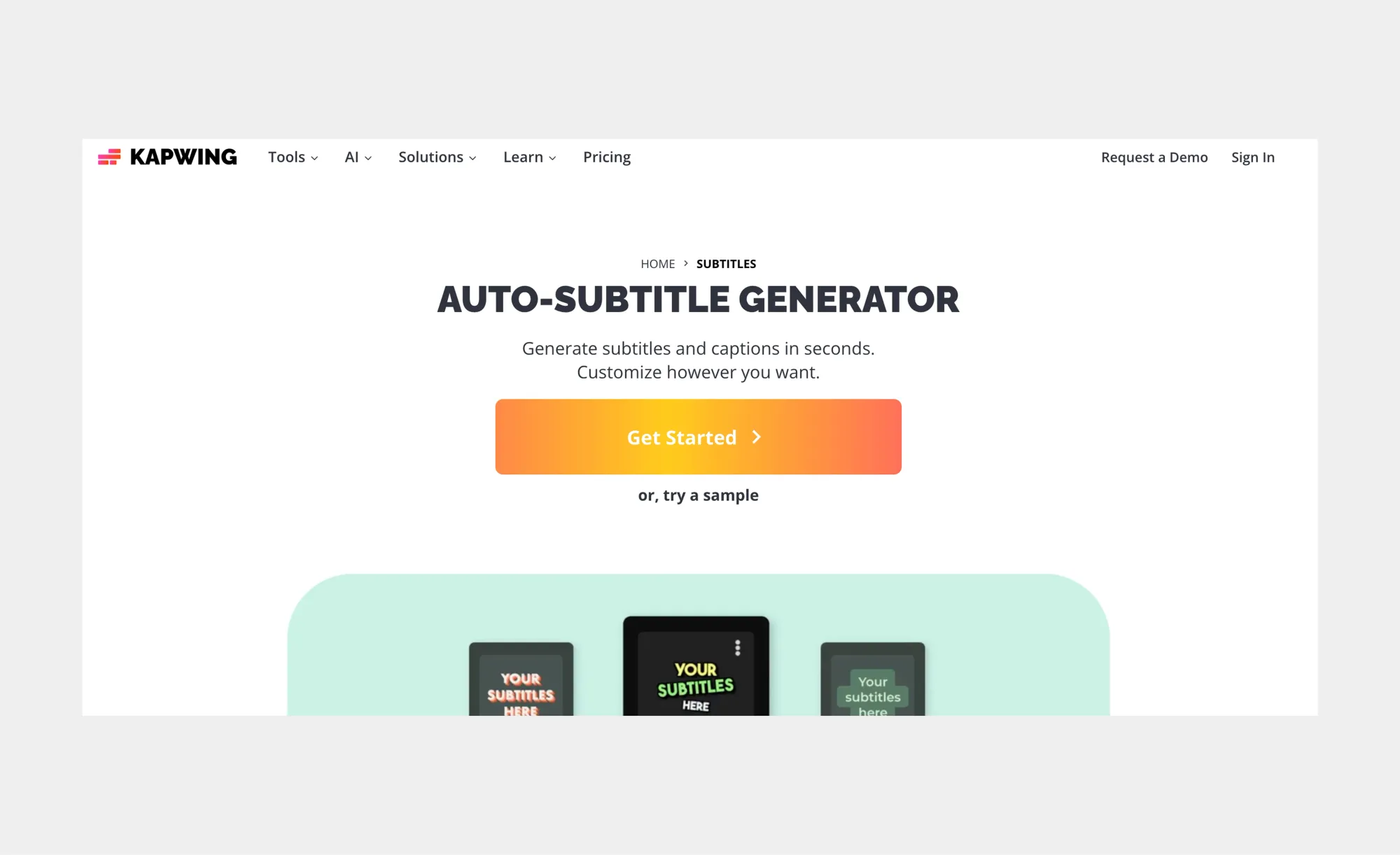
3. Kapwing
Kapwing is simple and collaborative. Generate AI subtitles online, edit them directly in the browser, and work with teams to produce social media-ready videos quickly.
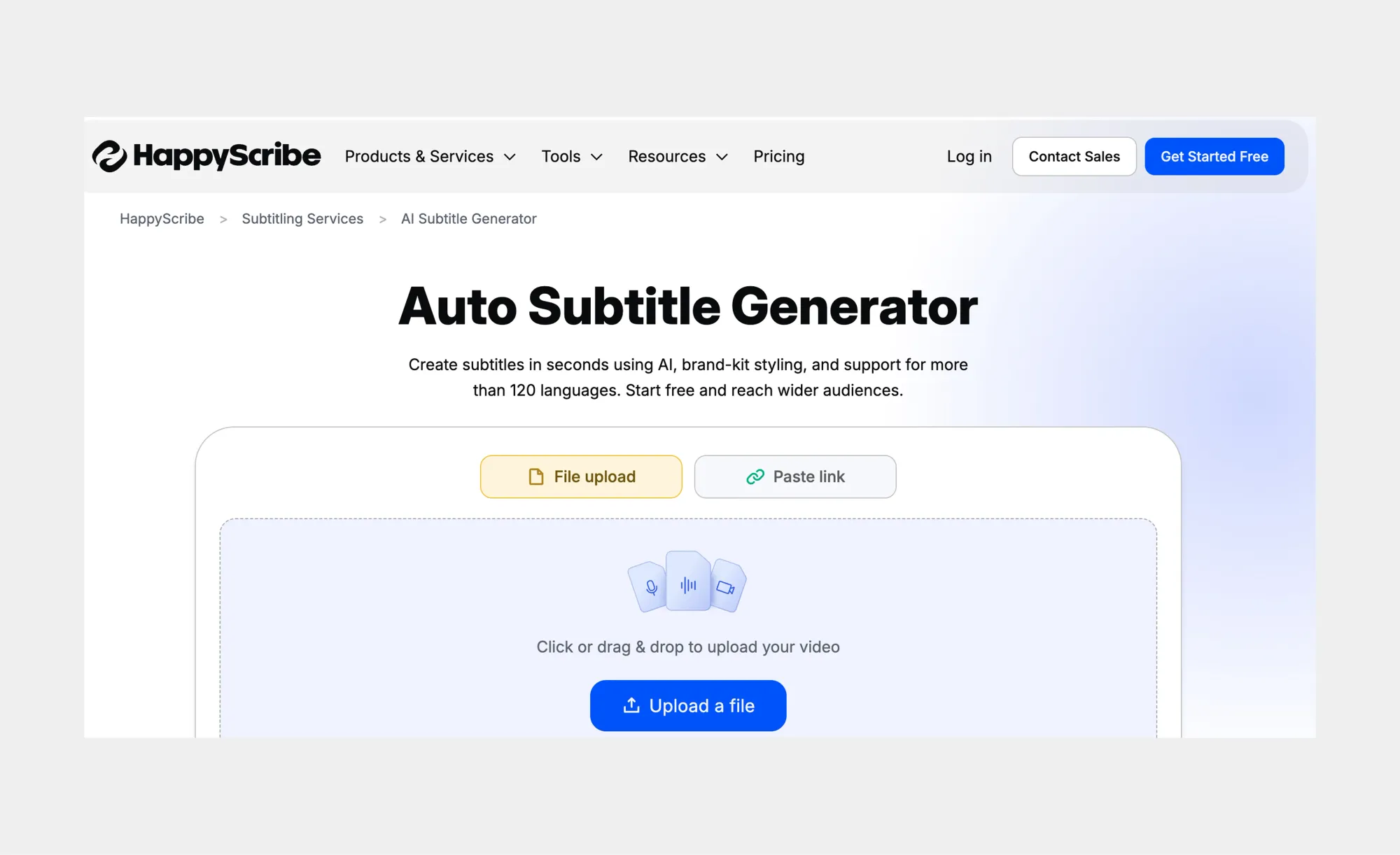
4. Happy Scribe
Happy Scribe is perfect for multilingual content. Its AI subtitles generator supports multiple languages and translations, helping creators reach a global audience.
5. VEED
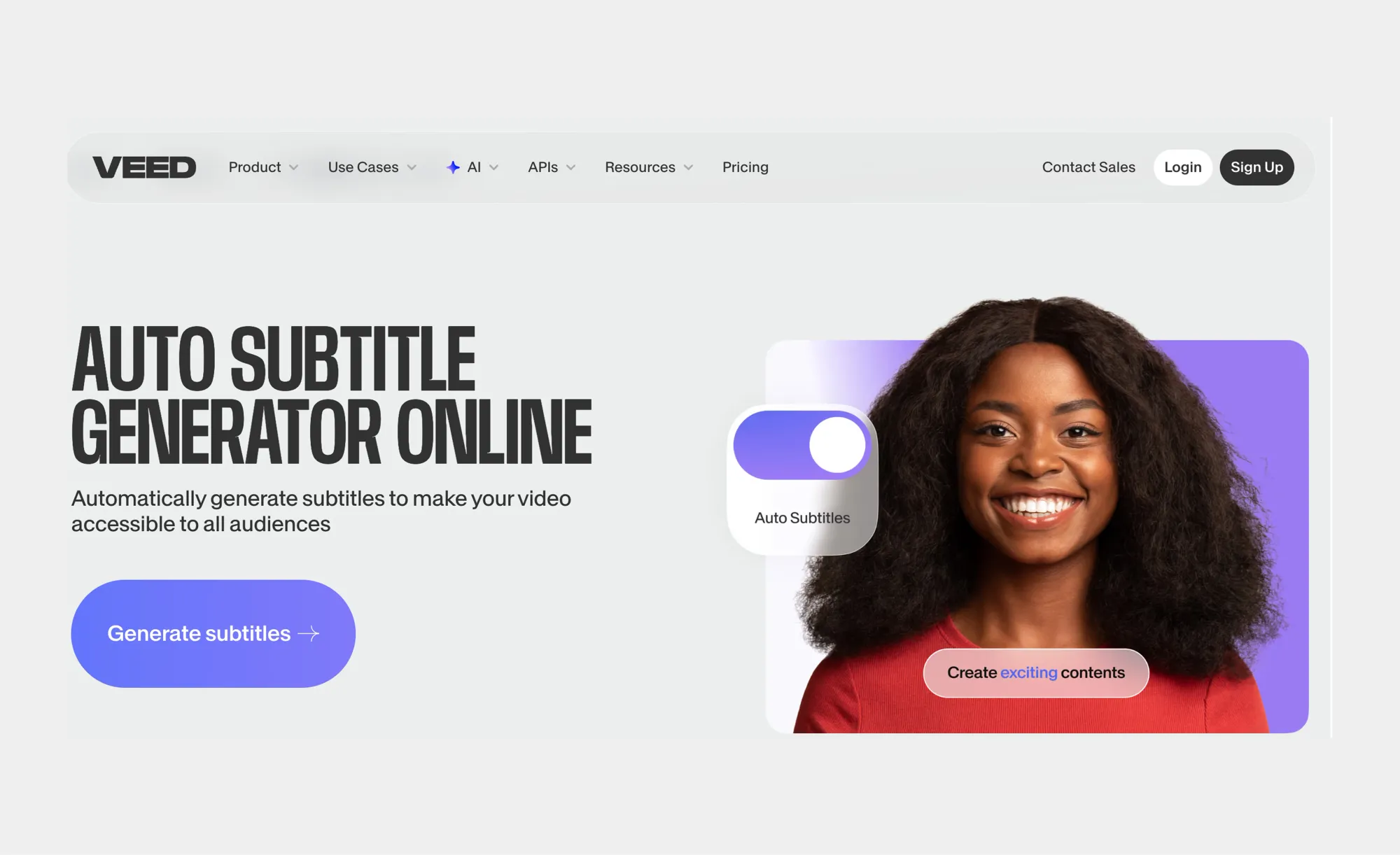
VEED is designed for fast social media subtitling. It generates AI subtitles quickly and includes automatic styling, ideal for short-form videos and marketing content.
6. SubtitleBee
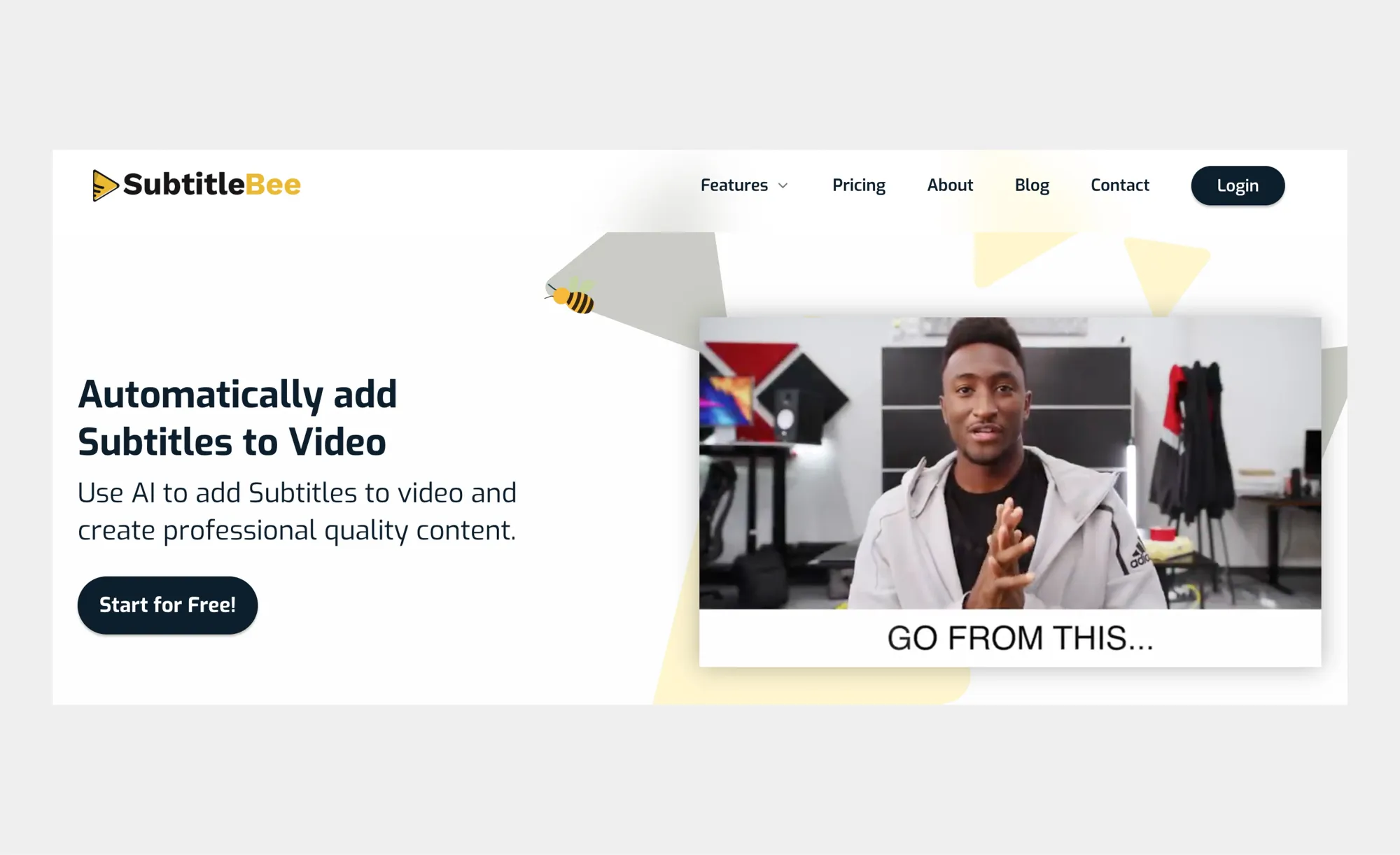
SubtitleBee focuses on fully automated AI subtitles with professional formatting. It’s useful for polished captions with minimal editing, though it doesn’t include extra tools like dubbing or AI clips.
Common problems and quick fixes
Even the smartest AI subtitle generators are not perfect. Small hiccups can happen for all sorts of reasons, from messy audio to fast-talking speakers or unusual brand names. The good news is that most of these issues are easy to fix with a few simple adjustments. Paying attention to these common problems will help your AI-generated subtitles be accurate, professional, and readable without slowing down your workflow.
Here are the most common issues and how to solve them quickly:
• Out-of-sync subtitles: Happens when audio has long pauses or uneven pacing. Use clean, consistent recordings and adjust timestamps in your AI subtitle generator to keep everything perfectly aligned.
• Mis-transcribed words: Accents, fast speech, or uncommon terms can confuse AI-generated subtitles. Speak clearly, reduce background noise, and add brand names or technical terms to your subtitle tool’s dictionary when possible.
• Overlapping speakers: Multiple voices talking at once can confuse AI subtitles. Encourage one speaker at a time or use a generator with speaker labeling to keep dialogue clear.
• Background noise or loud music: Strong music or environmental sounds can interfere with speech-to-text accuracy. Lower background audio and maintain proper mic distance for cleaner AI subtitles.
• Punctuation and readability issues: AI-generated captions may miss commas, periods, or capitalization. A quick review ensures subtitles are readable, understandable, and professional-looking.
• Text covering visuals: Crowded captions or poorly positioned subtitles can distract viewers. Keep lines short, limit them to two per caption, and avoid overlapping key visuals.
Keep these fixes in mind, and you will save hours of manual editing and produce AI subtitles that are accurate, readable, and polished on the first pass. Whether you’re using a free AI subtitle generator or a full-featured platform like Async, these tips will help your captions improve watchability, accessibility, and viewer engagement across every video.
Summing up
Let’s be honest. In a world where videos autoplay on mute and attention spans disappear fast, AI subtitles are doing the real work. They are often the reason someone stops scrolling and actually watches your content. Throughout this guide, one thing is clear. AI subtitles are not just a technical feature. They are a powerful way to grow your reach and engagement.
With a modern AI subtitle generator, turning spoken words into clean, perfectly timed captions takes minutes, not hours. There is no manual typing, no painful syncing, and no guesswork. Just clear, readable subtitles that make your videos easier to follow, more accessible, and far more engaging. Whether viewers are watching silently, learning in a noisy environment, or tuning in from another country, AI subtitles ensure your message always comes through.
The benefits go even further. AI-generated subtitles improve retention, support accessibility, boost SEO, and make repurposing content effortless. One video can fuel social media clips, blog posts, newsletters, and even multilingual versions without extra work. That is how smart creators scale content without burning out.
With Async’s AI subtitles, you can generate captions in just a few clicks, customize styles, translate instantly, edit with ease, and export your video or subtitle files exactly how you need them. Everything lives in one intuitive platform designed to keep your workflow fast and creative.
If you want your videos to stand out, stay accessible, and reach more people everywhere, it is time to put AI subtitles to work with Async.
FAQs about AI subtitles
Is an AI subtitle generator free?
Yes, several AI subtitle generators offer free plans. Tools like Async and others provide AI subtitles free for a limited number of minutes or videos, making it easy to test accuracy and features before upgrading.
How to add AI subtitles to a video?
Most platforms let you upload your video or paste a link, generate AI subtitles automatically, and then export or embed them. Some tools also allow in-editor adjustments to timing, text, and speaker labels.
What’s the best online subtitle generator?
The best tool depends on your needs. Async stands out as an all-in-one platform that combines fast, editable AI subtitles with dubbing, AI clips, recording, and other AI tools, all on a single platform.
Can I export SRT or VTT files?
Yes. Most AI subtitle generators allow exporting subtitles in SRT, VTT, or plain text formats for use on YouTube, social media, or video editors.
How accurate are AI-generated subtitles?
Accuracy depends on audio quality, speech clarity, and background noise. Clean recordings and clear speech can result in highly precise AI subtitles, often requiring minimal manual editing.
What is the golden rule of subtitling?
The golden rule of subtitling is to make text clear, concise, and easy to read without distracting from the visuals. Subtitles should accurately convey the spoken content while keeping each line short, usually no more than two lines, and timed to match the speech. This ensures viewers can follow along effortlessly.