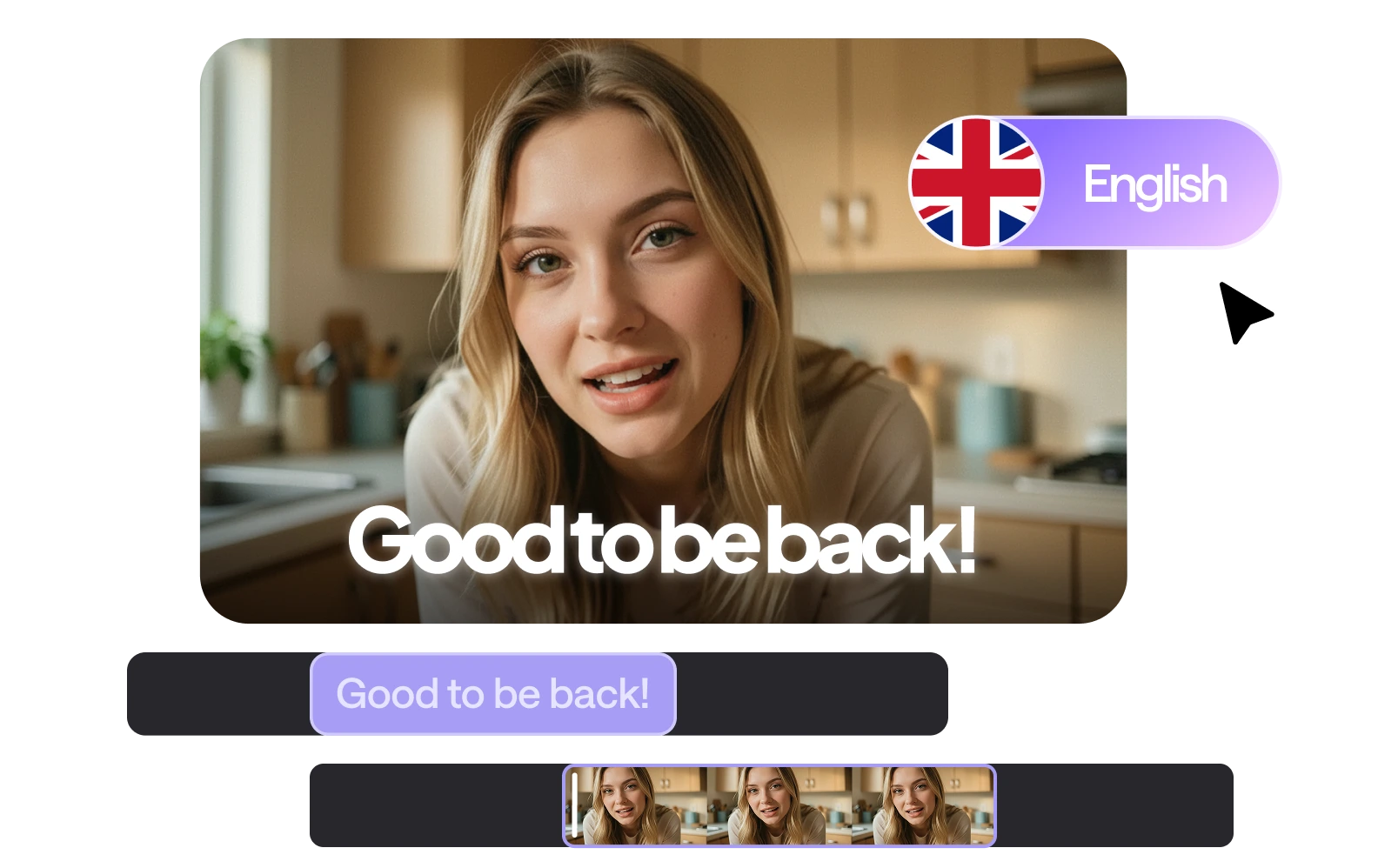
Auto subtitle generator made easy
Fast, accurate English captions for every audience.

Precise AI transcription
Our video subtitle generator masters complex terminology and diverse accents with ease. Review and edit your text instantly, ensuring your subtitles are 100% accurate while maintaining total creative control.
Custom subtitle styling
Every detail matters in your edit. Use our subtitle maker to customize fonts, colors, and positioning. Align every caption with your brand’s unique aesthetic to create a cohesive, professional viewer experience.
Instant subtitle translation
Don't let language be a barrier. Our AI subtitles can be translated into over 100 languages instantly. Scale your content globally and resonate with international audiences without losing your original nuance.
Text motion effects
Add animated auto captions that slide, fade, or pop. These dynamic effects keep viewers glued to the screen and ensure your English subtitles capture attention exactly when and where it is needed most.
How to add English subtitles?
It’s easy and fast with the Async auto caption generator.
Upload or record your video
Upload your video into the Async editor or record one in the studio. Our subtitle maker handles any format lightning-fast.
Style and generate
Tweak styles, fonts, and colors for a perfect, polished look. Click generate and instantly add the AI subtitles to your video.
Translate into any language
Reach a global audience by translating your English subtitles into 100+ languages, including French and Spanish, in one click.
Export and publish
Download your finished video or export a separate subtitle file. Share your video with captions across all social platforms.
Discover more
How to add English subtitles to a video?
To add English subtitles to a video, upload your file to an auto subtitle generator like Async. The AI will automatically transcribe your audio into text. You can then use the subtitle maker to review the timing, customize the font styles, and either "burn" the captions into the video or export them as an SRT file.
How to get English subtitles on YouTube without CC?
If a video lacks closed captions, you can get AI subtitles by pasting the YouTube link into a video subtitle generator. Tools like Async can pull the audio directly from the URL and create an automatic subtitle generator track for you. Alternatively, use a browser extension that enables real-time auto captions for any playing media.
How to translate movies to English subtitles?
You can translate foreign films by uploading the video or its original SRT file to an AI subtitle maker with translation capabilities. The automatic subtitle generator identifies the source language and converts it into accurate English subtitles instantly. This allows you to bridge language gaps while preserving the original cinematic timing.
What is the best free subtitle generator?
The best free subtitle generator is one that offers high accuracy and easy export options. While many tools provide a free tier, Async’s auto subtitle generator is highly rated for its speed and the ability to handle complex accents. Look for a subtitle maker that allows you to edit and style your AI subtitles without hidden watermarks.
Are AI subtitles free?
Some AI subtitle tools offer free usage, and Async makes it simple to add subtitles automatically. Free plans cover short clips or limited minutes, while paid plans unlock unlimited video support, advanced formatting, speaker identification, and multi-language options.
Which formats can I export the English subtitles to?
With Async, you can export Spanish subtitles in multiple popular formats, including SRT, VTT, TXT, and SSA. These formats make it easy to use your subtitles in video editors, streaming platforms, or social media, ensuring your content is accessible and ready for any audience.