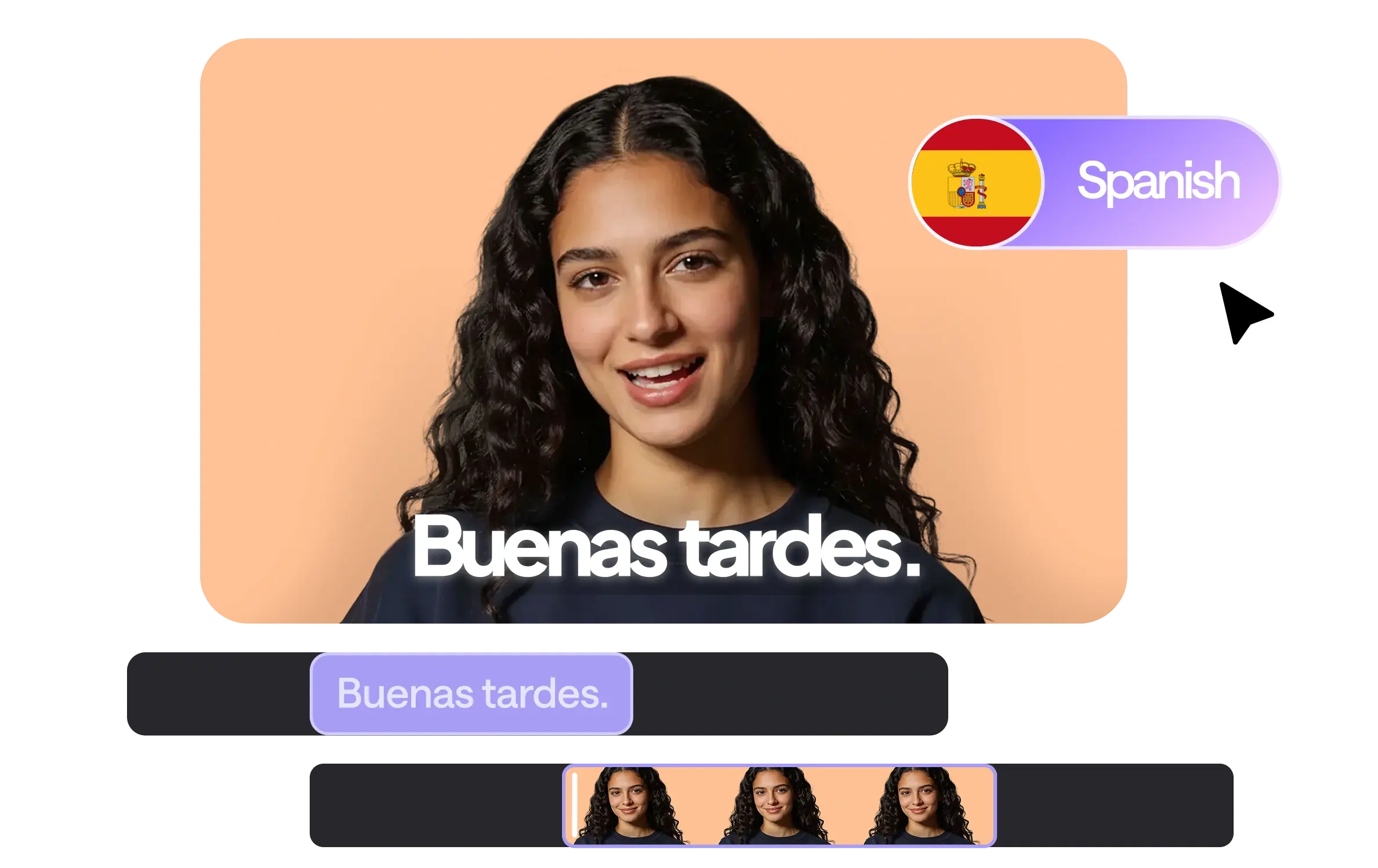
Powerful Spanish subtitle generator
Create, edit, and translate subtitles in Spanish in seconds

Accurate AI transcription
Our Spanish subtitle generator masters complex dialects and accents. Get 99% accuracy in seconds, with a built-in editor that lets you refine every word to ensure your Spanish captions are always perfectly polished.
100+ language translation
Turn Spanish to English captions or translate subtitles in Spanish into 100+ languages instantly. Expand globally, localize your Spanish subtitles for movies, and connect with audiences worldwide.
Fully custom styles
Customize fonts, colors, size, and placement to match your brand. Add eye-catching Spanish subtitles to movies, social media videos, or ads to enhance clarity and viewer retention.
Aesthetic motion effects
Make your text pop with animations. From subtle fades to energetic bounces, these motion effects turn standard Spanish subtitles into engaging visual elements that keep your viewers hooked from the first second.
How to add Spanish subtitles to a video?
Four easy steps to go global.
Upload or record your video
Upload your video in the Async editor or record directly in our studio to start adding Spanish captions. We support most formats.
Add and style Spanish subtitles
Select a caption style and click generate to create accurate subtitles in Spanish automatically. Refine the text anytime.
Translate your captions
Use the one-click toggle to create Spanish to English captions or vice versa. Expand your global audience in just a click.
Download and share
Once satisfied, download your finished video with Spanish subtitles or export the subtitles as a separate file for external use.
Discover more
Can I translate Spanish subtitles into English?
Yes. With Async, you can instantly convert Spanish subtitles into accurate Spanish to English captions using AI translation. Once you upload your video, simply select English (or any other language) and the platform automatically creates a translated version while preserving timing and formatting.
Which formats can I export the Spanish subtitles to?
You can export your Spanish subtitles in multiple industry-standard formats, including SRT and TXT files. This makes it easy to upload subtitles to YouTube, streaming platforms, social media, or use them for Spanish subtitles for movies.
How to automatically translate subtitles?
Upload your video, generate subtitles automatically, and enable the translation option. The AI detects the spoken language and instantly translates your Spanish captions into 100+ languages. Timing stays synchronized, so you can publish even without manual adjustments.
What is the best free subtitle translator?
The best free subtitle translator should combine accurate transcription, fast translation, and easy export options. Async’s AI subtitles generator allows you to create and translate subtitles in Spanish within minutes, making it a reliable solution for creators, educators, and filmmakers looking to scale globally.
Are AI subtitles free?
Async provides AI subtitles that are free for smaller projects or trial usage. For longer videos, professional-quality formatting, multiple languages, or exporting in various formats, a paid plan is needed. This makes Async flexible for both casual and professional creators.
How to create an SRT file?
To create an SRT file, simply upload your video to an Italian subtitles generator like Async. The AI will automatically transcribe the audio into time-coded text. Once the transcription is complete, select "Export" and choose the .SRT format. This file can then be uploaded to platforms like YouTube or LinkedIn to provide closed captions for your Italian videos.