icon

Video stabilizer

Stabilize shaky video online with AI-powered editing that smooths camera movements and helps you create steady, professional-looking videos in seconds.

Video stabilization tool

Fix shaky footage with Async’s AI-powered video stabilization tool, designed for creators, vloggers, and professionals who want smoother, steadier videos without complicated editing. Reduce distracting camera movements, improve viewing quality, and turn unstable clips into clear, professional-looking content ready to share.

info icon

How to stabilize shaky video online
card 1 img
card 2 img
card 3 img
benefit img 1

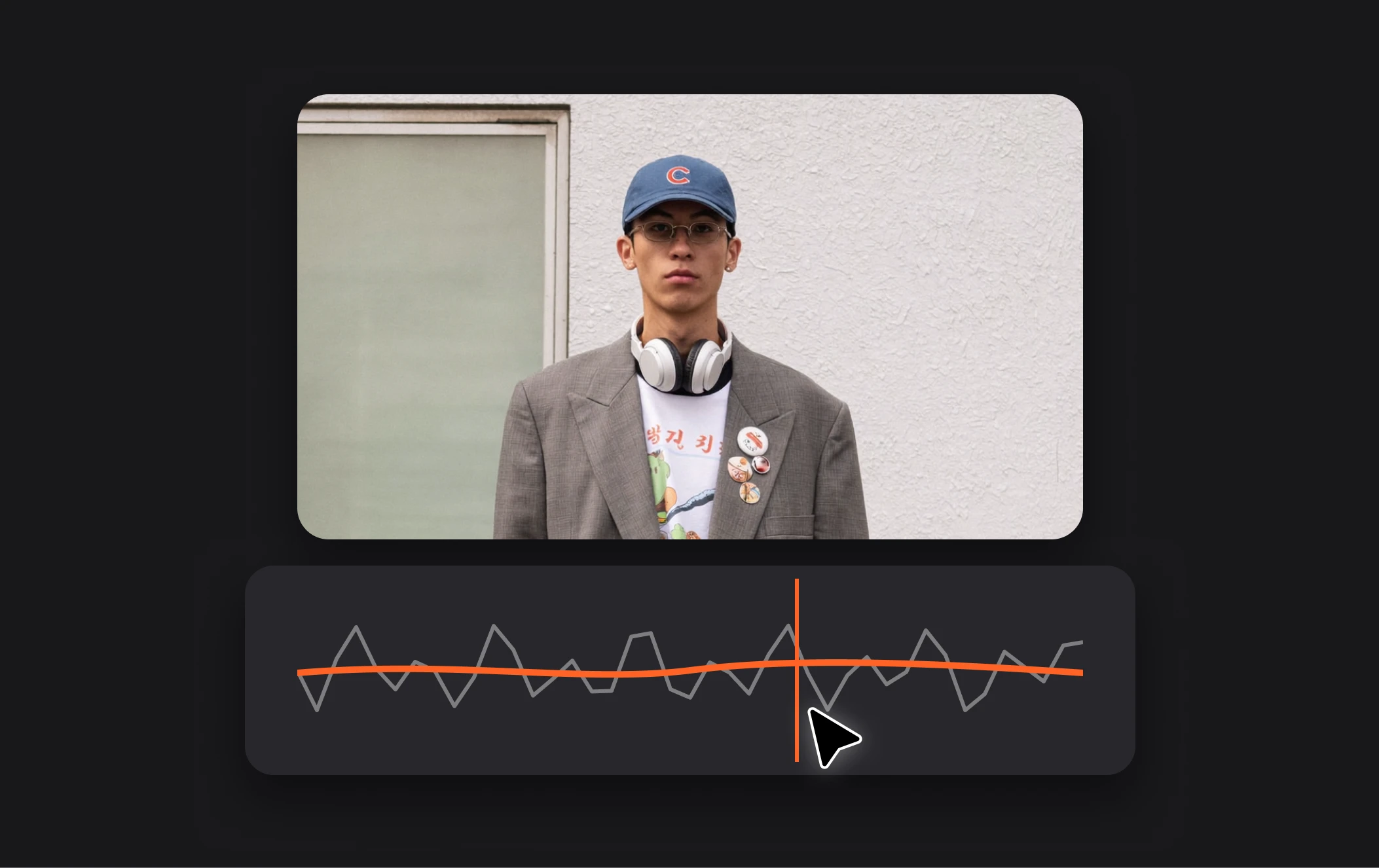
Stabilize shaky video online with AI

Use AI-powered editing to stabilize shaky video online and reduce distracting camera movements. Make handheld recordings, travel vlogs, and action clips smoother and easier to watch without spending hours on manual adjustments.
benefit img 1

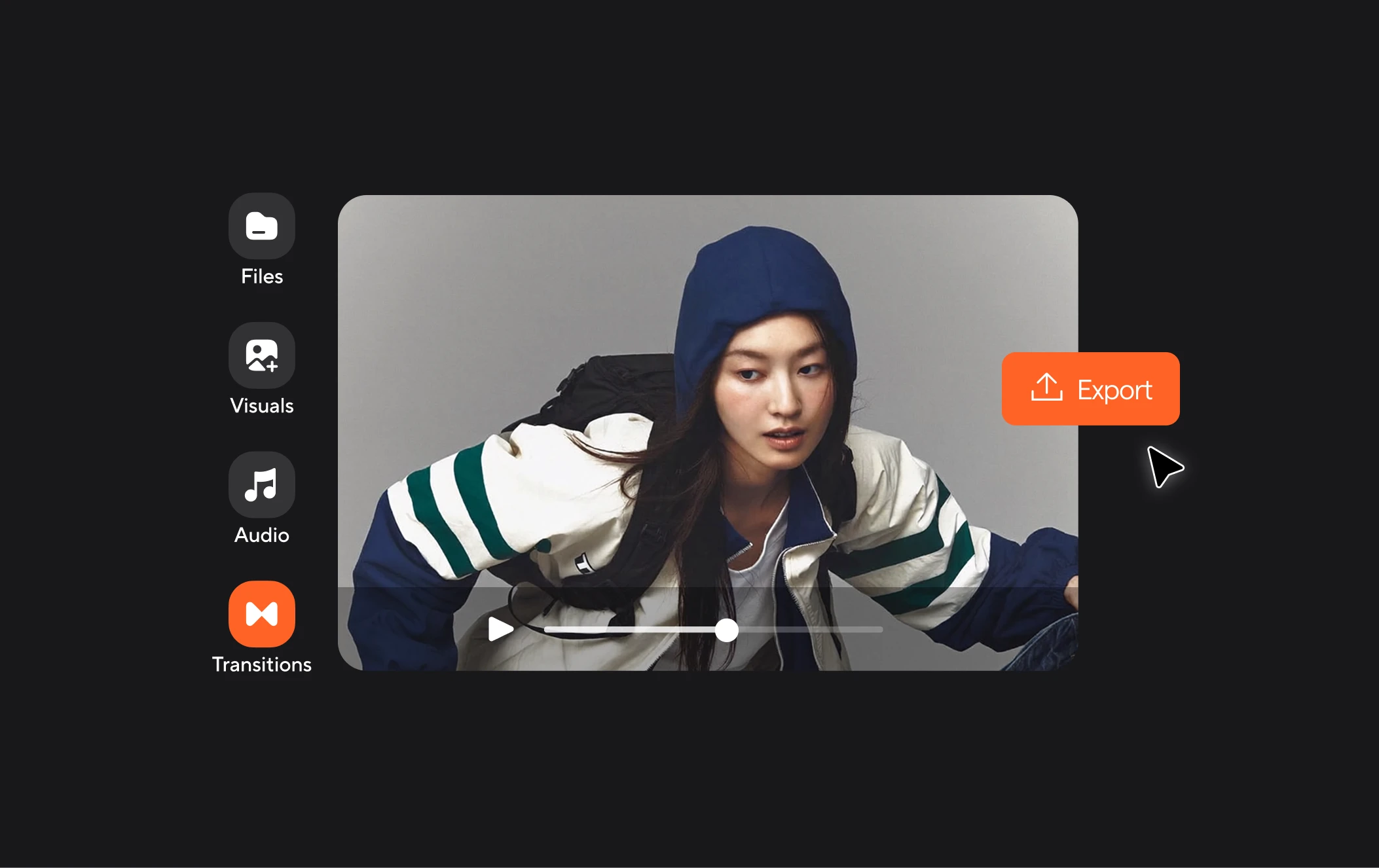
Fix shaky footage for clearer, steadier videos

Async helps you fix shaky footage and improve the viewing experience with a simple, accessible video stabilization tool. Create steadier clips for tutorials, product demos, and social media content while keeping your focus on the story.
benefit img 1

All-in-one AI video stabilization tool

Async is an all-in-one platform for generating, editing, and publishing videos. Beyond using the video stabilizer, create AI videos, add subtitles and voiceovers, enhance your footage, and export high-quality content ready to share across your favorite platforms.

Built for every kind of video workflow
built img 1
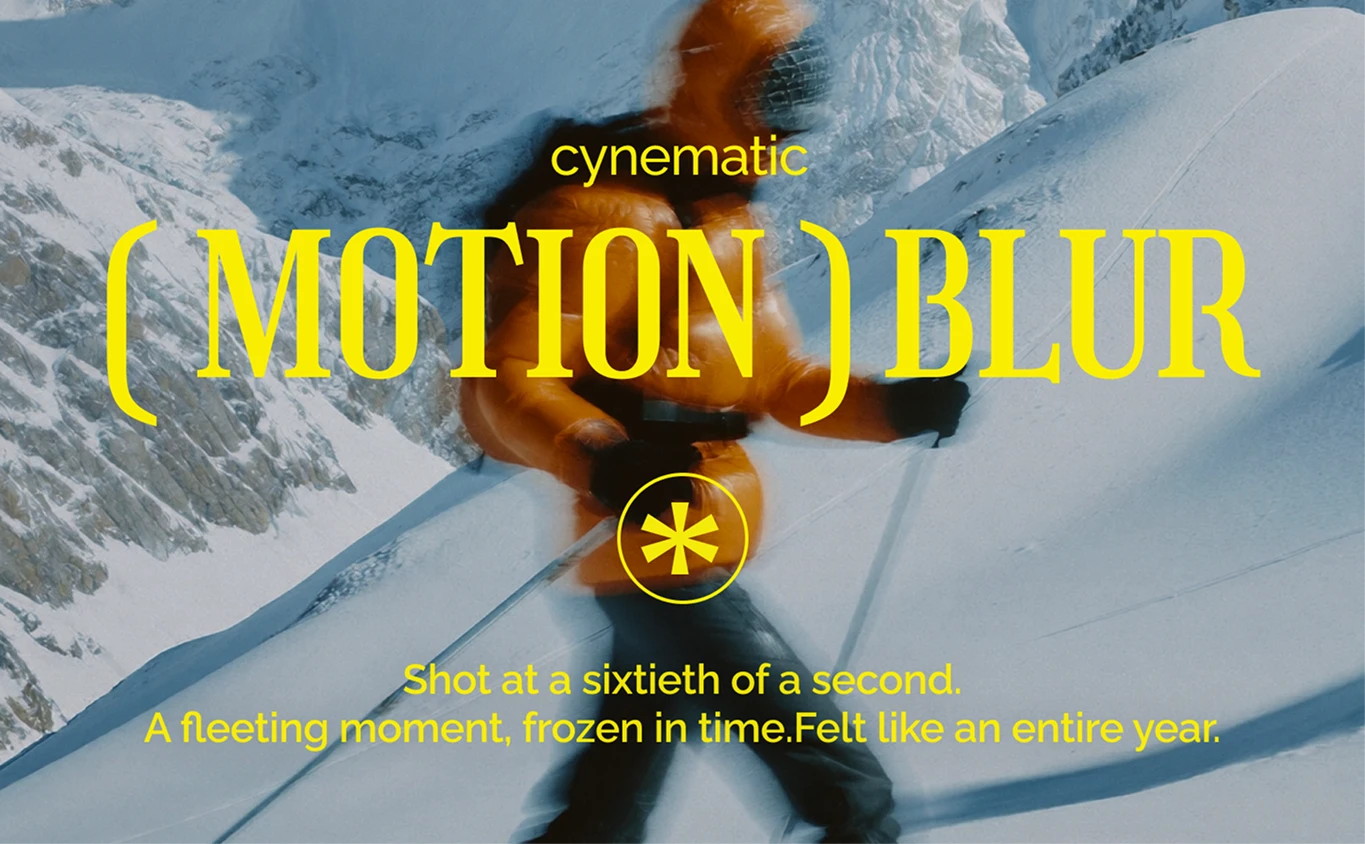
Travel vlogs

Stabilize handheld footage from adventures, city walks, and scenic destinations for smoother, more immersive videos.

built img 2
Social media content

Fix shaky footage in TikToks, Instagram Reels, and YouTube Shorts to keep viewers focused on your content.
built img 3
Product demos and tutorials

Create steady, clear videos that showcase products, explain processes, and make every detail easier to follow.

Why use Async to fix shaky footage?

We love seeing you bring your vision to life. Most tools stop after simple video editing, but Async stays with you for the whole process. Keep editing, generate new videos, and chat with our AI editor until your work looks exactly how you imagined it.

info icon

Discover more

Add Audio to Video OnlineAdd Image to VideoAdd Music to VideosAdd Subtitles to VideoAdd Text to VideoAdd Transitions to VideoAesthetic Video GeneratorAI Animated Video GeneratorAI Audio AssistantAI Audio EnhancerAI Auto Edit VideoAI Content Repurposing ToolAI Content ToolsAI Dubbing GeneratorAI Dubbing ToolAI Explainer GeneratorAI Image AnimationAI Lesson Video MakerAI Marketing Video GeneratorAI Meeting HighlightsAI Narration Video MakerAI Noise ReducerAI Podcast Clip GeneratorAI Reels MakerAI Sales Video MakerAI Script GeneratorAI Short Video MakerAI Social Video MakerAI Subtitle GeneratorAI Thumbnail MakerAI Transcription ToolAI Video AssistantAI Video Caption GeneratorAI Video Cutting ToolAI Video EditorAI Video EnhancerAI Video GeneratorAI Video HighlighterAI Video LocalizationAI Video MakerAI Video UnblurAI Viral Video MakerAI Voiceover GeneratorAI YouTube Shorts MakerAnimated Text Video EditorAnimation VoiceoversAudio DuckingAudio JoinerAudio LooperAudio PodcastAudio ProductionAudio RecorderAudio to TextAudio to VideoAudio TranslatorAudiobook Recording StudioAuto Caption GeneratorAutomatic Multicam EditorAutomatic Video EditorB2B Video MakerBeat Sync Video EditorBirthday Video MakerBlog to VideoBlur Video BackgroundsBranded Video MakerB-roll GeneratorCar Sound EffectsChange Video Aspect RatioCinematic Ad MakerCinematic AI Video GeneratorCinematic Video EditorClip MakerCloud Video EditingCompress MP4Compress VideoContent Repurposing AICreate a PodcastCreate Marketing VideosCreate Training VideosCreate Video OnlineCrop VideoDigital Marketing VideosDynamic Video MakerE-Learning VoiceoversEasiest Video Editing AppEcommerce Ad Maker AIEcommerce Video MakerEdit MOV FilesEdit Video OnlineEdit WebM FilesExplainer Animation AIExplainer Video MakerExplainer Video VoiceoverExtract AudioEye Contact FixerFacebook Video Ad MakerFemale Voice ChangerFiller Word DetectionFlip VideoFree Video Editor OnlineFunny Sound EffectsFunny Video MakerGaming Highlight EditorGif to Video ConverterGreen Screen Video EditorHappy Stock MusicImage to VideoInstagram Ad MakerInstagram Clip MakerInstagram Reel EditorInteractive Video MakerIntro Animation MakerIntro Video MakerInterview TranscriptionJazz Stock MusicKeyframe Video EditorLead Generation VideoLightweight Video EditorLinkedIn Video MakerLogo Animation MakerLong Video to Short VideoLoop VideoLuxury Video MakerLyric Video MakerMeeting Summary VideoMerge Audio FilesMerge VideoMontage Video MakerMood Video MakerMOV Editor OnlineMP3 Audio CutterMP3 EditorMp3 to TextMP3 to WAV ConverterMP3 TrimmerMP3 Volume IncreaserMP4 Editor OnlineMP4 to GIF ConverterMP4 to MP3 ConverterMp4 to TextMP4 TrimmerMP4 Video CutterMP4 Video EditorMulti Language SubtitlesMusic Video MakerMute VideoOnline Audio ConverterOnline Course Creator VideoOnline Course Video EditorOnline Movie MakerOnline Video ConverterOnline Video CutterOnline Video EditorOnline Video MakerOnline Video RecorderOnline Video TrimmerOutro Animation MakerOutro Video MakerPhoto to Video MakerPicture in Picture Video EditorPitch Deck Video MakerPodcast Editing SoftwarePodcast MakerPodcast RecordingPodcast Shorts MakerPodcast StudioPodcast TeleprompterPodcast to ShortsPodcast TranscriptionPodcast Video EditorPodcast Video MakerProduct Ad GeneratorProduct Demo Video MakerPromo Video MakerRain Sound EffectsReaction Video EditorReal Estate Video MakerRecord Audio on iPhoneReels Video EditorRemote Interview RecordingRemove Background Noise from AudioRemove Background Noise from VideoRemove Music from VideoRemove Objects from VideoRemove Retakes from VideoResize VideoRestaurant Video MakerRotate VideoScreen Capture EditorScreen Record EditorSilence RemovalSlideshow Maker OnlineSlideshow Video MakerSlow Motion Video EditorSocial Media Marketing VideosSocial Media Video EditorSound Effects LibrarySpeech to Text SoftwareSquare Video EditorStart PodcastingStartup Promo Video MakerStartup Video GeneratorStream Clip MakerSubtitle TranslatorSync Audio and VideoTalking Head Video EditorTestimonial Video MakerText to Animation VideoText to Video AIText Video MakerText-Based EditingTiktok Ad MakerTikTok Video EditorTikTok Clip GeneratorTrailer MakerTraining Video MakerTravel Video MakerTutorial Video MakerTweet to VideoVertical Video EditorVideo Ad MakerVideo Background RemovalVideo ClearerVideo Collage OnlineVideo Color GradingVideo Compilation MakerVideo CreatorVideo Cropper OnlineVideo FiltersVideo from ImagesVideo Game VoiceoversVideo Highlight MakerVideo Interview SoftwareVideo JoinerVideo Loop MakerVideo MakerVideo Maker OnlineVideo Meme MakerVideo MergerVideo PodcastVideo Quality EnhancerVideo Recording SoftwareVideo ResizerVideo Size ReducerVideo Speed ControllerVideo StabilizerVideo SplitterVideo Subtitle GeneratorVideo Thumbnail GeneratorVideo to AudioVideo to Shorts AIVideo to TextVideo TranscriptionVideo TranslatorVideo TrimmerVideo Tutorial SoftwareVideo Voice OverViral Video GeneratorVoice Clone Video ToolVoice Over RecordingVoice Over StudioVoice RecorderVoice to TextVoiceovers for PresentationsWAV EditorWAV to MP3 ConverterWebinar Recording EditorWebinar Recording SoftwareWebinar to ClipsWedding Video MakerYouTube Clip GeneratorYouTube Intro MakerYouTube Outro MakerYouTube Shorts EditorYouTube Sound EffectsYouTube to MP4 TrimYouTube Video CreatorYouTube Video CutterYouTube Video EditorYouTube Video MakerYouTube Video TrimmerYouTube Video Voiceovers
More tools

Frequently Asked Questions

What is the best AI video stabilizer?

The best video stabilizer helps reduce unwanted camera shake and makes footage smoother and easier to watch. Async combines AI-powered video editing with a simple chat-based workflow, helping creators improve shaky clips without complicated manual adjustments. It’s a practical choice for vloggers, content creators, and anyone who wants steadier, more professional-looking videos.

How do I fix shaky footage?

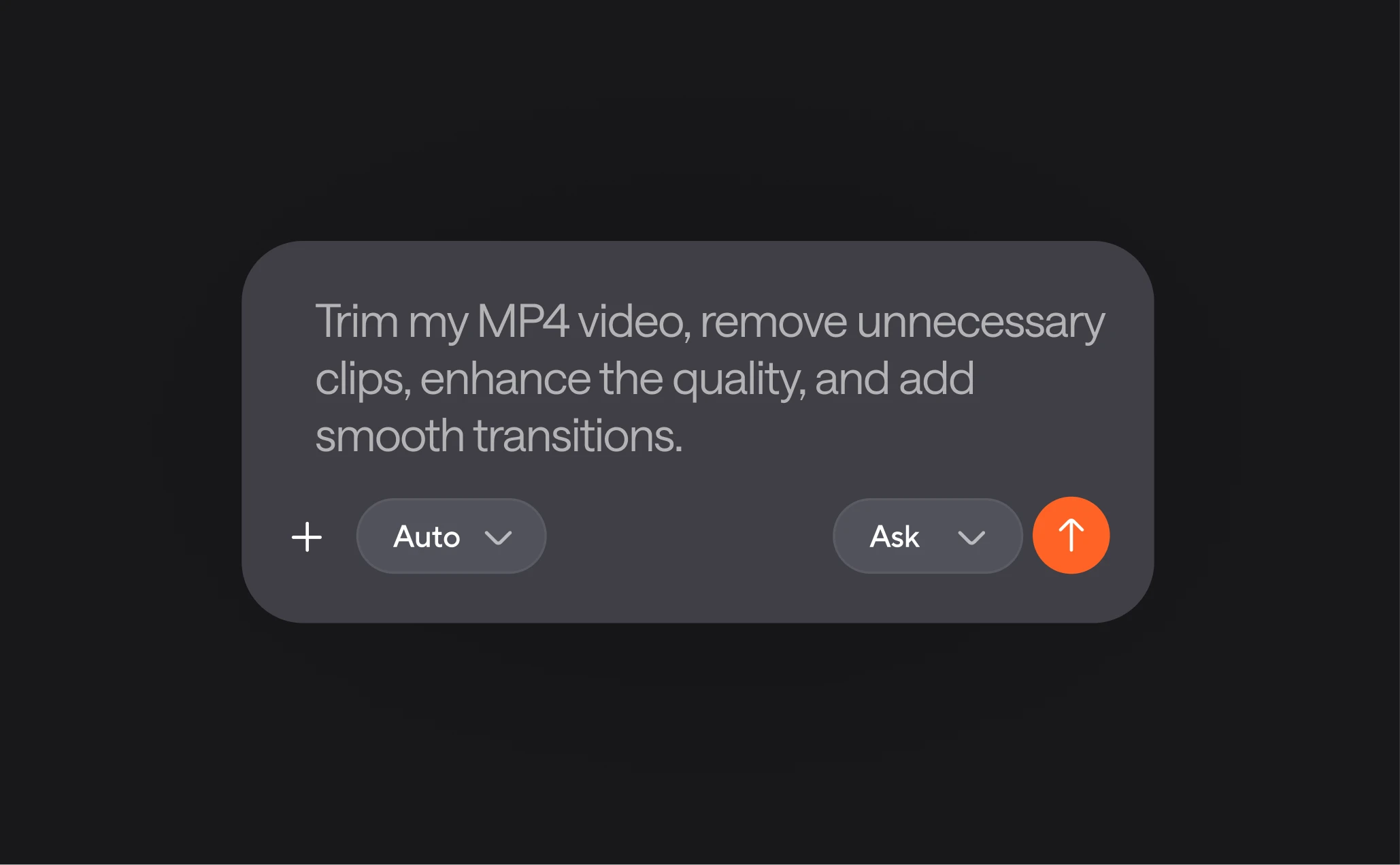
To fix shaky footage in Async, upload your video or generate footage directly in the platform. Describe the stabilization you want in the AI chat, then review the result and make any additional edits. Once you're happy with the video, export it in high quality. This streamlined workflow helps you spend less time wrestling with shaky clips and more time creating content.

Can I use Async video stabilization tool for YouTube vlogs?

Yes, you can use Async's video stabilization tool as part of your YouTube vlog editing workflow. Stabilizing shaky walking shots, travel footage, and handheld recordings can make your videos more comfortable to watch. You can also add subtitles, voiceovers, music, and other edits to help your vlog feel cohesive and ready to publish.

Is Async beginner-friendly?

Always! Async is designed to make video creation accessible, even if you're new to editing. Instead of learning complicated software or adjusting countless settings, you can describe your goals in the AI chat and refine your footage with simple editing tools. It's an easy way to stabilize shaky video online while building your video editing skills.

What else can I do in Async?

Async is an all-in-one platform for generating, editing, and publishing video content. Beyond using the video stabilizer, you can generate videos and images with AI, add subtitles, create voiceovers, remove background noise, enhance footage, and adapt content for YouTube, TikTok, Instagram, and other platforms. Bring your ideas from a simple prompt to a ready-to-share video, all in one place.
Your video, made by chat.
Just tell Async what you want.

From raw footage and AI-generated scenes to finished videos in one AI workflow.

Start creating for free